Make It Toon! Lights and Shadows, Illustration Ready - Toon, NPR and Stylized Shading for Blender
 TastyVoxels
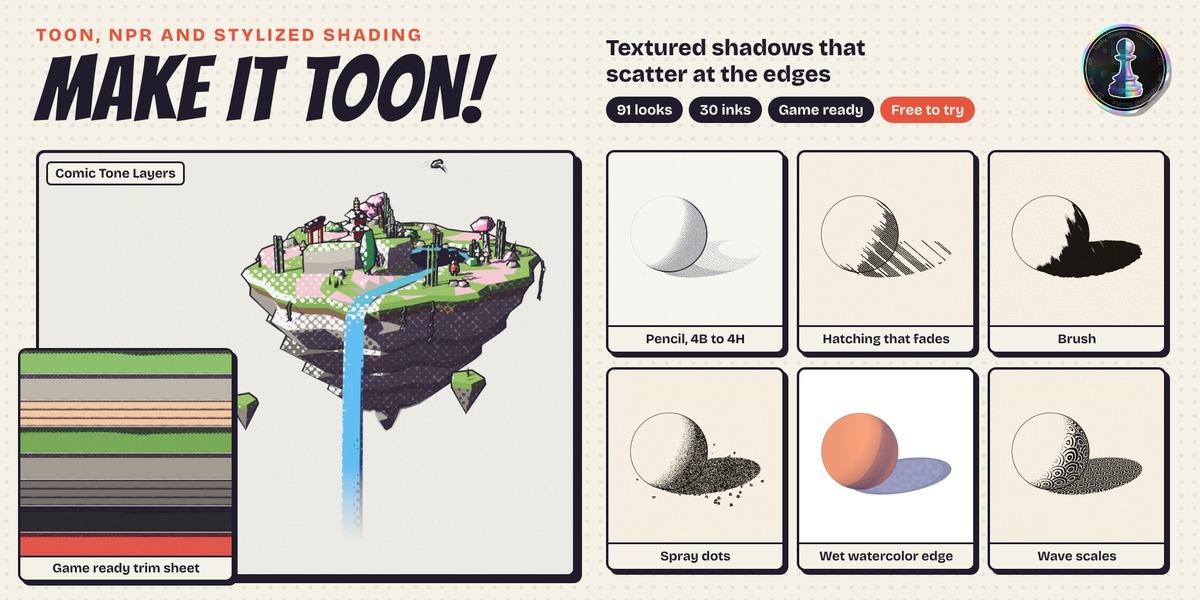
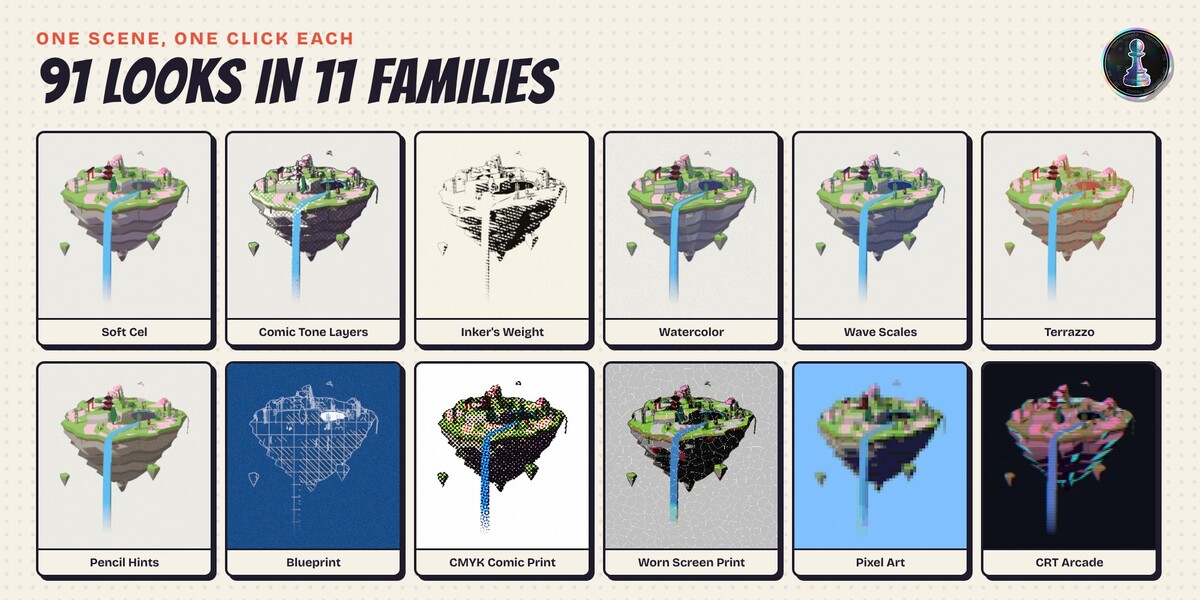
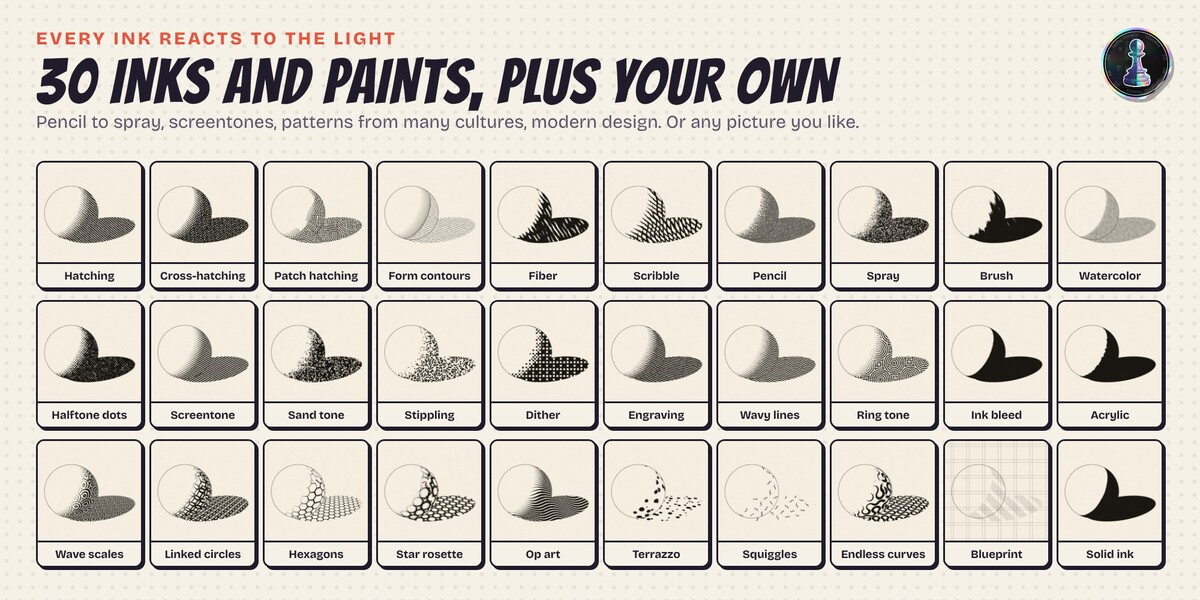
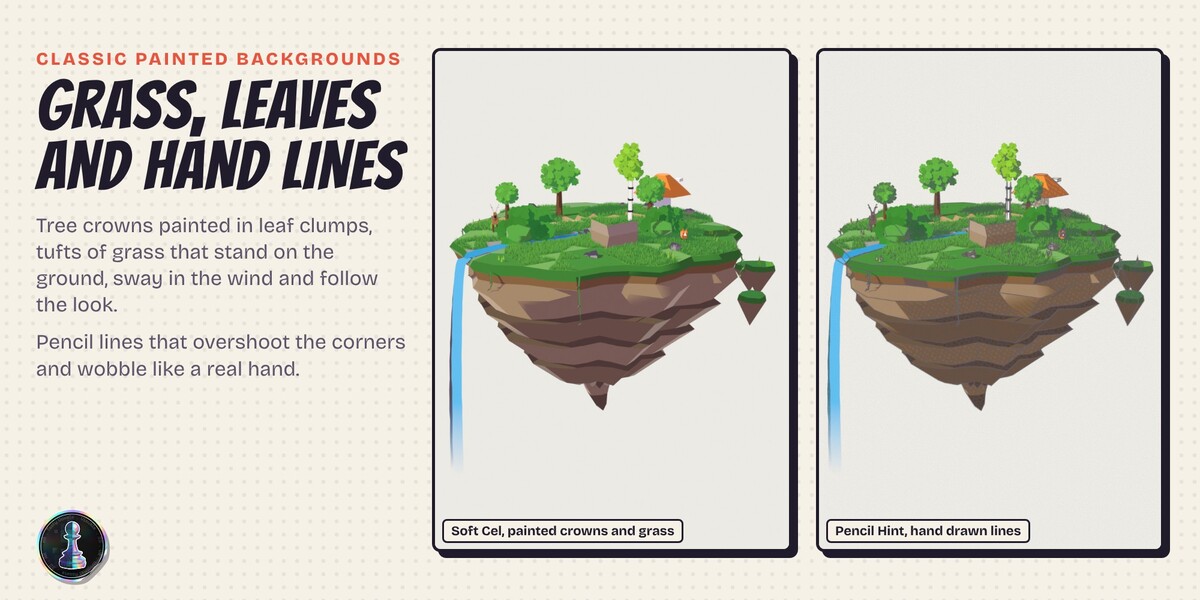
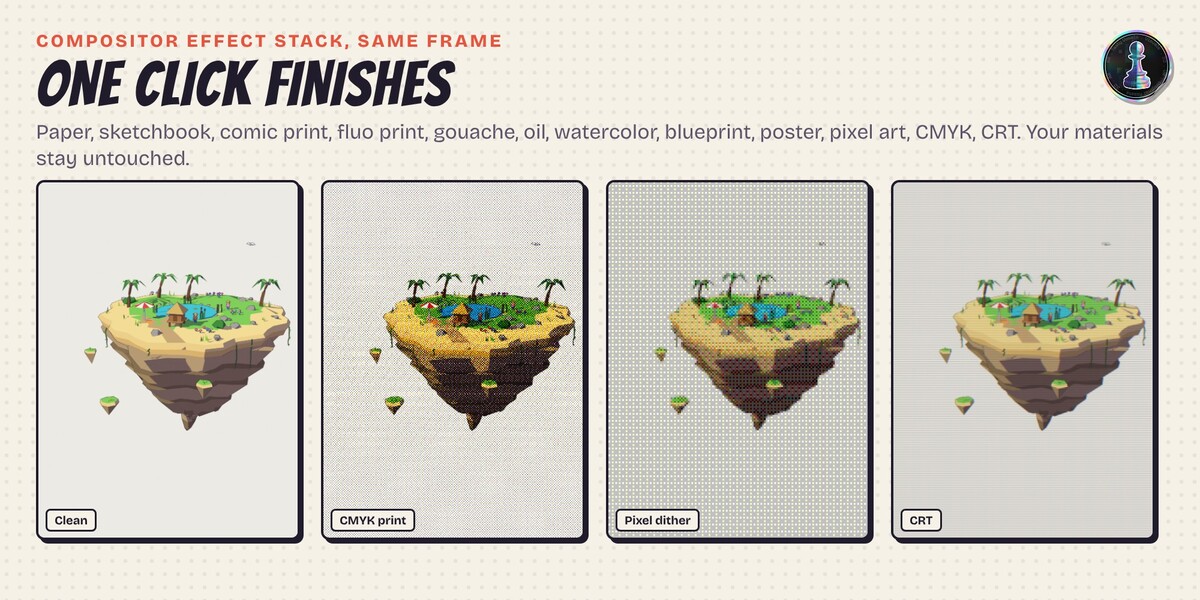
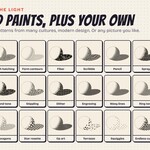
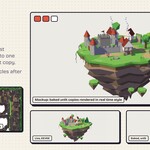
Yes. Pick the Free edition variant: five looks with their inks (Comic Halftone, Charcoal, Op Art Shadow, Terrazzo Shade, Engraver Contours), live light and shadow, lines, compositor finishes and the Toon Creator Lab to try combinations. It is for personal, non commercial use. The full version adds the other 86 looks and 25 inks, saving your own looks, strokes, grass and foliage, effects, motion, bake, game export and 3D printing. Uninstall the Free edition before you install the full version.
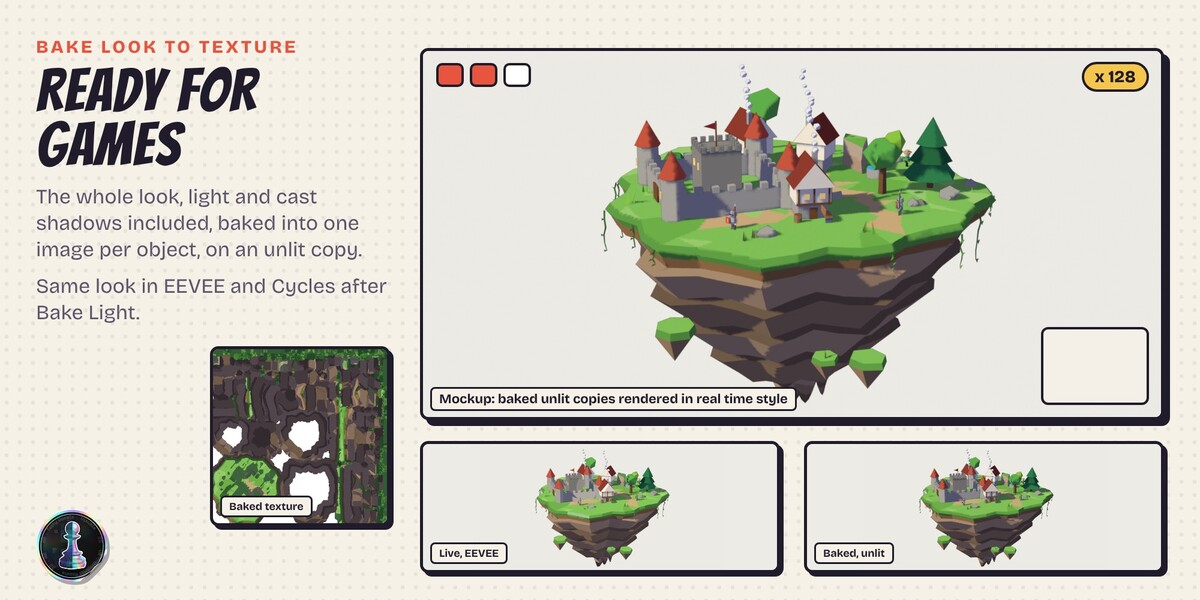
Yes, after one click. The live look is built on the Material Lighting nodes that Blender 5.3 added to EEVEE, so live it is EEVEE only. Press Bake Light in step 7 and the light and the cast shadows go into the mesh: from then on the look renders the same in EEVEE and in Cycles. Specular highlights and rim lights stay live only, in EEVEE.
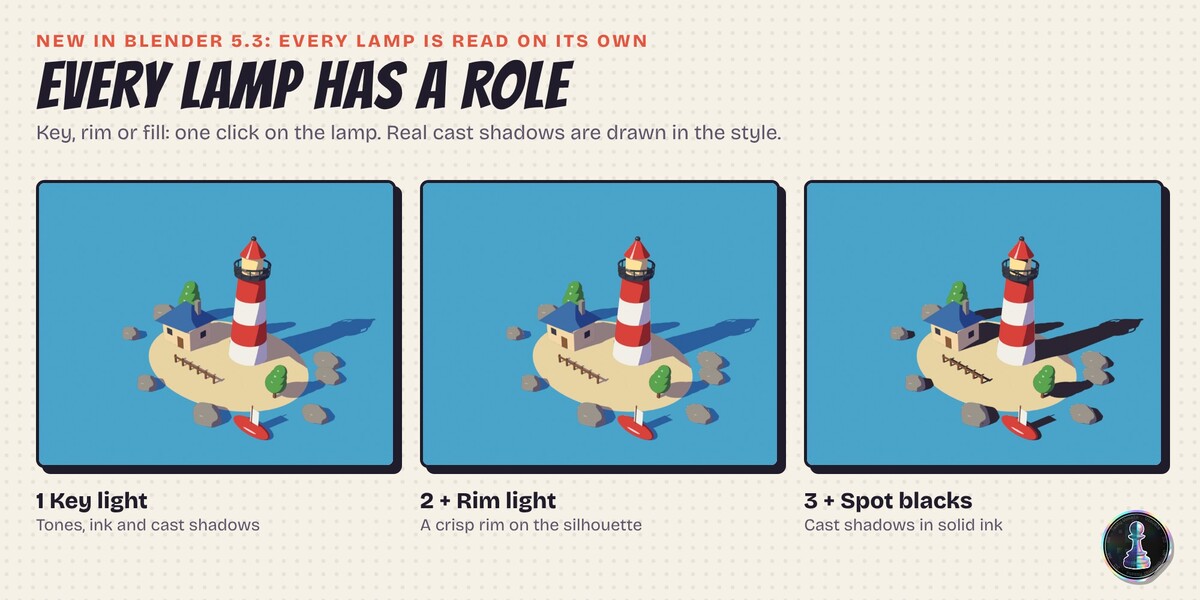
Because Blender 5.3 is the first version where a material can read every light on its own: its direction, its colour, its strength, its cast shadow and even a custom property on the light. That is what makes real cast shadows, light roles (key, rim, fill) and spot blacks possible without hacks. Older versions do not have these nodes, so the add-on will not install there.
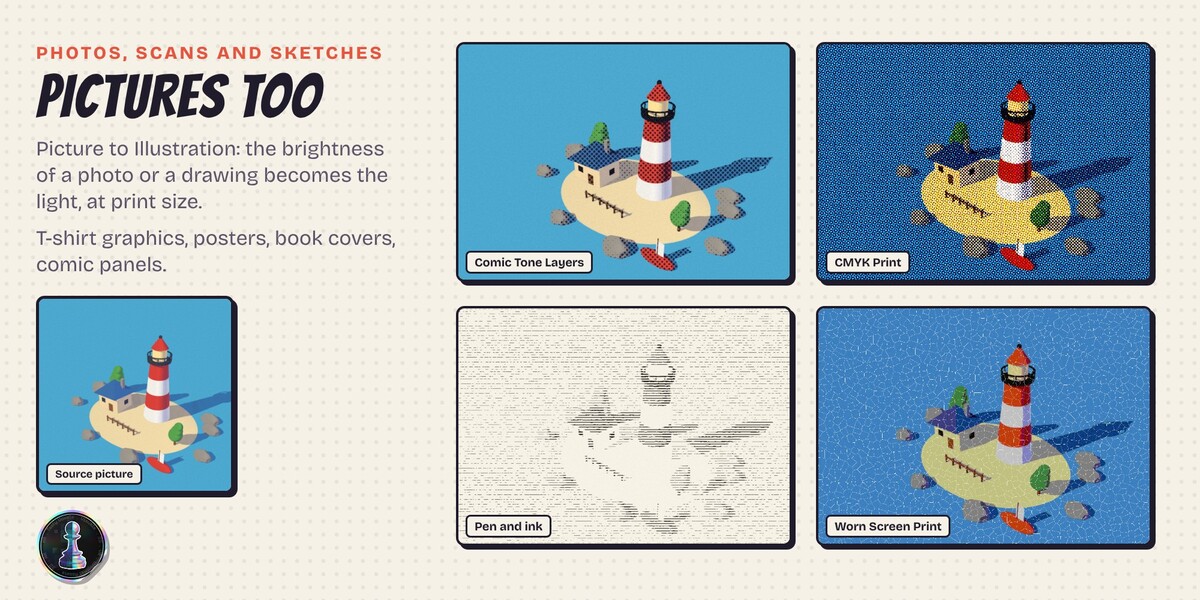
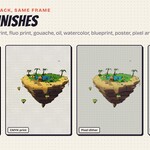
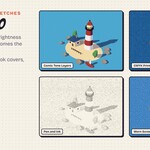
Both. In step 1, Picture to Illustration takes a photo, a scanned drawing or a pencil sketch and turns it into a framed picture with the look you chose: the brightness of the picture plays the role of the light, so halftones, hatching, screentones, CMYK, pixel art and worn print all work on it, at the render size you want for a poster, a cover or a t-shirt print. Your 3D materials are never edited either: the add-on works on TOON copies and Restore Original Materials puts yours back.
For animation and moving cameras use the Object pattern space, so the ink sticks to the surfaces. For games and real time, Bake Look to Texture gives unlit copies with the look in one image per object. For VR and 360 renders tick VR and 360 safe in step 1: patterns stick to the surfaces (the same in both eyes, no seam where the panorama wraps) and no image space finish is added. Screen patterns and image finishes are meant for stills, posters and flat video.
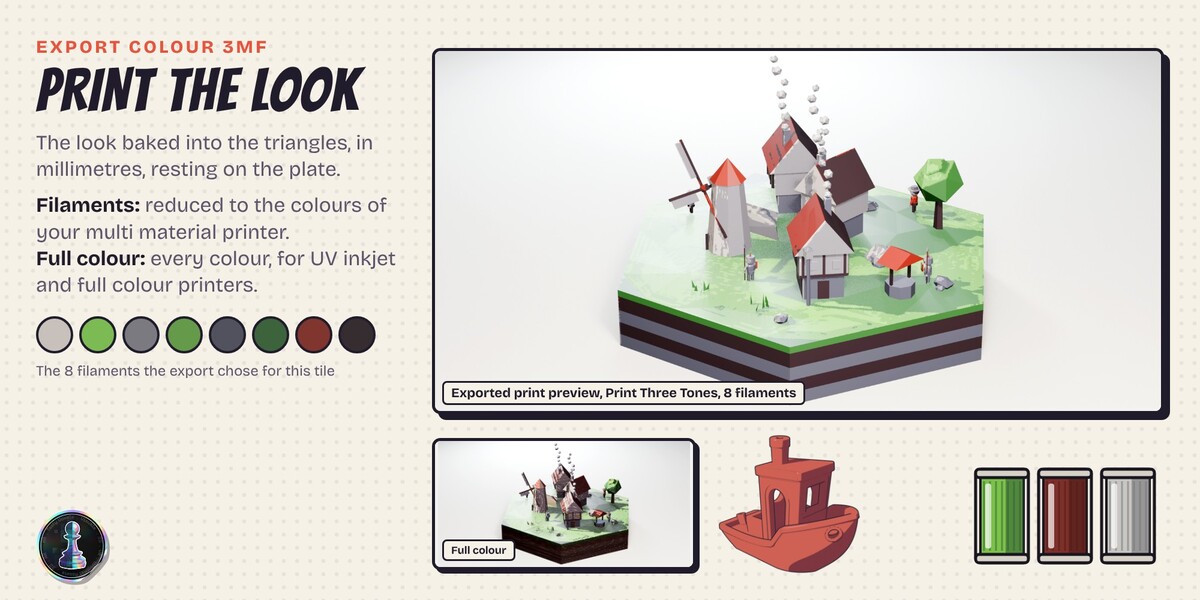
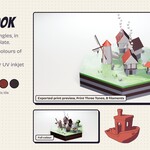
Step 7 bakes the look into a print copy of your model and saves a colour 3MF in millimetres. Filaments mode reduces it to the number of colours your multi material printer has, one colour per triangle, and lists them lightest first. Full colour mode keeps every colour for UV inkjet and full colour printers. Colour detail sets how small the triangles get: fine hatching needs small triangles. The file uses the standard 3MF colour group that multi material slicers read. I have not print-tested every slicer myself yet. The day I do, I will say so here. If yours reads it differently, write to me.
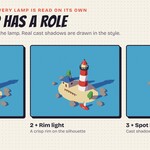
Switch the 3D view to Rendered (the panel has a button for it). Material Preview lights the scene with its own studio lights, not with your lamps, and the look is all about your lamps. If the shadows look too dark or too bright, move Ambient and Light gain in step 2; if a second lamp washes the look out, give it the Rim or Fill role.
Yes. Everything you render, bake or print with it is yours, for any project. The add-on is GPL like every Blender add-on. Updates and support are included for good: no support period, no renewal fee. Write to me through Superhive messages.
No AI inside the product: no model, no inference, no telemetry, no network access, no data collection. It is node trees and Python that run offline forever. AI assists me: it writes code with me and helps me translate my documentation into English, which is not my first language. What ships, the looks and the defaults are my decisions.
Have questions about this product?
Login to message
| Blender Extension Compatible | Yes |
| Downloads | 2 |
| Dev Fund Contributor | |
| Published | about 2 hours ago |
| Blender Version | 5.3 |
| Extension Type | Add-on |
| Render Engine Used | Cycles, Eevee |
| License | GPL |
Discover more products like this
watercolor halftone screentone comic cel-shading manga crosshatch hatching anime engraving toon NPR