 Makrakanta Görsel iletişim inşaat san. ve Tic. Ltd. Şti.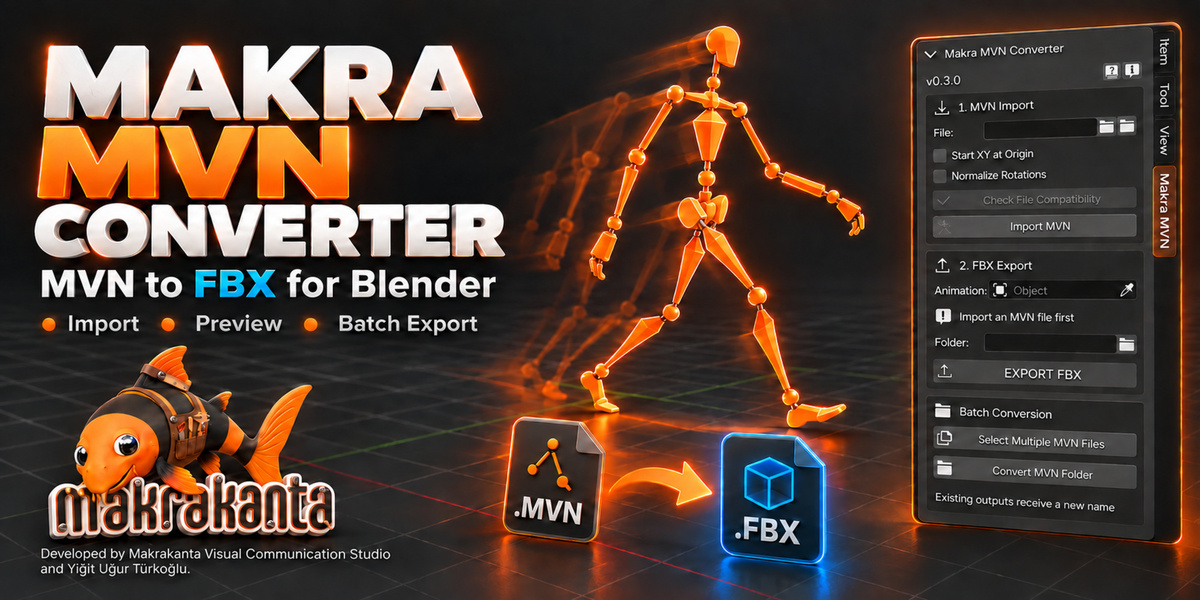
Makra MVN Converter
Import. Refine. Export.
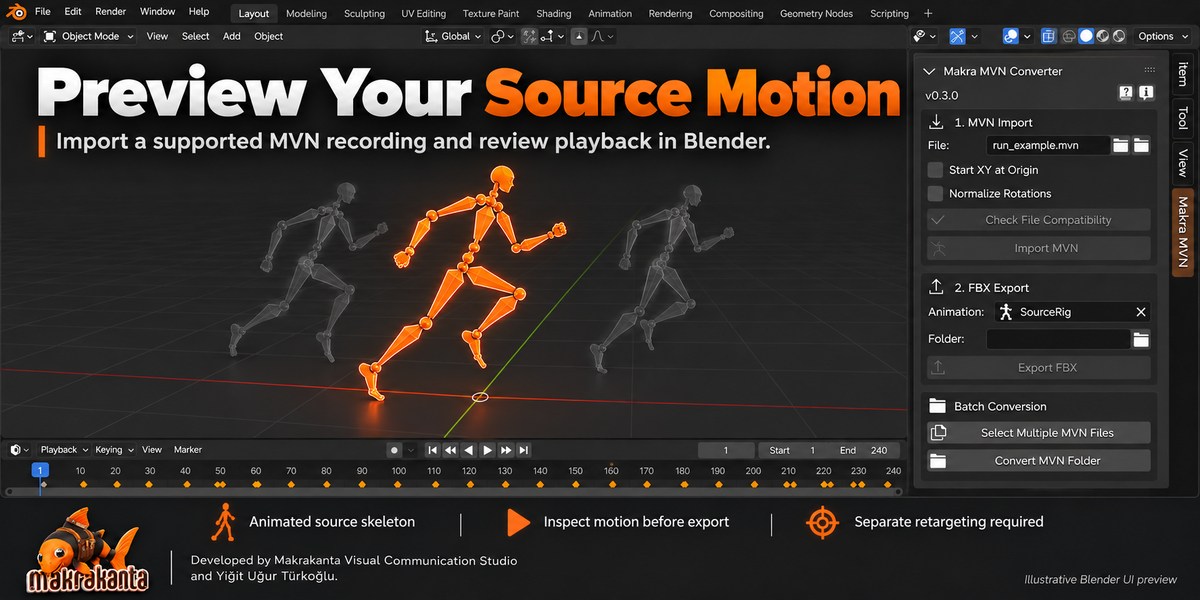
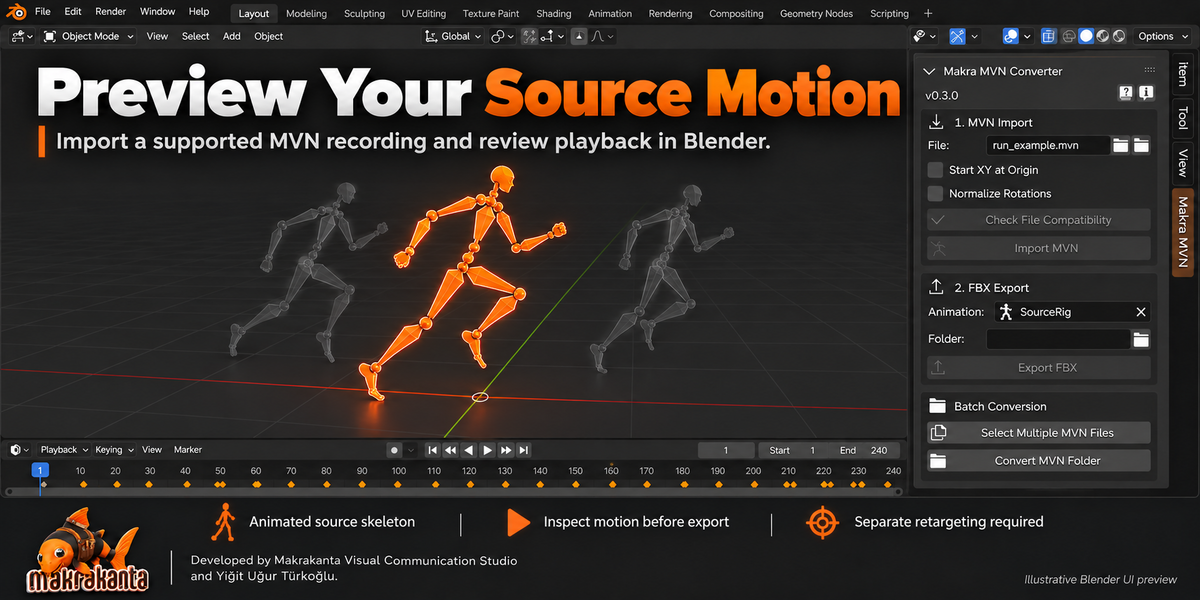
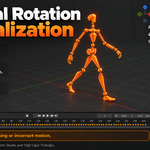
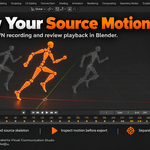
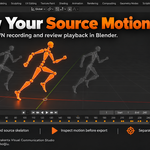
Bring supported MVN motion capture recordings into Blender, preview the animated source skeleton, and export binary FBX at your chosen frame rate. Keep the workflow simple, or open the optional motion tools when a recording needs attention.
Developed by Makrakanta Visual Communication Studio and Yiğit Uğur Türkoğlu.
Key Features
- MVN Import & Preview: Import supported solved recordings as an animated 23-bone source skeleton and inspect the motion in Blender.
- Two Supported MVN Layouts: Automatically detect the two observed solved binary layouts supported by the reader.
- Output FPS: Export at Source, 24, 25, 30, 50, 60 or 120 FPS, or choose a custom integer rate from 1 to 240. Playback speed is preserved.
- Optional Toe Dropout Repair: Analyze short neutral toe-rotation resets and repair all eligible ranges in one operation.
- Optional Jitter Cleanup: Reduce small motion jitter with adjustable strength, smoothing window and separate body-region controls.
- Detected Contact Protection: Preserve the input pelvis and relevant leg chain during detected foot contacts when using cleanup.
- Experimental Root Trial: Combine automatically detected pelvis events and manual ranges, with separate controls for each manual range.
- Motion Version Comparison: Switch between Original, Corrected, Cleaned and Root Trial, then export the active version.
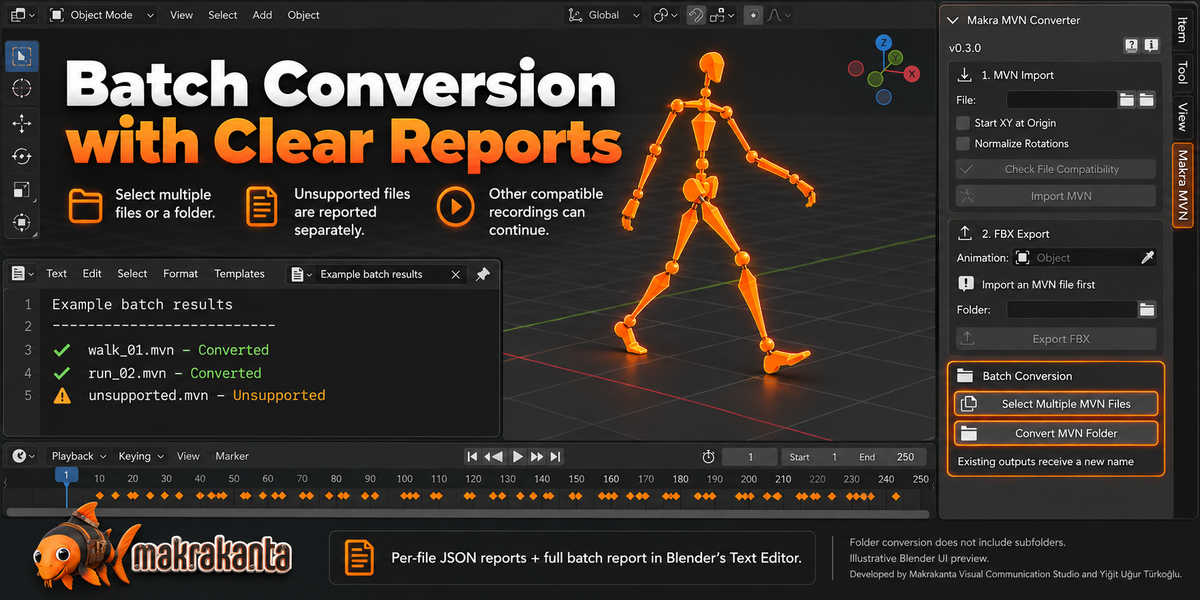
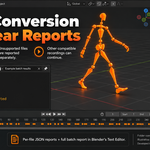
- Batch Conversion: Convert multiple selected recordings or the files directly inside a folder, using the chosen output FPS.
- Compatibility Checks & Safe Output: Check files before import, report unsupported inputs separately, and preserve existing exports with numbered filenames.
- Local Processing: No cloud upload, external API or subscription is required by the add-on.
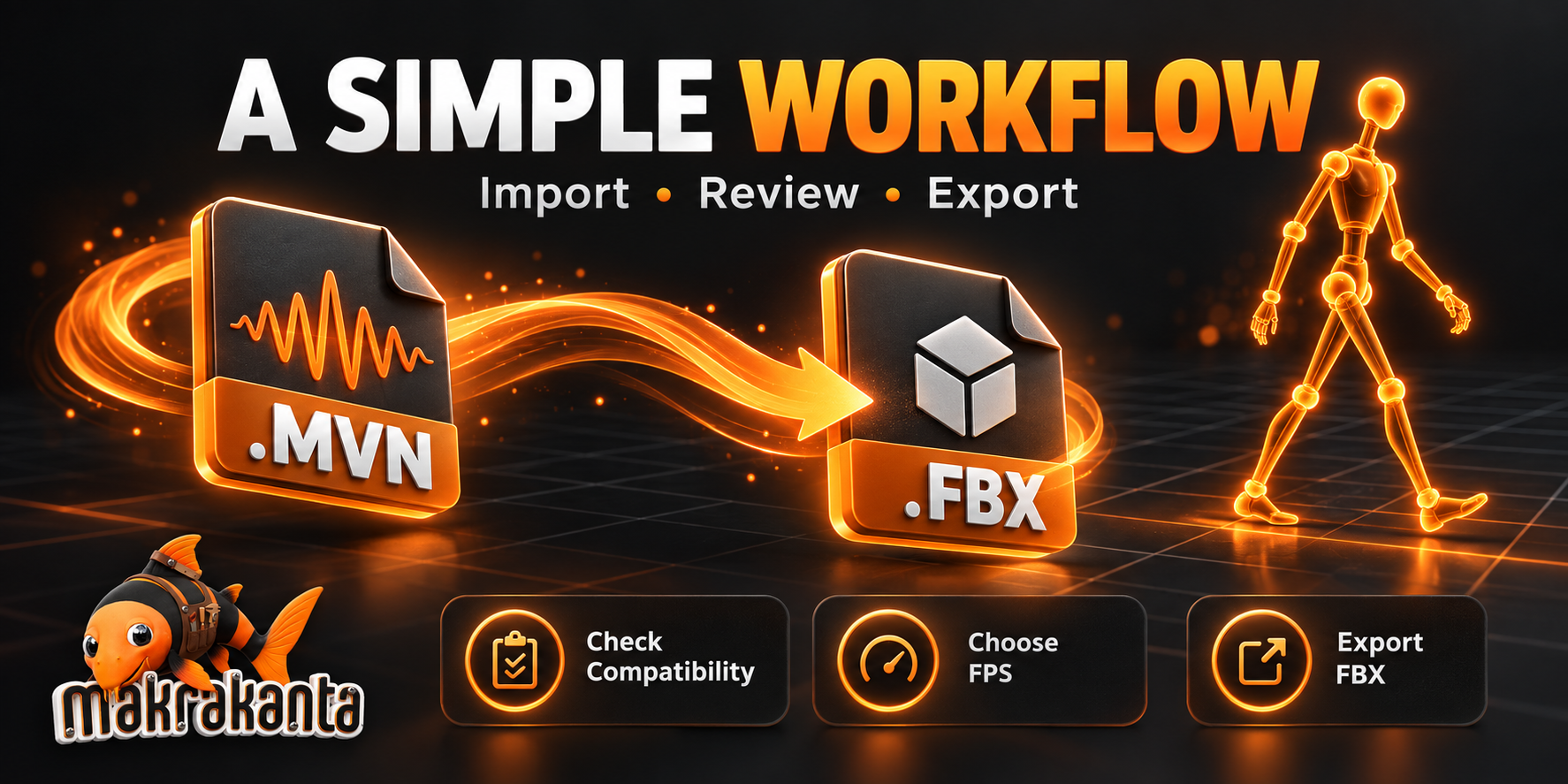
A Simple Workflow
- Select your MVN recording and check file compatibility.
- Import and preview the motion in Blender.
- If needed, open Motion Corrections (Optional) and apply repair, cleanup or an experimental root adjustment.
- Choose the animation version you want to export.
- Choose Output FPS and an output folder.
- Export FBX.
The correction section is collapsed by default. Animation version selection, Output FPS and export stay accessible. Opening or closing the section changes visibility only; it does not apply or remove corrections.
For batch conversion, select multiple recordings or choose a folder. Unsupported files are reported separately so compatible recordings can continue converting. Batch processing exports original motion at the selected FPS. Optional repair, cleanup and root adjustments use the single-recording workflow.
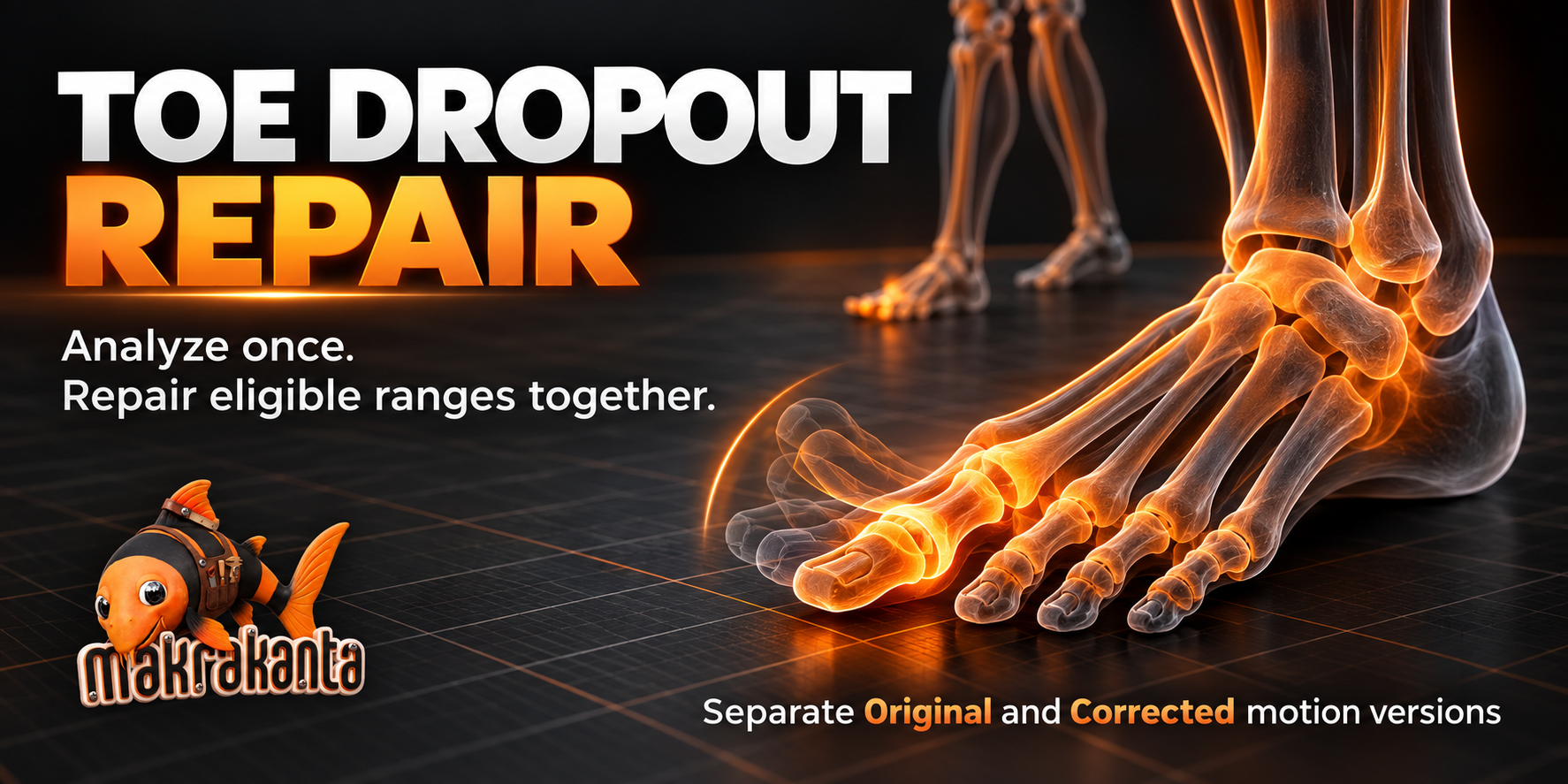
Analyze Once. Repair Eligible Toe Dropouts Together.
Analyze scans the original recording without changing it. Apply / Update Repair repairs all eligible toe-dropout ranges together and creates a separate Corrected animation. You do not need to apply each detected repair individually.
Conservative and Extended profiles, left/right toe selection and a maximum gap duration let you control the repair. Review-only entries are flagged for inspection and are not automatically repaired. Compare Original and Corrected before exporting.
This tool targets short, nearly exact neutral toe-rotation resets between similar bent poses. It does not automatically fix every sudden joint movement, foot slide or floor penetration.
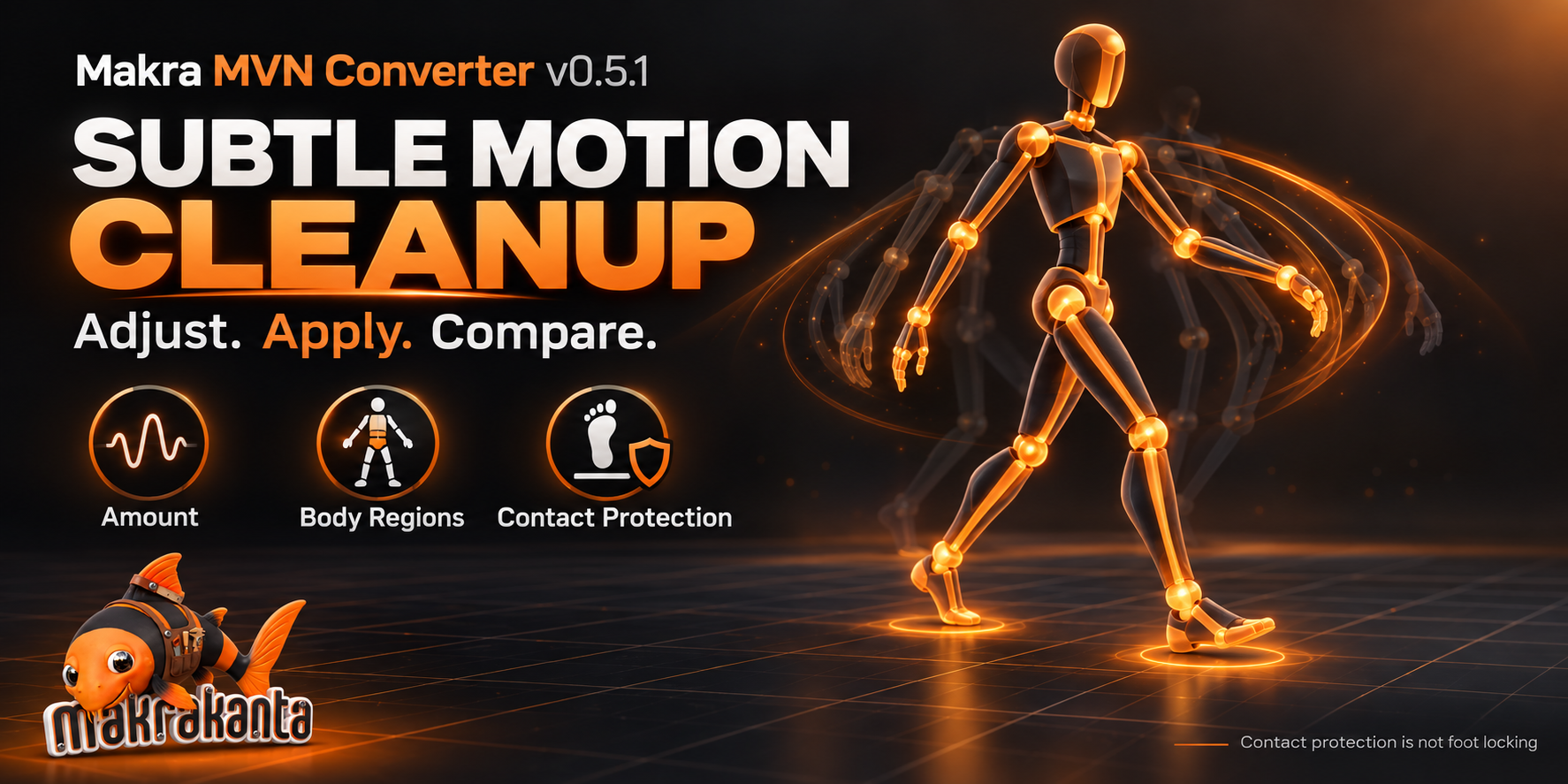
Subtle Cleanup, With Comparison Built In
Adjust cleanup Amount and Smoothing, and select Body, Head, Arms and Legs independently. Use Original or the available Corrected version as input. Apply / Update Cleanup creates a separate Cleaned animation; repeating Apply recalculates from the selected input rather than adding more smoothing to the previous result.
Protect Foot Contacts preserves the input leg motion at detected contacts. It is contact protection, not foot locking: existing sliding or ground errors may remain. Compare versions to keep intentional movement intact.
Root Trial — Experimental
Choose Original, Corrected or Cleaned as Trial Input. Combine automatic pelvis-event windows with enabled manual ranges in one Apply / Update All Ranges operation, or use manual ranges only.
Each manual range has its own frame bounds, amount, smoothing window and correction limit. Later rows take priority where ranges overlap. The trial preserves the input ankle/toe paths at source keyframes while adjusting the pelvis and resolving the legs. Corrections are reduced or regions skipped when leg reach is insufficient.
Review the result before use. Root Trial is an experimental source-motion adjustment; it does not provide universal foot locking or remove existing foot sliding.
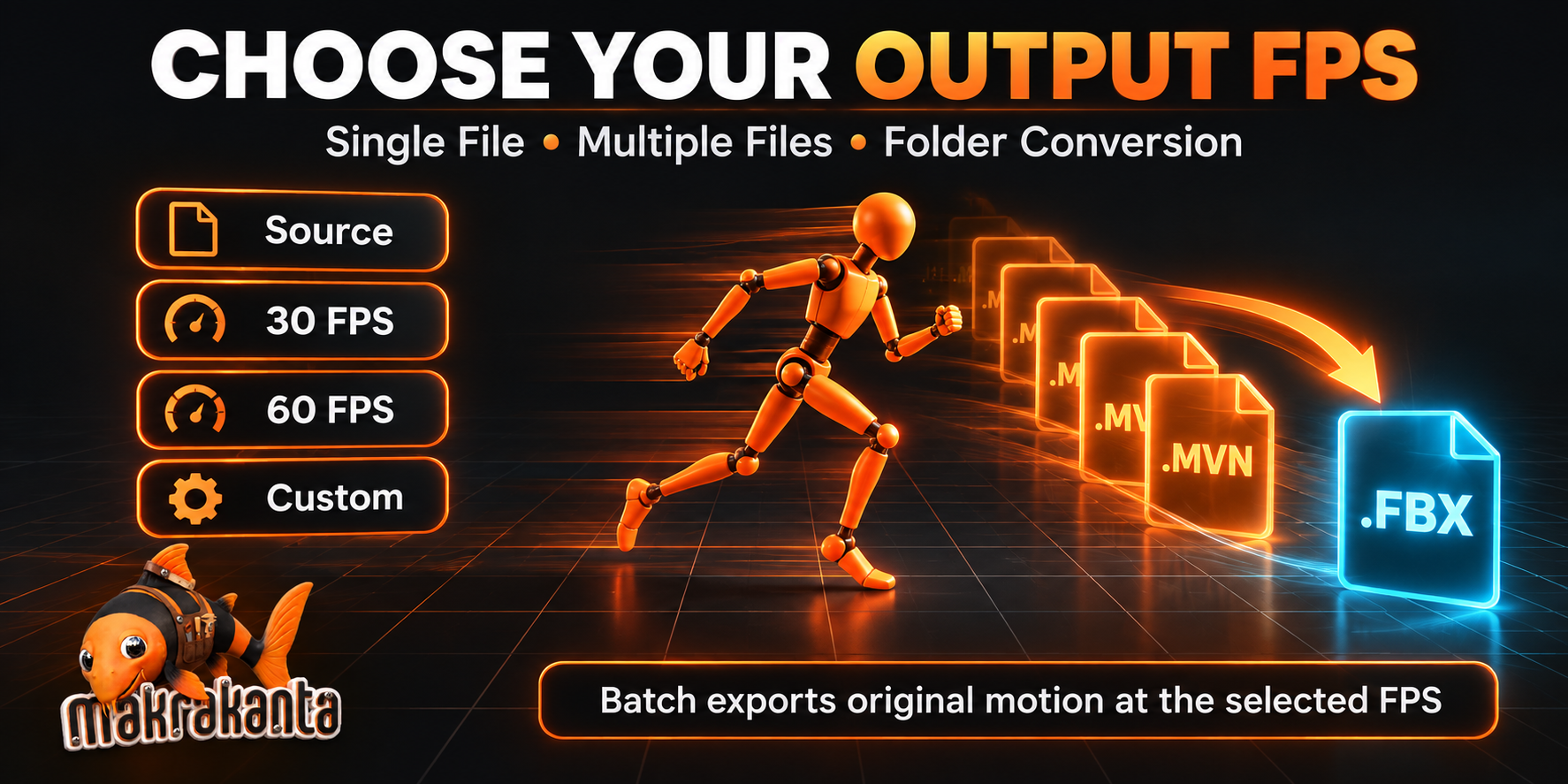
Choose Your Export FPS
Export a 60 FPS recording at 30 FPS, keep its original rate, or choose another supported integer output rate. FPS conversion preserves playback speed and uses a temporary animation copy during export. Imported motion and saved motion versions retain their source keyframes.
The selected FPS applies to single, multi-file and folder conversion. Higher FPS resamples existing motion; it does not add captured detail. Fractional frame rates are not included.
Compatibility
Requires Blender 4.5 or newer.
The processing implementation shared by v0.5.0 and v0.5.1 was tested in official Blender 4.5.3 LTS and 5.1.2 runtimes on Linux. v0.5.1 adds the collapsed correction menu and received panel draw checks; the processing runtime suite was not rerun for this UI update. Windows, macOS, Unreal Engine and Maya runtime compatibility has not been verified.
The reader supports two observed solved MVN binary layouts, both with 23 body segments:
-
0x00420042: fixed 8,808-byte frames. -
0x00090009: fixed 10,364-byte frames, with 17 sensor records and supported solved segment data.
Supported nominal source rates: 24, 25, 30, 48, 50, 60, 90, 100, 120 and 240 FPS. Use Check File Compatibility before import. The .mvn extension alone does not guarantee support; this is not a universal MVN or MVNS reader.
Scope
Makra MVN Converter produces an animated source skeleton. Transferring that motion to a character requires a separate retargeting step. Apply the optional motion tools to the imported source skeleton before retargeting.
Character meshes, finger and facial animation, automatic retargeting, Rigify/GameRig conversion, raw sensor reprocessing, props, video and multi-actor MVNS sessions are not included.
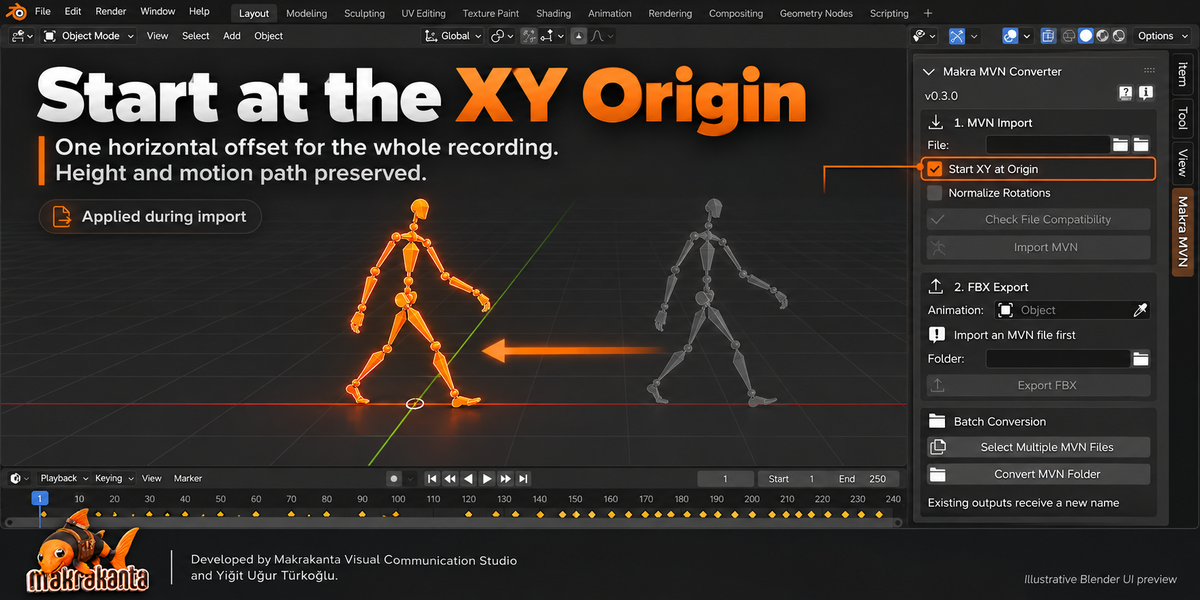
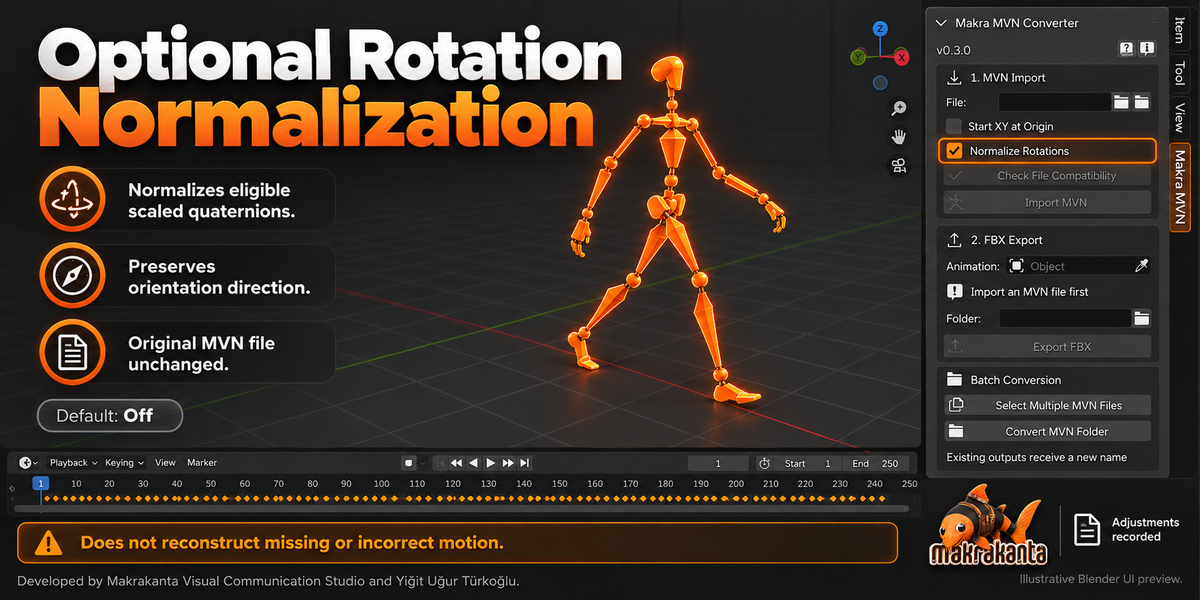
The neutral reference skeleton is inferred from captured motion. Original calibration metadata is not decoded. Optional quaternion normalization cannot reconstruct missing or incorrect motion. Source recording files are never modified.
Included
- Installable Blender add-on ZIP — v0.5.1
- Python source code under GPL-3.0-or-later
- Offline English and Turkish user guide
- Release notes and validation report
- Makrakanta welcome screen and studio links
Commercial production use is permitted. Customer motion recordings and proprietary Xsens SDK code are not included.
Makra MVN Converter is an independent product and is not affiliated with or endorsed by Movella/Xsens.
Contact: [email protected]
Website: www.makrakanta.com
