Marching Sky
 Giorgi Samukashvili
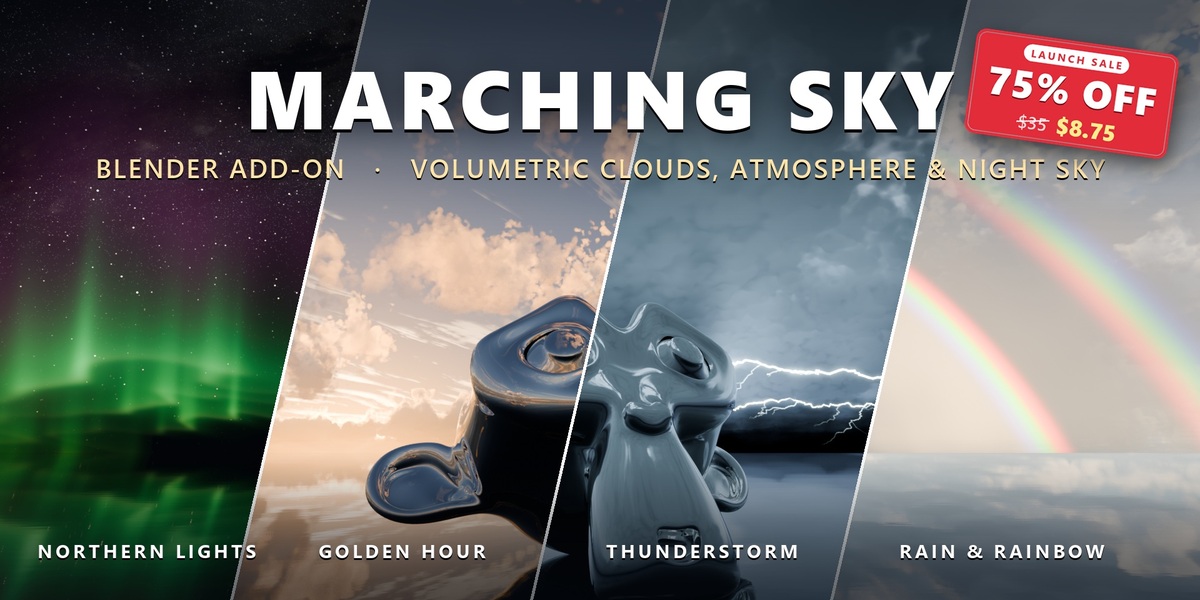
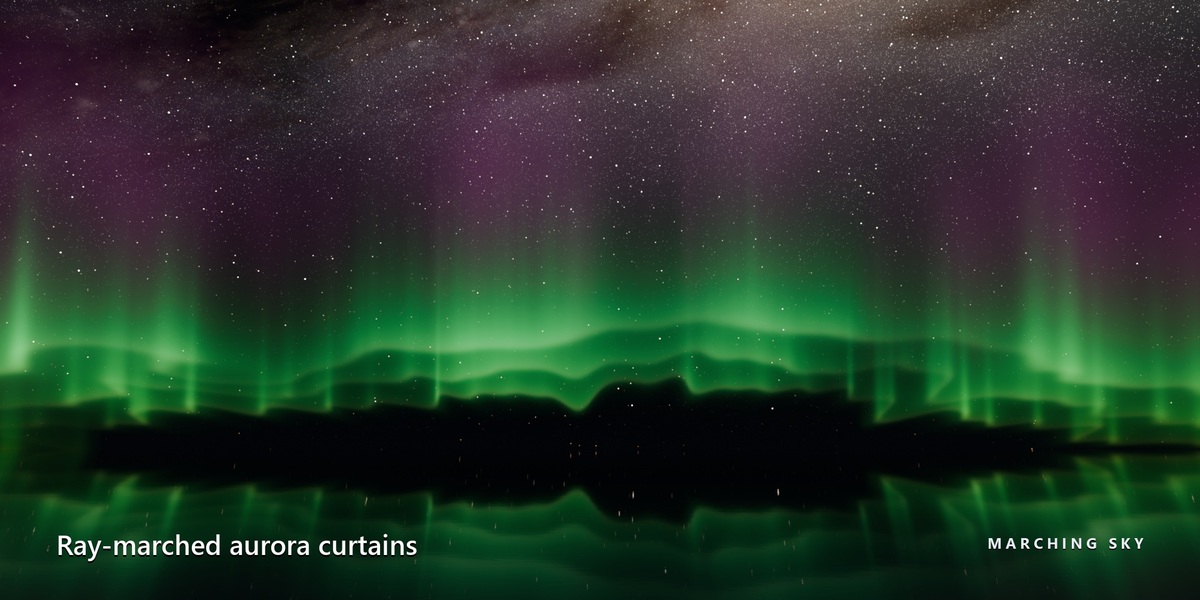
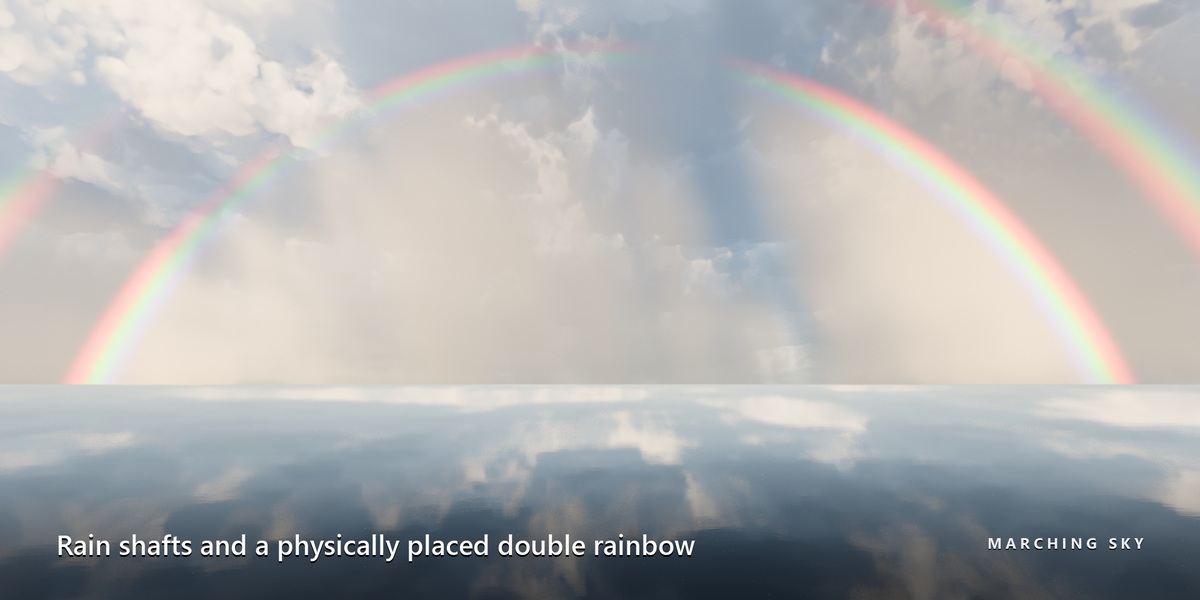
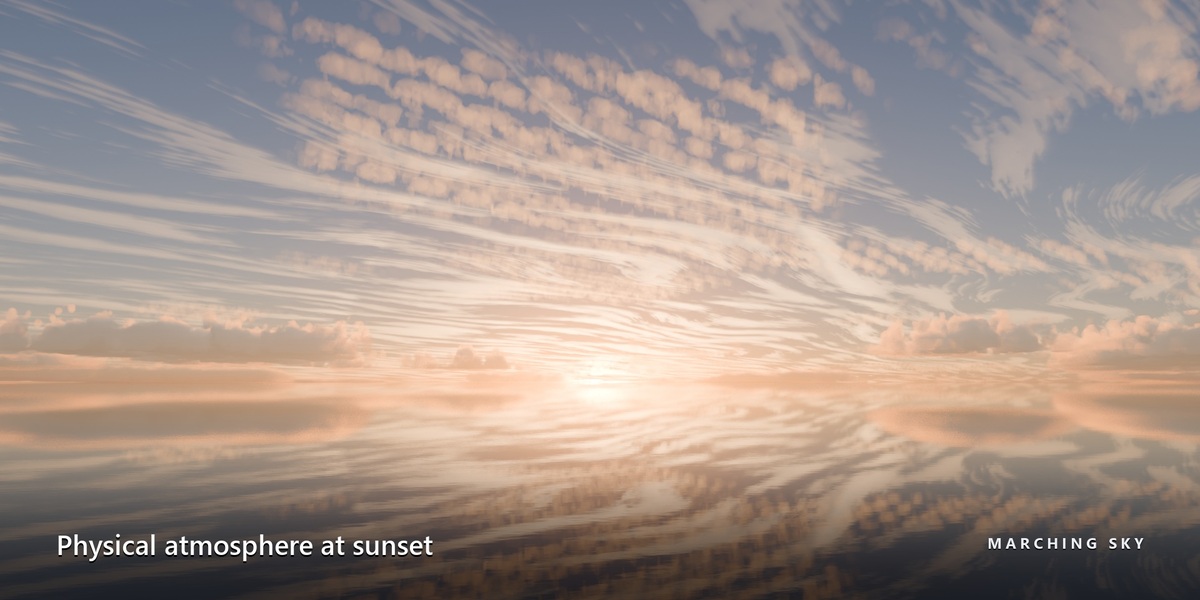
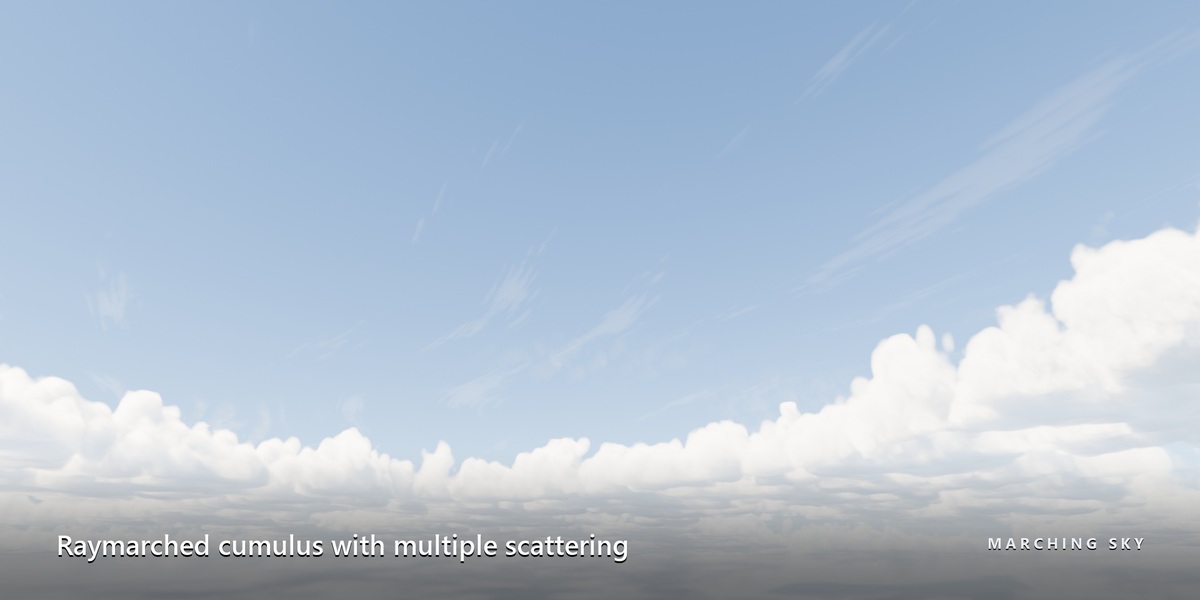
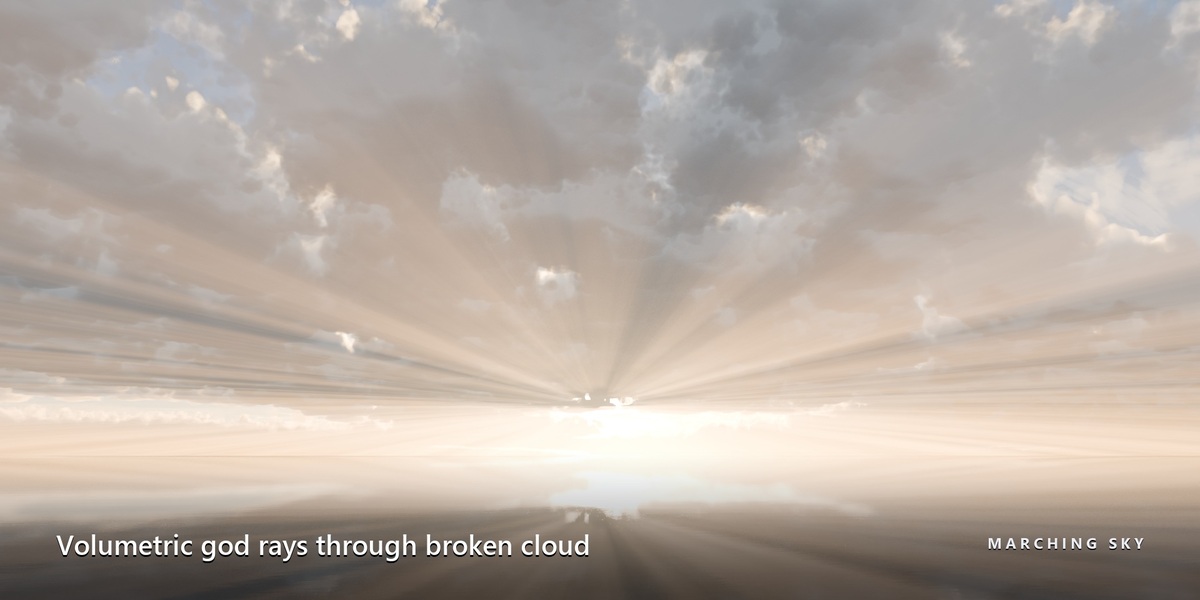
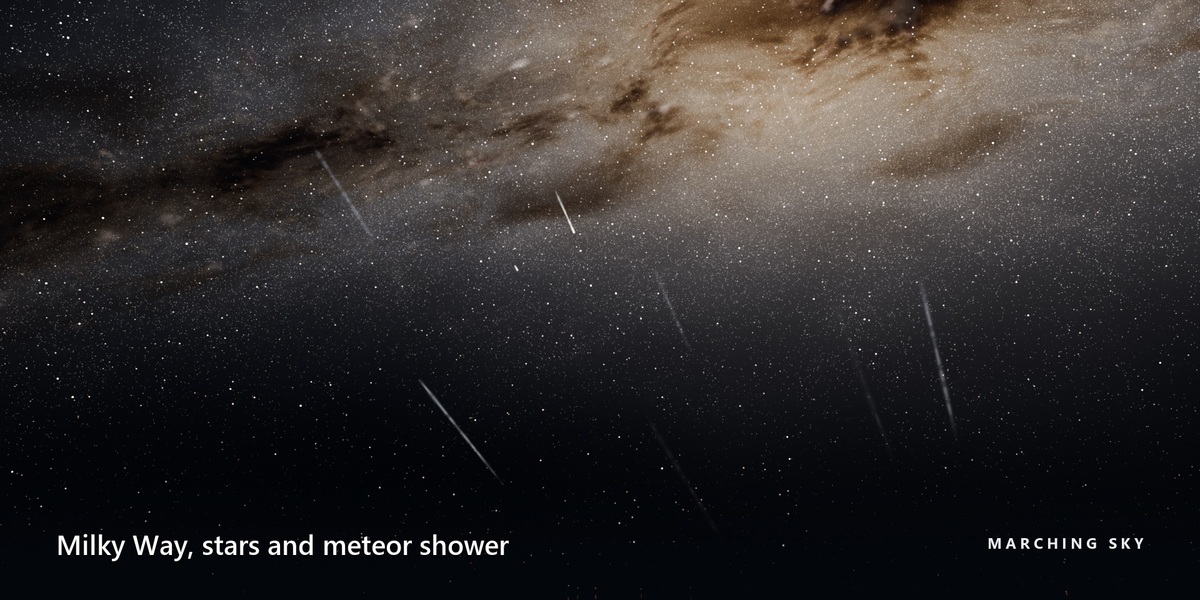
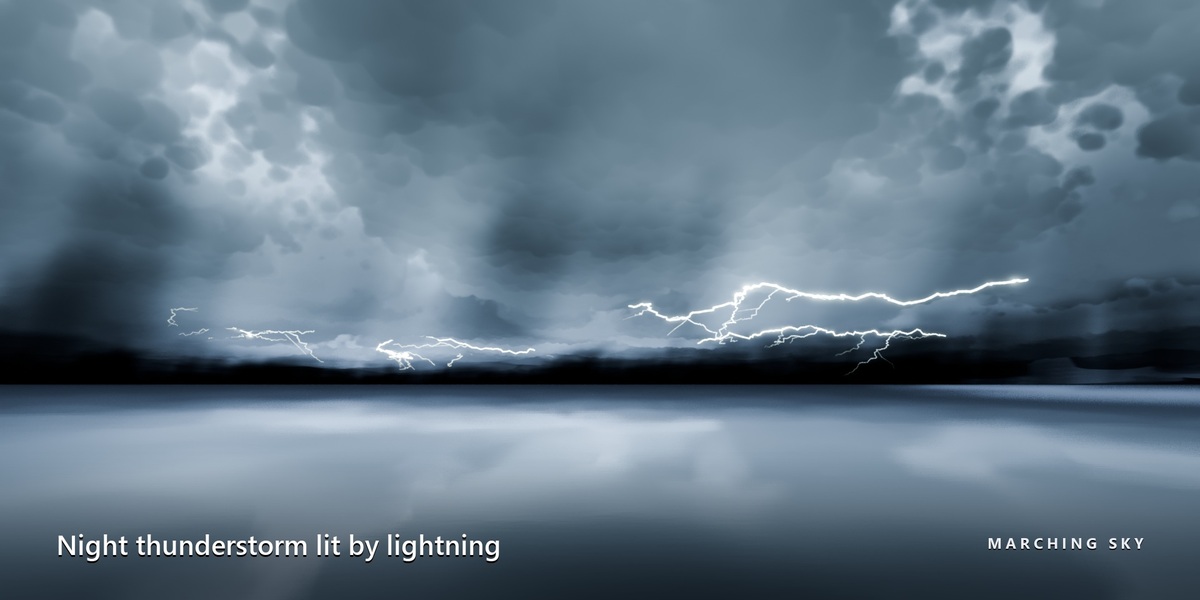

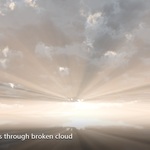
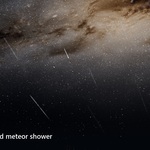
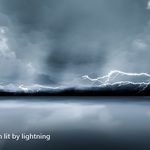
# Marching Sky 1.1.0
## New
- **Your own presets:** save the current sky with Sky presets > Save current sky... and reuse it in any file. Presets can be replaced, deleted, and shared as small files.
- **Color tint** (optional, off by default): tint the sunlight at sunset/sunrise and during the day, the sky glow around the Sun, and the highlights, midtones, shadows and backlit rims of the clouds. The tint also affects god rays, rain and the lens flare.
- **Sky computation** setting in the add-on preferences: Automatic, GPU or CPU. If the GPU's sky looks wrong, the add-on tells you and lets you choose.
## Improved
- Much faster sky updates on Blender 4.5 to 5.1, which now compute the sky on the GPU (about 3 ms instead of 3 s on our test system).
- God rays, lightning and rain now show properly in reflections and refractions such as water, metal and glass. Scenes with these effects may look different there and take longer to render.
- The Ambient Strength and Extinction sliders now have usable ranges (up to 10 and 0.1).
- The user guide covers the new features and known Blender issues, such as materials that mix many shaders and outdated NVIDIA drivers.
## Fixed
- Worked around the "Illegal address in CUDA queue" error on Blender 5.2.0 to 5.2.4, which could happen when rendering with a Rendered viewport open or with Persistent Data on. Rendered viewports now switch to Solid during a final render and return afterwards.
- Fixed a wrong sky (streaked, banded or too bright) and wrong meteor showers on Blender 5.1. Files saved with a wrong sky are repaired when opened.
- Fixed invisible dense meteor showers on Blender 5.3 and newer with OpenGL.
- Fixed a crash when pressing F12 right after changing the sky.
## Performance
- With Color tint off, cloud render times are the same as before. With it on, expect renders to take about 5 to 10% longer.
- On Blender 5.2.0 to 5.2.4, Persistent Data no longer speeds up separate F12 renders. Animation renders keep the speedup.
## Updating
Install the zip over the old version, then restart Blender. Your scenes keep their settings.
Requires Blender 4.5 LTS or newer and Cycles with OSL.
Apologies to anyone using Blender 5.2.0 to 5.2.4 that ran into issues. These versions had Blender side bug which caused "illegal address in CUDA queue" error.
Discover more products like this
clouds atmospheric cloud Raymarch skybox 360 Degree HDRI animated-sky atmosphere animated sky cumulus volumetric procedural