 Achat
Achat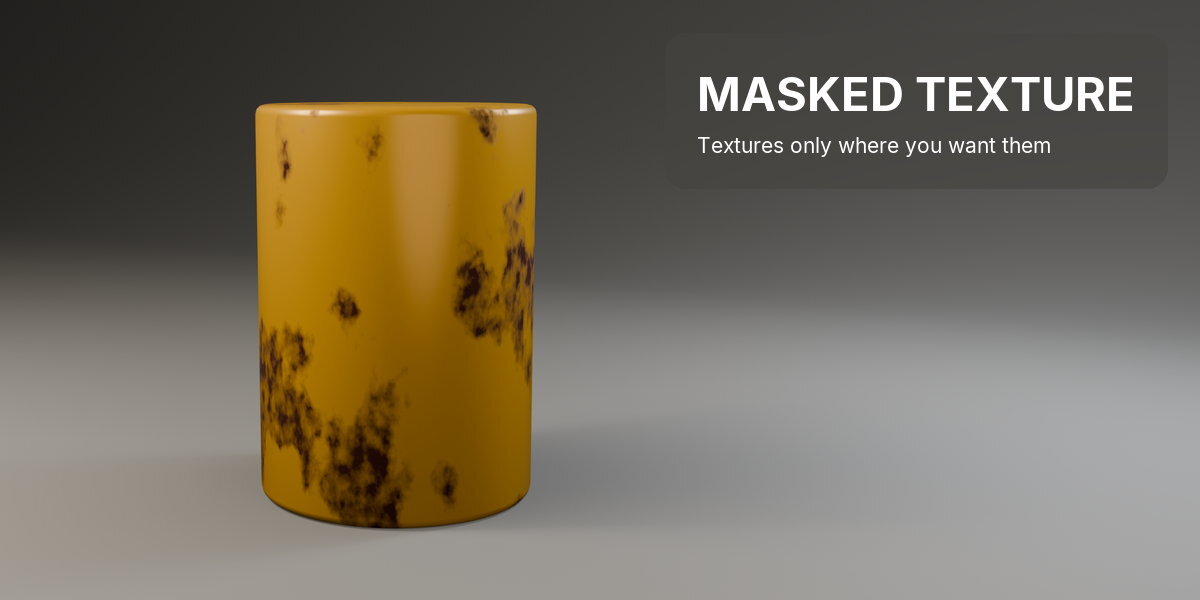




TEXTURES ONLY WHERE YOU WANT THEM, IN ONE NODE.
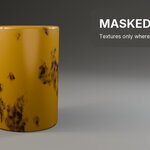
Masked Texture is a Blender add-on that puts a texture only where you want it: rust in patches, dirt in the cavities, wear on the edges. One shader node, with the color ramp stops as sliders on it.
The usual way is a big texture with a color ramp masking a small texture with its own color ramp, plus mapping and a mix, rebuilt for every material and tuned by dragging ramp stops inside a tangle of nodes.
WHAT IT IS
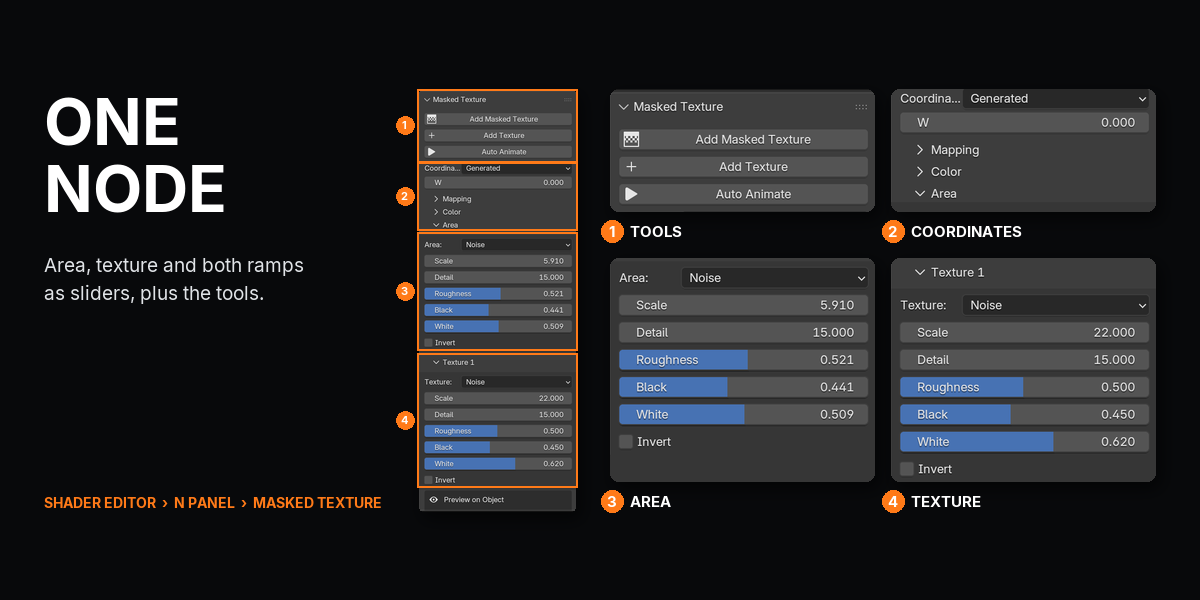
Masked Texture builds that setup as one node. Shift+A, Masked Texture, plug Result into any factor, color or roughness. Pick what decides the areas, pick the texture inside them, and set both ramps with Black and White sliders. Add Texture stacks more textures, Auto Animate evolves them over time, and Preview shows the result or the mask right on the object.
WHAT THIS DOES THAT BLENDER DOES NOT
Masked Texture doesn't add a new kind of texture: it builds Blender's own texture, ramp and mix nodes into one tidy group.
| TASK | STOCK BLENDER | WITH MASKED TEXTURE |
|---|---|---|
| A texture only in some areas | Two textures, two color ramps, mapping and a mix, wired by hand | One node, Result into the factor |
| Grow or shrink the areas | Open the group, drag the ramp stops | Black and White sliders on the node |
| Dirt in cavities, wear on edges | An AO node, inverted, ramped and mixed | Area: Edges or Cavities |
| Animate the patterns | A driver on W per texture | Auto Animate |
| Paint the areas yourself | A color attribute, an Attribute node, a ramp | Area: Vertex Paint, then Paint on Active Object |
| Image textures or your own node setups as the texture | Any node | Not this: the textures are Noise, Voronoi, Wave and Brick. Open the group to add your own |
COMPATIBILITY
| Blender | 5.1 and newer (tested on 5.2 LTS) |
| Operating System | Windows, macOS, Linux |
| Render Engines | EEVEE and Cycles |
FEATURES
1A TEXTURE ONLY INSIDE ITS AREAS

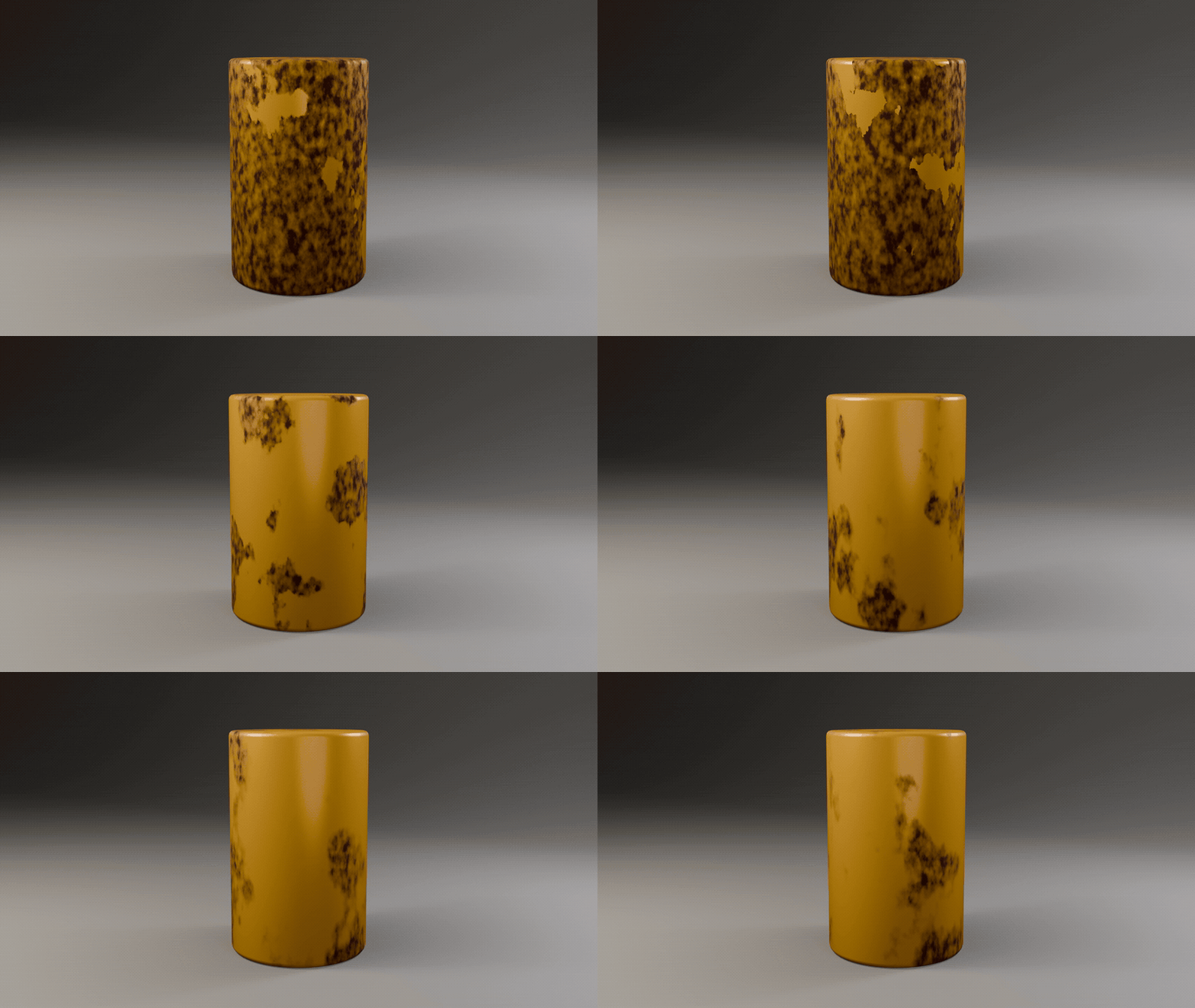
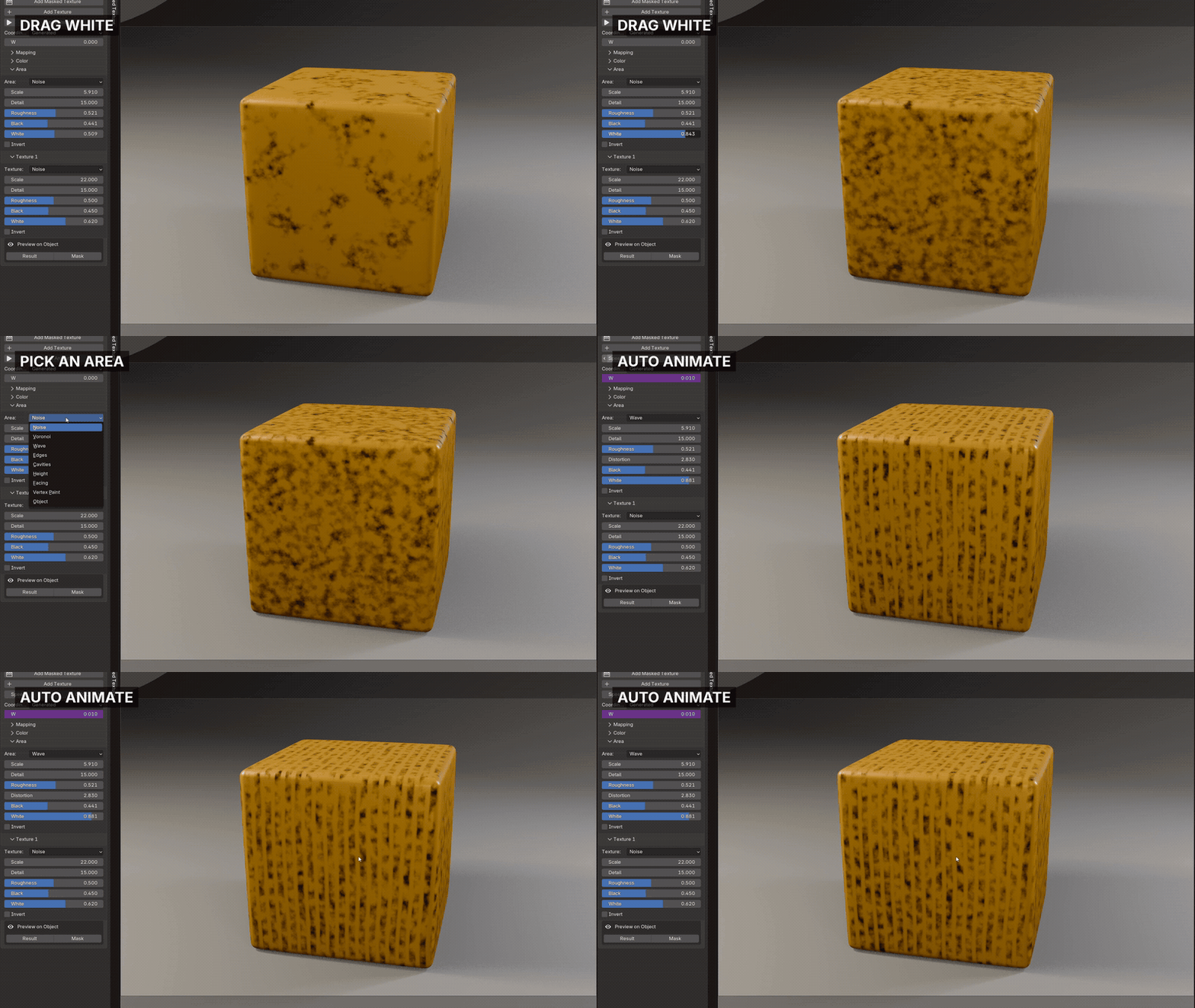
Add one Masked Texture node and plug Result into any mix: the texture shows only inside the areas a big pattern picks. Black and White widen or shrink those areas like dragging a color ramp's stops.

2TUNE IT FROM THE SIDEBAR
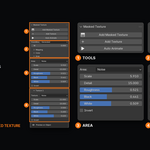
Every setting sits on the node and in the sidebar: pick the Area, drag Black and White, switch to Wave, press Auto Animate to evolve the textures over time.

3CHOOSE WHAT DECIDES THE AREAS
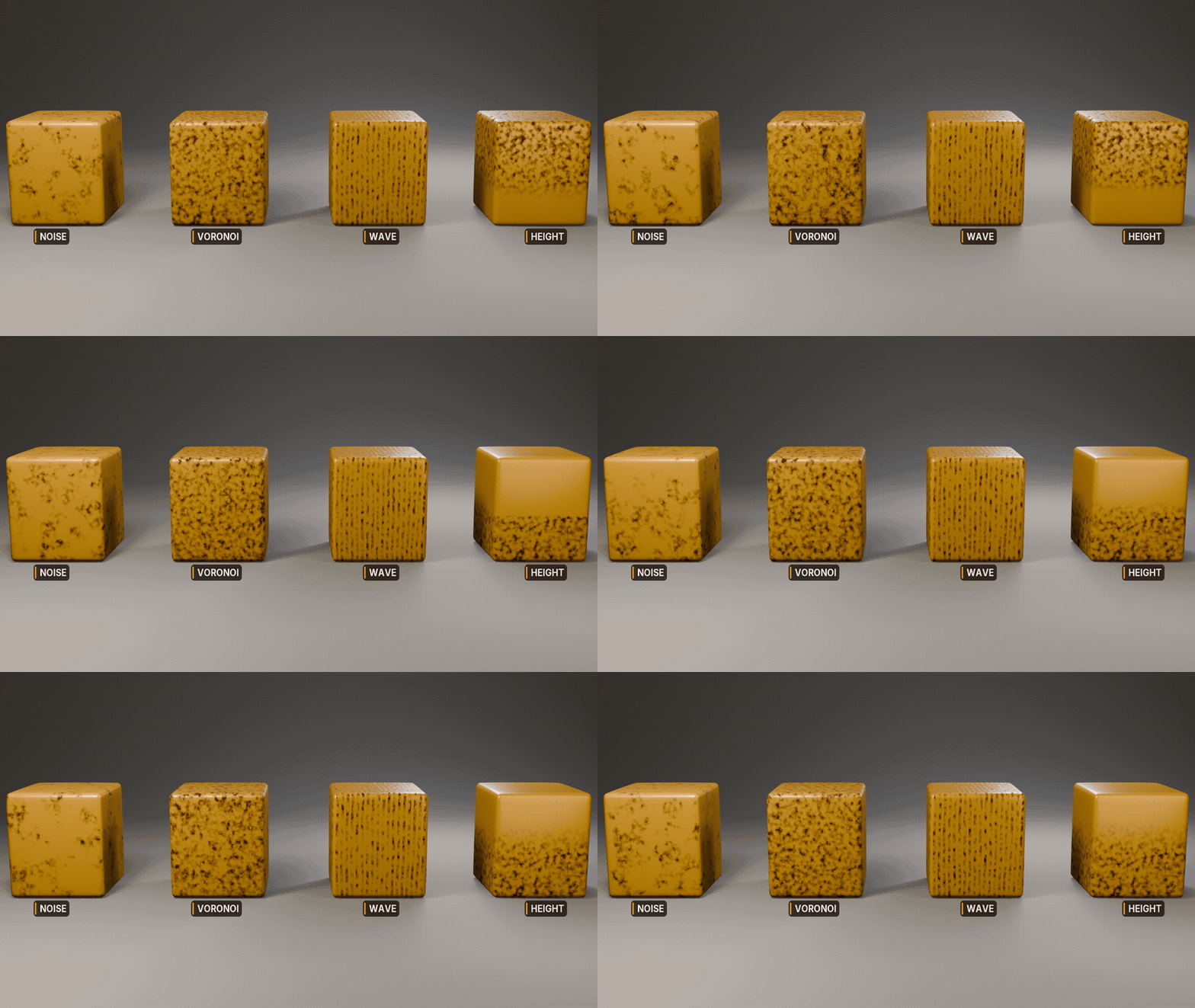
The areas can come from Noise, Voronoi or Wave, from the object's edges or cavities, its height or which way it faces, from vertex paint, or from the distance to another object.


4FOUR TEXTURES, AND MORE ON TOP

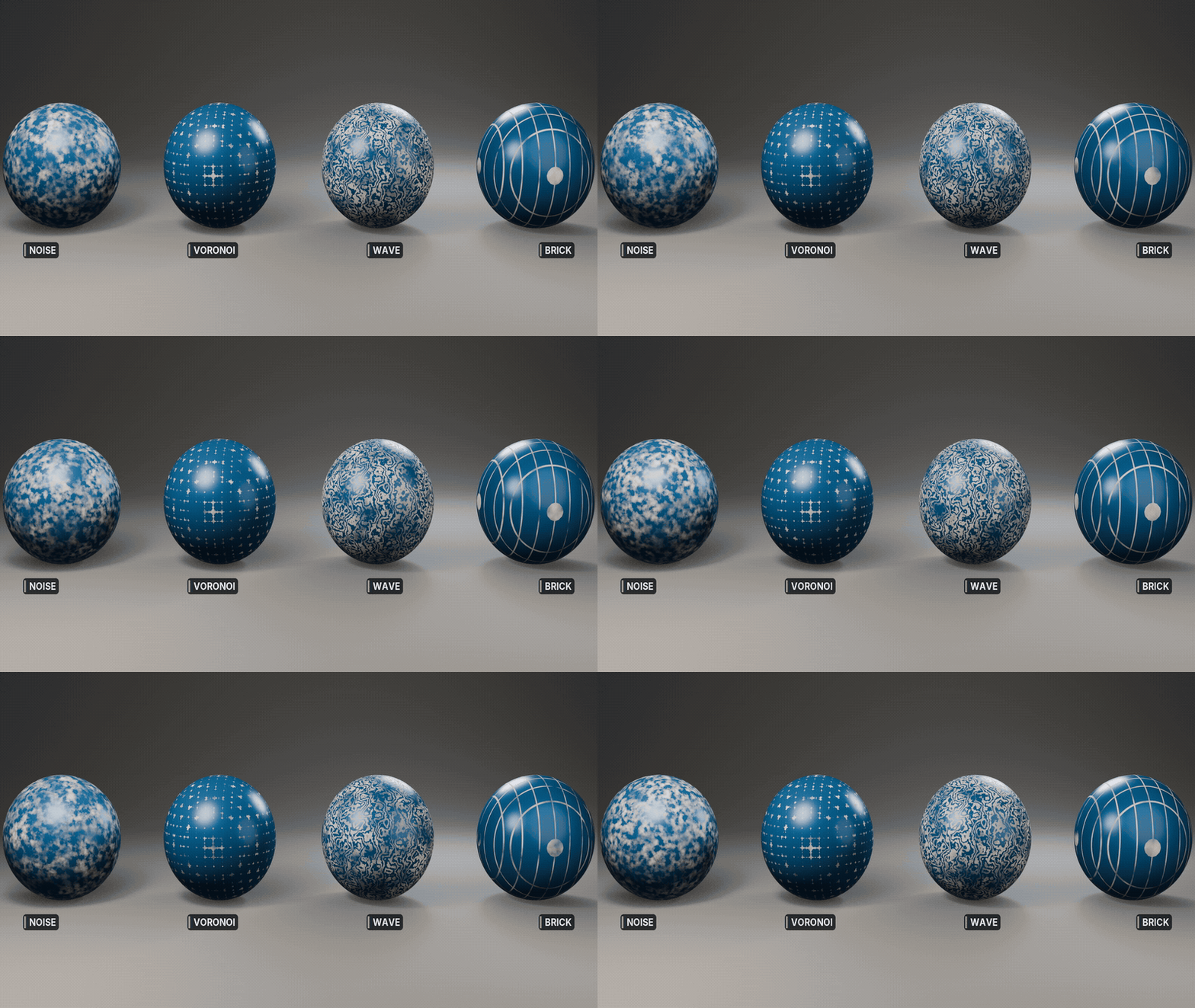
Each texture is Noise, Voronoi, Wave or Brick with its own ramp. Add Texture lays another one over it, and each gets its own output and color.
WHAT YOU GET
- Masked Texture 0.7.1 as a Blender extension: drag the .zip into Blender to install
- One shader node: Shift+A > Masked Texture
- 9 area sources: Noise, Voronoi, Wave, Edges, Cavities, Height, Facing, Vertex Paint, Object
- 4 textures: Noise, Voronoi, Wave, Brick, stackable with Add Texture
- Outputs: Result, Color, Mask and one per texture
- Sidebar tools: Add Texture, Auto Animate, Paint on Active Object, Preview, Update Node
- Direct email support from the developer
UPDATES AND SUPPORT
Updates install with one click inside Blender through Superhive's extension repository, and every update is free.
- Questions or problems: [email protected]
- Licence: GPL, source included. Use it on anything, commercial or not.
CHANGELOG
| 0.7.1 (2026-10-08) | One output per texture; Color output always on. |
DRAG THE .ZIP INTO BLENDER, SHIFT+A > MASKED TEXTURE, PLUG RESULT INTO A MIX.