 Dreamy Art World


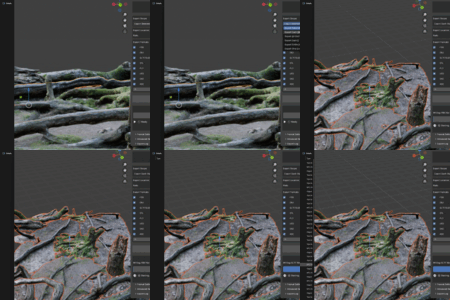
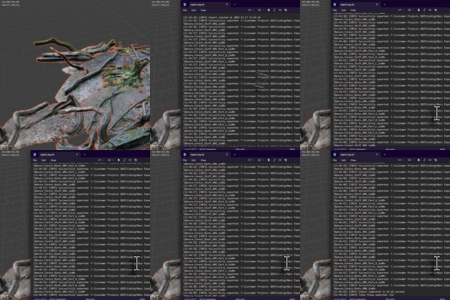
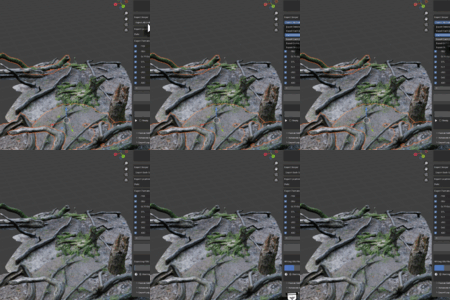
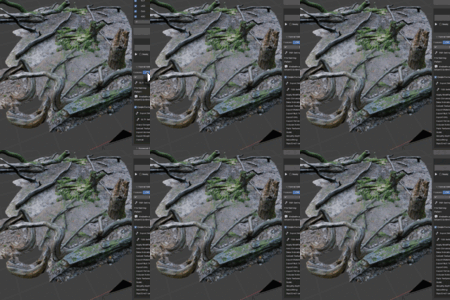
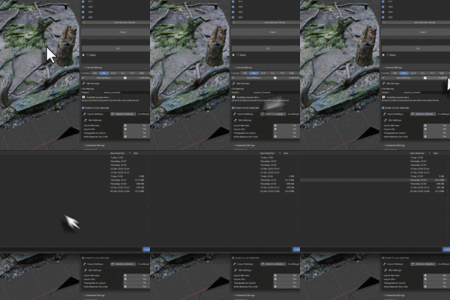
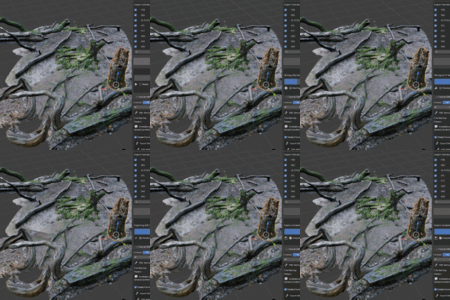
🚀 Mass Exporter
Professional Multi-Format Exporter for Blender
Export 8 formats simultaneously. Save hours with automated batch export workflows.
✨ What You Get
8 Export Formats - FBX, glTF/GLB, OBJ, STL, PLY, USD, Collada, Alembic

One-Click Export - Export multiple formats in a single operation

6 Export Modes - Selected, individual, collections, scene, and visibility modes

Smart File Naming - Dynamic patterns with variables ({object}, {date}, {format})
Progress Tracking - Real-time progress bar and detailed export logs
Preset System - Save and load configurations for different workflows
📦 Supported Export Formats
|
FBX
Game engines & 3D apps
|
glTF/GLB
Web & real-time 3D
|
|
OBJ
Universal geometry
|
STL
3D printing & CAD
|
|
PLY
Point cloud & mesh data
|
USD
Pixar's USD format
|
|
Collada (DAE)
Open standard format
|
Alembic (ABC)
VFX & animation cache
|
🔄 Flexible Export Modes
Export all selected objects as one file - perfect for complete assets.
Each object becomes its own file - ideal for modular asset libraries.
Export all collections as one combined file.
Each collection becomes a separate file - perfect for asset management.
Export everything in the current scene as one complete file.
Export only visible objects - useful for selective workflows.
⚡ Key Features
📁 Smart File Management
- Custom file naming patterns with dynamic variables
- Automatic format-specific subfolder creation
- Variables: {object}, {collection}, {parent}, {index}, {format}, {date}, {time}
- Example:
{object}_{format}_{date}→Chair_fbx_20250115
⚙️ Advanced Format Settings
- FBX: Multiple versions, apply scale, modifiers, animation baking
- glTF: Separate/GLB, Draco compression, PBR materials
- OBJ: MTL materials, UV coords, normals, texture copying
- USD: USD/USDA/USDC, material schemas, animation
- STL: ASCII/Binary, scale conversion, 3D print ready
- Alembic: Animation caching, deformations, particles
📊 Progress & Logging
- Real-time visual progress bar
- Detailed export logs with timestamps
- Export statistics (file count, time taken)
- Save logs to file for debugging
- Debug logging option for troubleshooting

🚀 Performance Options
- Batch processing for memory optimization
- Parallel export for faster processing
- Configurable batch sizes and thread counts
- Memory-efficient for large scenes
💾 Preset System
- Save export configurations as presets
- Load presets for quick workflow switching
- Share presets across projects
- Pre-configured templates for common use cases
💼 Perfect For
|
🎮 Game Development
Export to Unity, Unreal Engine, and web game formats with one click. |
🎬 VFX & Animation
Batch export to Alembic, USD for professional VFX pipelines. |
|
🖨️ 3D Printing
Export multiple objects to STL with proper scale for 3D printing. |
🌐 Web 3D
Optimize and export to glTF/GLB for web, AR/VR experiences. |
|
📦 Asset Libraries
Create comprehensive libraries with multiple format versions. |
🏗️ Architectural Viz
Export scenes for presentations and CAD integration. |
🌟 Why Choose Mass Exporter?
- Save Hours: Stop exporting formats one by one - do it all at once
- Production Ready: Professional-grade tool used in real-world workflows
- Lightning Fast: Optimized pipeline with parallel processing support
- Highly Configurable: Complete control over every export parameter
- Transparent: Real-time progress and detailed logs
- Open Source: GPL-3.0 licensed with active development
⚙️ Technical Specifications
| Blender Compatibility | Blender 3.0 and above |
| Version | 1.0.0 |
| Category | Import-Export |
| Location | View3D > Sidebar > Mass Exporter |
| License | GPL-3.0-or-later |
| Export Formats | FBX, glTF/GLB, OBJ, STL, PLY, USD, DAE, ABC |
| Export Modes | 6 modes (Selected, Individual, Collections, Scene, Visible) |
| Performance | Batch processing & parallel export support |
📥 Installation
- Download the Mass Exporter add-on package
- Open Blender and go to Edit > Preferences > Add-ons
- Click Install and select the downloaded file
- Enable the add-on by checking the box
- Find it in View3D > Sidebar > Mass Exporter
🚀 Quick Start
- Select objects you want to export
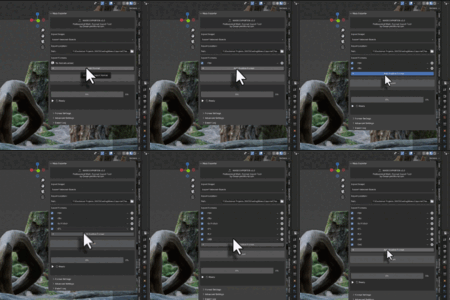
- Open the Mass Exporter panel in the 3D Viewport sidebar
- Add export formats (click + button)
- Enable the formats you want to export
- Choose export scope (Selected, Individual, Collections, etc.)
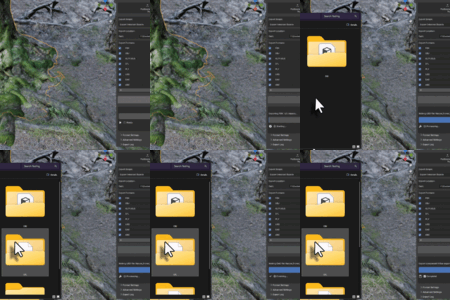
- Set output folder
- Click Export All Formats
- Watch the progress bar and check the log when done!
Mass Exporter v1.0.0 - Professional Multi-Format Exporter for Blender
Licensed under GPL-3.0-or-later | © 2025

