Material a/B Compare
 CSMX.eu

Does it work with Cycles, EEVEE, node groups and several materials?
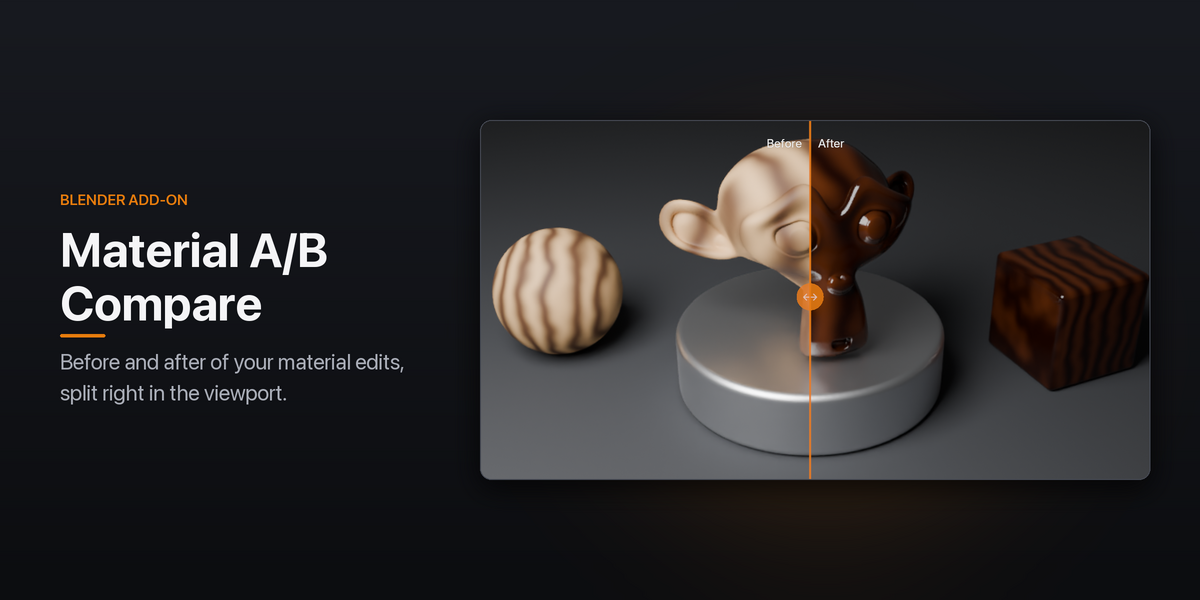
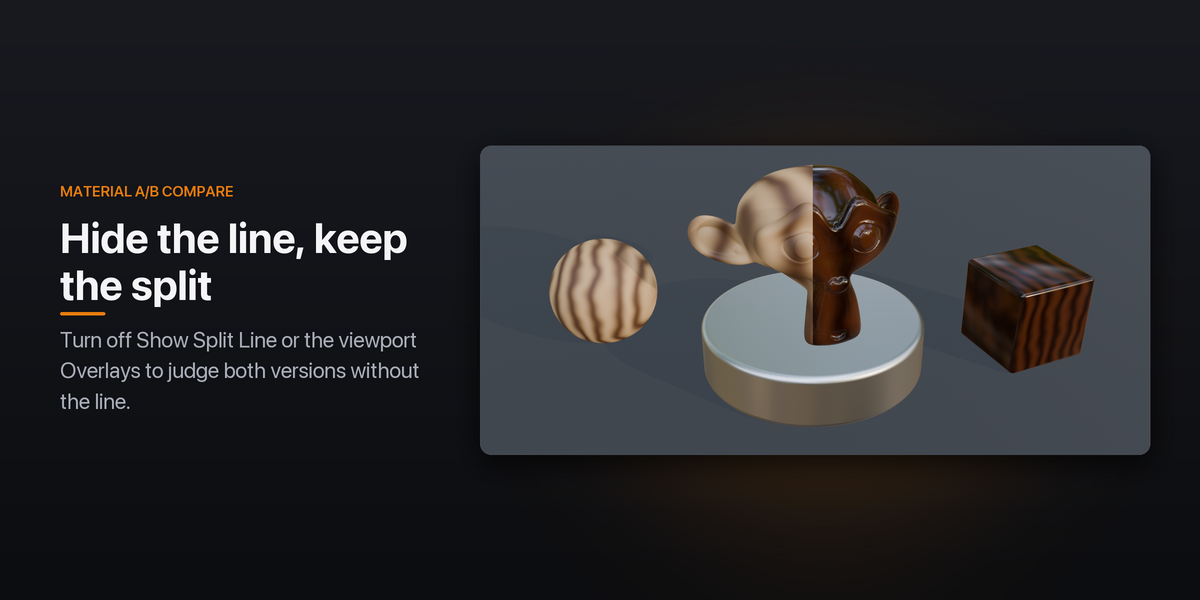
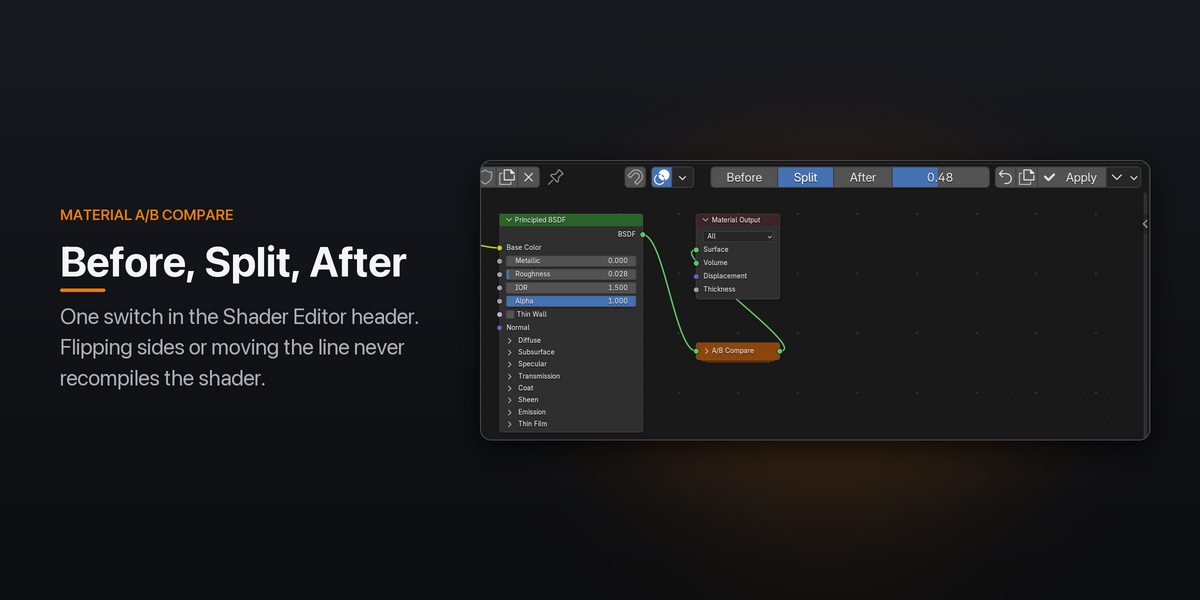
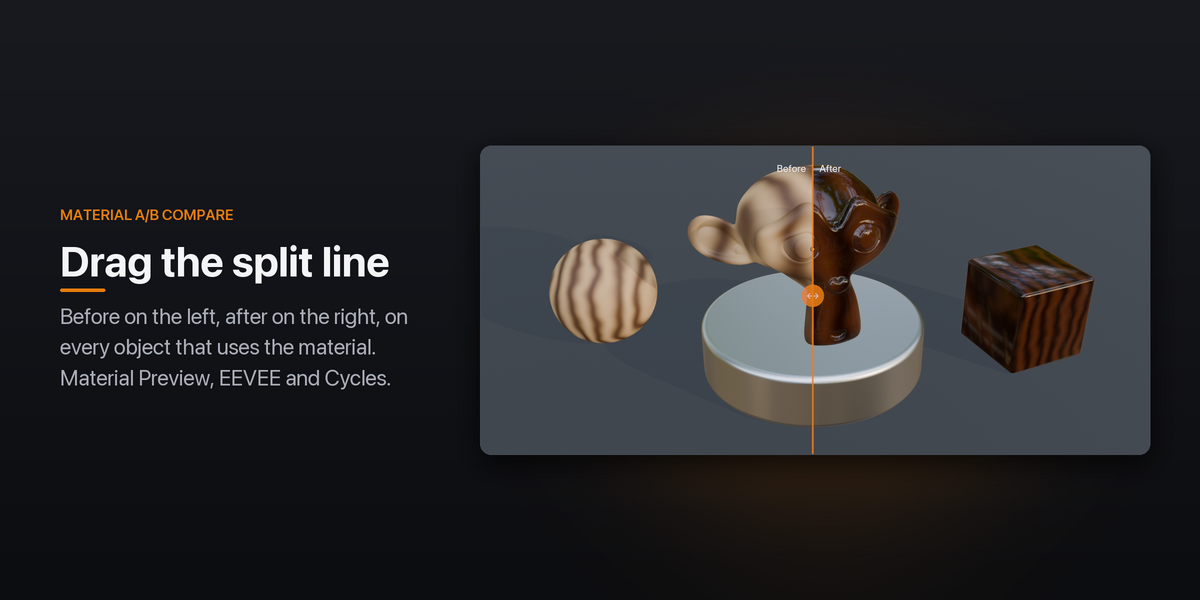
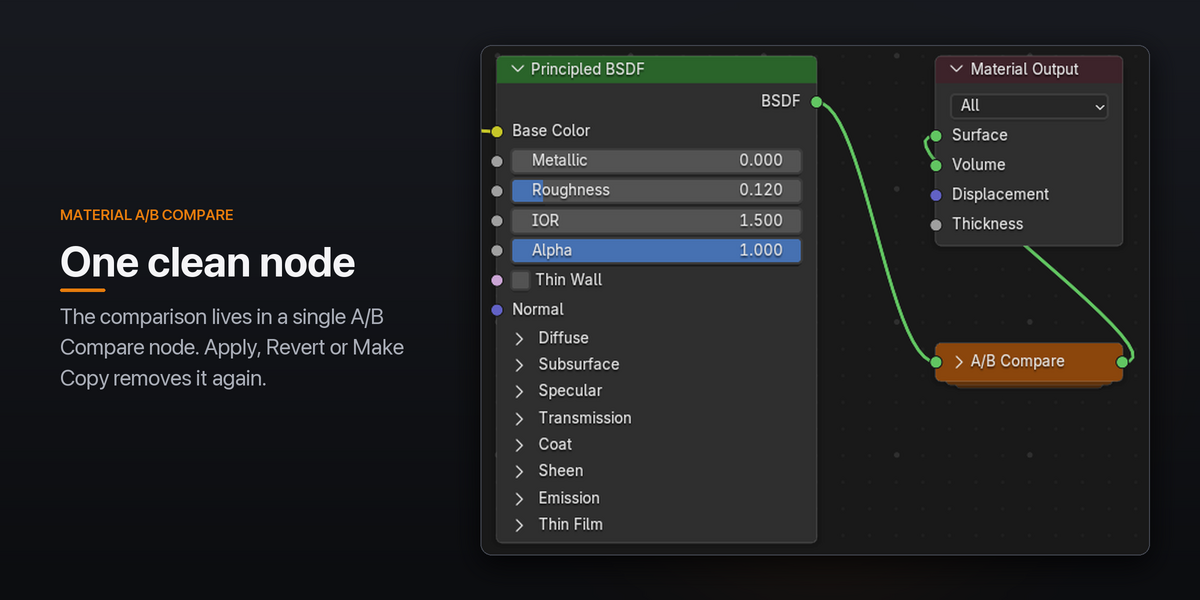
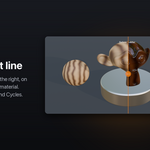
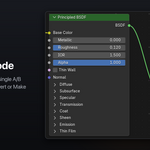
Yes. The split works in Material Preview, EEVEE and Cycles, node groups are snapshotted too (including nested and shared ones), and you can compare several materials at once. While comparing, the shader evaluates both versions, so it costs about twice as much until you Apply.
Will the split show up in my renders?
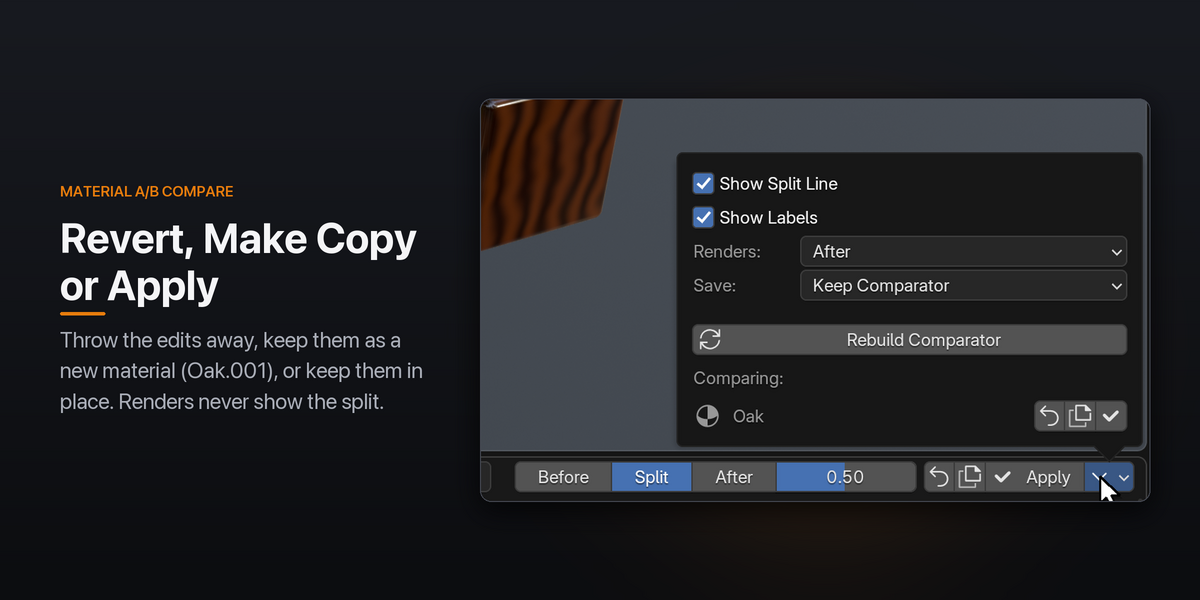
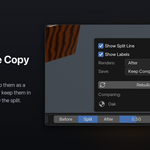
No. F12, animation and command-line renders show the after version, or before if you choose that in the options, and the split comes back afterwards. The one exception is View › Viewport Render, which captures the viewport as you see it, so switch to After first.
Does it compare two different materials, or render separate before and after images?
No. It compares one material with a snapshot of itself, taken when you press A/B Compare, and shows both in the viewport split by a line. For a still of both versions, use the viewport or press Make Copy to keep the edits as a second material.
Have questions about this product?
Login to message
| Blender Extension Compatible | Yes |
| Published | 5 days ago |
| Blender Version | 4.2 - 5.2 |
| Extension Type | Add-on |
| Render Engine Used | Cycles, Eevee |
| License | GPL |
