 Alexander Hawkins


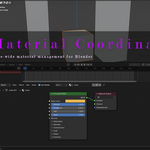
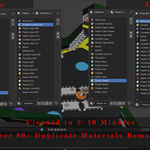
Large scenes, style conversions, asset pack cleanup, and material management can quickly become some of the most time-consuming parts of working in Blender. Material Coordinator is a workflow-focused add-on designed to give you fast, scene-wide control over materials, helping you clean, replace, and organize materials without unnecessary steps.
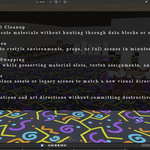
Whether you’re consolidating duplicate materials, swapping styles across an environment, or preparing assets for export, Material Coordinator removes repetitive manual work and keeps your scenes clean and consistent.
Key Features
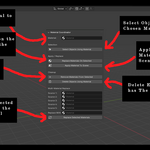
Select all objects that share a specific material
Remove all materials from selected objects
Replace materials on selected objects with a single material
Apply a material to every mesh object in the scene
Delete all objects that use a specific material
-
Multi-material, slot-aware replacement
Replace up to five selected source materials with a new material.
Only matching material slots are affected.
Preserves other materials on the same object
How It Works
Choose a material using the Material Coordinator panel.
Select the operation you want to perform.
Apply changes instantly across selected objects or the entire scene
All tools are undo-safe and designed to work seamlessly with Blender’s native material system.
Scroll down to view a short video demonstrating the complete feature set and typical workflows along with installation.
