 ztrztr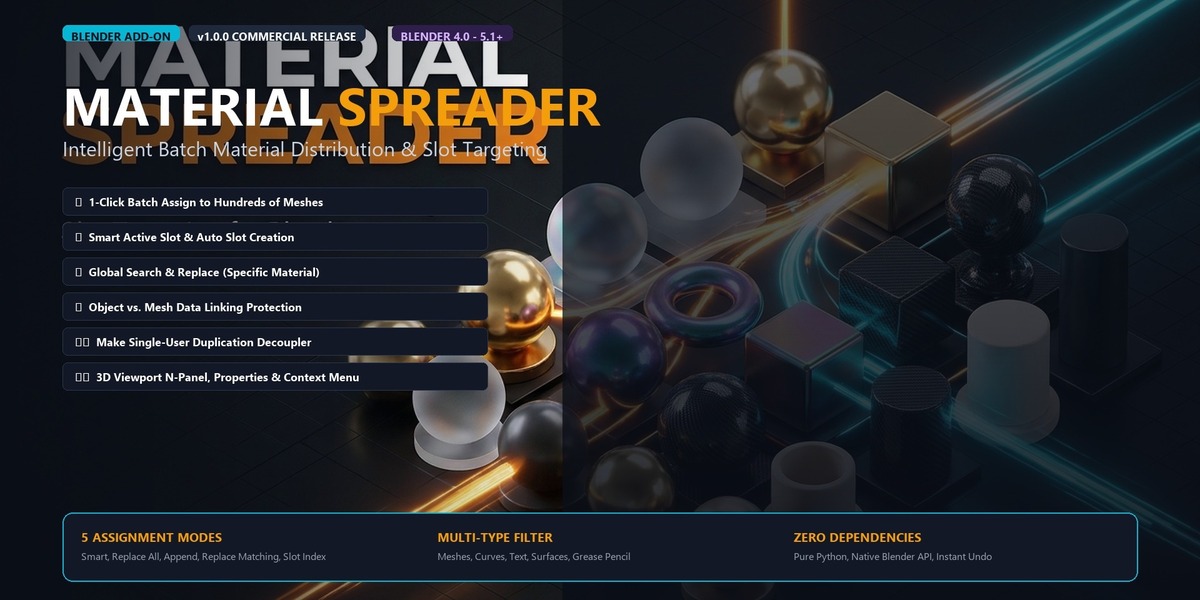






Tired of Blender's native `Ctrl + L -> Link Materials` clearing every existing slot on your objects?
In real-world 3D workflows—whether you are dressing an environment, assembling kitbash props, or prepping CAD imports—you constantly need to assign or swap materials across dozens of objects without wiping out their existing slot structure.
**Material Spreader** is a streamlined workflow utility for Blender that gives you complete control over how materials are distributed across your selection.
### ⚡ Why Artists Need This
- ❌ **The Native Problem:** Native `Ctrl + L` copies the *entire* material slot stack from the active object, destroying any custom face assignments, secondary slots, or multi-shader setups on target objects.
- ✅ **The Material Spreader Solution:** Decouples assignment from slot destruction. Only modify the slot you want, leave the rest untouched, or append new slots effortlessly.
---
### 🔥 Core Features
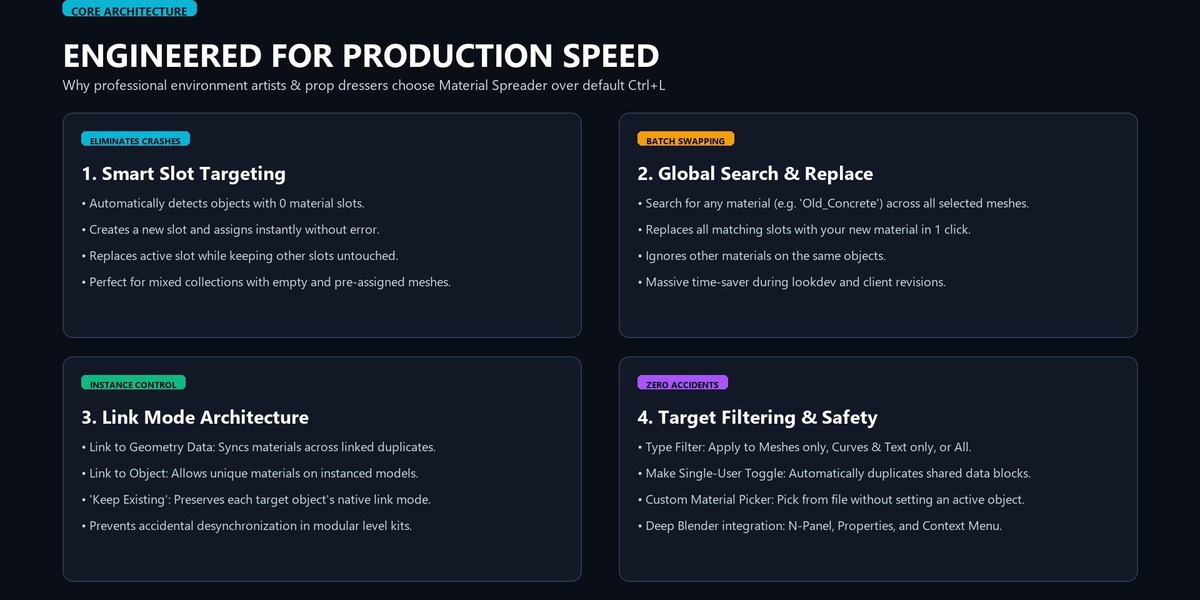
1. **Smart Active Slot Assignment (Non-Destructive)**
- Replaces the active slot on each target object without touching other slots.
- If an object has 0 slots, it automatically creates Slot 0 and assigns the material.
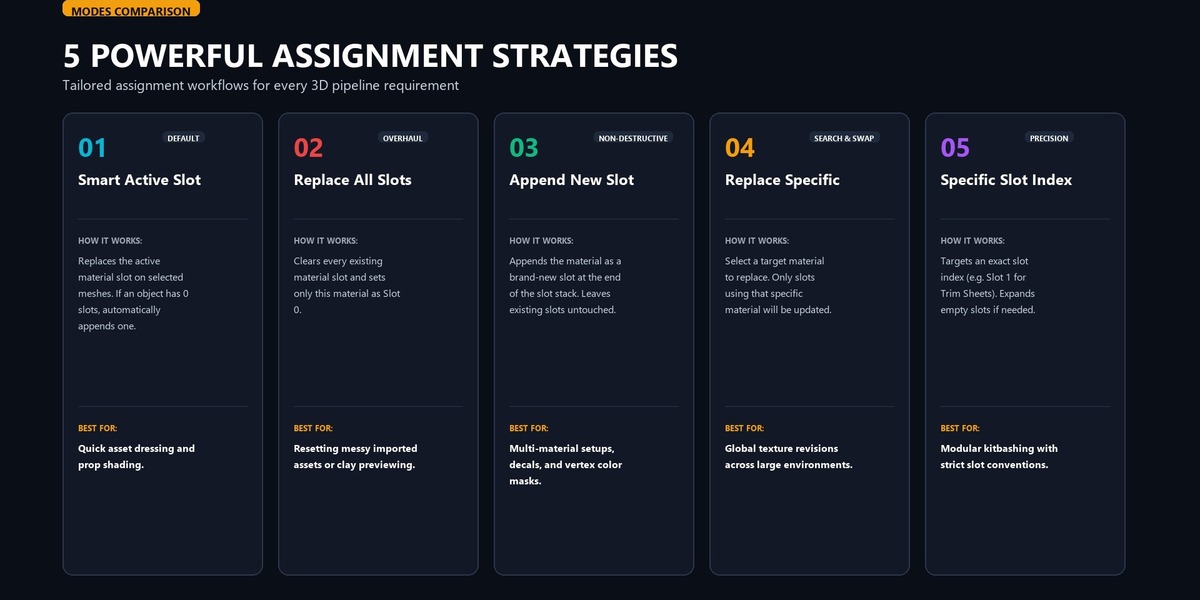
2. **5 Flexible Assignment Modes**
- **Smart Active Slot:** Safe, non-destructive single slot update.
- **Replace All Slots:** Clean slate wipe for when you truly want only one material.
- **Append as New Slot:** Adds the material as a new slot without modifying existing slots.
- **Replace Specific Material:** Find-and-replace specific shaders across hundreds of objects instantly.
- **Specific Slot Index:** Target slot `0`, `1`, `2`, etc., with automatic slot creation.
3. **Dual Source Selection**
- Grab the active material from your active object, OR use the **Custom Material Picker** to distribute any material from your blend-file without assigning it first.
4. **Link Control: Data vs. Object Container**
- Keep existing link settings, force link to geometry **Data**, or link to **Object Container** so linked duplicates (`Alt+D`) can have individual materials!
5. **Geometry Filtering & Safety**
- Filter to *All Supported*, *Meshes Only*, or *Curves & Text Only*.
- **Make Single User** toggle prevents unselected instances from being unintentionally modified.
6. **Seamless UI Integration**
- Docked directly in the **Material Properties** tab.
- Dedicated tab in the **3D Viewport N-Panel** for modeling workflows.
- Accessible via **Right-Click Context Menu** and **F3 Operator Search** with interactive **F9 Redo Panel** support.
---
### 📦 What You Get
- `material_spreader.zip` (Standard Blender Add-on / Extension package)
- Complete User Manual & Quick Start Guide (`PDF` / `Markdown`)
- Full compatibility with **Blender 4.0, 4.1, 4.2 LTS, 4.3, and 5.x**
- Free lifetime updates & GPLv3 source code
