MaterialByCollection – Assign Materials by Collection
 Fulford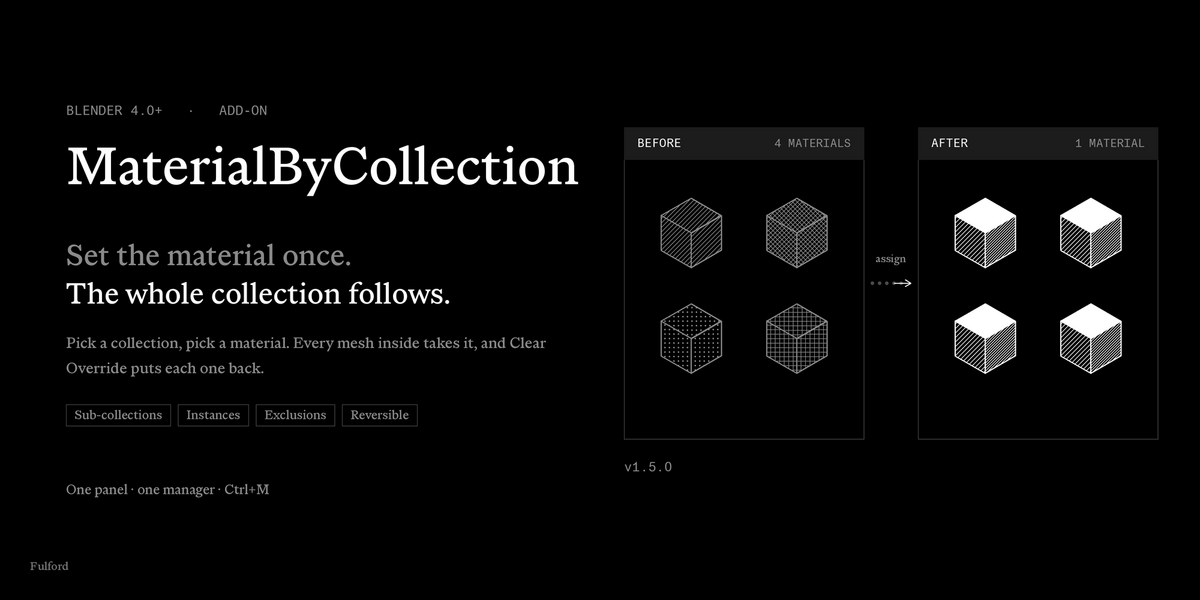


How is this different from copying a material to the selected objects?
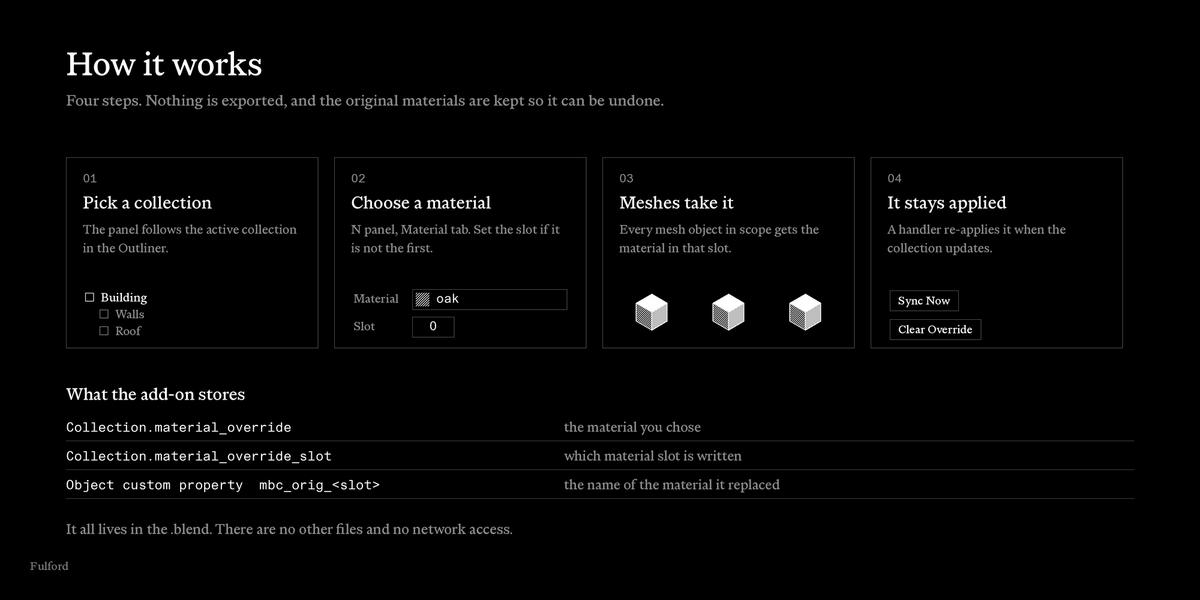
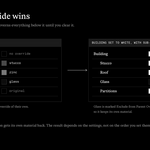
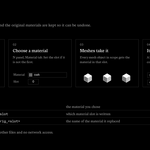
Copying a material across a selection is a one-off action on whatever you selected. MaterialByCollection works by collection instead. You set the material on the collection, it reaches the meshes inside, it remembers each object's previous material, and Clear Override puts them back.
Is it a render override or a view layer override?
No. It writes into the material slots of the objects, so the change is in the file and visible everywhere. Clear Override reverses it.
How do I install it?
In Blender, open Edit, Preferences, Add-ons. In Blender 4.0 and 4.1 press Install. In Blender 4.2 and newer use the menu at the top right and choose Install from Disk. Pick MaterialByCollection-1.5.0.zip and enable Material By Collection.
Where is the panel?
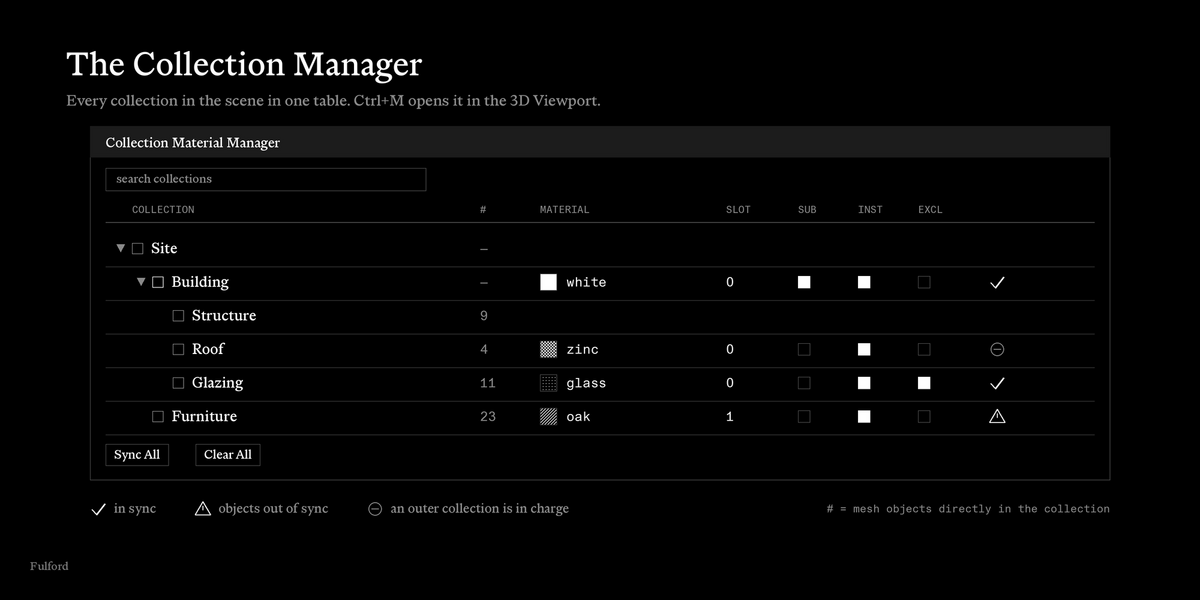
3D Viewport sidebar. Press N and open the Material tab. The panel is called Material by Collection.
Which collection does the panel show?
The active collection in the Outliner. Click another collection and the panel follows.
Does it paint curves, text or empties?
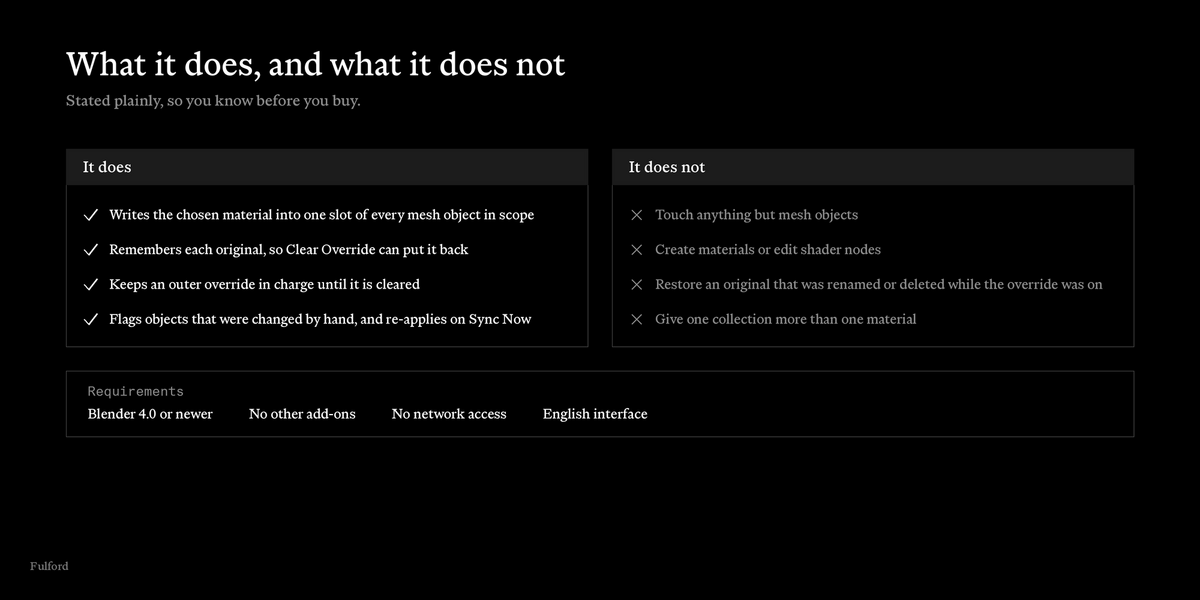
No. Only mesh objects are assigned.
What does Slot mean?
The index of the material slot written on each object. 0 is the first slot. If an object has fewer slots, empty ones are added so the index exists. Those added slots stay after you clear the override.
My sub-collections did not change
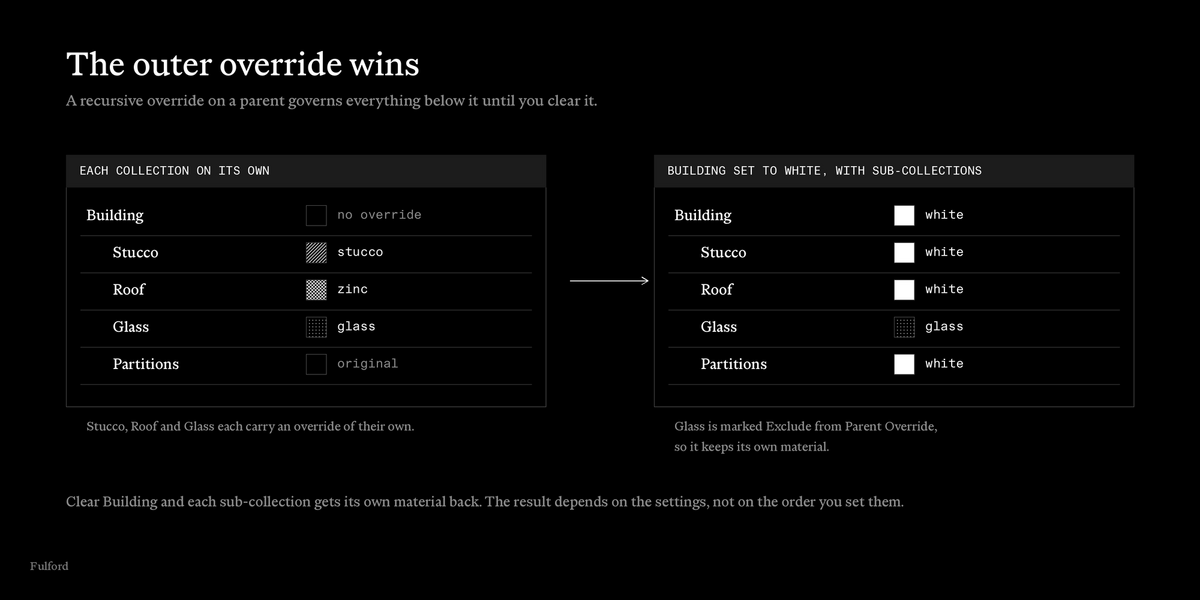
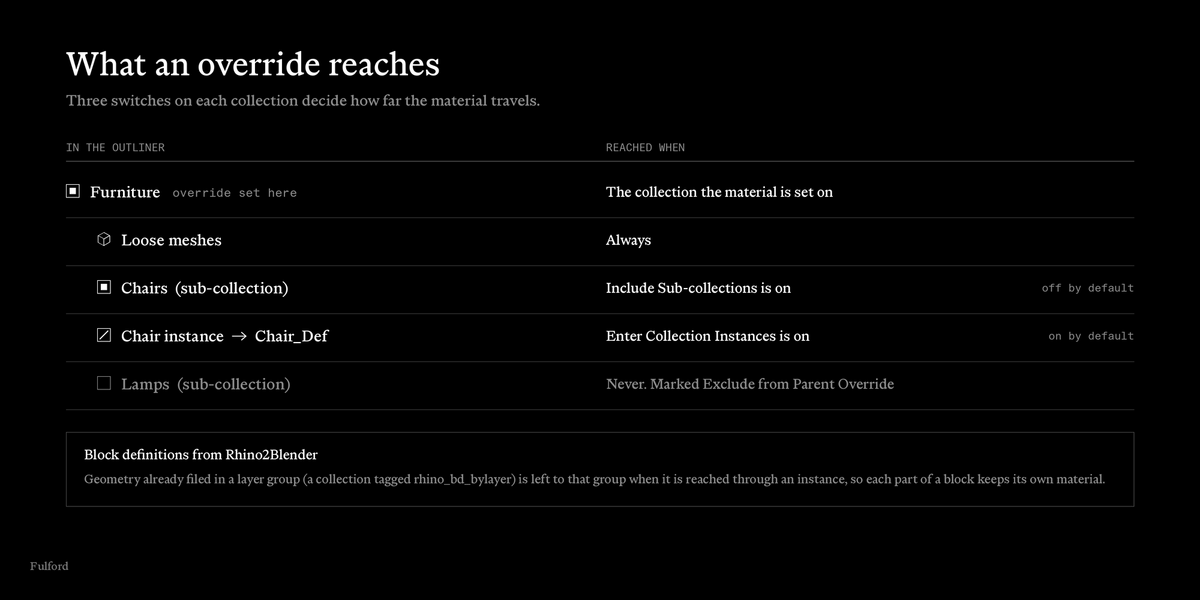
Turn on Include Sub-collections on the parent. It is off by default.
Objects inside a collection instance did not change
Turn on Enter Collection Instances. It is on by default, so check that the instanced collection is not marked Exclude from Parent Override. An excluded collection is not entered.
The panel says Overridden by another collection
An outer collection with Include Sub-collections is in charge while its override is set. Clear it, or mark this collection Exclude from Parent Override to show its own material.
What does Objects out of sync mean?
Some mesh in the collection no longer carries the override material, for example because you changed its slot by hand. Press Sync Now to re-apply it. The collection's own next update re-applies it as well.
How do I undo an override?
Press Clear Override in the panel to clear one collection. Press Clear All in the manager to clear every collection.
I renamed or deleted a material while an override was on
The add-on remembers the previous material by name. If that name no longer exists when you clear, that slot is left empty.
Does it survive saving and reopening the file?
The override settings and the remembered materials are stored in the .blend.
Can one collection have several materials?
No. Each collection has one material and one slot. Use separate collections for separate materials.
Where can I get support?
https://fulfordstudio.com/tools/material-by-collection/support
Have questions about this product?
Login to message
| Published | about 11 hours ago |
| Blender Version | 5.0 - 5.2 |
| Extension Type | N/A |
| Render Engine Used | Cycles, Eevee |
| License | GPL |
