 GPolygon Design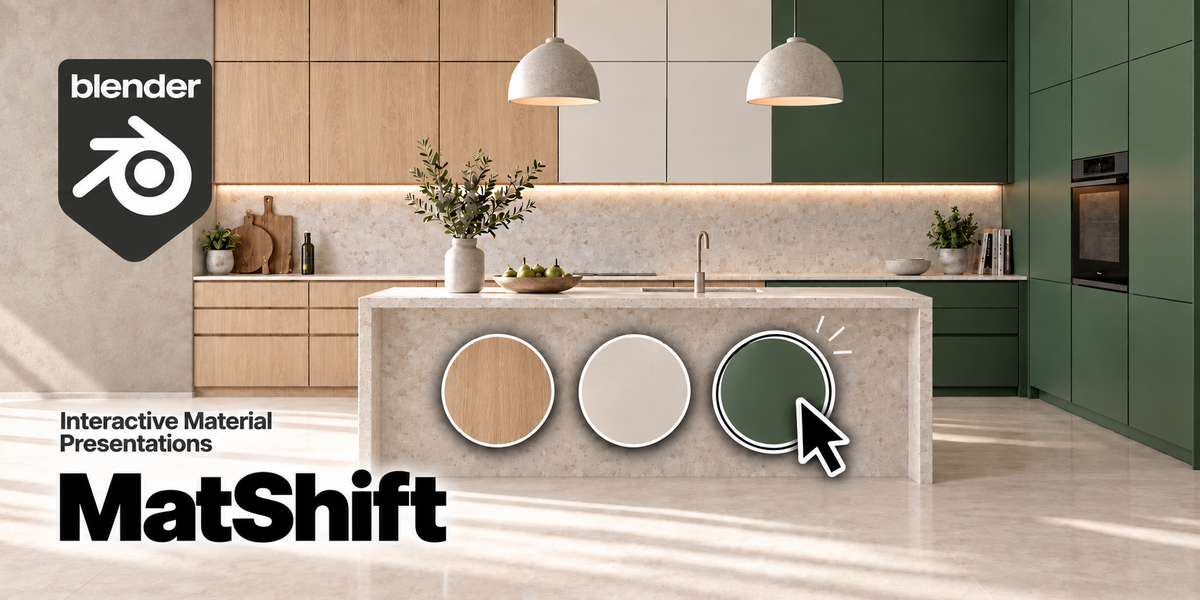

MatShift V1 — From Blender to Your Client’s Browser
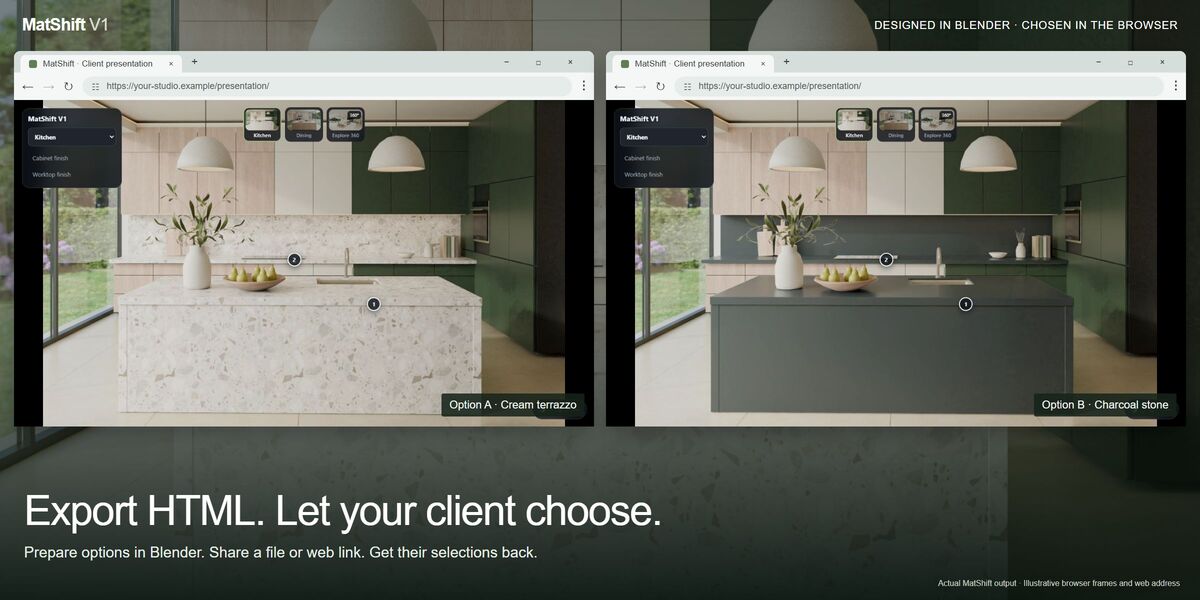
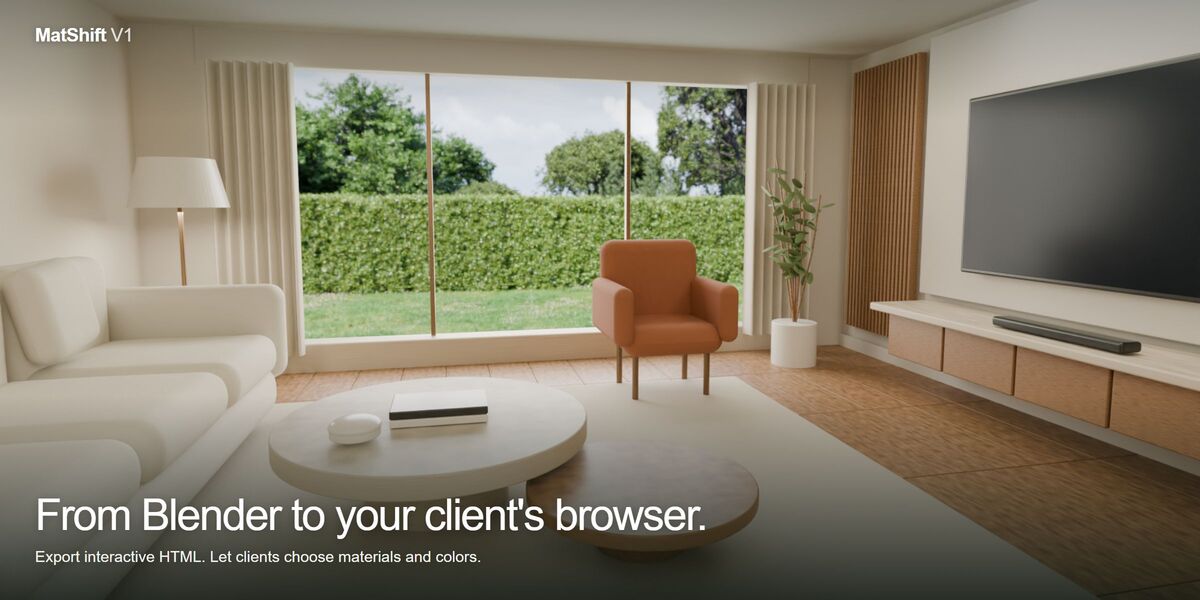
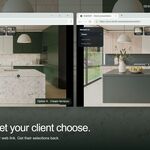
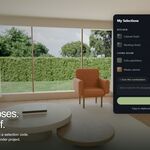
Turn your Blender interior renders into an interactive HTML presentation your client can use. You prepare the material and color options; your client opens the presentation in a browser, compares finishes and sends their choices back to you.
Prepare. Share. Choose.
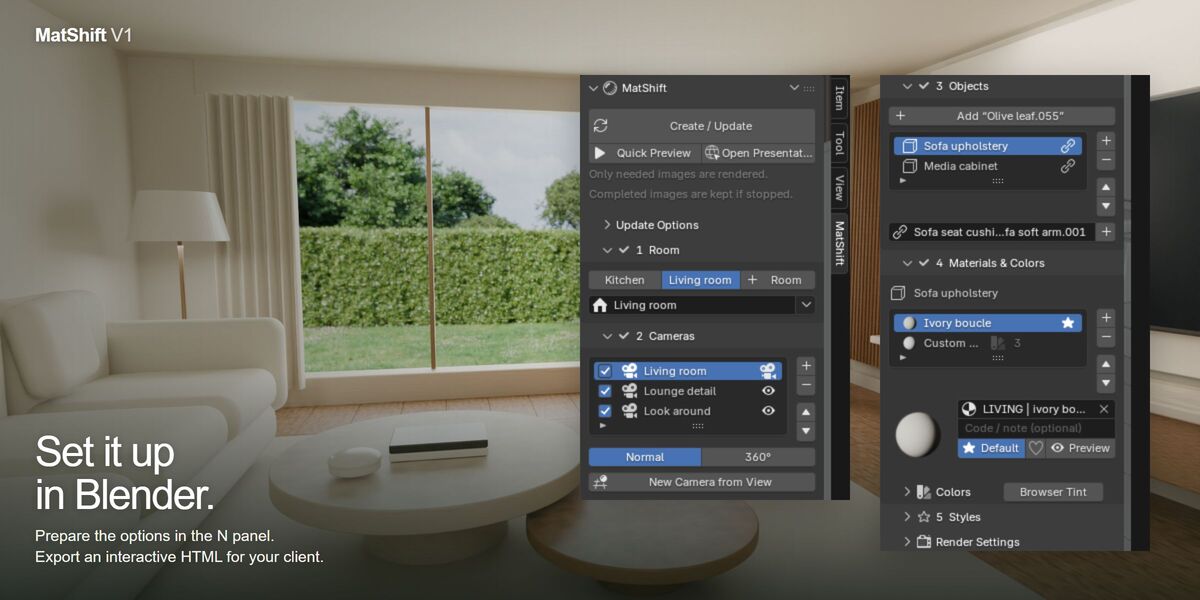
- The designer prepares: organize rooms, camera views, materials and color options in Blender.
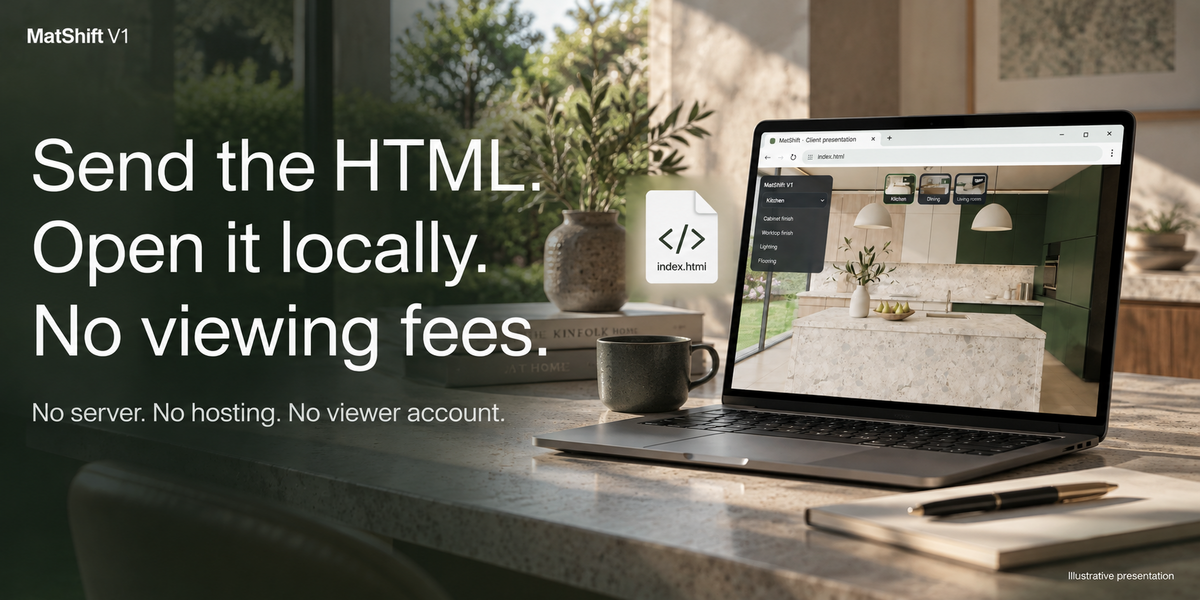
- The designer shares: render and export one HTML file with embedded images. Send the file to your client, or host the presentation on your own website.
- The client chooses: open the HTML in a browser, explore rooms, compare materials and try the colors you enabled. No Blender installation or account is needed.
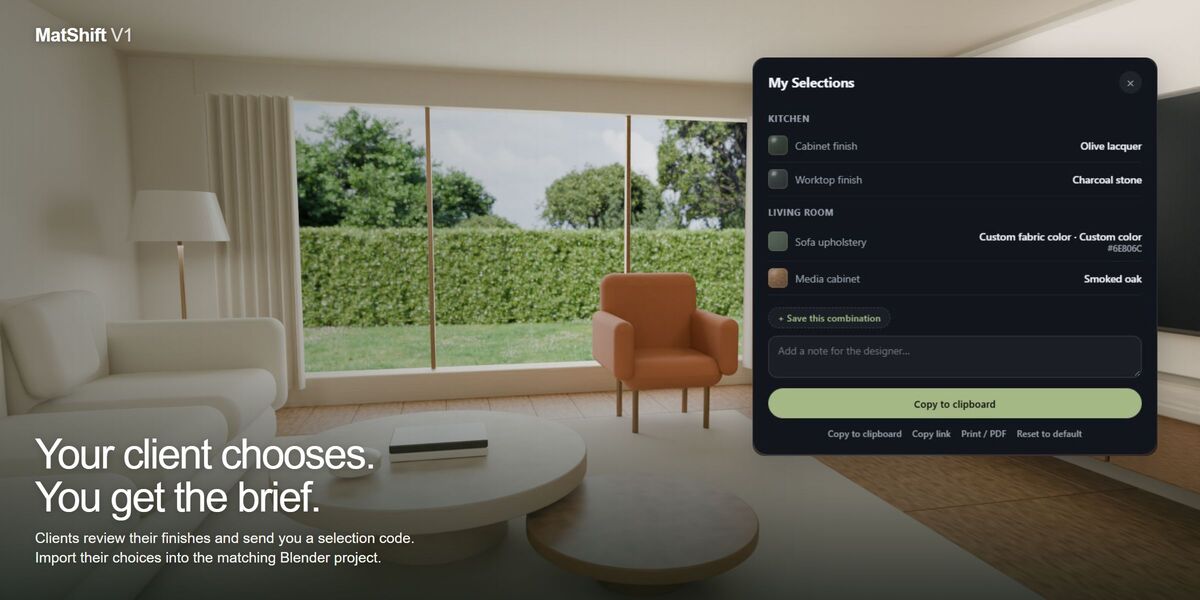
- The choices come back: the client reviews My Selections and sends you a selection code. Import it into the matching Blender project to recover their choices.
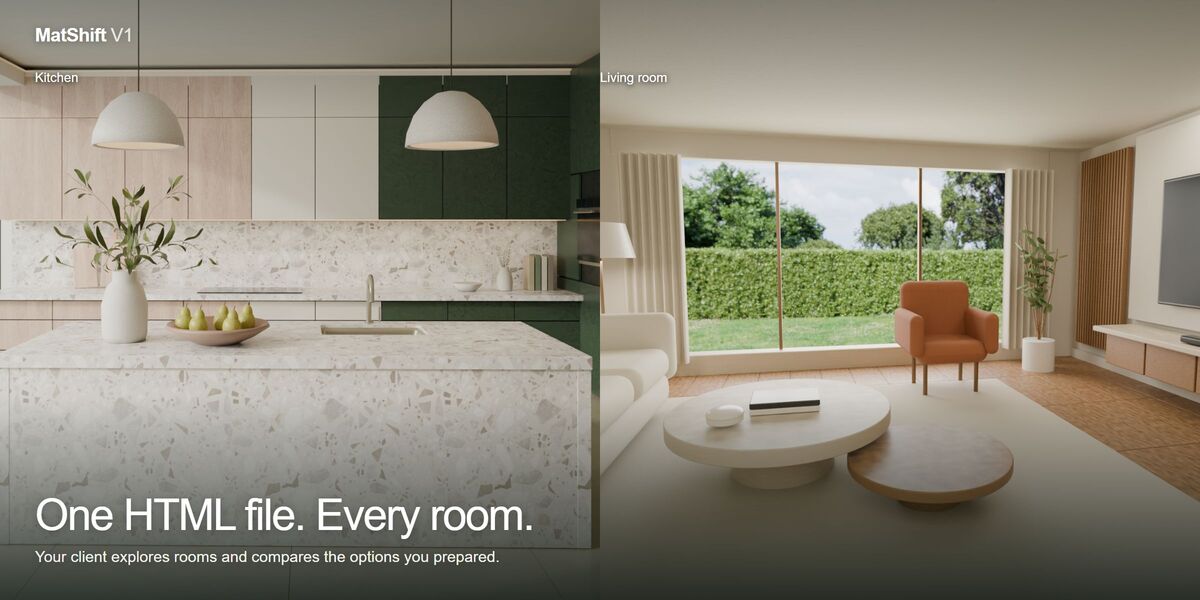
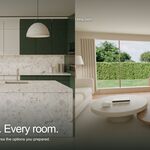
One presentation. Every room.
Organize multiple rooms and camera views in the same project. Let clients switch from the kitchen to the living room and compare finishes in context.
Materials and colors, made clear
- Click a surface or object name to choose a prepared material.
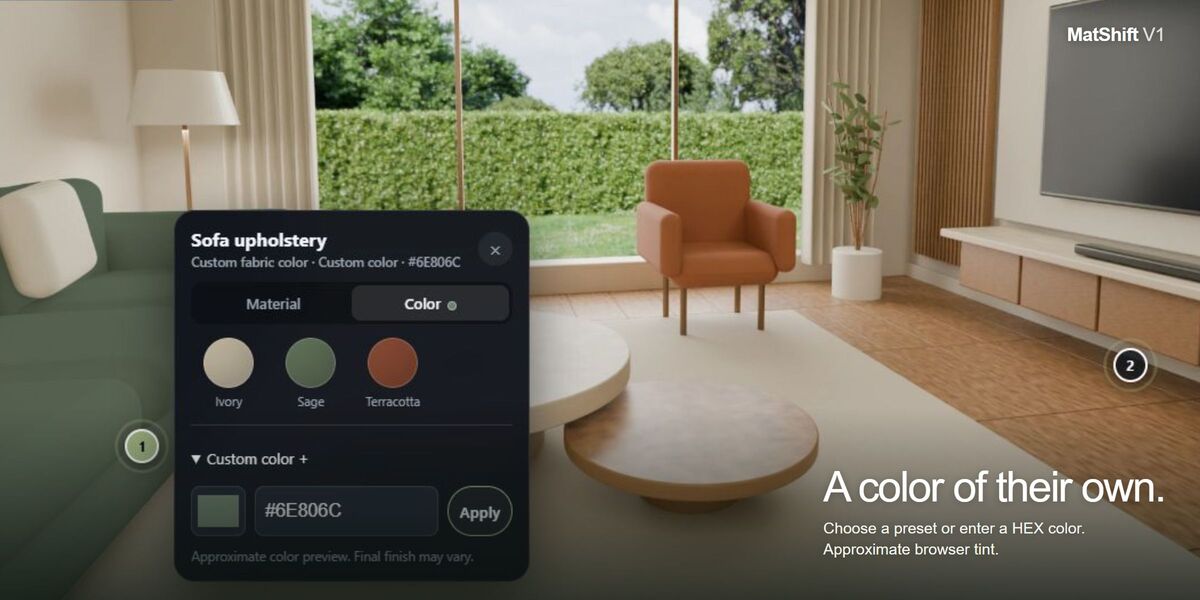
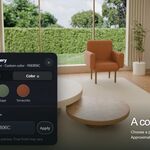
- Offer preset color palettes or allow a custom color picker and HEX entry.
- Add optional material descriptions, prices and your studio logo.
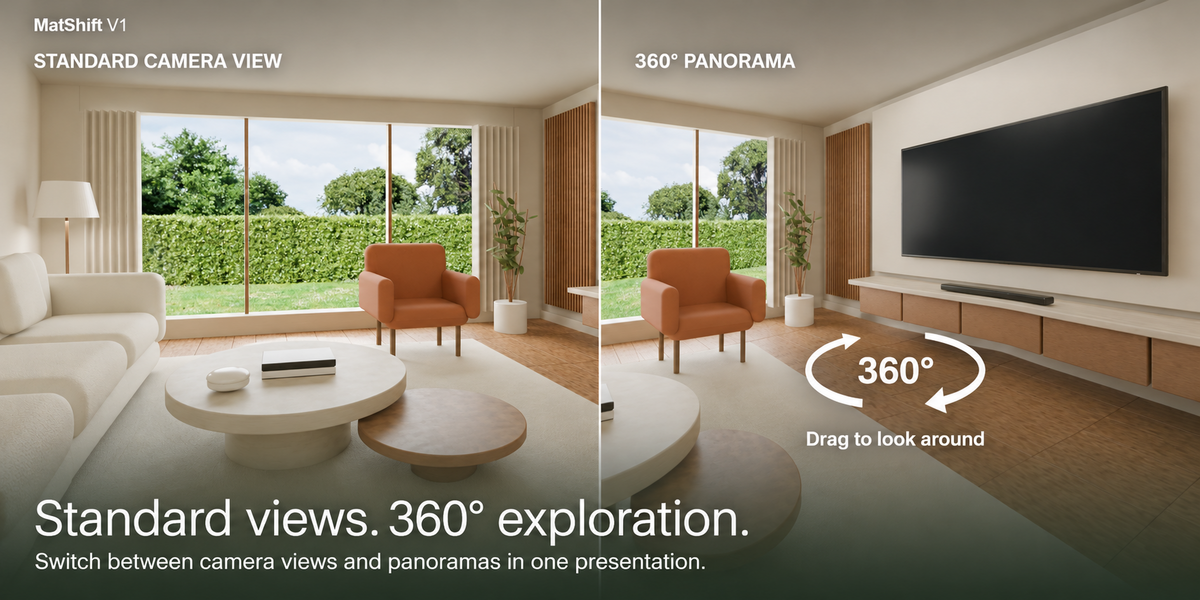
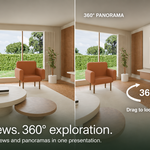
- Include normal camera views and optional 360° panoramas.
Capture the decisions
Clients can review My Selections, save combinations and return a PR2 selection code. Import the code into the matching Blender project to recover the chosen options. Browser Tint colors are added to the palette; apply final shader colors separately.
Share one HTML file
Export a single HTML file with embedded images for offline delivery, or export separate images for web hosting. The viewer needs no account or external JavaScript library. Separate-image panoramas should be served over HTTP.
Start in five steps
- Install MatShift-V1.zip through Preferences → Get Extensions → Install from Disk.
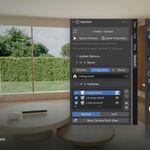
- Add rooms, cameras and the mesh objects you want clients to customize.
- Add material options. For custom colors, use a neutral base and enable Browser Tint and Allow Custom Color.
- Save the project. Run Quick Preview, then Create / Update.
- Share the exported index.html with your client.
Requirements
Blender 4.2 or newer. The maintained V1 code was tested on Windows with Blender 4.2.22, 4.5.2 LTS, 5.1.2 and 5.2.1 LTS. Normal views support Cycles and EEVEE; 360° rendering requires Cycles. WebGL is needed for the interactive panorama viewer. Other operating systems and browser combinations have not been certified by this test.
How the preview works
MatShift combines rendered image layers from fixed camera positions. Changing a finish does not recalculate reflections or indirect lighting. Transparency may show compositing artifacts. Browser Tint is an approximate color preview. Supported static scenes can reuse verified images; animation and unsupported dependencies may require a full refresh.
Included
The MatShift V1 add-on, user documentation and GPL-3.0-or-later license. The interiors shown demonstrate the add-on and are not included in the extension ZIP.
Support
Contact GPolygon through Superhive. Include Menu → Copy Support Info when reporting a problem.