 fanlei

Max Spline Tools Pro starts from the editable-spline handling familiar from 3ds Max, then builds on it with projection onto meshes, quad end caps, live extrusions and in-viewport measurement.
If you have ever modelled with editable splines, you know the rhythm: click to place points, drag out a Bezier handle on the fly, pull an extrusion by dragging, offset an outline in one click, round a corner by dragging it. Blender's curve tools can do all of this, but never in that order. This add-on restores the order.
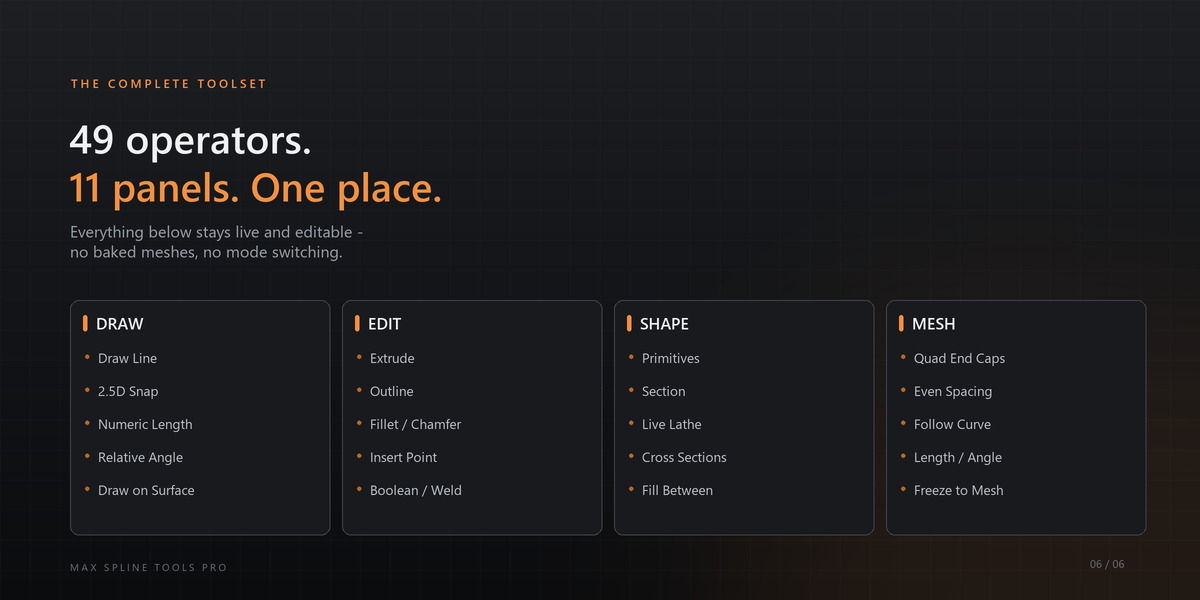
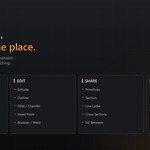
Everything lives in one place: 3D Viewport → N → "Max Spline" tab. Draw, edit, primitives, section, lathe, display and quick tools — one panel, no modal hunting, no mode switching. 49 operators, 11 panels, 6 right-click menus.
Designed around a real workflow, not a feature list
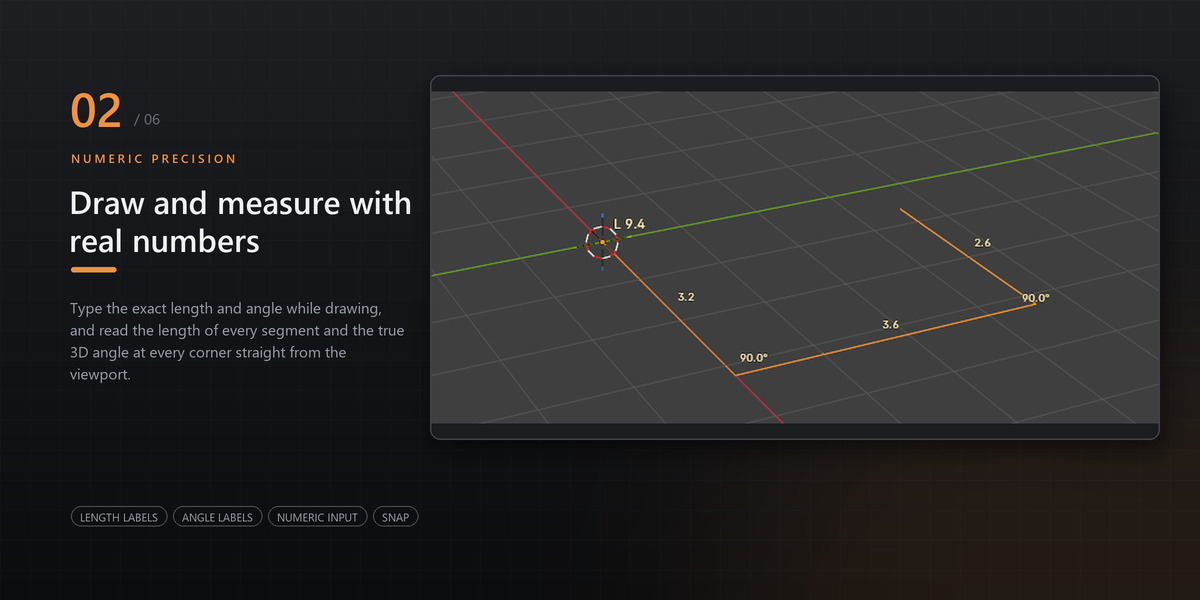
Draw with numbers. Lock X / Y / Z for one segment, type an exact length, or press R and give the angle measured against the segment you just drew. The lock clears itself, so the next segment is free again.

Draw with numbers - one-shot axis lock, exact length and R relative angle.
Snap without leaving your plane. 2.5D snapping takes the position from the geometry but keeps the point on the plane you are drawing on — trace a model that sits above or below that plane and the curve stays where you are working.

2.5D snapping - the curve stays on one plane even when the geometry does not.
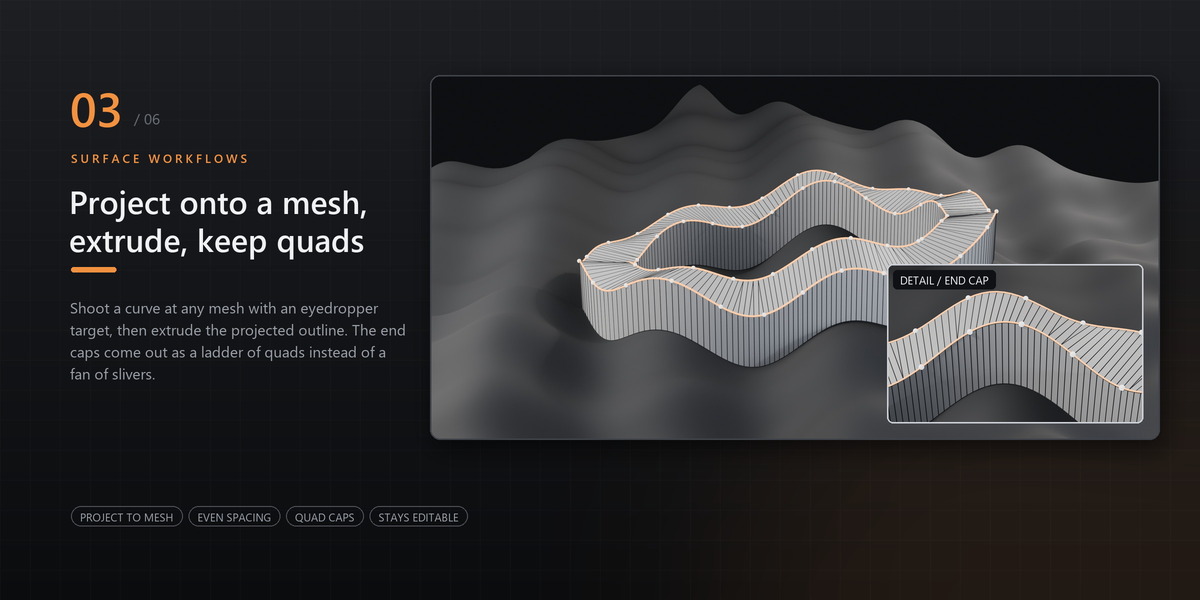
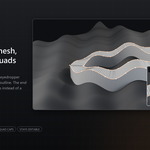
Project a finished curve onto any mesh. Pick the target with an eyedropper, choose X, Y or Z, press Project. Conform mode keeps your control points and adds points only where the surface bends, so the whole curve sits on the surface instead of just its control points. Even Spacing then resamples the result to a regular step with sharp corners preserved, so extruded walls come out at an even width.

Project onto a mesh with Even Spacing, then extrude a road on the terrain.
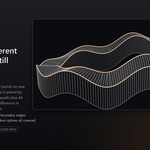
Extrude that keeps up with the curve. After extruding, keep editing the spline: the solid rebuilds in place and the point-to-point connectivity stays exactly as it was. When you want a plain mesh, one click freezes it.

Extrude stays editable - 3D text built from a spline.
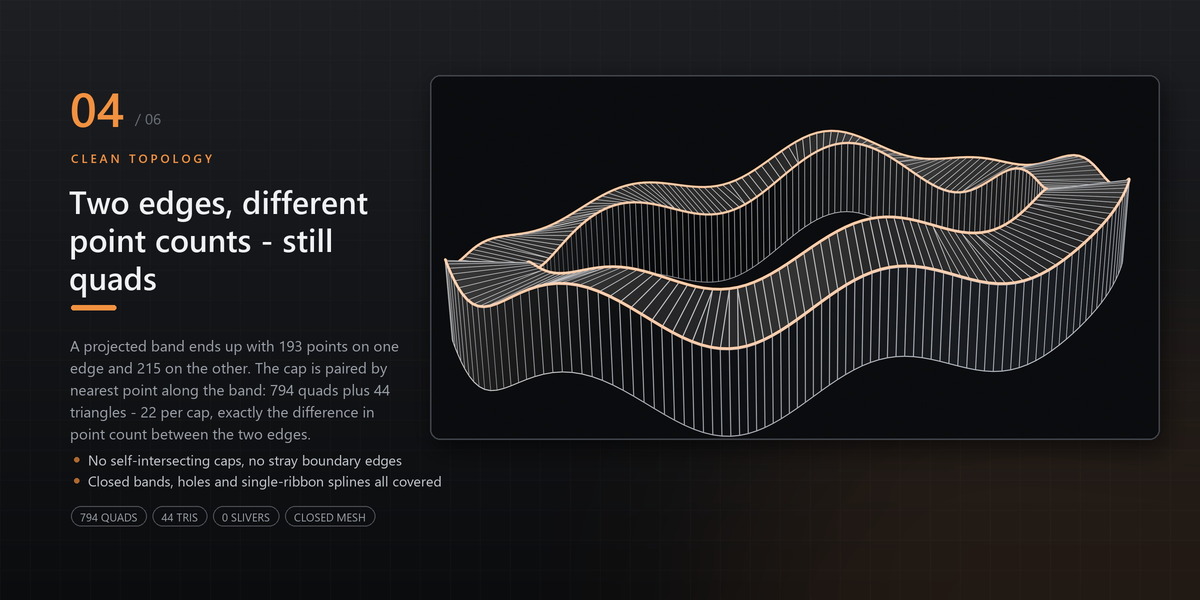
End caps that are quads, not triangle fans. Extruding a curved or projected outline used to leave a fan of slivers at both ends. The caps are now stitched into a ladder of quads along the band, with triangles only where the two edges differ in point count. Nothing overlaps, nothing is left open.

Extruded band with quad end caps and a live cross-section profile.
Outlines that do not wreck your curve. The offset runs in the spline's own plane, keeps the original vertex count, spline type and per-vertex handle types, and stays lines only — it will not silently turn your curve into a filled 2D shape.

Outline and normalize - the original vertex count and handle types are preserved.
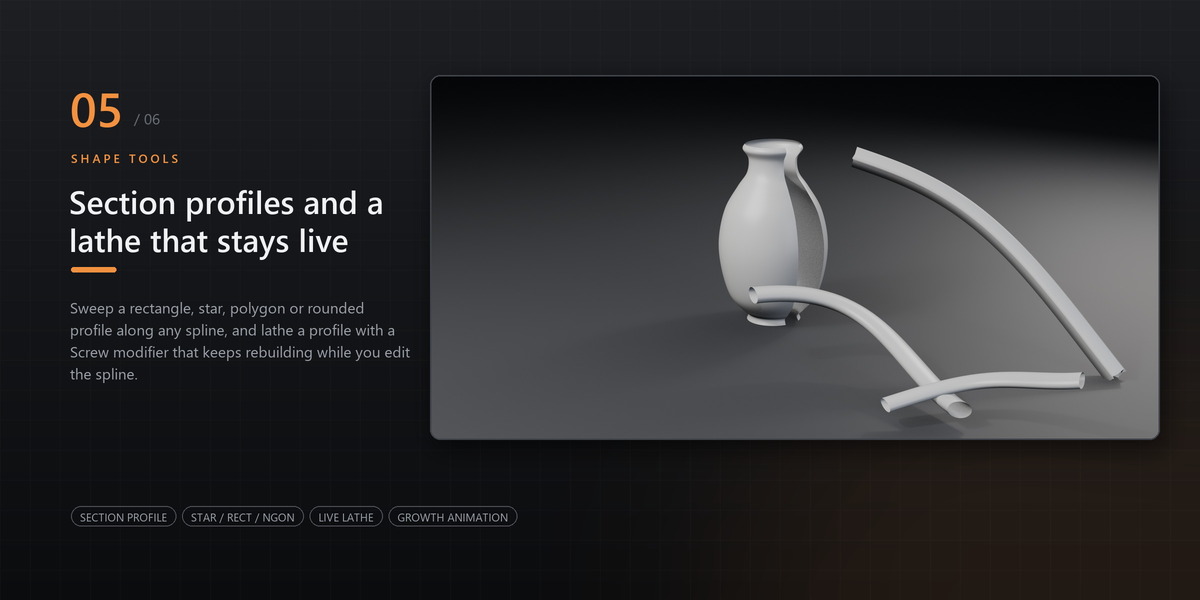
A lathe that stays live. It is a Screw modifier, not a baked mesh: keep editing the profile spline and the surface updates in real time. Angle and segment count apply as you drag them.

Lathe is a live Screw modifier - edit the profile and the surface updates.
Measure in the viewport. Total length per spline, length per segment and the true 3D angle at every corner, drawn with outlined text so it reads on any background. Font size is remembered.

Total length, segment length and true 3D corner angles in the viewport.
Every command can be yours
Right-click any tool button and the first entry adds it to Quick Tools — or removes it again.

Right-click any tool button to pin it to Quick Tools - or remove it again.
Everything in the box
Draw — point placement with live preview, Alt-drag Bezier handles, snapping to vertices / edges / faces / grid, 2.5D snap, one-shot X/Y/Z axis lock, R relative angle, numeric length, auto draw plane (world-aligned per view), project onto mesh with conform, Backspace to undo the last point, full viewport navigation mid-draw.
Edit — interactive extrude (quad caps, follows the curve afterwards, freeze to mesh), outline (inner / outer / both, curvature-corrected Bezier offset), fill between outlines (quads only), fillet, chamfer, insert point with hover preview, per-vertex types (smooth / corner / Bezier), weld, break, mirror, set first, reverse, close / open, divide segments, normalize spline (interactive, keeps Bezier smoothness, landing points marked on the curve), boolean (union / subtract / intersect), attach, detach, explode to separate splines.
Primitives — rectangle, circle, arc, NGon, star, helix and text, each with editable parameters, origin at the shape's own centre, and a choice of auto / view plane / horizontal plane.
Section & Lathe — cut a profile from a mesh; lathe as a live, non-destructive Screw modifier with angle and segments applied as you change them.
Display — cross-section profile (none / round tube / rectangle / polygon / star) with its own size and smoothness, without adding anything to the scene; growth animation (0–100, keyframeable, reads and writes the bevel factor directly); viewport length and angle measurement with adjustable text size.
Interface — English and Simplified Chinese, following Blender's own language setting (Preferences → Interface → Translation → Language). Every operator, tooltip, menu, enum item and status message is translated. No add-on-specific language switch to remember.
Not affiliated with or endorsed by Autodesk. 3ds Max is a trademark of Autodesk, Inc. "3ds Max-style" describes the editing workflow this add-on reproduces.
