 fanlei


Is the source code available?
Yes. The add-on is GPL-3.0-or-later and the full source ships inside the package, as the license requires. Redistribution is permitted under the same license.
Can I request a feature or report a bug?
Yes please include your Blender version and the steps that reproduce the issue, by message here on Superhive.
Does it touch the internet or my files?
No network access, no bundled binaries, no external Python dependencies. The only file it writes is one small settings file, max_spline_tools.json, in the extension's own user folder. Nothing else on disk is read or written.
Do I need to know 3ds Max?
No. If you have never touched Max, the panel reads as a normal Blender toolset; the mapping simply follows a workflow professional modellers already use. If you did come from Max, the muscle memory transfers directly.
Where are my Quick Tools stored?
In the add-on preferences and mirrored to max_spline_tools.json in the extension's own user folder (bpy.utils.extension_path_user), so the list survives across files, restarts and preference resets. That folder is kept when the add-on is uninstalled.
Will it add helper objects to my scene?
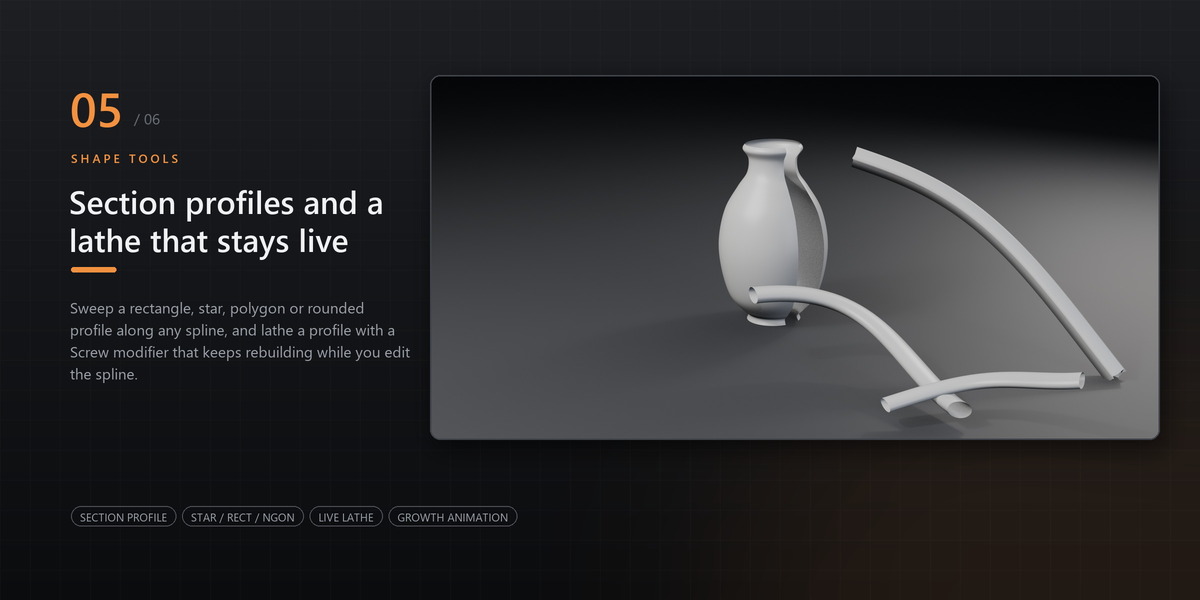
No. Section profiles and lathe pivots are data blocks kept out of every collection, so the Outliner only shows your own objects. Files saved with earlier versions are cleaned up when you open them.
Can I use it alongside the free Max Spline Tools?
No - turn the free edition off first. Both editions register the same operator and panel names, so only one can run. The Pro build refuses to enable while the free edition is on and says so in a popup, so you never end up with half-registered panels.
Does it work with Blender's own curve tools?
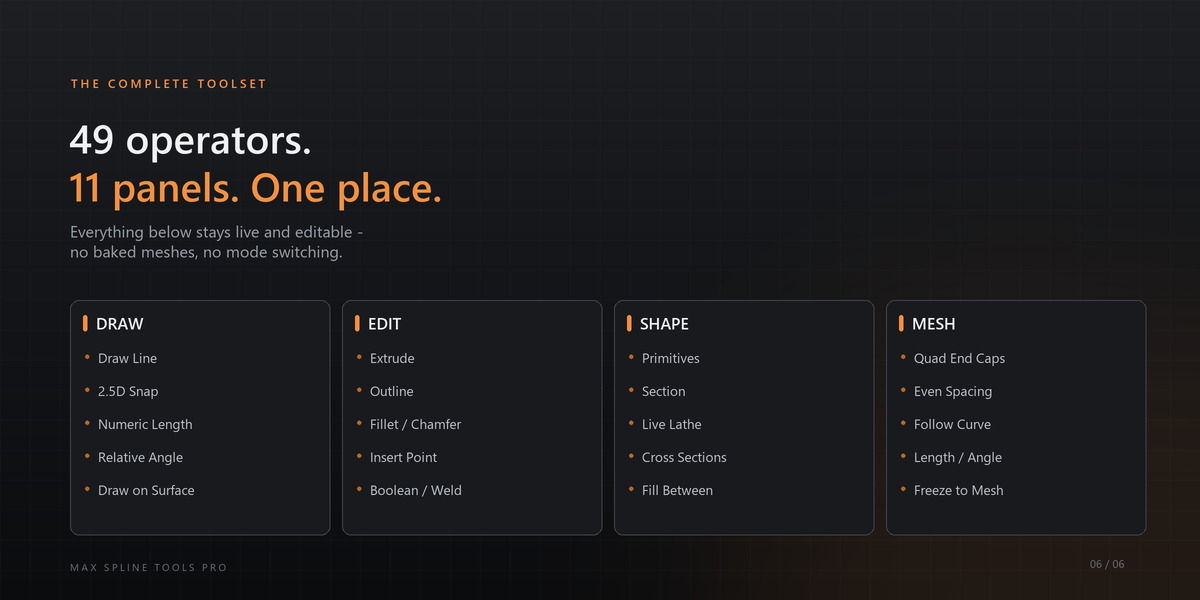
Yes. It operates on normal curve objects — nothing is converted to a proprietary format, and the results are regular splines and meshes.
Why are the end caps quads and not a triangle fan?
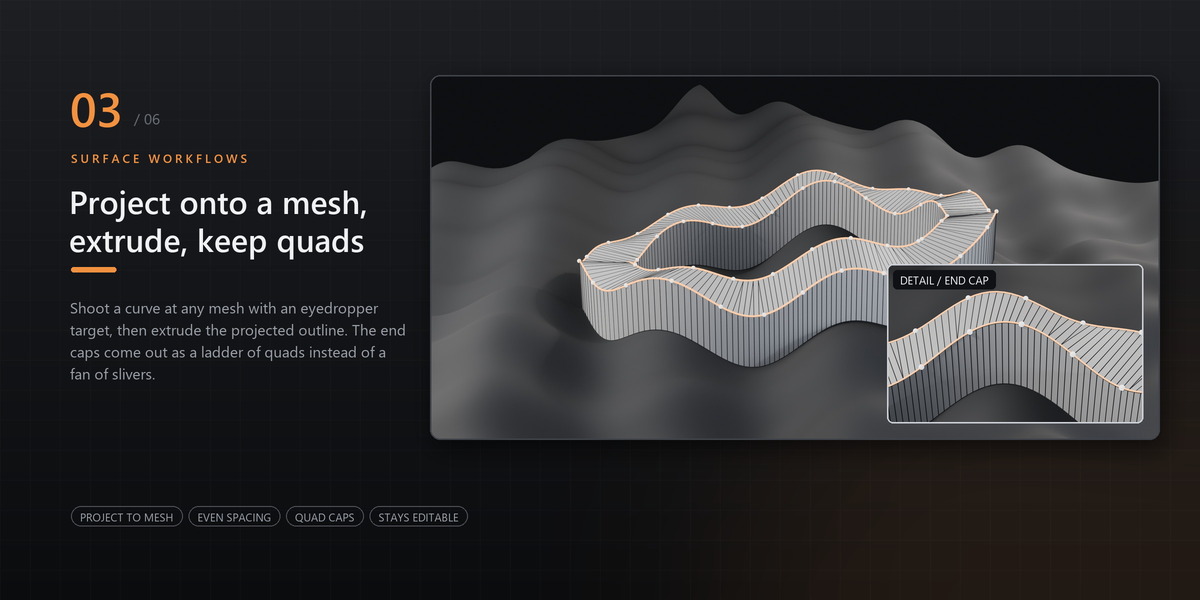
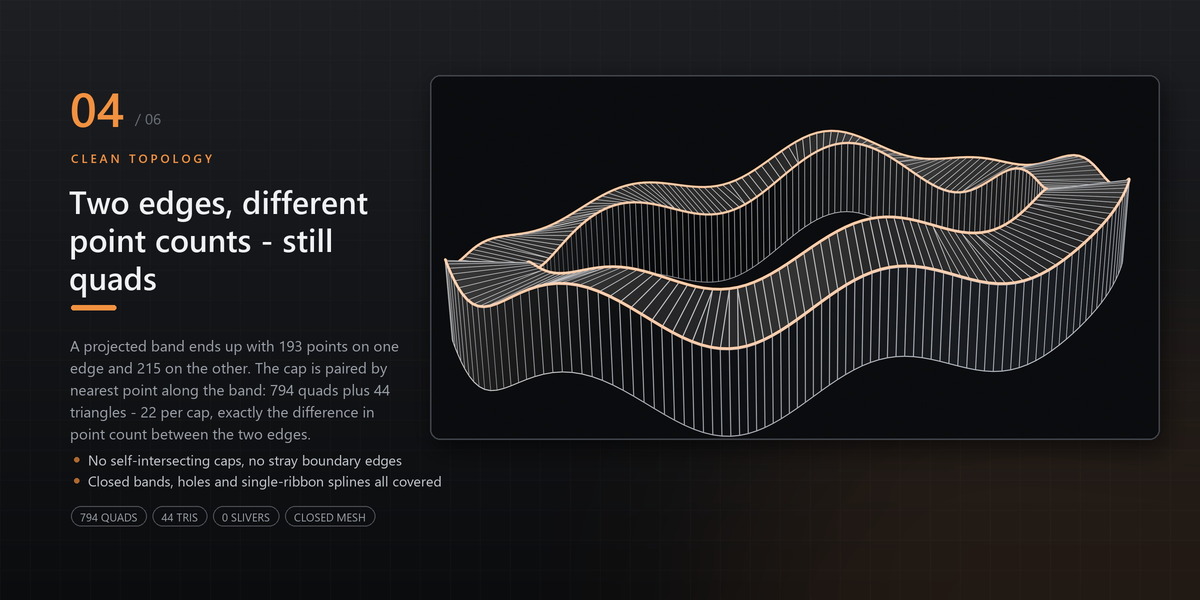
A projected or curved outline has a different number of points on each edge. The cap is stitched by pairing each point with the nearest point on the opposite edge, so a quad is created per pair and a triangle only where the two edges differ — the triangle count equals the point-count difference, which is the minimum possible for that input.
Does the extrusion follow the curve after I edit it?
Yes. With **Follow** on, editing the spline rebuilds the solid in place and keeps the original point-to-point connectivity, so the mesh does not re-solve itself into a different topology. Press **Freeze Extrude** when you want to stop following and keep a plain mesh.
Which Blender versions are supported?
Blender 4.2 LTS and newer; it is developed and tested against the current official release.
Have questions about this product?
Login to message
| Blender Extension Compatible | Yes |
| Published | about 2 hours ago |
| Blender Version | 4.2 - 5.3 |
| Extension Type | Add-on |
| Render Engine Used | Cycles, Eevee |
| License | GPL |

Discover more products like this
precision modeling curve spline Editable Spline Workflow 3d modeling modeling