What can Measure Flow measure?
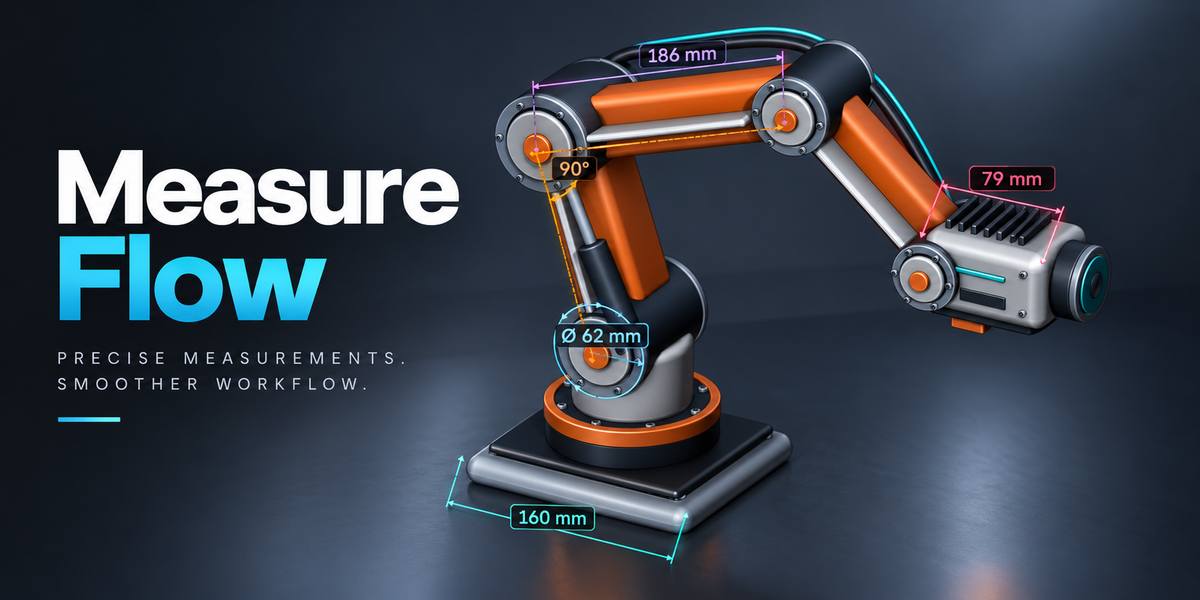



Distances, angles, paths, planar outline areas, radii, diameters, sampled thickness and live world-axis dimensions. Edit Mode tools also measure two vertices, selected edges, face-area snapshots and every unique edge of selected faces.
Which Blender versions and operating systems have been tested?
The release was tested on Windows x64 across 16 builds from Blender 3.0.1 through 5.2.0, including intermediate 3.x, 4.x and 5.x releases. macOS and Linux have not been tested. The Documentation tab lists exact builds.
Which ZIP should I install?
Install measure-flow-0.1.15.zip. It is the single universal installer for Blender 3.0–5.2. The separate measure-flow-0.1.15-documentation.zip contains the manual and learning materials; do not install that ZIP as an add-on.
Where do I find the tools?
Open the 3D Viewport sidebar with N and choose Measure. Ctrl Alt M starts Distance. The tool choices adapt to Object, Vertex, Edge and Face selection modes.
Does face area update when I change the mesh?
No. Area of Selected Faces stores a snapshot of combined world-space area and a lightly tinted surface. Measure again after moving, scaling or editing the source. Outline area is a separate live point-based tool for simple planar boundaries.
Can I ignore vertices created by a live bevel?
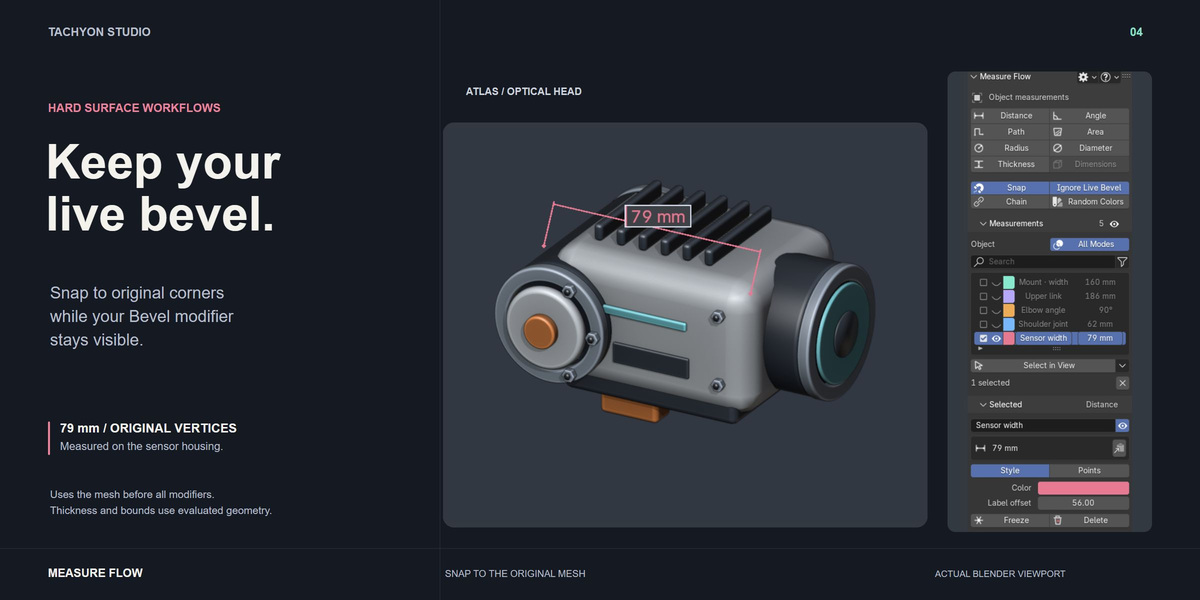
Yes. Enable Ignore Live Bevel or press B while measuring to use original mesh elements on objects with a visible Bevel modifier. The bevel remains visible. This samples the mesh before all modifiers; Thickness and Dimensions still use evaluated geometry.
Can I select several measurements and resize the list?
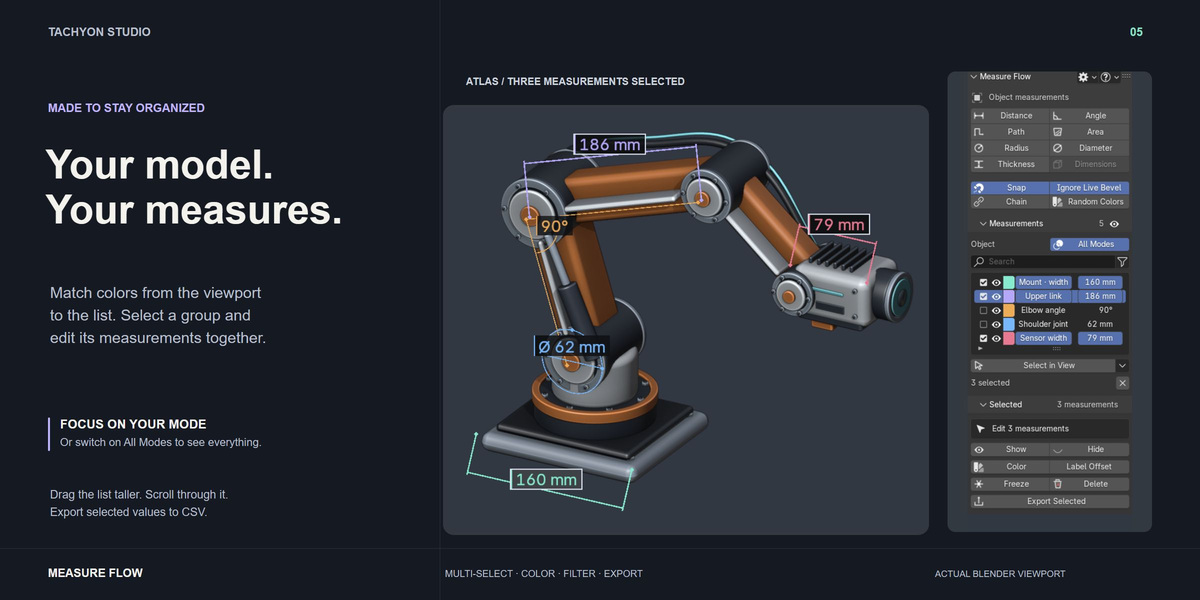
Yes. Use row checkboxes, Ctrl-click toggles or Shift-click ranges. Select in View also supports adding/removing labels with Shift/Ctrl-click. Drag the list bottom grip to change its height and use the mouse wheel or scrollbar to browse. Batch actions include measurements selected outside the current filter.
How do Freeze and Unfreeze work?
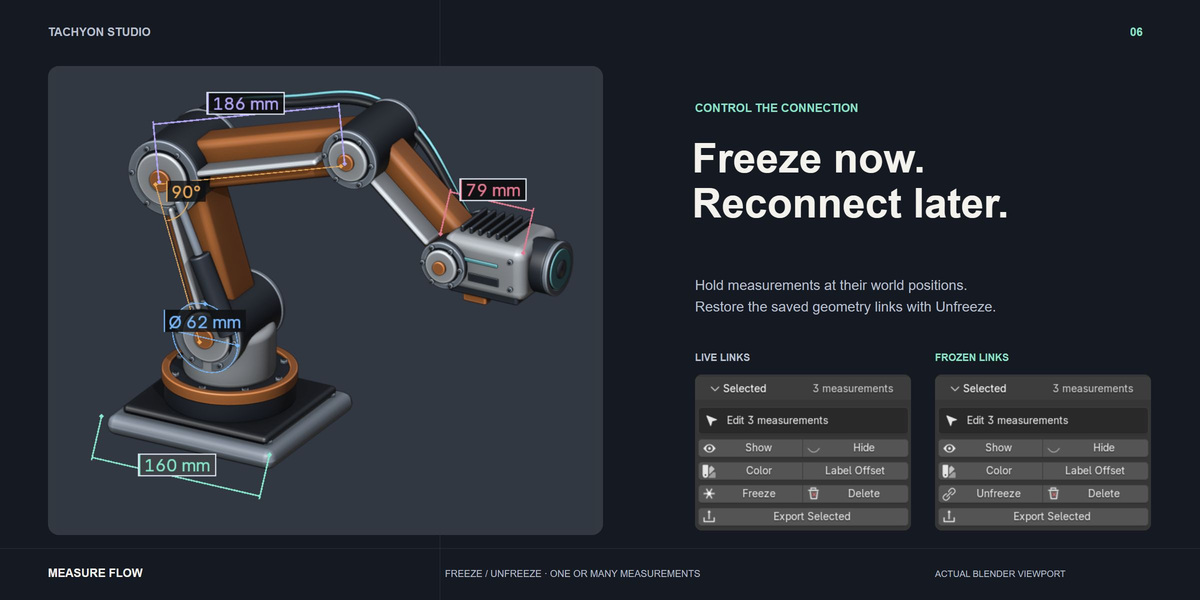
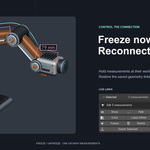
Freeze holds a live measurement at its current world coordinates and retains its original geometry links. The same button becomes Unfreeze for one or several frozen measurements. In a mixed selection, it restores the frozen subset. Links survive saving; missing sources cancel the whole restoration. Older records frozen in 0.1.14 or earlier require Undo or remeasurement.
Are measurements saved, and can I undo actions?
Measurements are stored in the blend file. Keep the add-on enabled to view/edit them. Completed actions support native Ctrl Z / Ctrl Shift Z in Object and Edit Mode with Global Undo enabled. During point picking, those shortcuts undo/redo clicks; Enter keeps the session and Esc/right-click cancels it.
Are these renderable dimensions, and what tracking limits apply?
These are viewport annotations, not renderable geometry. Original-vertex links use mesh indices and should be repicked after topology changes. Surface/edge picks follow object transforms rather than later deformation. Dimensions are world-axis bounds. Thickness samples an inward ray through a closed mesh. Face-edge batches allow up to 200 unique edges.
What differs between Individual, Team and Studio?
Individual is for 1 person (1 seat), Team for up to 6 people (6 seats), and Studio for up to 20 people (20 seats). Commercial use is included in all three. Contact Tachyon Studio for more than 20 seats. All three include the same complete add-on, source, universal installer and documentation. The software remains GPL-3.0-or-later; purchase-tier wording does not remove rights granted by that license.
Does it need internet access or another account?
No online activation, external account or downloaded dependency is required for measuring. It uses Blender and bundled Python modules. Discord is optional support; CSV export writes to your chosen location.
How do I update from an older version?
Save the blend file, install the new ZIP over the same package and keep only one enabled copy. Check the version in Support preferences. Restart Blender first if an earlier failed installation left registration errors. Keep a backup before switching installation formats.
How do I get help?
Message Tachyon Studio through Superhive or visit https://discord.gg/D5guG5f9wB. Include Measure Flow version, Blender version, operating system, steps to reproduce and a screenshot/error. Copy Support Info in preferences collects version/platform details without scene contents.
 Tachyon Studio