 Tachyon Studio
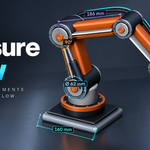





TACHYON STUDIO · VIEWPORT MEASUREMENT
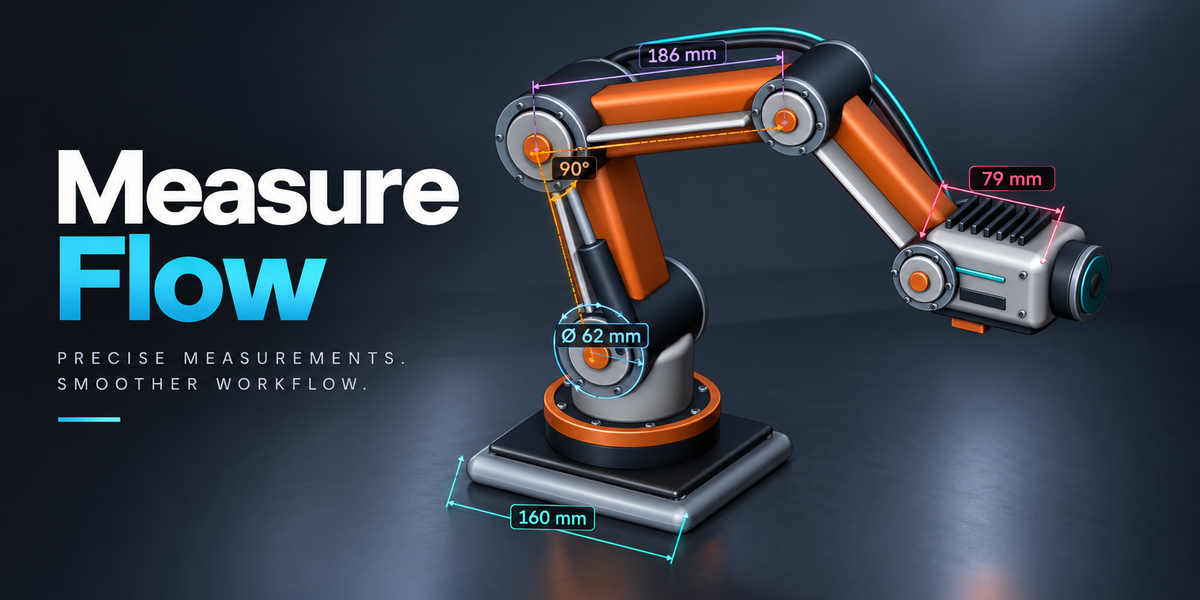
Measure Flow
See the size. Stay in your modeling flow.
Blender 3.0–5.2One installerWorks offlineDistance · Angle · Path · Area · Radius · Diameter · Thickness · XYZ Dimensions
Pick in the viewport or measure selected geometry. Save results with your scene and export values to CSV.
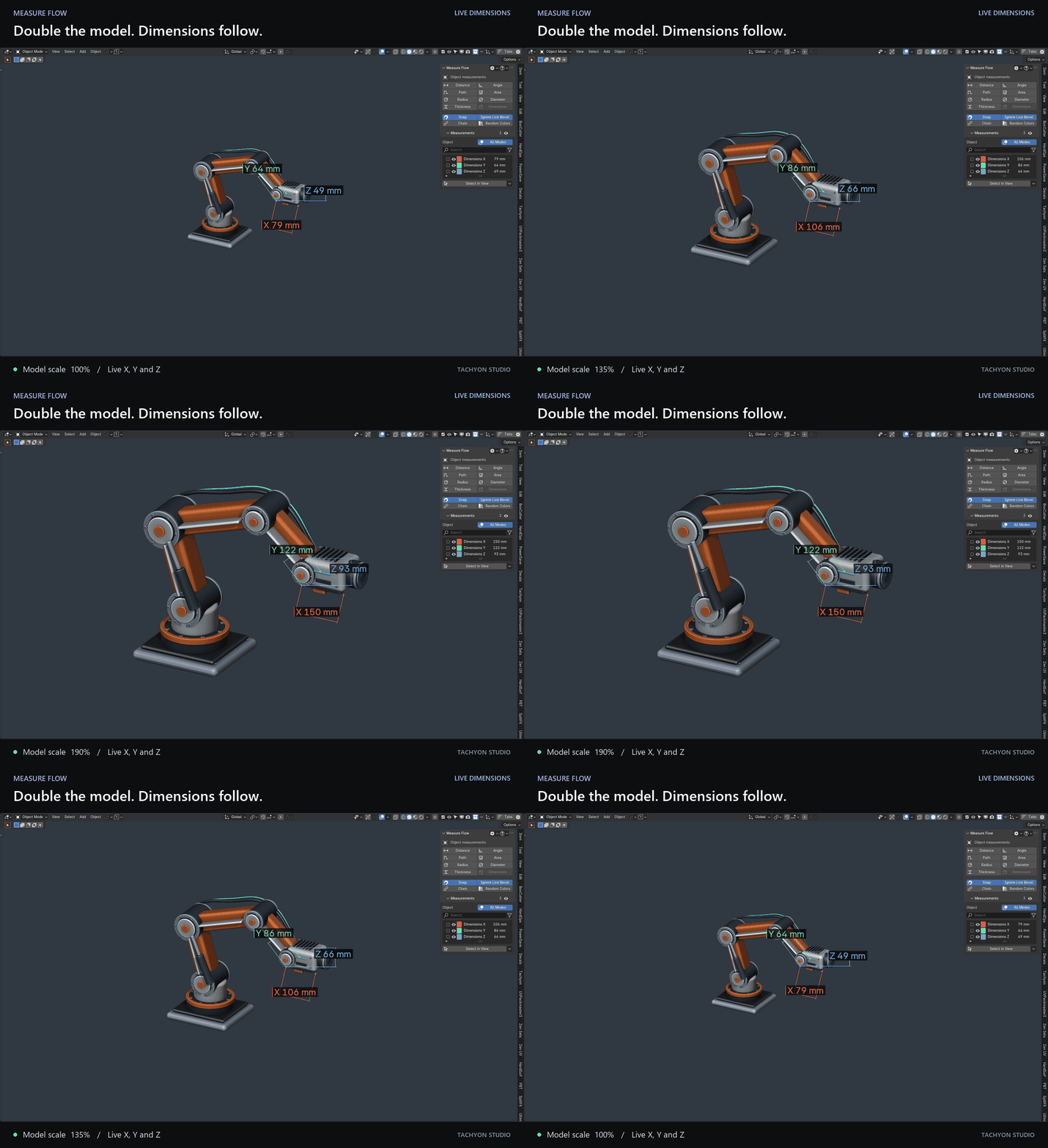
Scale it. Watch the dimensions follow.
Live X, Y and Z dimensions update as you resize the model.
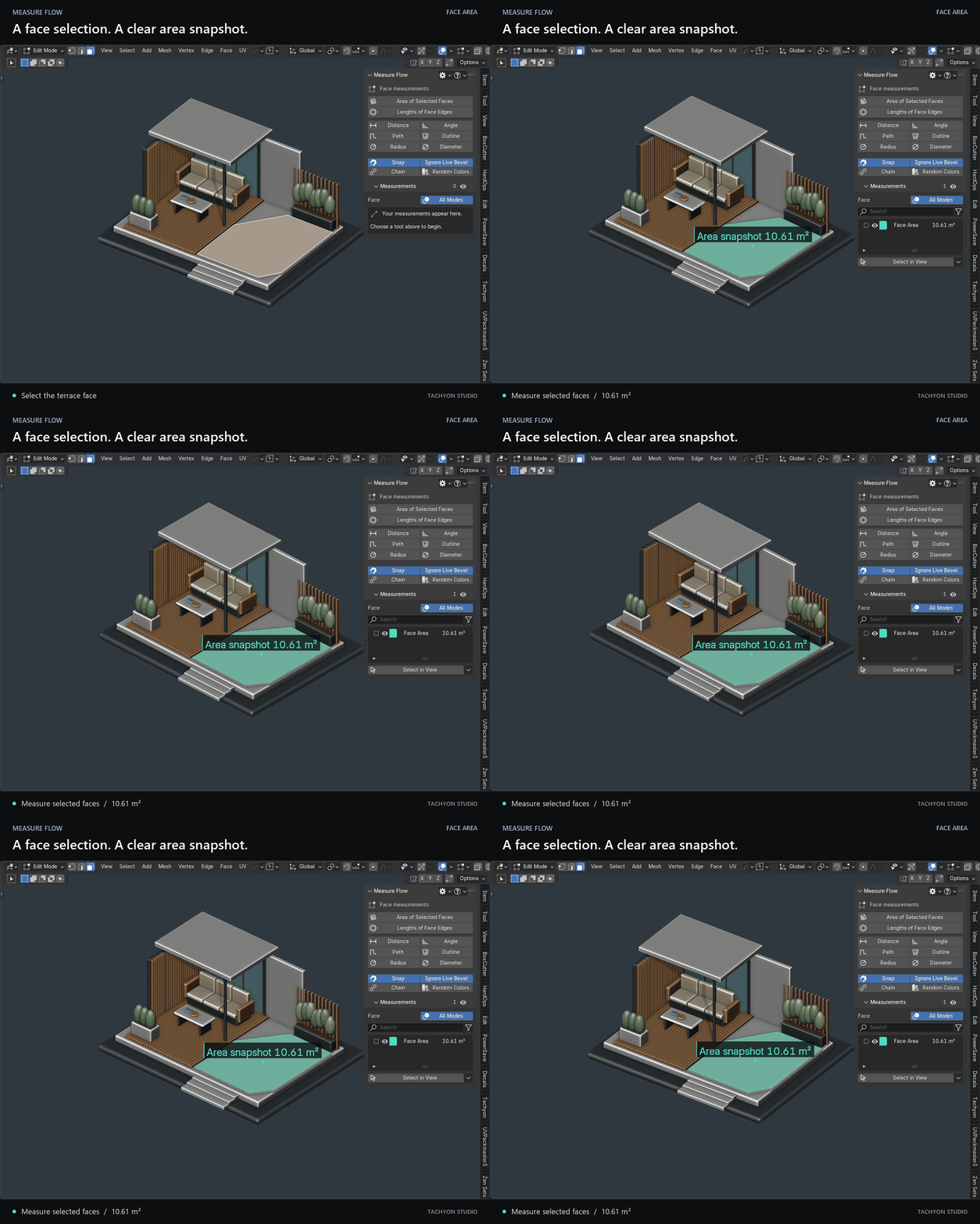
Measure the faces you select.
Get a combined face-area snapshot with a light surface tint.
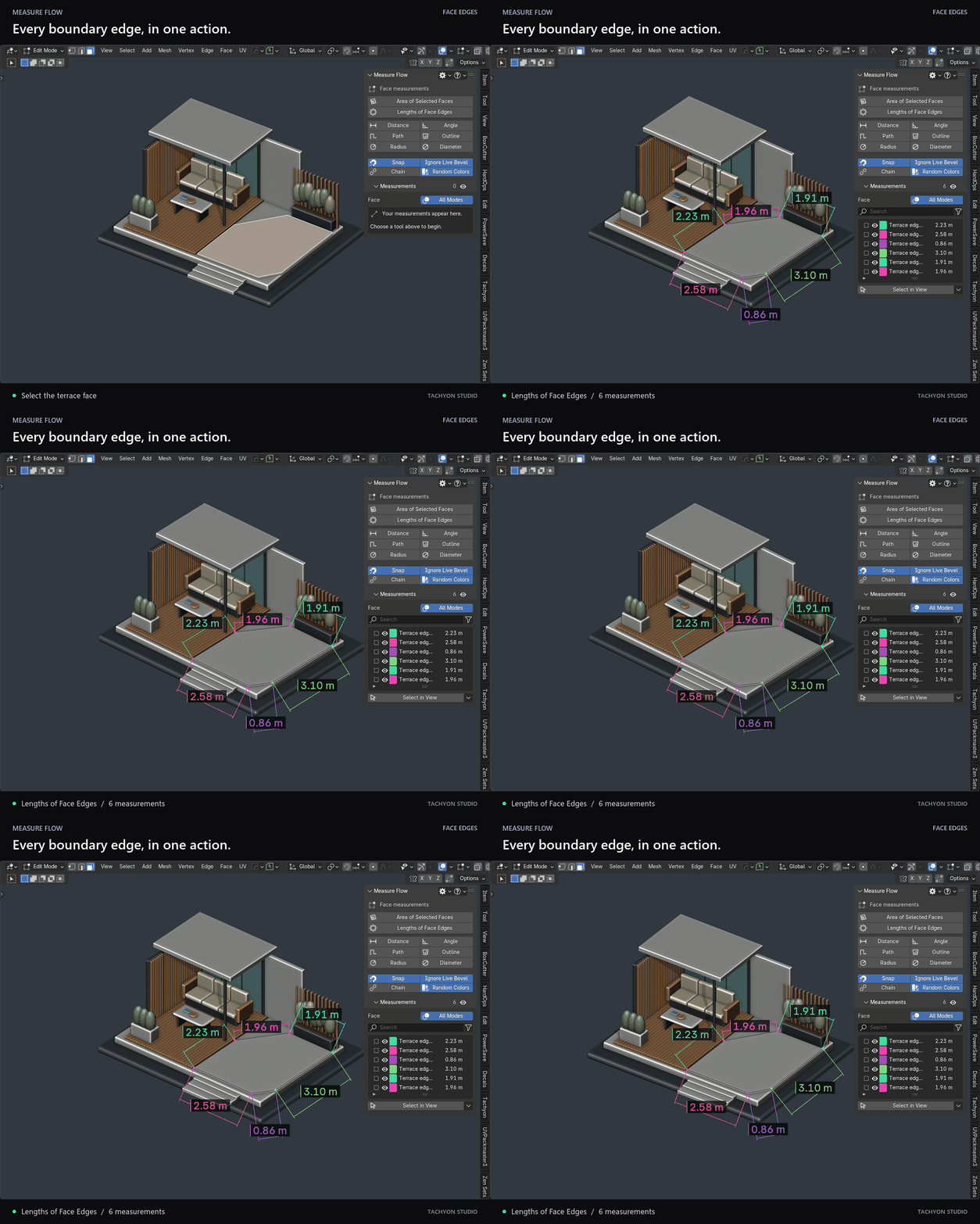
Every face edge, in one action.
Select a face and create a measurement for each edge.
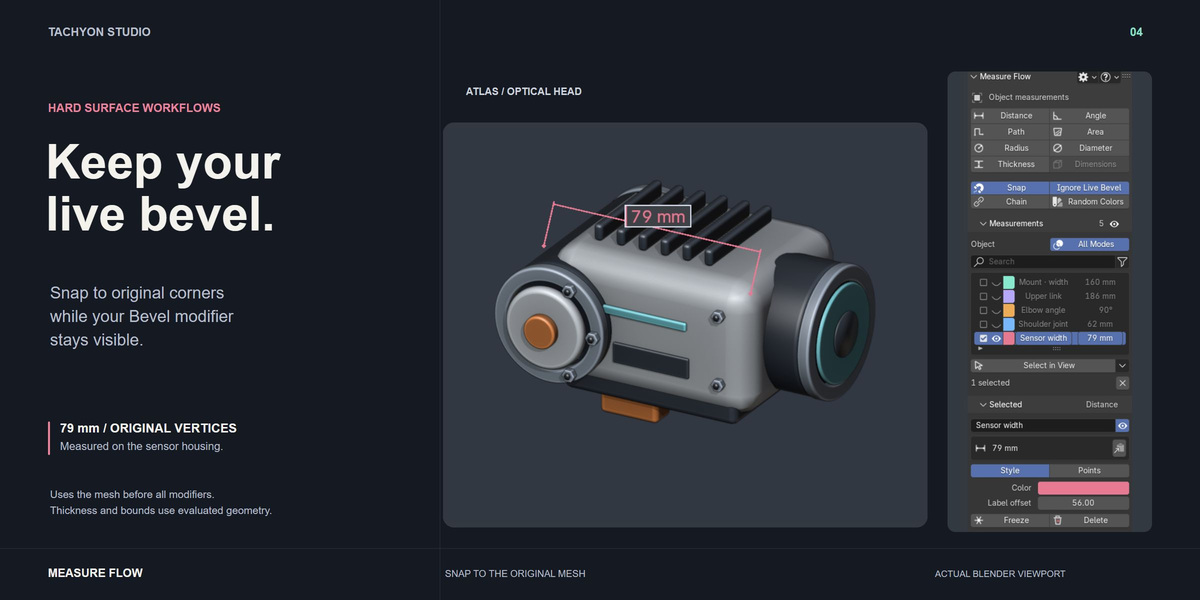
Keep your bevel. Pick the original corners.
Ignore Live Bevel snaps to the mesh before modifiers while the bevel stays visible.
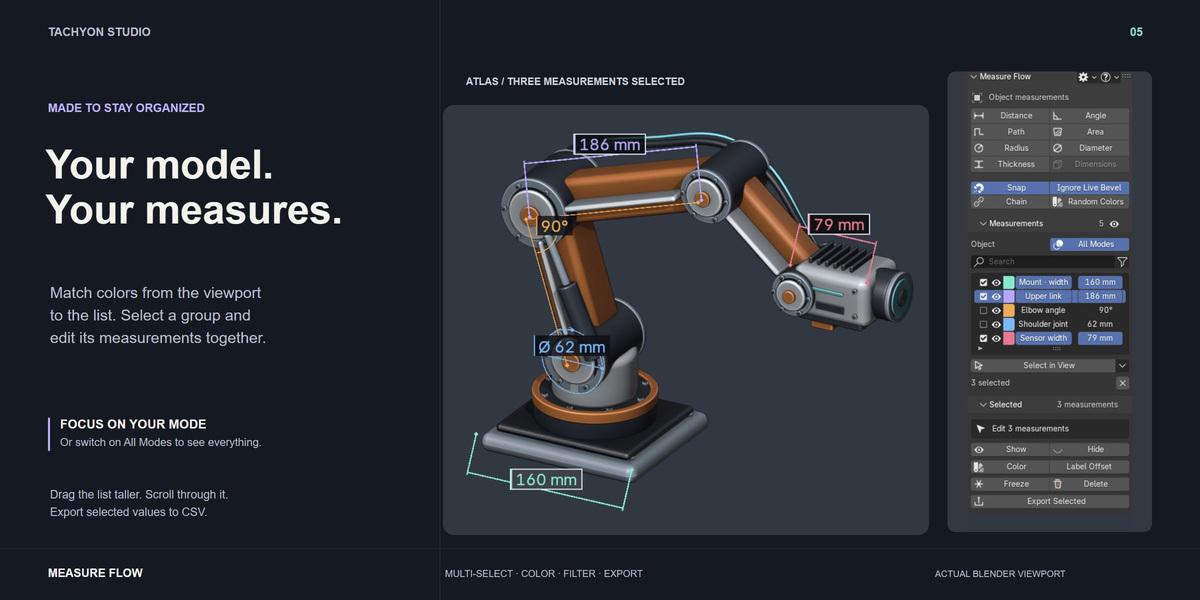
Keep every measurement easy to find.
Color swatches, multiple selection and a resizable list. Follow your current selection mode, or show All Modes.
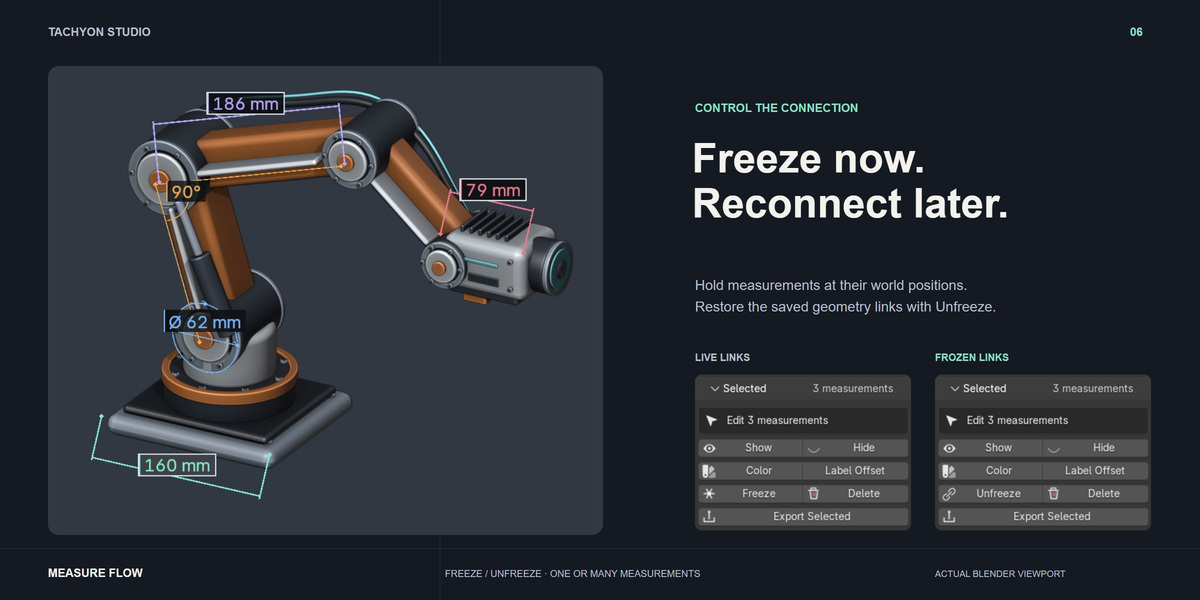
Freeze now. Reconnect later.
Hold live measurements in place, then restore their original links with Unfreeze. Works with selected groups, too.
READY TO USE
One ZIP. The complete toolkit.
Universal installer, readable GPL source, and a separate documentation ZIP. Every purchase option includes the same features.
Windows tested across 16 Blender builds. macOS and Linux untested.
Viewport annotations only. Face areas are snapshots; repick after topology changes. See the Documentation tab for tracking and accuracy limits.
Read the documentation ↗Real Blender screenshots and animated demonstrations. Showcase models are illustrative; the download includes the add-on and documentation.
Measure Flow 0.1.15 · GPL-3.0-or-later · Tachyon Studio
Developed with AI-assisted coding under Tachyon Studio’s direction and iterative feedback.
THE TACHYON STUDIO COLLECTION
Go beyond
Measure Flow.
The size is right. Shape the corners and the cuts to match it.
SHAPE THE CORNERS
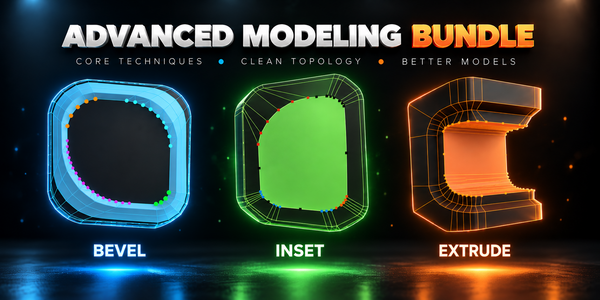
Advanced Modeling Bundle
Advanced Inset, Bevel and Extrude: every corner gets its own depth, width and vertex count, and none turns inside out.
Build out your workflow.
A few more tools, chosen for the work you do here.
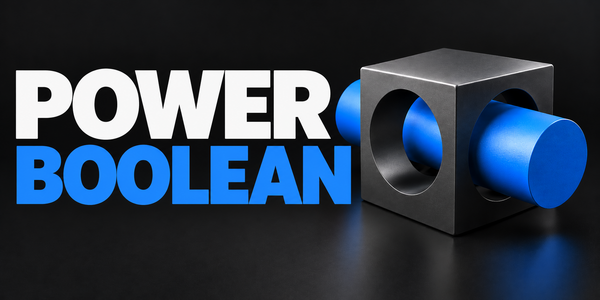
BUILD THE CUT
Power Boolean
Four Boolean operations with fixed or live cutters, cleanup and optional bevels.
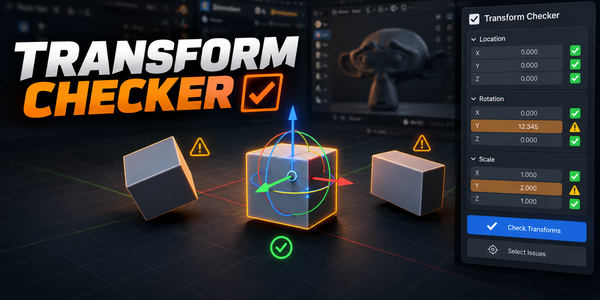
CATCH UNAPPLIED SCALE
Transform Checker
Spot unapplied location, rotation and scale directly in the viewport.
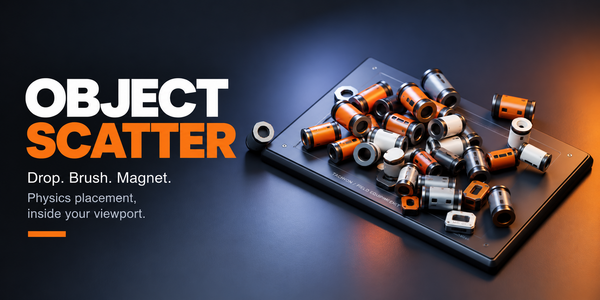
PLACE THE ASSETS
Object Scatter
Drop, brush and magnet-place assets with physics, then keep the pose you like.
There is more in the studio.
See the full collection ↗Optional products, sold separately. Check requirements; external applications are not included.