 Skava
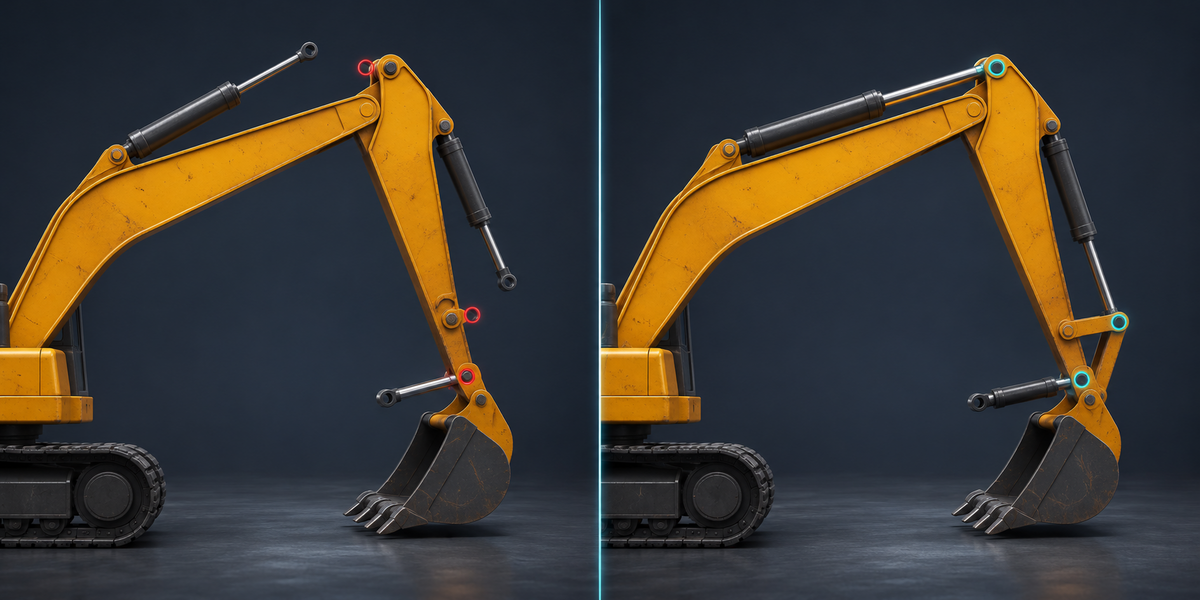
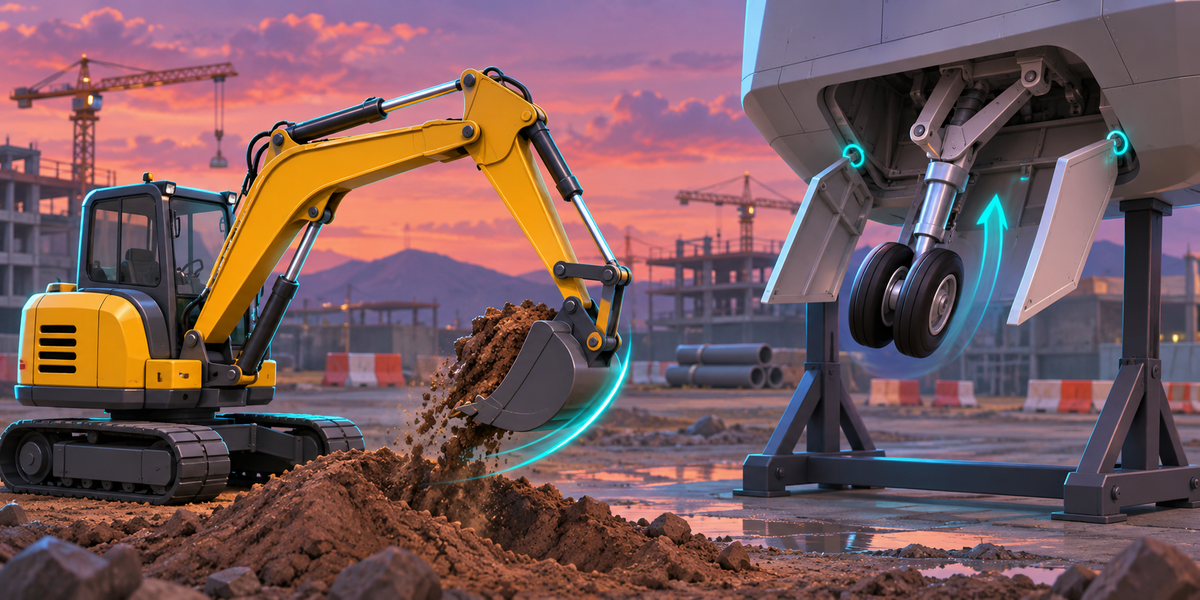
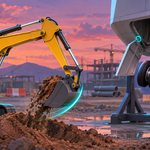
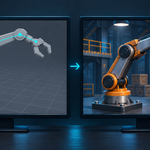
Build a hydraulic arm, a suspension or a landing gear in Blender with constraints and drivers, export it to Unity, and it stops working: FBX carries no constraints and no drivers. The cylinders stay put while the boom moves, the shock absorber points at nothing, the doors do not open. The usual answers are to bake it into an animation (then nothing reacts to the player) or to rebuild every link in C# by hand. MechForge runs your Blender constraints and drivers live in Unity, with Blender's own math, and proves it: Check measures every part in Unity against Blender's result, in millimetres, next to what a plain FBX does.
What you get
- Your rig as it is: Copy Location, Copy Rotation, Copy Scale, Copy Transforms, Child Of, Damped Track, Track To, Locked Track, Stretch To, Limit Location, Limit Rotation, Limit Scale, Limit Distance and Transformation, on objects and on bones, in world, local, pose and local-with-parent space, with influence. Two parts that aim at each other (the usual hydraulic cylinder) work too.
- Drivers: on location, rotation, scale, constraint influence and custom properties; averaged, sum, min, max or an expression (Blender's simple expressions: arithmetic, comparisons, if/else, sin, clamp, smoothstep and the rest); variables from properties, transform channels in every space, distance and rotational difference; driver curves with keyframes.
- Controls: the custom properties your drivers read (gear down, steer, grip) become named values on the component in Unity, set from the Inspector, an animation or one call from your scripts.
- Live in the game: move, animate or simulate the parts that drive the mechanism, and the rest follows every frame. A part with a constraint that the player moves itself (a lever with a rotation limit) works the Blender way: the constraint acts on top of what the player set, down to the smallest step of a script turning it.
- Honest refusals: anything MechForge cannot run exactly (Inverse Kinematics, Follow Path, Python in a driver) is named in the panel with the reason, before you export.
- Proof, twice: Analyze in Blender checks MechForge's solver against Blender on 24 random poses of your rig. Check in Unity runs the same poses and measures every part, next to the plain FBX.
Measured
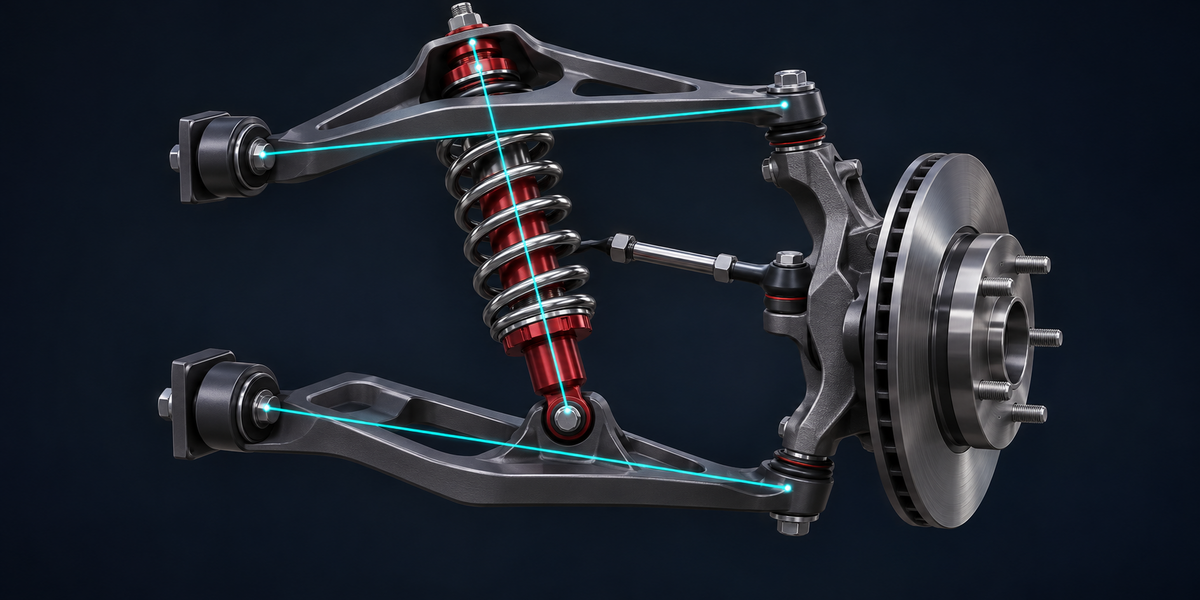
- 37 mechanisms in Unity 6 (6000.0, 6000.4 and 6000.6): an excavator with three hydraulic cylinders, a double-wishbone suspension with a shock and a tie rod, a retracting landing gear with doors, a gear train with a rack, a piston engine, a robot arm on bones with a gripper, a hammer driven by a small Rotational Difference on a turning base (alone, and mixed with another variable), every constraint type, space and driver kind on its own, bones in quaternion mode, a scene in centimetres, and machines under a turned and scaled root. A plain FBX puts parts up to 4.6 m from where Blender has them (the excavator's cylinders 1.7 m, the landing gear 2.75 m). With MechForge every part of every pose is within 0.011 mm of MechForge's exact solution, and within 0.007 mm of Blender itself (a part driven by a Rotational Difference near zero after allowing Blender's own measured single-precision noise there, as the documentation explains), and within 0.02 mm when the parts are moved through their transforms the way a game does, also when an animation writes only the rotation of a constrained part frame after frame.
- The solver against Blender itself: 25 rigs covering every constraint, space and driver kind, Blender 4.2.9 and 5.2.2, worst difference three millionths of a unit.
- The check fails when it should: a flipped cylinder axis, a missing driver, a shock 10% too long, a joint limit widened or a Rotational Difference gain 5% off are each caught.
- Cost in the game: 0.02 to 0.035 ms a frame for a 13 to 21 part machine, and no garbage: no garbage collection in 100 000 frames.
Blender 4.2 to 5.2, Unity 6 (tested). Built-in, URP and HDRP alike: no render pipeline involved. No AI, no cloud, no account.