 Skava
MechForge
v1.0.0 · Blender 4.2 LTS and later (tested on 4.2.9 and 5.2.2) · Unity 6 (tested on 6000.0, 6000.4 and 6000.6; no render pipeline involved) · Windows / macOS / Linux
1. What it does
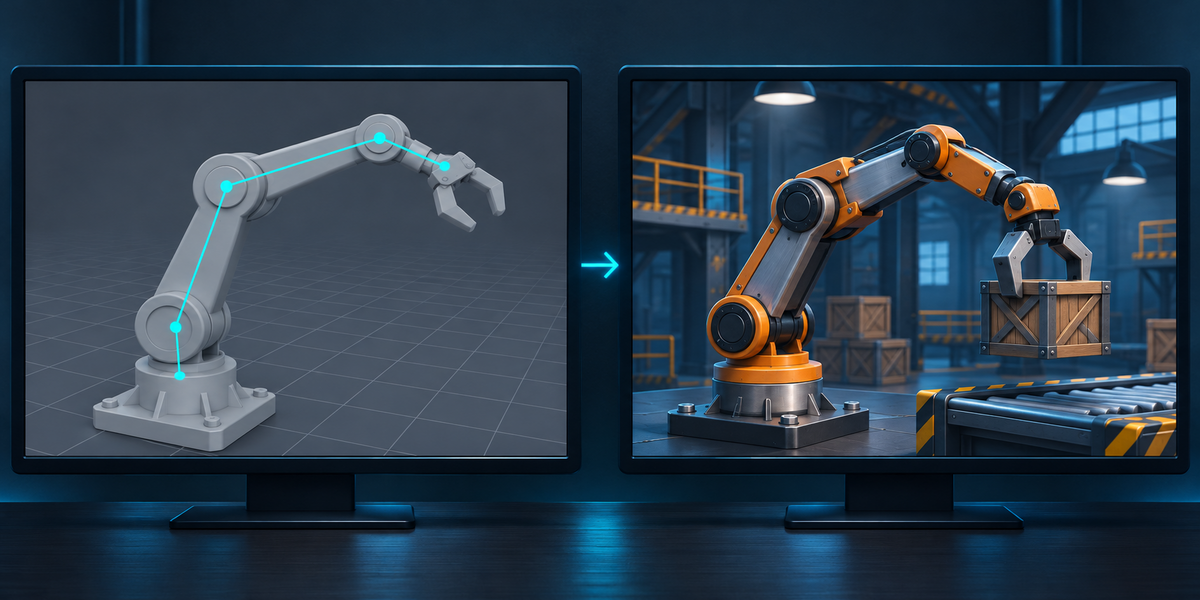
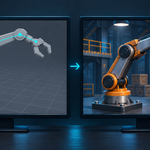
MechForge takes a mechanism rigged in Blender with constraints and drivers and makes it work in Unity the same way. In Blender it reads the constraints and drivers, checks its own solver against Blender on random poses of your rig, and exports the model with a passport: every part, every constraint and driver, and a set of proof poses with Blender's own result. In Unity one menu builds a prefab with the MechForgeRig component, which runs the constraints and drivers every frame, and another menu measures every part against Blender, next to what a plain FBX does.
2. Installing
Edit, Preferences, Add-ons, the arrow in the top right corner, Install from Disk, pick the zip, tick the checkbox. The panel is in the 3D Viewport sidebar (N), tab MechForge.
3. Quick start
- Select the mechanism in Object Mode: its parts, or the object they hang under. Everything parented under the selection comes along, and so does every object a constraint or driver reads.
- Press Analyze. The panel shows how many parts the constraints and drivers move, the parts that move the mechanism (Moved by), constrained parts you can also move yourself, the controls (custom properties the drivers read), and anything MechForge cannot run, with the reason. It also runs MechForge's solver against Blender on 24 random poses and shows the largest difference.
- Choose a Folder (inside your Unity project's Assets saves a copy step) and press Export for Unity. Your scene is not changed.
- In Unity: select <name>.mechforge.json (or the .fbx) in the Project window and choose Tools > MechForge > Set Up Mechanism. A prefab <name>.prefab appears next to it.
- Choose Tools > MechForge > Check Mechanism. The report <name>.mechforge-check.txt is written next to the prefab and printed to the Console.
- Put the prefab in a scene, press Play and move the parts listed under Moved by (or set the controls on MechForgeRig): the rest follows.
4. What MechForge runs
- Constraints: Copy Location (axes, invert, offset), Copy Rotation (axes, invert, Euler order; mix Replace or Offset), Copy Scale (axes, offset, additive, power), Copy Transforms (Replace), Child Of (all channels, with its inverse), Damped Track, Track To (up axis, target Z), Locked Track, Stretch To (volume, keep axis, bulge with limits and smoothing), Limit Location, Limit Rotation (both behaviours), Limit Scale, Limit Distance (inside, outside, on surface) and Transformation (from location, rotation or scale to any of them, extrapolation, every mix). Influence, also driven, is applied the way Blender blends it.
- Spaces: objects in World and Local space; bones in World, Pose, Local and Local With Parent space. Bone targets with Head/Tail.
- Parents: object parents with their parent inverse, bone parents (an object parented to a bone), bone chains, connected bones.
- Drivers on location, rotation (Euler, quaternion, axis-angle) and scale channels, on constraint influence and on custom properties. Types Averaged, Sum, Minimum, Maximum and Scripted Expression. Variables: Single Property (an object's or a bone's location, rotation, scale or custom property), Transform Channel (world, transform and local space; Auto or an Euler order), Distance and Rotational Difference. A driver curve with keyframes (and a Generator modifier) is sampled finely and applied. Expressions are Blender's simple expressions, the ones Blender itself evaluates without Python: numbers, variables, + - * /, comparisons, and, or, not, a if c else b, and the functions radians, degrees, abs, floor, ceil, trunc, round, sin, cos, tan, asin, acos, atan, atan2, exp, log, sqrt, pow, fmod, min, max, lerp, clamp, smoothstep, pi.
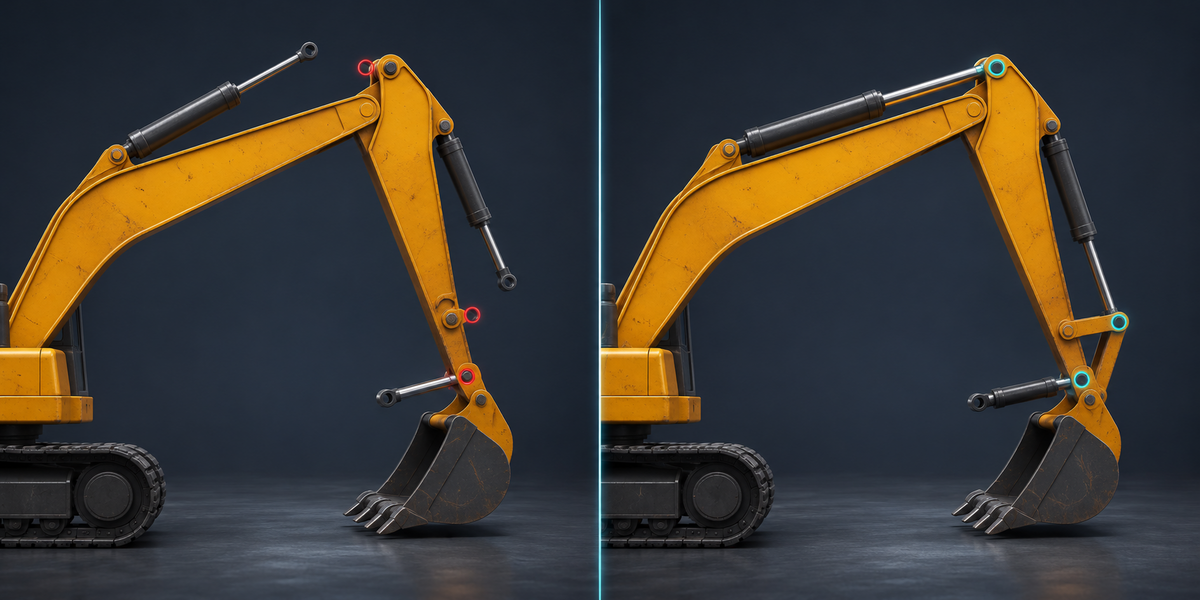
- Two parts that aim at each other, the usual hydraulic cylinder (cylinder tracks the rod, rod tracks the cylinder): Blender evaluates this cycle in thread order and sometimes reads the other part from the previous update; MechForge reads the other part's position before its own aiming, which is what the rig means, every time.
5. What it refuses, and why
- Inverse Kinematics, Spline IK, Follow Path, Clamp To, Shrinkwrap, Floor, Action, Armature, Pivot, Maintain Volume and the motion-tracking constraints: not in 1.0. Mute such a constraint (its eye icon) to export without it, or bake that part.
- A driver expression that needs Python (anything Blender does not call a simple expression), or that reads the scene frame: there is no frame in a game.
- Custom space, B-Bone shape targets, a target that is a vertex group, vertex parenting, Delta Transforms, bones with Inherit Rotation off, Inherit Scale other than Full or Local Location off, a light or a camera as a part, and a true dependency cycle (two parts whose positions depend on each other).
- An object in an excluded collection, a name with '/' in it (Unity cannot find it), and two parts with the same name under the same parent.
- Every refusal is listed in the panel with the part and the constraint or driver, and Export is not done until it is resolved.
- A driver Blender itself marks invalid (it shows red in the Drivers editor) is skipped and named, because Blender does not run it either.
6. Export
- <name>.fbx: the mechanism with Blender's axes (forward Y, up Z) and FBX All, no leaf bones, plus four small marker empties that tell Unity the axes, the handedness and the scale; Set Up hides them. <name>.mechforge.json: the passport (parts, constraints, drivers, controls, 24 proof poses with Blender's result). MechForge/: the Unity scripts.
- The proof poses move the parts that drive the mechanism within about 35 degrees and a few percent of its size (and scale them evenly now and then), constrained parts you can move yourself beyond their limits, and every control across its range; a custom property without a usable Min/Max (one made from Python has none) is tried one unit either side of its value (the panel says so). A pose is left out when Blender's own result is not a proof: when it does not settle, when in a cycle it read the other part from an earlier update. A Rotational Difference near zero is where Blender's own single-precision value is noisy (measured worst: about 1.4e-3 radian below 0.001, 1.2e-4 at 0.01, 1e-5 at 0.05): for every pose MechForge works out how far that noise moves each part, through your driver's gain and the part's lever, and allows twice that on that part, nothing more, when MechForge's solver is compared with Blender itself. Unity's Check does not lean on that allowance: it judges your Unity mechanism against MechForge's exact solution of each pose with no allowance at all, so a wrong number in Unity shows in full; the allowance only decides how closely Blender itself can confirm the exact solution. On such a part that is only as close as the allowance (the panel and the report give the number per part, often a fraction of a millimetre, a few millimetres on a long lever): an error in the solution smaller than that, MechForge's own as well as Unity's, Blender could not show. A pose proves a part only while that allowance stays under 2% of the motion each Rotational Difference variable that drives the part gives it on its own (that one variable read as zero; not the base's motion, and not the motion another variable or driver gives; a variable whose whole share stays under Check's limit needs no proof), or under the limit, so a wrong gain of a few percent is still caught; a part proven in fewer than half the poses is refused (its motion is too small for Blender's own precision; give it more travel). In a long chain of Rotational Differences the allowance on a part can grow past the 0.1 mm limit (each link adds Blender's noise); the panel and the Check report say how much was allowed and in how many poses the part was proven (Check reads Blender's verdict from the passport, so the two counts agree). The panel says on how many poses the check ran; under 12 the export is refused.
- Hidden objects under the selection are exported too and stay hidden in your scene (a housing hidden to see inside is still a part), and so is anything a constraint or driver reads. In Unity hidden parts move with the mechanism but are not drawn (renderer off); so are Boolean cutters kept as a pivot and objects shown as Wire or Bounds. Left out, and named in the panel: Boolean cutters (objects an enabled Boolean modifier uses that are hidden, shown as Wire or Bounds, or off in renders; a visible solid operand is a part like any other) and hidden lamps and cameras, as long as no part hangs under them (then they stay, as that part's pivot). An object in a collection hidden in the viewport cannot be exported: the export says which and asks you to show the collection.
- The allowed difference is 0.01 mm near the origin and grows by 2 millionths of the distance (Blender and Unity count in single precision): a machine 300 m out may differ by a few tenths of a millimetre.
- A file of the same name that MechForge did not write is never replaced: the export refuses and says which file.
- Unity scripts: a Unity project needs them once. When the folder is inside a project's Assets that already has them, they are not copied again.
7. In Unity
- Export again, Set Up again: the prefab remembers the passport it was set up with. After any new export, run Set Up Mechanism again (new drivers and controls appear then); until then MechForgeRig stops with an error naming this, rather than moving the wrong parts. Set Up replaces the prefab it made before: keep your own components on a prefab variant of it, or on the object you place in the scene. Changing the model's import settings (Scale Factor) also needs Set Up again.
- Set Up Mechanism turns on Bake Axis Conversion for the model (and turns off cameras and lights), finds every part by its path, works out from the markers how Blender's space maps onto Unity's, and saves a prefab with MechForgeRig. A prefab of the same name that MechForge did not make is not replaced.
-
MechForgeRig runs in LateUpdate (after animation), every frame:
- parts with no constraints and no drivers are read from their transforms: move them, animate them, put them on physics;
- driven parts are written. A driven part that something else moved since the last frame (the player, a script, an animation) takes what was changed (position, rotation or scale) as its own channels, keeps the rest, and its constraints act on top, as in Blender; an animation that writes only the rotation of a part with Copy Location does not push it further every frame, and a script turning a lever by a hundredth of a degree a frame turns it. What you set is the part's own transform: a lever turned past its limit stops at the limit and comes back as soon as you turn it back (in Blender's viewport the hidden rotation would keep piling up past the limit). This holds for parts whose constraints only limit, copy, track or stretch. A part with Child Of, a Copy constraint with Offset, a Transformation that adds to its own transform, or any constraint at an influence below 1 (also a driven influence) carries the constraint's effect in its transform: set its own transform the way an animation does (the whole value, every frame), not by turning it a little from where MechForge put it, or the effect is added twice; the panel lists such parts under Set by animation;
- Controls: one named value per custom property the drivers read (Control Names and Controls in the Inspector; animatable); from scripts SetControl("gear", 0.3f), with "Object.gear" when two objects have a property of the same name; Live turns the component off.
- Check Mechanism runs each proof pose twice in a scene of its own (your open scene is not touched): once as a plain FBX (the driving parts moved, nothing else), once with MechForge. For every part it measures how far its corners are, in millimetres, from MechForge's exact solution of that pose (computed in Blender and written into the passport; nothing is allowed off it), and separately from where Blender itself has them (Blender's own single-precision Rotational Difference noise allowed, see 6); the limit is 0.1 mm near the origin, a little more far from it (see 6). A passport without proof poses fails, and so does a part proven in fewer than half the poses. The report lists the worst parts.
- Batch mode: Unity -batchmode -quit -projectPath <project> -executeMethod MechForge.EditorTools.MechForgeSetup.Batch -mfJson Assets/…/<name>.mechforge.json [-mfReport report.txt]; exit code 0 when every part is within the limit, 1 when one is not, 2 on an error.
8. Measured
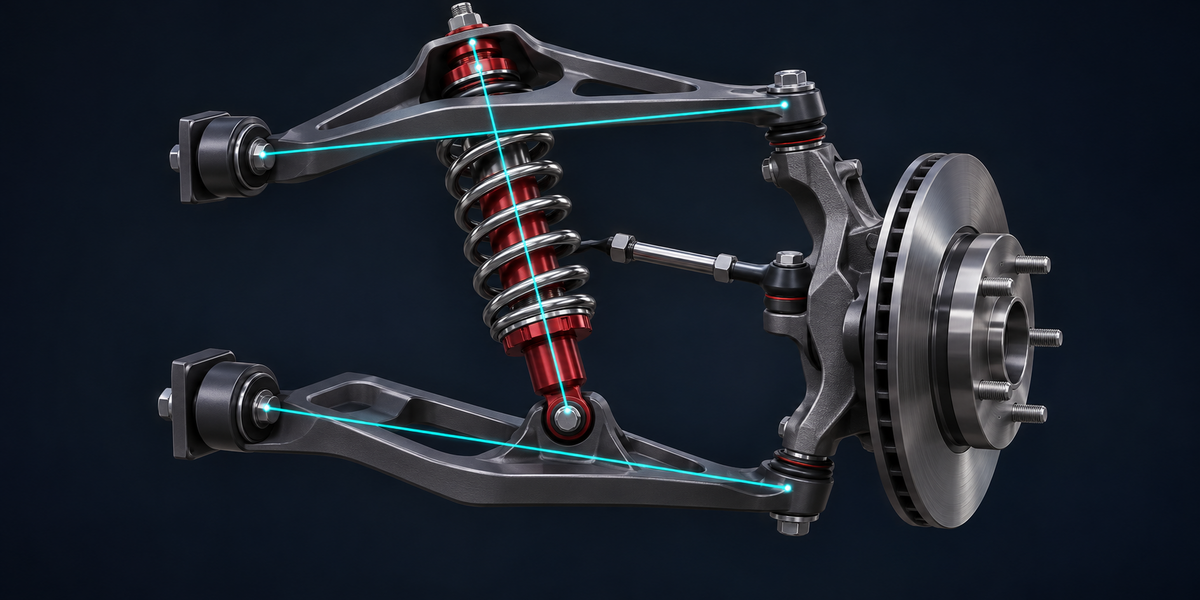
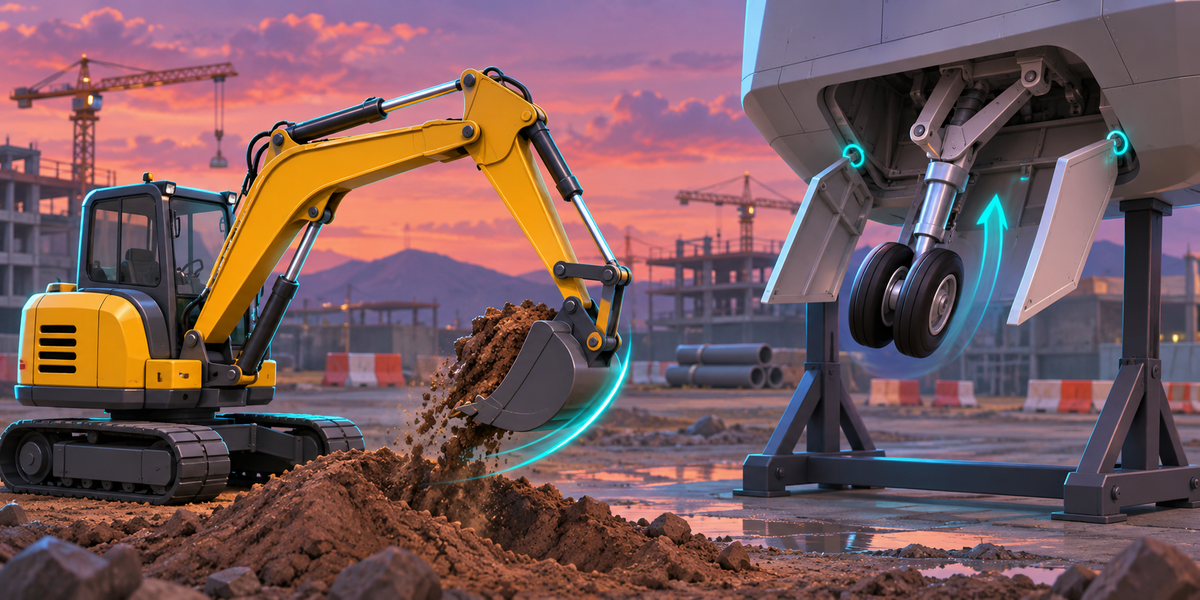
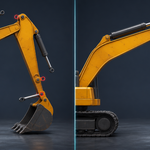
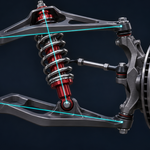
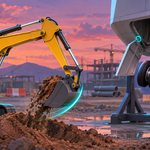
- 37 mechanisms in Unity 6000.0, 6000.4 and 6000.6, all passing: an excavator (turret, boom, stick, bucket and three hydraulic cylinders), a double-wishbone suspension (driven steer and travel, Stretch To shock, tie rod), a landing gear (retract driver, Stretch To brace, doors by Transformation), a gear train (driver ratio, Copy Rotation, a rack by Transformation), a piston engine (Limit Distance and Limit Location on the piston, Damped Track on the rod), a robot arm on bones (rotation limits you move, a driven gripper, a mirrored finger, an aim bone), a pistol hammer driven by a small Rotational Difference 2 m out on a turning base (with a hidden cover and a Boolean cutter that are not drawn), each constraint type, space and driver kind on its own (also objects parented to bones with local-space constraints, Rotational Difference, expression functions), bones and objects in quaternion and axis-angle mode, two of them in a scene in centimetres and two under a turned, scaled and moved root.
- Plain FBX against Blender: up to 4.6 m (excavator 1.7 m, suspension 1.5 m, landing gear 2.75 m, gear train 1.4 m, engine 0.9 m, robot arm 1.1 m). MechForge: at most 0.011 mm off its exact solution and 0.007 mm off Blender itself; with the parts moved through their transforms, the way a game moves them, at most 0.018 mm, also with an animation writing only the rotation of constrained parts for 12 frames running; a robot arm's limited joints turned by a script in 0.02-degree steps follow every step. A changed passport (other parts, or the same parts with anything else changed) is refused on all 37, and the unchanged one loads.
- MechForge's solver against Blender 4.2.9 and 5.2.2 on 25 rigs covering every constraint, space and driver kind: at most 3 millionths of a unit. The add-on's own checks (export, scene left as it was, hidden helpers and pivots, refusals, foreign files, properties without a range, far from the origin): 62 of 62 on both.
- Check catches a broken passport: a cylinder aiming the wrong way, a gear without its driver, a shock 10% too long, a joint limit widened, a Rotational Difference gain 5% off (on a large travel, and on a small one on a moving base), a 5% wrong number on another variable next to a small Rotational Difference: each one fails.
- Runtime: 0.02 to 0.035 ms a frame for 13 to 21 parts (Unity editor, Mono), and no garbage: no garbage collection in 100 000 frames per machine.
9. Limits
- A driven part is written every frame: animate or move the parts that drive it, or the part itself when it has constraints and no drivers, not a channel a driver writes.
- Unity transforms cannot hold shear: a part under an unevenly scaled parent that turns cannot be shown exactly. Check reports such a part. Scale parents evenly.
- Rotational Difference near zero: Blender's own value there is single-precision noise; MechForge computes it exactly, and Unity is judged against MechForge's exact solution with no allowance; only the comparison with Blender itself allows the part what Blender's noise moves it, and the panel and the report say to how many millimetres Blender confirms such a part (see 6).
- A driver reading a rotation in Local Space from an object without a parent reads 0 in Blender (Blender removes the object's own rotation there); MechForge does the same, so check such drivers in Blender first.
- Inverse Kinematics is not in 1.0 (see 5).
Have questions about this product?
Login to message
| Published | 1 day ago |
| Blender Version | 4.2 - 5.2 |
| Extension Type | N/A |
| License | GPL |
Discover more products like this
hydraulic unity Game Engine Robot drivers game-dev vehicle mechanical fbx rigging constraints Export