 Skava
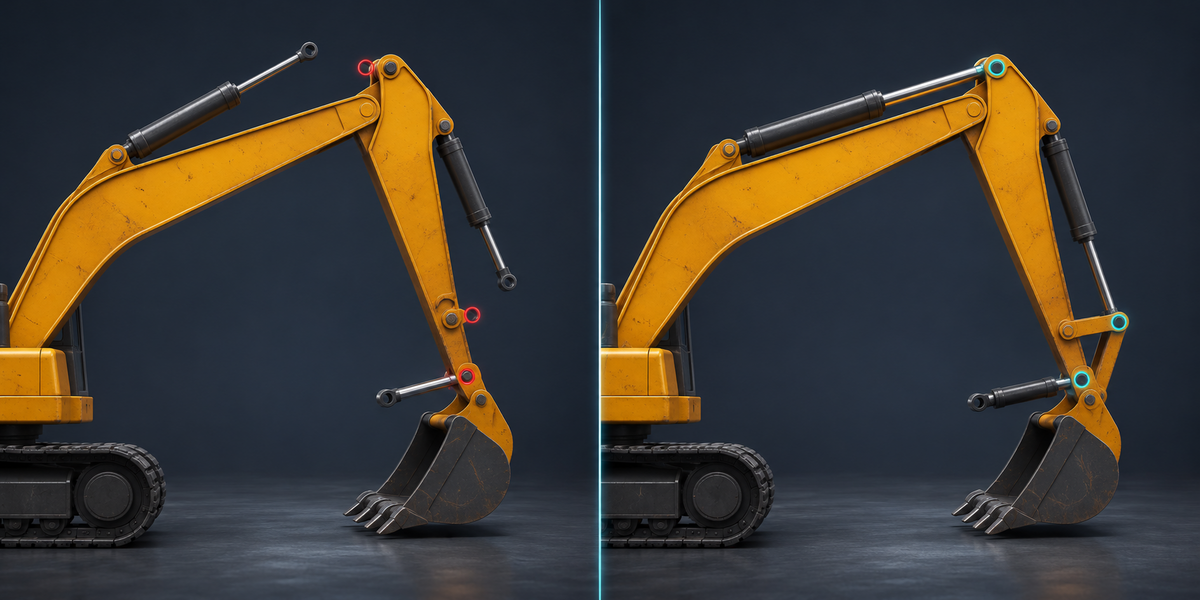
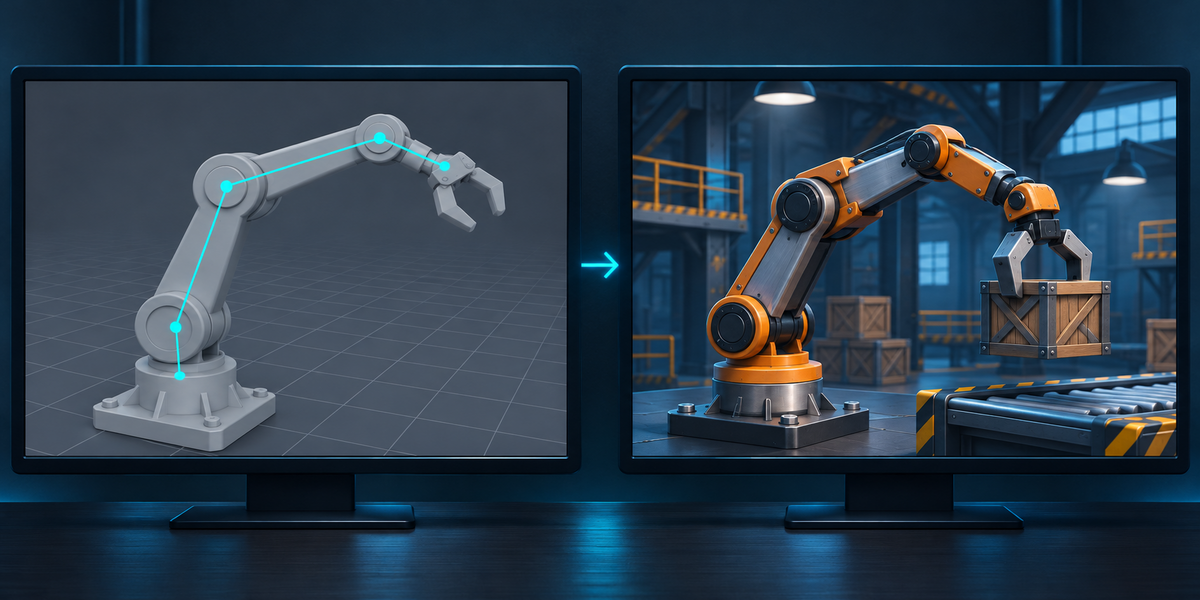
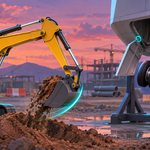
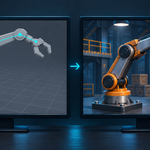
FBX has no place for them: it carries meshes, bones and their transforms, not the rules that move one part from another. Unity imports the model frozen in the pose it was exported in. On our test excavator the hydraulic cylinders end up 1.7 m from where Blender has them as soon as the boom moves.
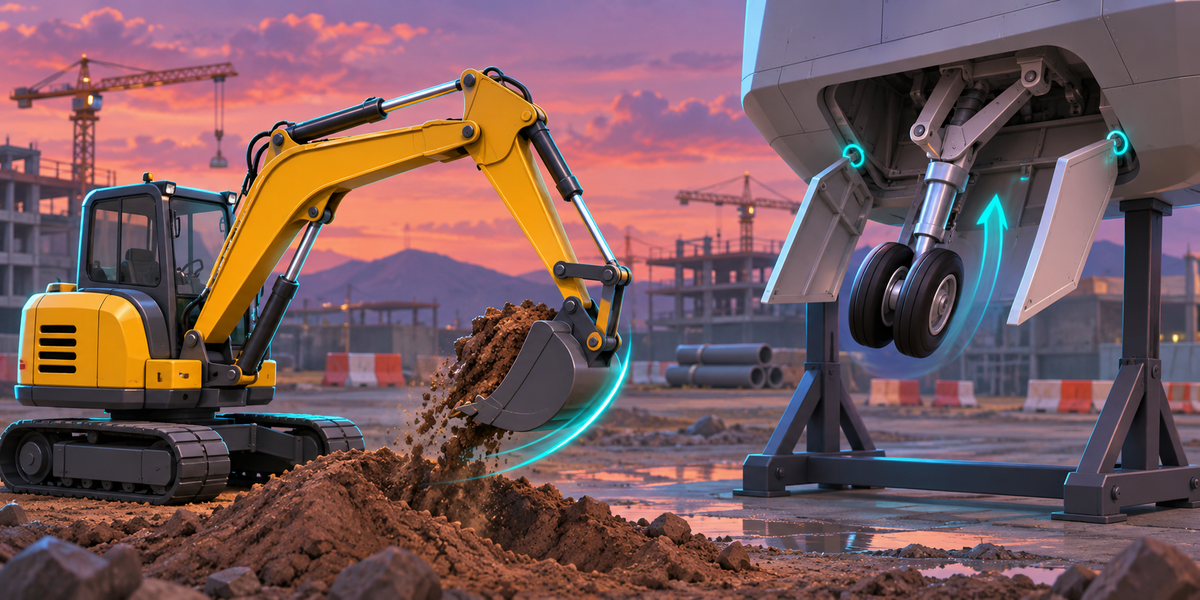
Baking records one motion. Nothing then reacts: the player cannot move the boom and have the cylinders follow, physics cannot push the suspension, and a gear lever cannot drive the doors. MechForge runs the rig itself, every frame.
Copy Location, Copy Rotation, Copy Scale, Copy Transforms, Child Of, Damped Track, Track To, Locked Track, Stretch To, the four Limit constraints and Transformation, on objects and bones, in world, local, pose and local-with-parent space, with influence. Drivers on transforms, influence and custom properties, with Blender's simple expressions. The documentation has the full list.
Not in 1.0. Analyze names any IK constraint before you export, and you can mute it to export the rest.
Move or animate the parts that drive it (the panel lists them), or set the controls: every custom property your drivers read becomes a named value on the MechForgeRig component, which you can animate or set with SetControl from your scripts.
0.02 to 0.035 ms a frame for a machine of 13 to 21 parts in our measurements, and it allocates no memory per frame.
Run Tools > MechForge > Set Up Mechanism again. Until you do, the component stops with an error that says so, instead of moving the wrong parts.
Tested in Unity 6000.0, 6000.4 and 6000.6. Nothing depends on the render pipeline.
No. Everything runs locally, in Blender and in Unity.
Have questions about this product?
Login to message
| Published | 1 day ago |
| Blender Version | 4.2 - 5.2 |
| Extension Type | N/A |
| License | GPL |
Discover more products like this
constraints fbx unity hydraulic vehicle mechanical rigging Game Engine game-dev Export Robot drivers