 ZEG
ZEG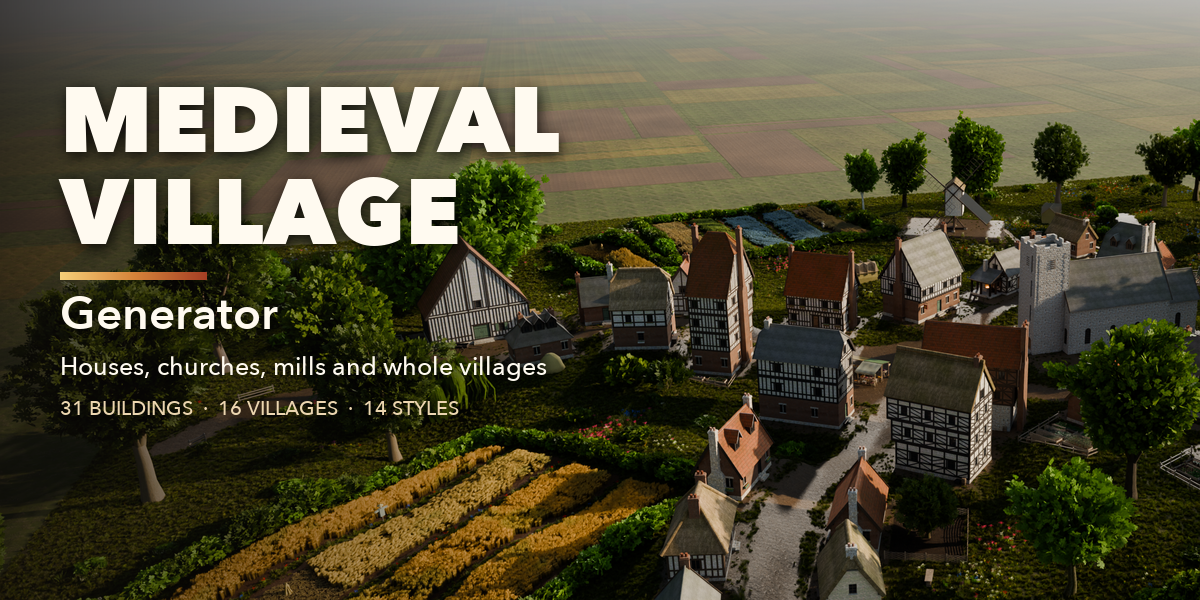
Installation
In Blender open Edit, Preferences, Get Extensions, then use Install from Disk and pick the medieval_village_generator zip.
Usage
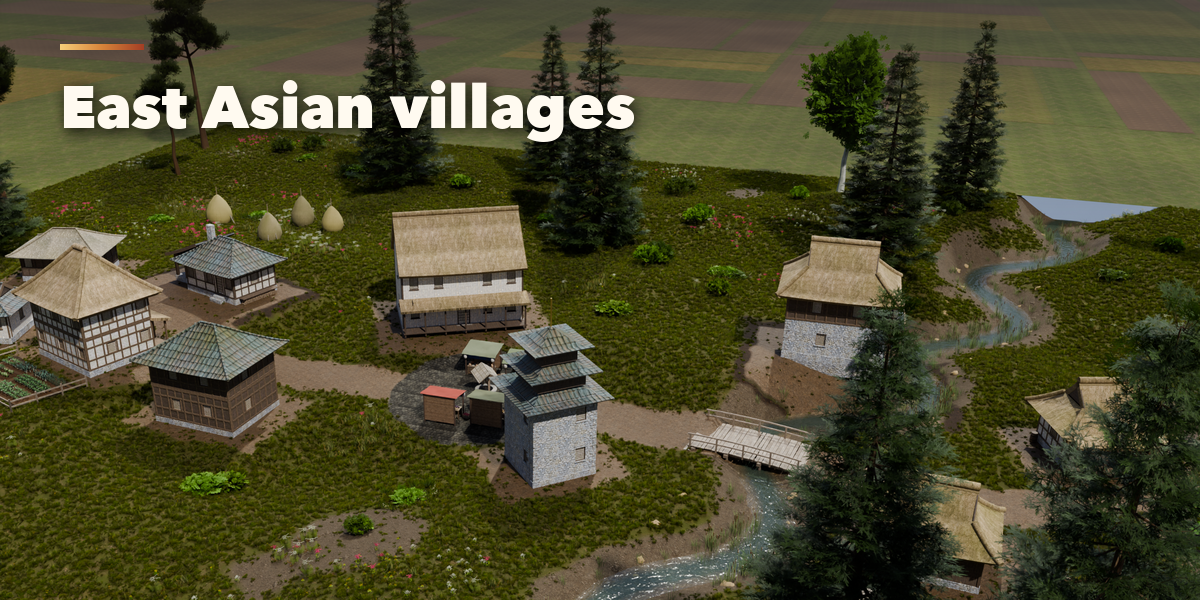
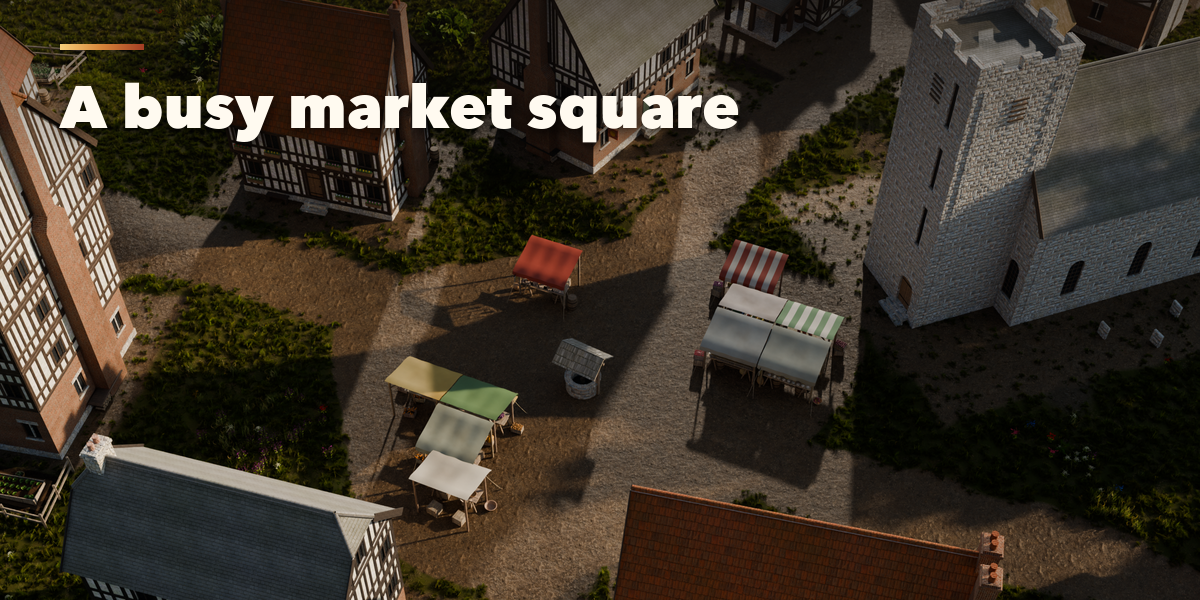
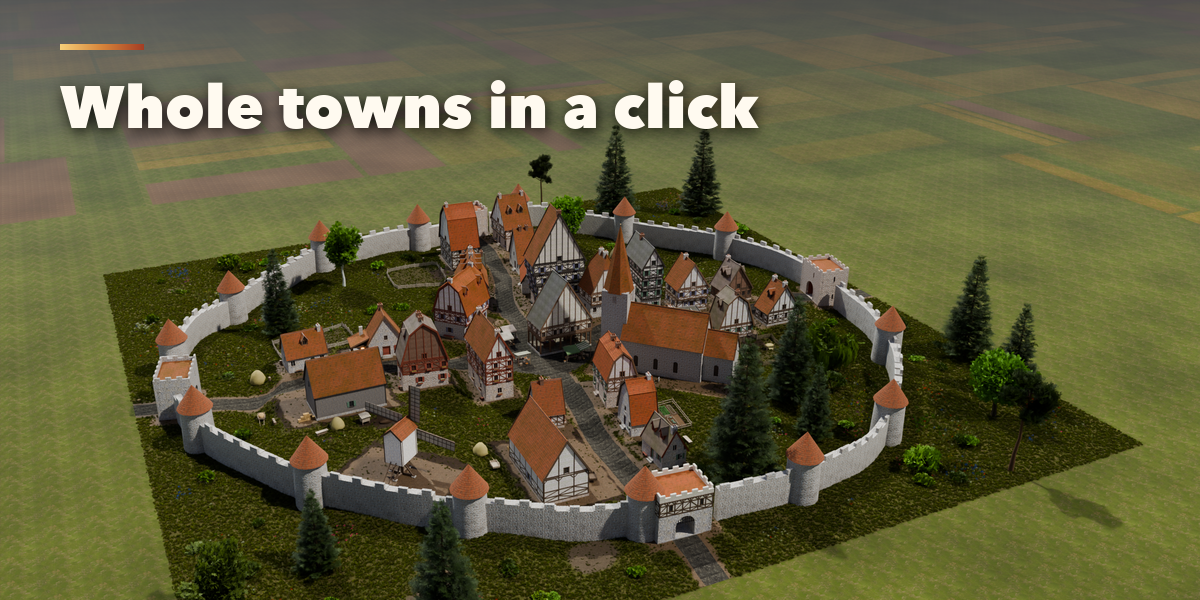
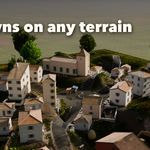
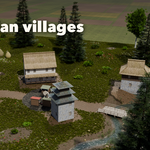
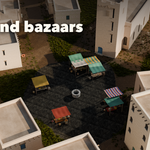
- Open the Village tab in the 3D viewport sidebar (N). With nothing of ours selected, it shows two picture galleries: pick a building or a village and press Add. It appears at the 3D cursor.
- With a building or village selected, the picture at the top switches its design. Randomize makes a new variation of the same kind; Surprise Me also changes the style and type (Shift-click Randomize does the same). Live Update rebuilds while you drag; switch it off for big villages and press Rebuild.
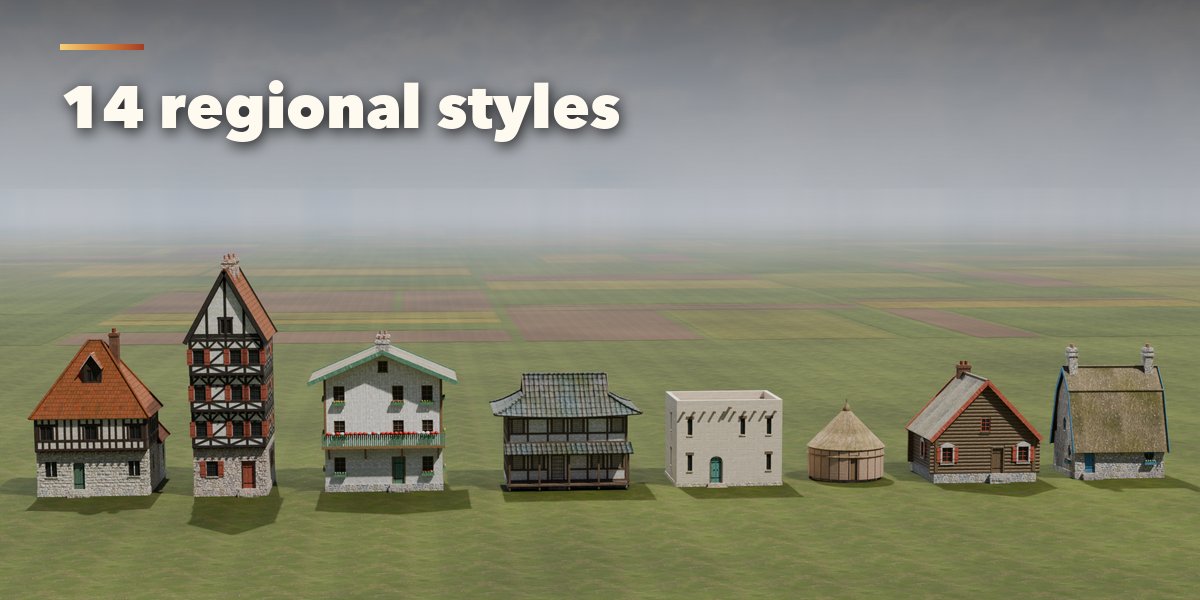
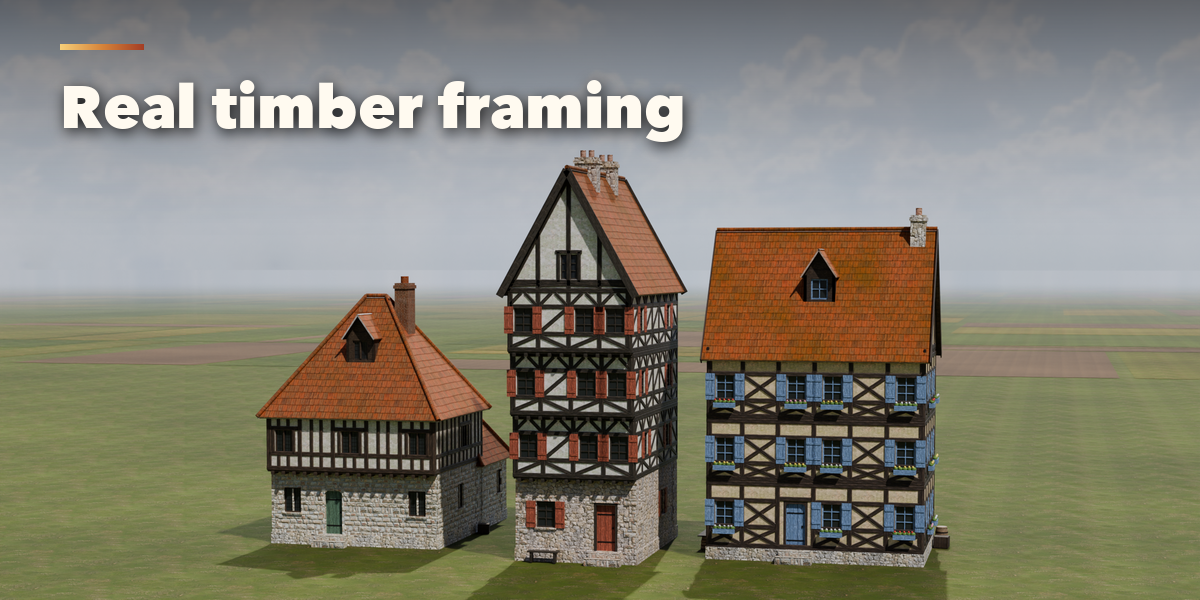
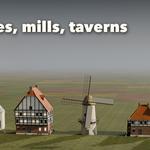
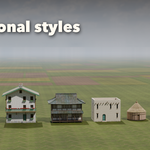
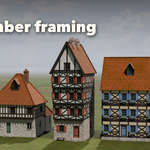
- Buildings: the sub-panels hold Building (style, type, floors, detail, size, roof form, pitch, covering), Walls and Framing, Roof Details, Windows and Doors, Extras and Colours and Age.
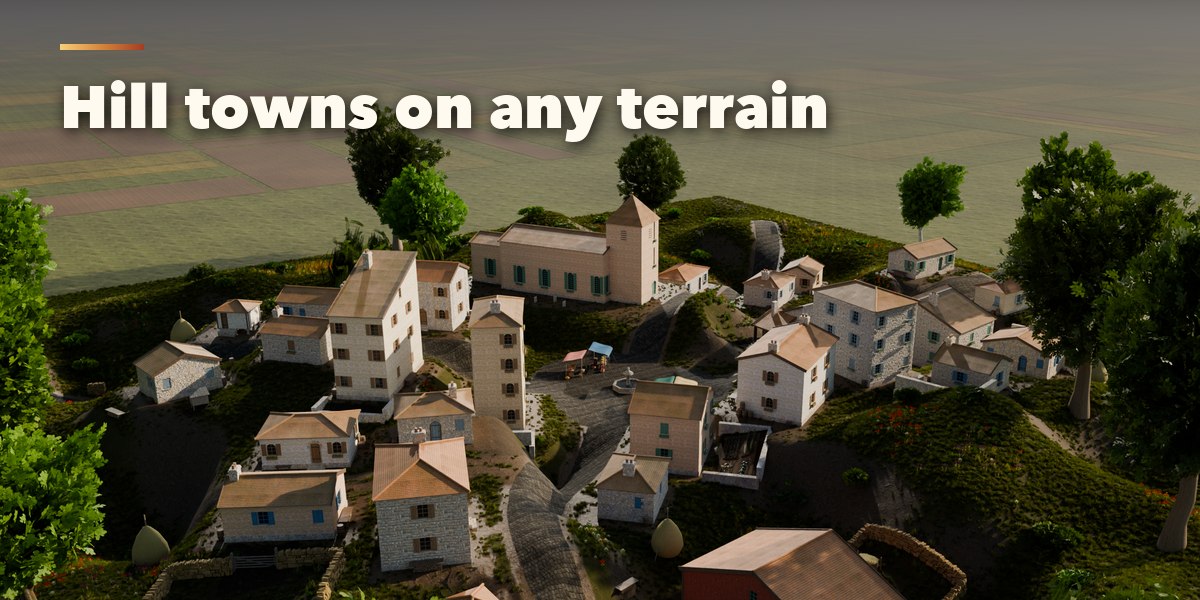
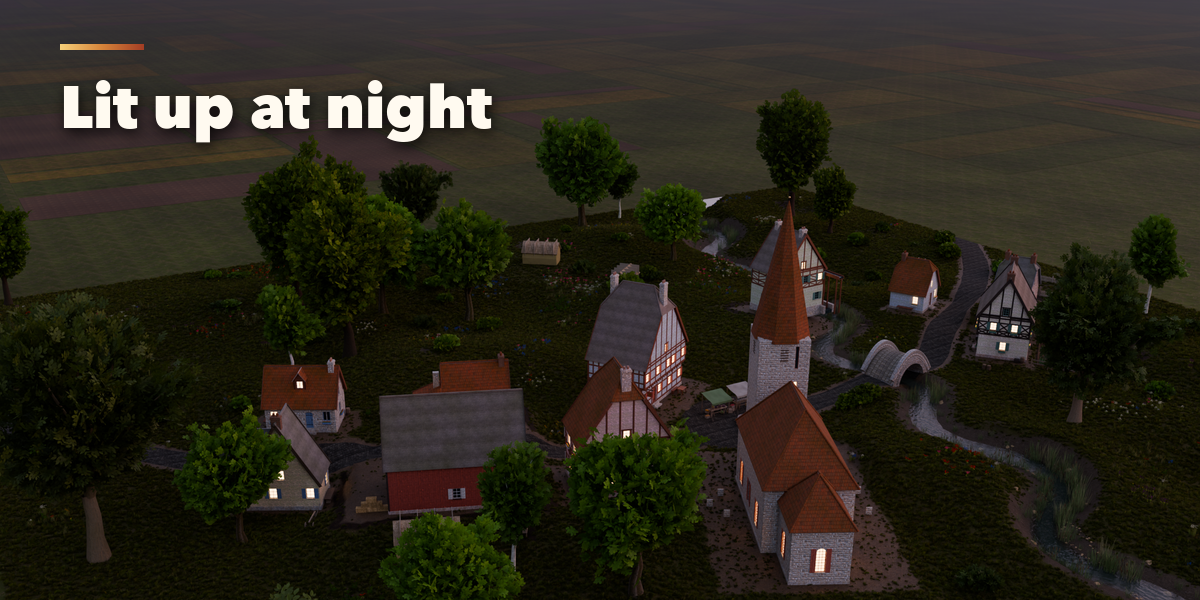
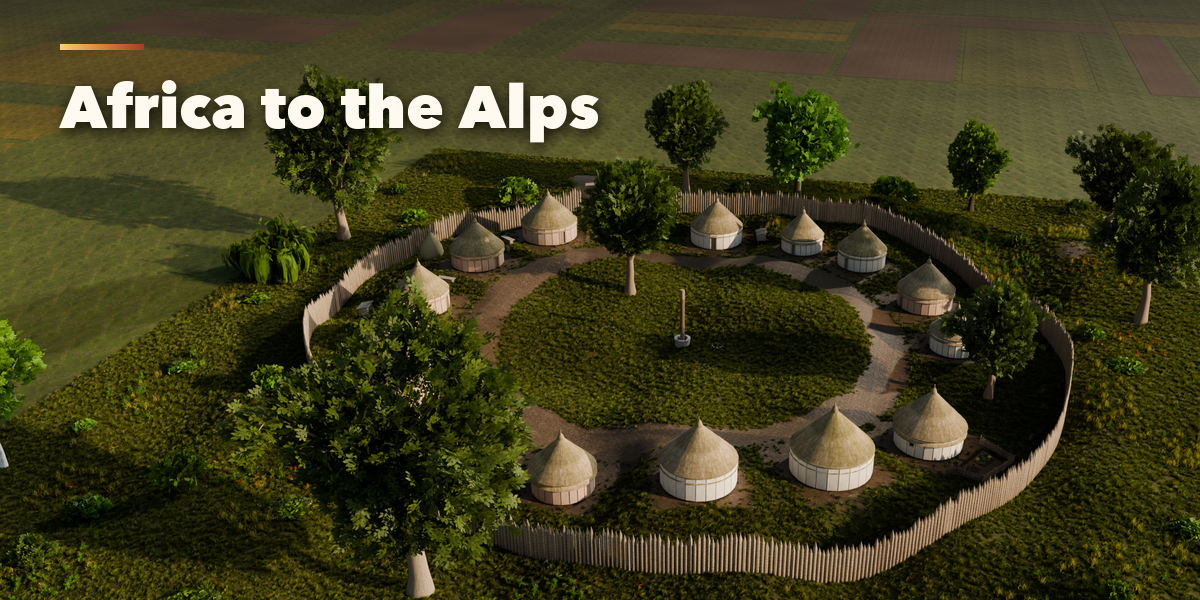
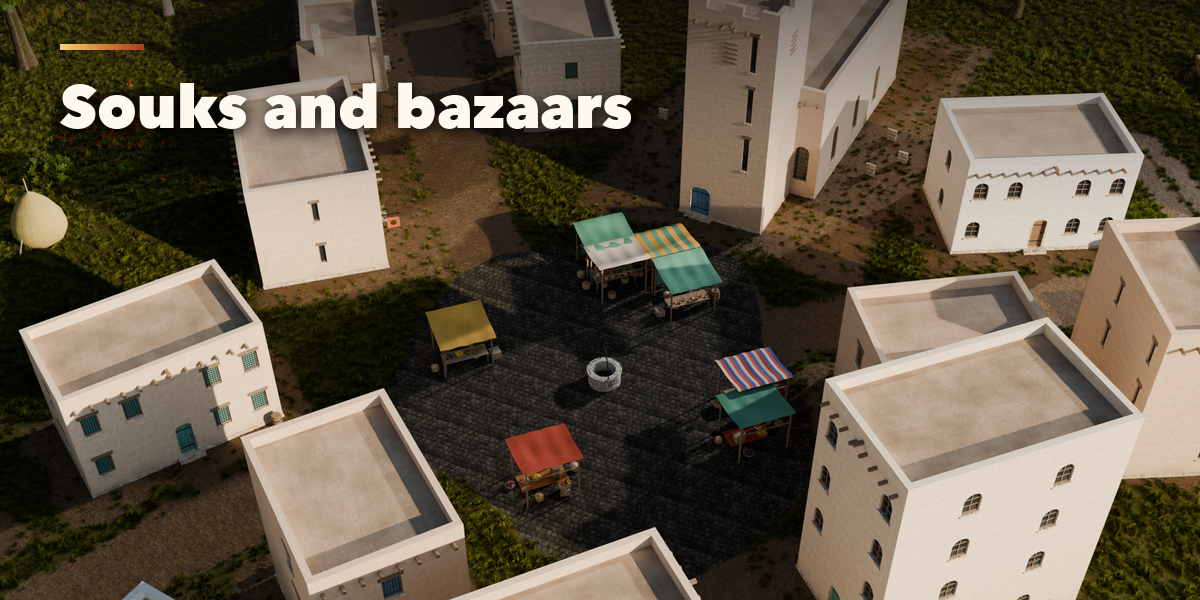
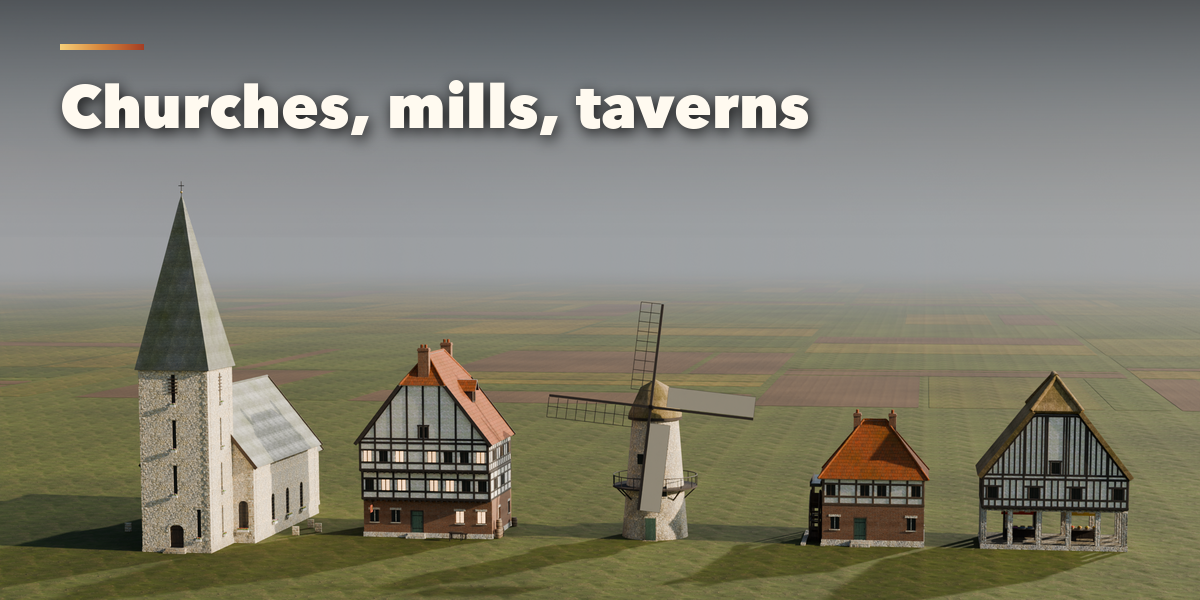
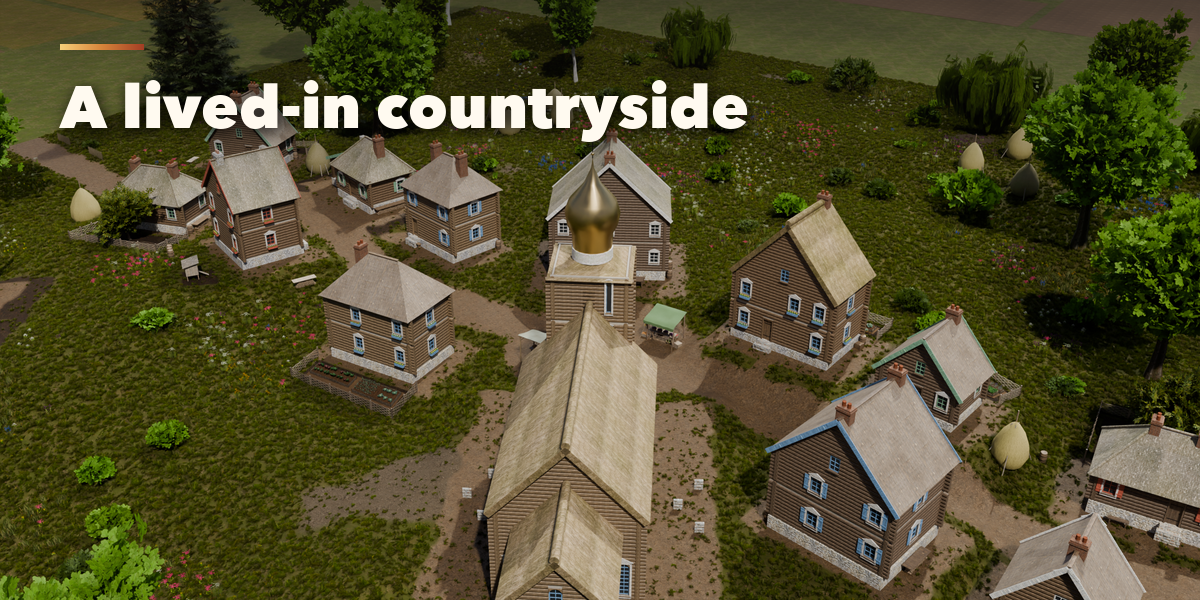
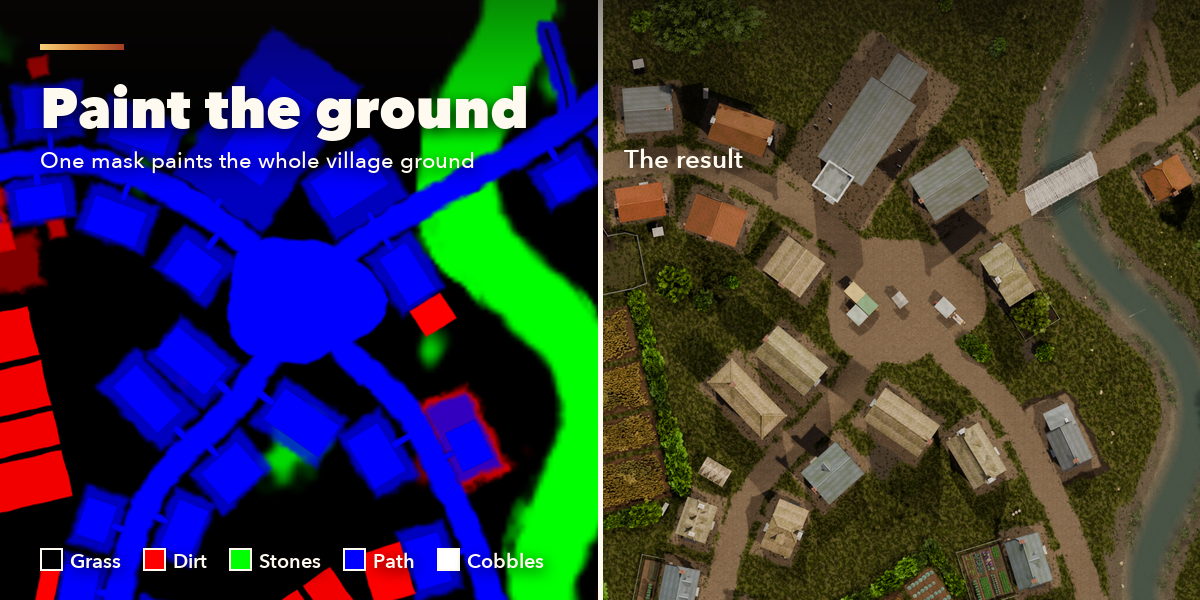
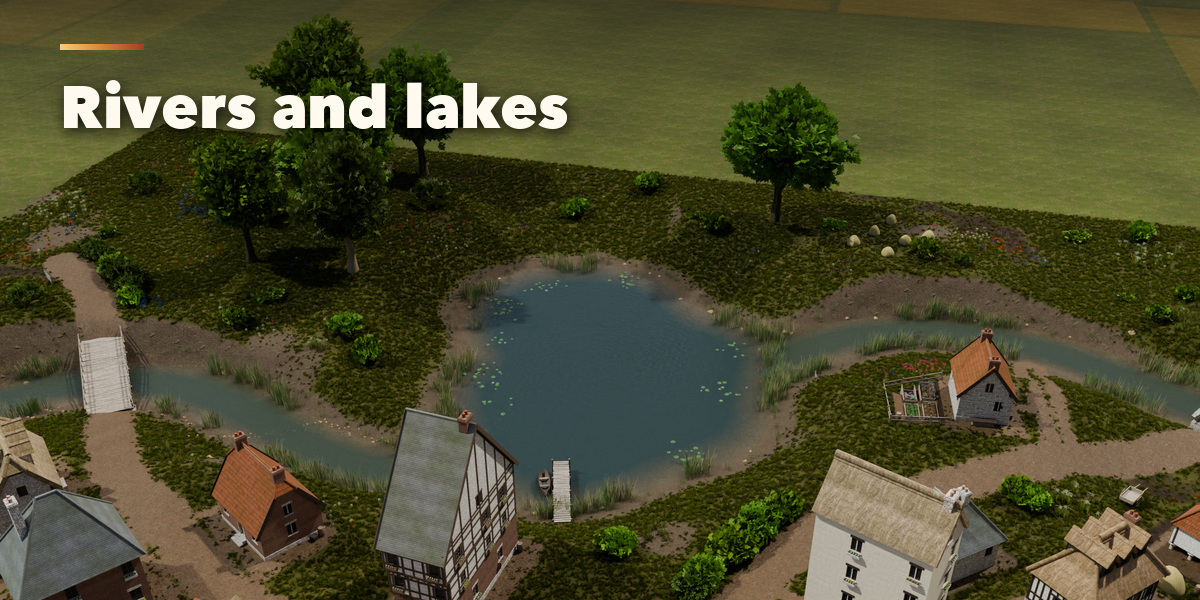
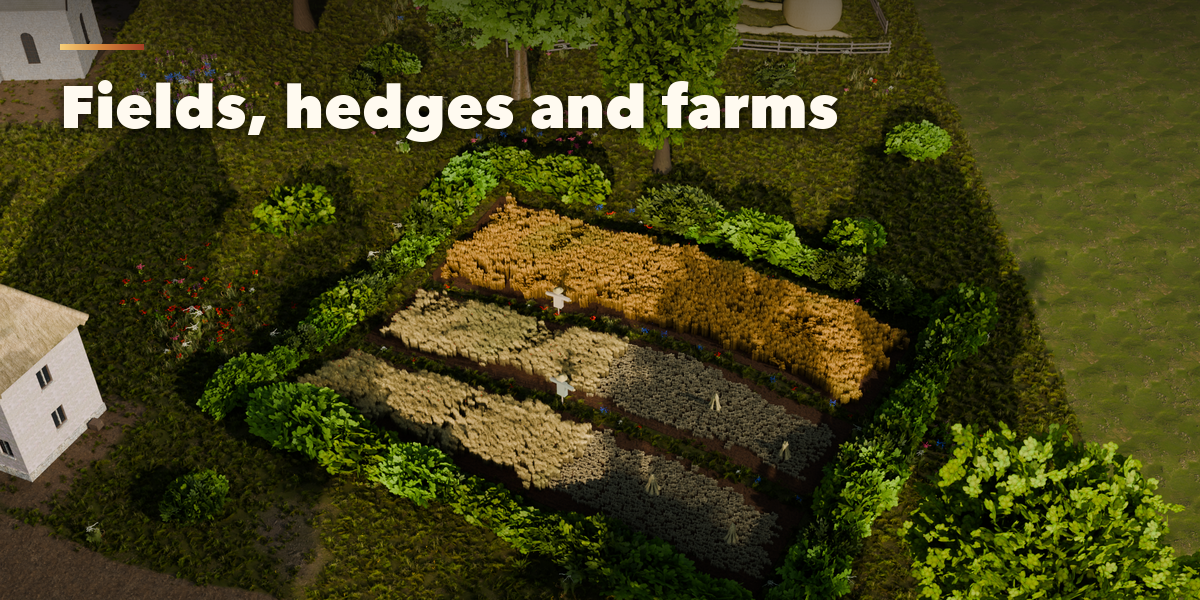
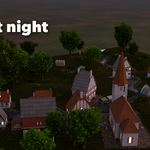
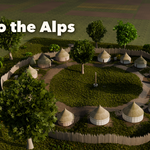
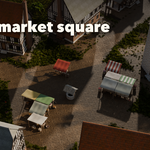
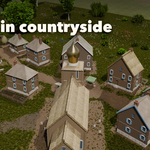
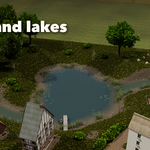
- Villages: the sub-panels hold Village (style, seed, detail, layout, size, density, hills), Buildings (style mix, church, tavern, smithy, mill, market, barns, floors), Lanes and Square, Gardens, Trees and Props, Defences (wall or palisade, towers), Water (stream, river, lake, river and lake), Ground (paint grass, dirt, stones, path or cobbles on the mask, grass density and height, fields, countryside and fences) and Night and Age (lit windows, glow, weathering).
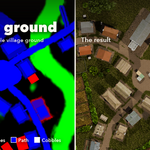
- Painting the ground: press one of the five ground pictures to paint that cover onto the village's mask in Texture Paint mode, then Done Painting. Your painting is kept when the village rebuilds; Regenerate Mask goes back to the automatic one.
- Select any house inside a village and press Edit as Building to copy it out as its own editable building.
- Finish: Convert to Mesh keeps plain meshes the add-on no longer changes; Make LODs writes three levels of detail (_LOD0 to _LOD2) of a building into a new collection; Delete removes the building or village with its meshes.
Every mesh has UVs and PBR materials with photo textures (Poly Haven, CC0) that export to game engines. Low detail is a game LOD; High adds chamfered timbers, hinges, lead cames and flowers.
Have questions about this product?
Login to message
| Blender Extension Compatible | Yes |
| Published | about 4 hours ago |
| Blender Version | 4.2 - 5.2 |
| Extension Type | Add-on |
| Render Engine Used | Cycles, Eevee |
| License | GPL |

Discover more products like this
game assets medieval timber-frame House building procedural village environment town architecture Generator fantasy