Merger - Your Tool for Simplifying Complex Blender Scenes
 Andrew Luzhetskyi
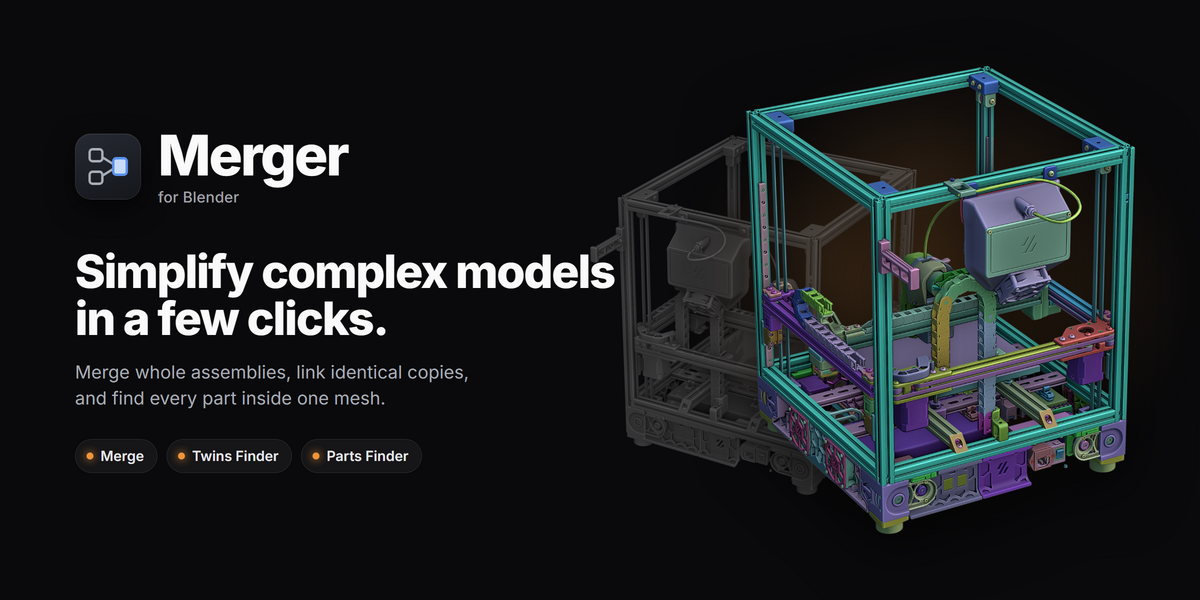
The biggest update since 1.0
Two new tools, a rebuilt Merge and a redesigned panel. Everything below is new since 1.0.7. Free for everyone who owns Merger.
✨ New: Twins Finder
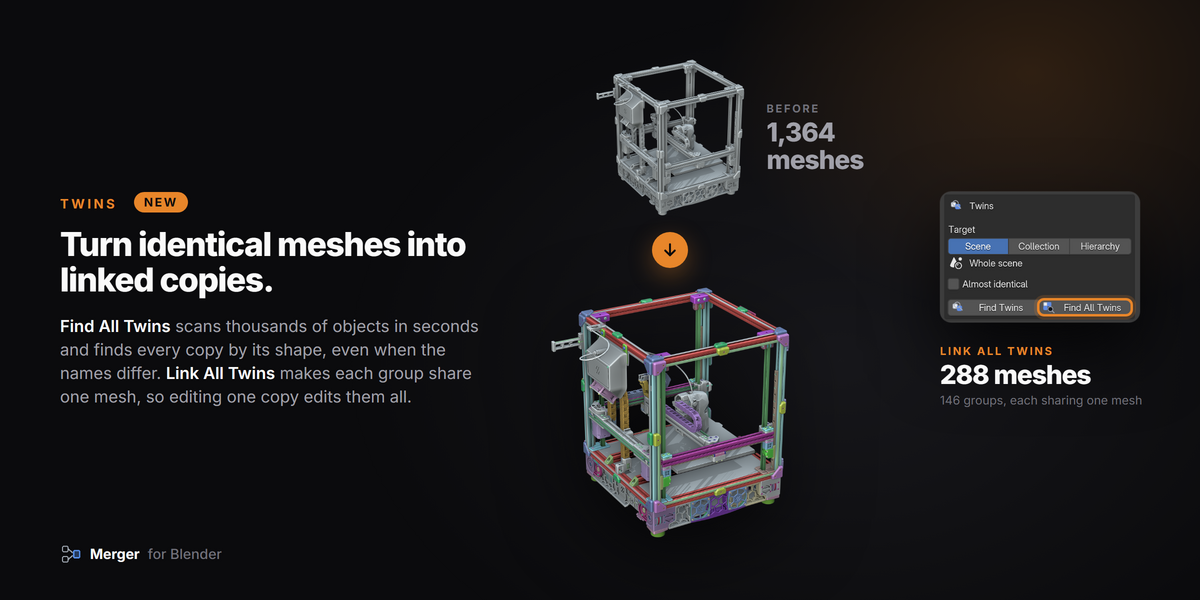
- Find Twins finds every identical copy of the selected mesh, by its shape, never by its name.
- Find All Twins finds every group of identical copies at once, with a progress bar. Press Esc to cancel.
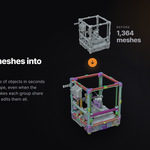
- Link Object Data and Link All Twins make copies share one mesh, so the file gets lighter and editing one copy edits them all.
- Merge Twins and Merge All Twins join copies into one mesh instead.
- Almost identical with a Tolerance slider also catches copies that were exported a little differently.
- Keep twins in place keeps each copy's position and rotation when it is linked, mirrored copies included.
- Target (Scene, Collection or Hierarchy) chooses where to search.
- Color each group gives every group of linked copies its own color.
🧩 New: Parts Finder
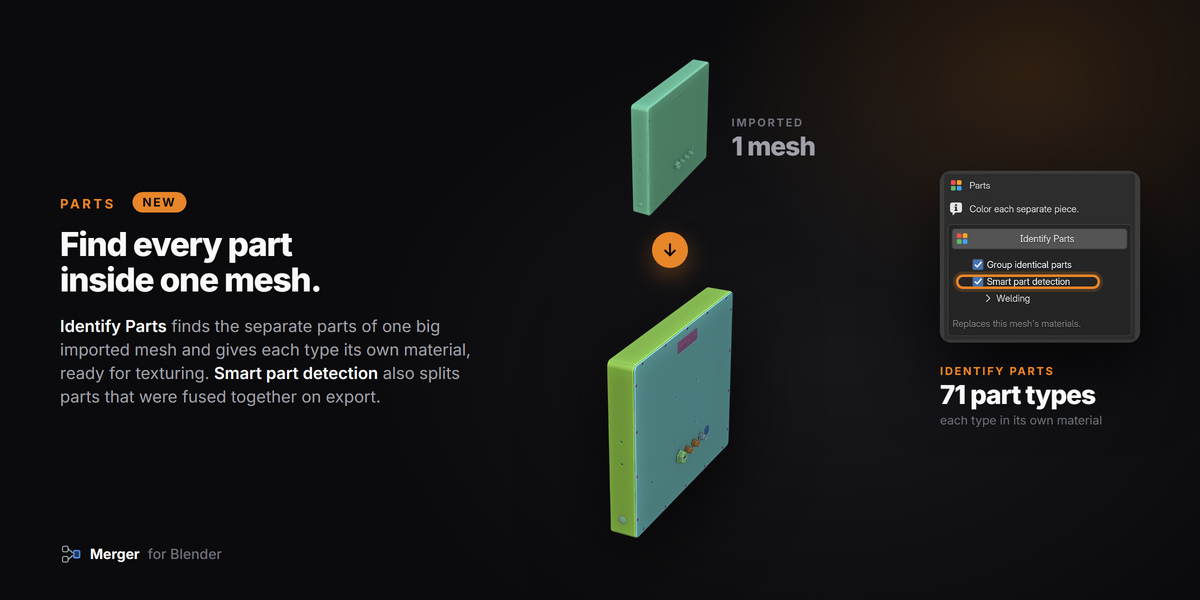
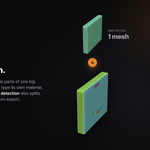
- Identify Parts finds the separate parts inside one mesh and gives each its own material, ready for texturing.
- Group identical parts gives identical (and nearly identical) parts one shared material.
- Smart part detection also splits parts that are joined where they touch.
- Welding (Merge by Distance first) joins loose faces from glTF and STEP imports and keeps their shading.
🔧 Merge, improved
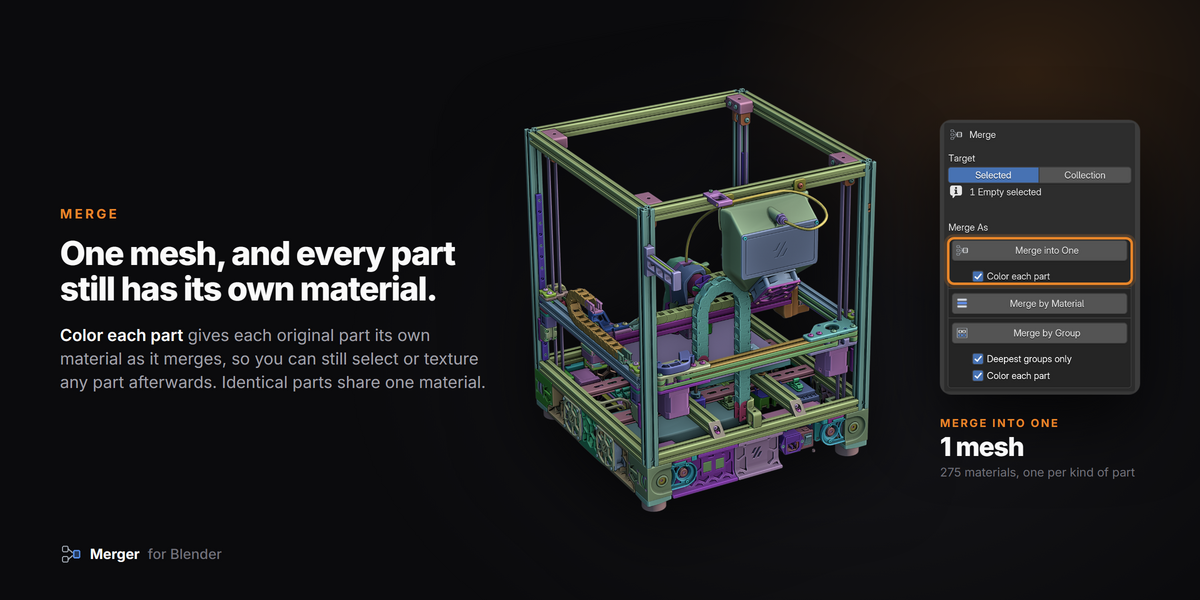
- Color each part: every original part keeps its own material after a merge, so you can still select or texture it. Identical parts share one.
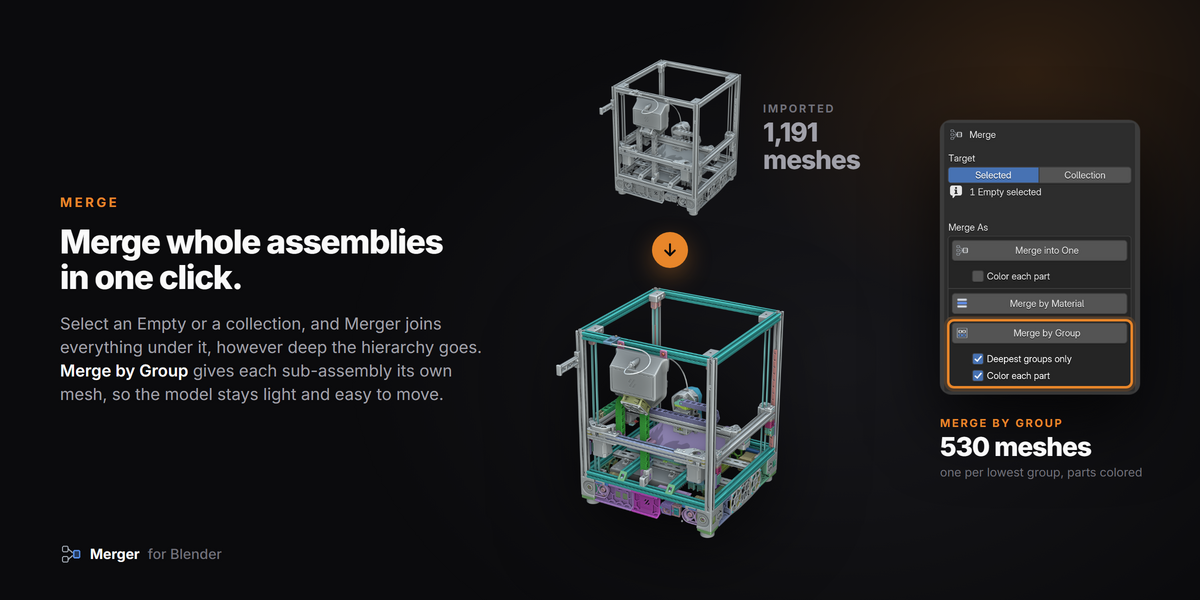
- Deepest groups only for Merge by Group merges just the lowest groups and keeps the rest of the hierarchy.
- Merged results now take the exact name of their Empty or collection, without ".001".
🎨 Redesigned panel
- Every action sits in its own box, with its options right under its button.
- New icons, clearer labels, and short hints when a button needs a selection.
- Preferences for the matching tolerances and the confirmation dialogs.
- Delete Unused Empties is now called Delete Childless Empties.
⚡ Fast on big scenes
- Scenes with thousands of objects scan in seconds, and Blender stays responsive while it scans.
Updating from 1.0.x
Installed through Superhive in Blender? Open Edit > Preferences > Get Extensions and press Update next to Merger.
Installed the ZIP yourself? Download 1.9.1 from your Superhive Orders page and install it the same way (Get Extensions > Install from Disk, or drag the ZIP onto Blender). It replaces the old version.
The panel is in the 3D Viewport sidebar (press N), Merger tab.
Requires: Blender 4.5 or newer (tested on 4.5, 5.0, 5.1 and 5.2)
Found a bug or want a feature? Please send me a message. I read every one. - Andrew
Have questions about this product?
Login to message
| Blender Extension Compatible | Yes |
| Sales | 80+ |
| Rating | 11 ratings |
| Dev Fund Contributor | |
| Published | over 1 year ago |
| Blender Version | 4.5 - 5.2 |
| Extension Type | Add-on |
| License | GPL |

Discover more products like this
empties scene cleanup linked duplicates hierarchy instancing step color-parts import engineering Merge optimize cad