 AS Formworks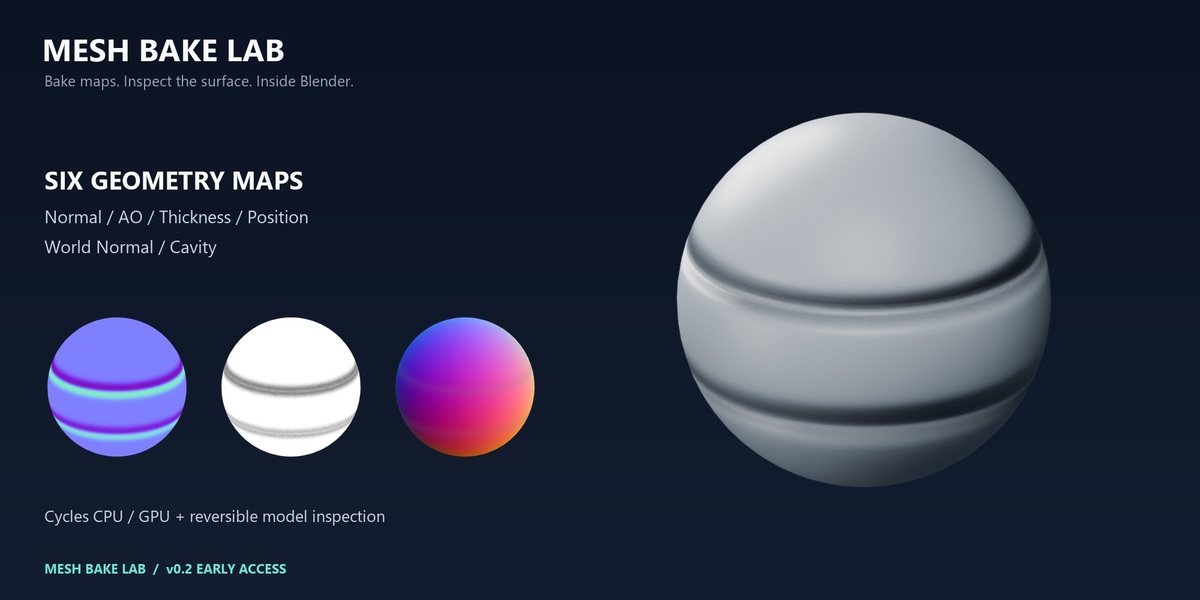
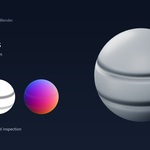
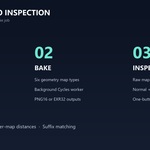
Bake maps. Inspect the surface.
Mesh Bake Lab brings geometry-map baking and on-model inspection into one Blender sidebar. Generate your maps with Cycles, then check the result on your low-poly model before continuing your texturing workflow.
Version 0.2 — Early Access. Buy for the implemented features listed below. This release supports one target and one 0–1 UV tile per job.
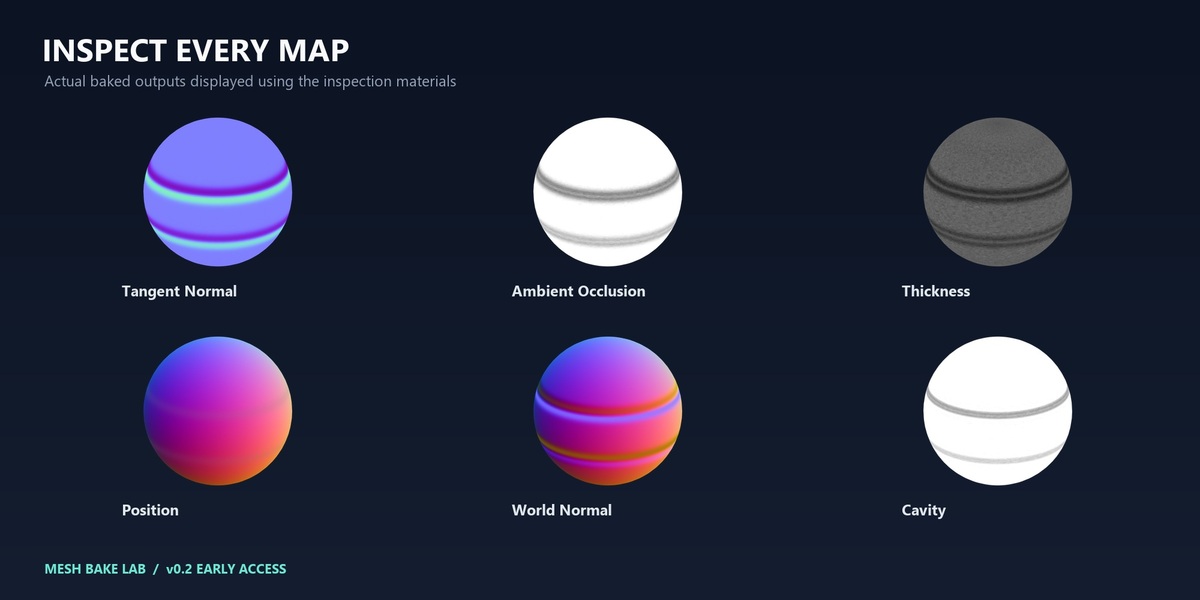
Six map outputs
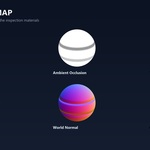
- Ambient Occlusion
- Thickness: an inward visibility mask, not a physical thickness measurement
- Position: RGB XYZ normalized to the source world bounds
- Tangent Normal: OpenGL +Y or DirectX -Y
- World Space Normal
- Cavity: short-range AO, not signed curvature
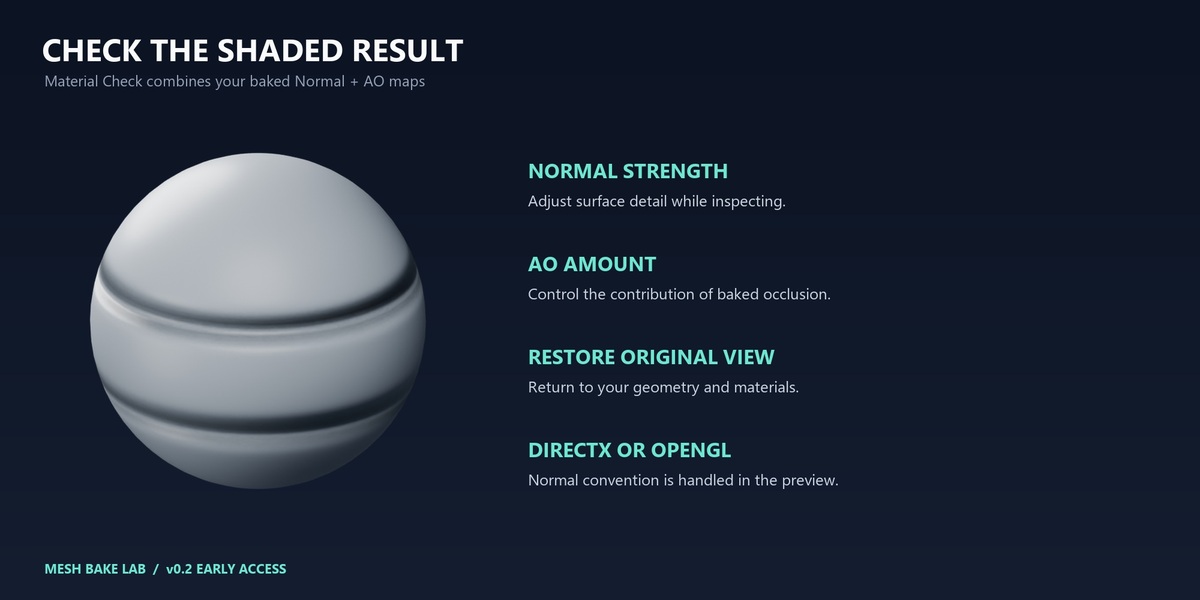
Inspect directly on your model
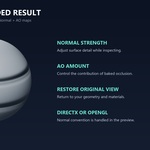
Switch between raw map views and a lit Material Check using Normal + AO. Adjust normal strength and AO amount, orbit and zoom, and restore your original view with one button. The preview uses a temporary evaluated copy and preserves your source geometry and materials. DirectX normals are corrected automatically for the shaded preview.
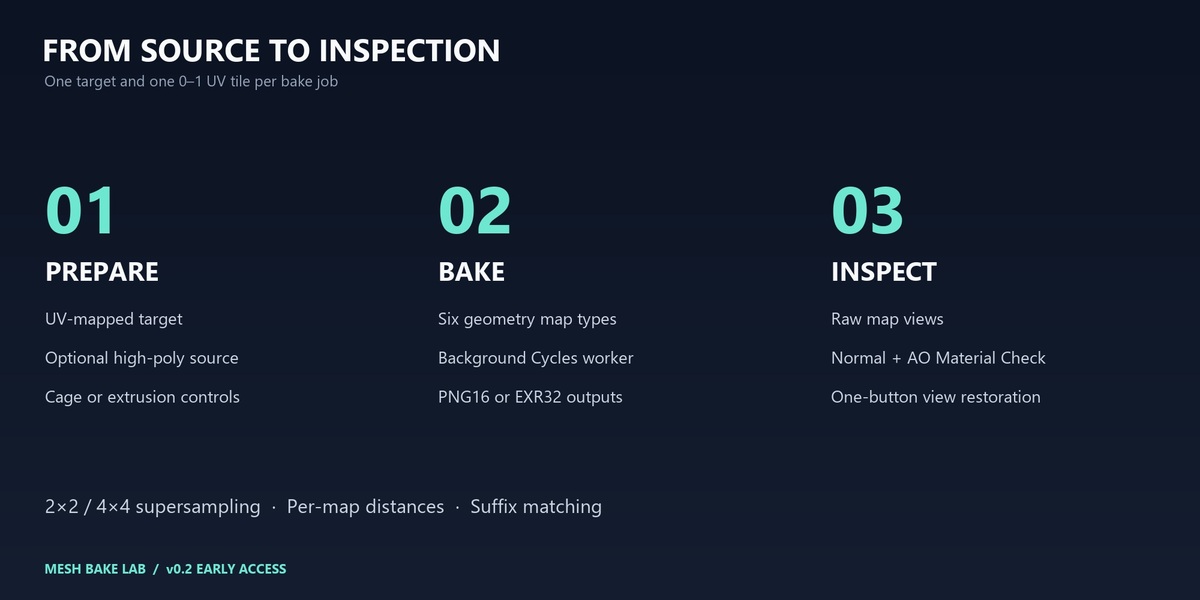
A practical bake workflow
- High-to-low projection, source collections and exact suffix-based mesh matching
- Custom cages, Blender cage extrusion and projection distance controls
- Cycles CPU/GPU selection; tested with CPU and NVIDIA OptiX
- 2×2 / 4×4 supersampling, padding and per-map distance settings
- 16-bit PNG or 32-bit OpenEXR output
- Separate background Blender worker, cancellation and diagnostic reports
- Per-object result tracking and loading earlier bake reports for inspection
Included
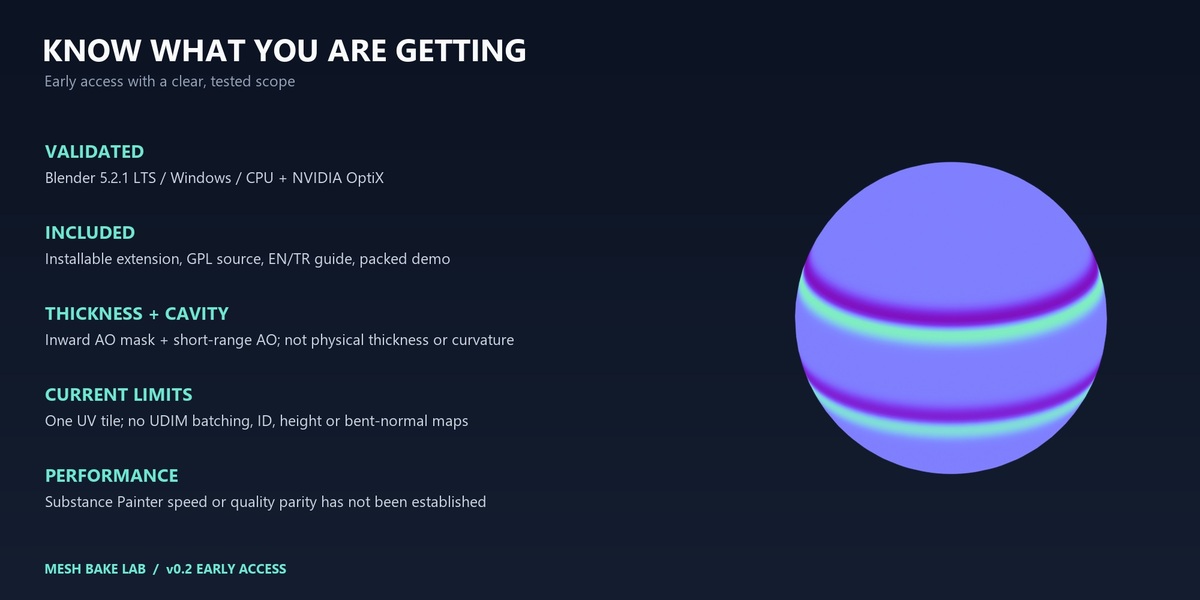
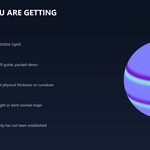
Installable Blender extension ZIP with full GPL source, English and Turkish documentation, and an optional demo scene with six packed maps. Gallery images show actual baked outputs displayed through the inspection materials.
Compatibility and current scope
Validated on Blender 5.2.1 LTS on Windows with CPU and RTX 4060 Ti / OptiX. The manifest permits Blender 4.2+, but earlier Blender versions, other operating systems and other GPU backends are not validated for this release.
No UDIM batching, automatic UV-overlap detection, signed curvature, ID/height/bent-normal maps, painted cage/skew tools or projection-miss diagnostics. Maximum working resolution is 8192; available memory still limits practical job size. Initial geometry preparation may briefly pause Blender. Preview closes on save, undo/redo or a new bake.
No Adobe software is required. Quality and speed equivalence with Substance Painter have not been established.
Quick start
- Install the extension ZIP through Blender Preferences → Install from Disk.
- Open 3D Viewport → N sidebar → Mesh Bake.
- Select a UV-mapped target, choose sources if needed, maps and an output folder, then Bake Mesh Maps.
- In Model Inspection, choose a map and press Inspect on Model. Use Restore Original View to finish.
Support: contact AS Formworks through the marketplace. Full instructions and troubleshooting are included. Code license: GPL-3.0-or-later.