 Azerilo


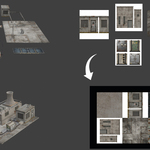
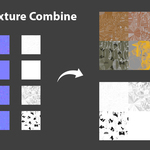
Mesh Combine: One-Click Mesh & Texture Atlas Generator
Stop wasting hours manually baking textures and repositioning UVs. Mesh Combine is a powerful, high-performance Blender add-on designed to streamline your optimization workflow. Whether you are preparing assets for Unity, Unreal Engine, or web-based 3D viewers, Mesh Combine merges multiple objects into a single mesh and intelligently packs their textures into a perfectly organized Texture Atlas.
Why choose Mesh Combine?
While other tools can be slow or lose data, Mesh Combine uses optimized pixel-buffer processing to generate atlases in seconds. It doesn’t just combine colors—it handles your entire PBR workflow.
Core Features:
Full PBR Support: Generate synchronized atlases for Color (Albedo), Normal, Roughness, and Metallic maps simultaneously.
Intelligent Shelf Packing: Our advanced algorithm automatically arranges textures to maximize space and prefers square atlas dimensions (up to 8K).
Automatic UV Remapping: No manual adjustment needed. The tool duplicates your objects, adjusts the UV coordinates to fit the new atlas, and joins them into a single, clean mesh.
Non-Destructive Workflow: Your original objects remain untouched. Mesh Combine creates a new, optimized version of your selection.
How it works:
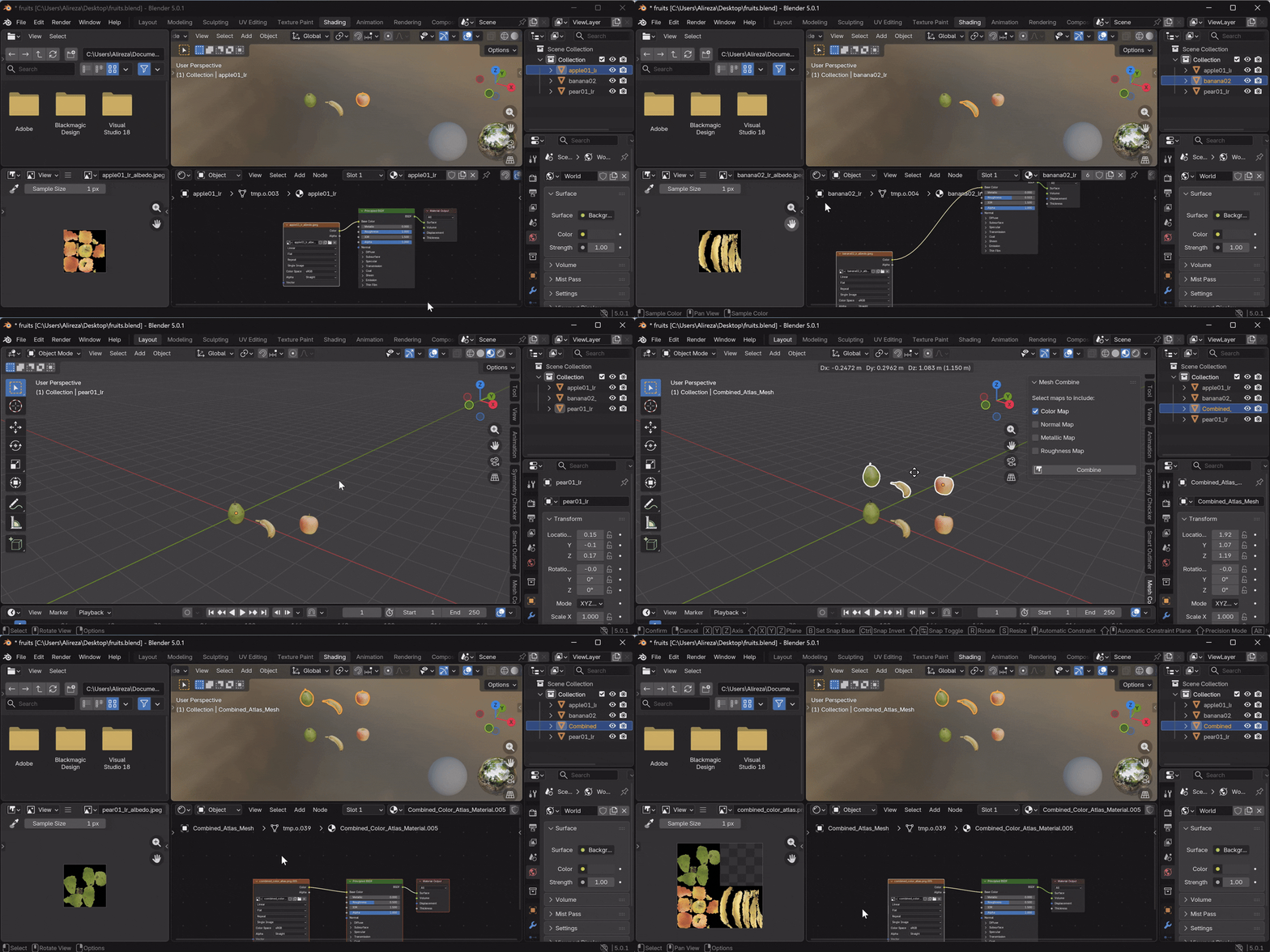
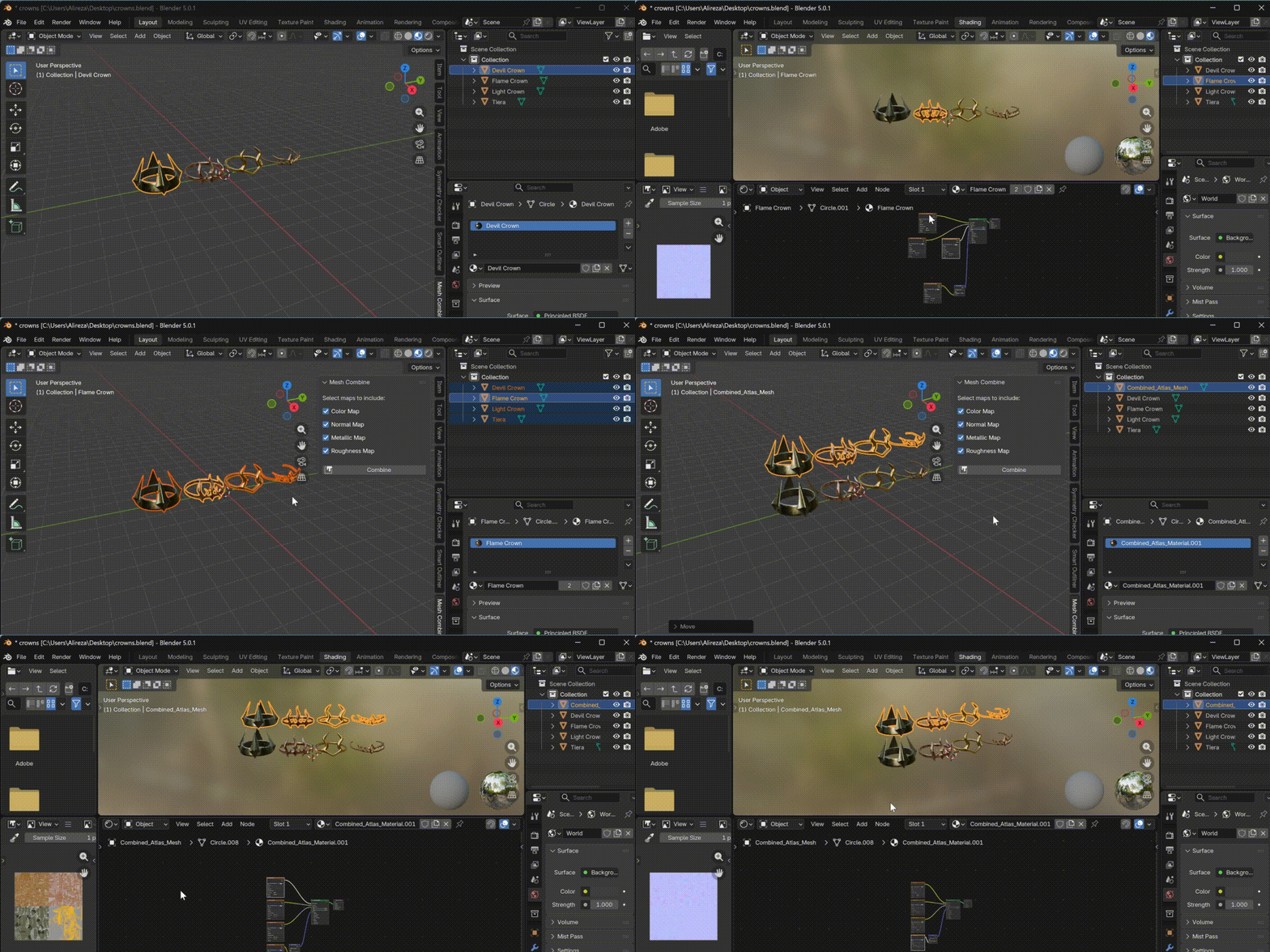
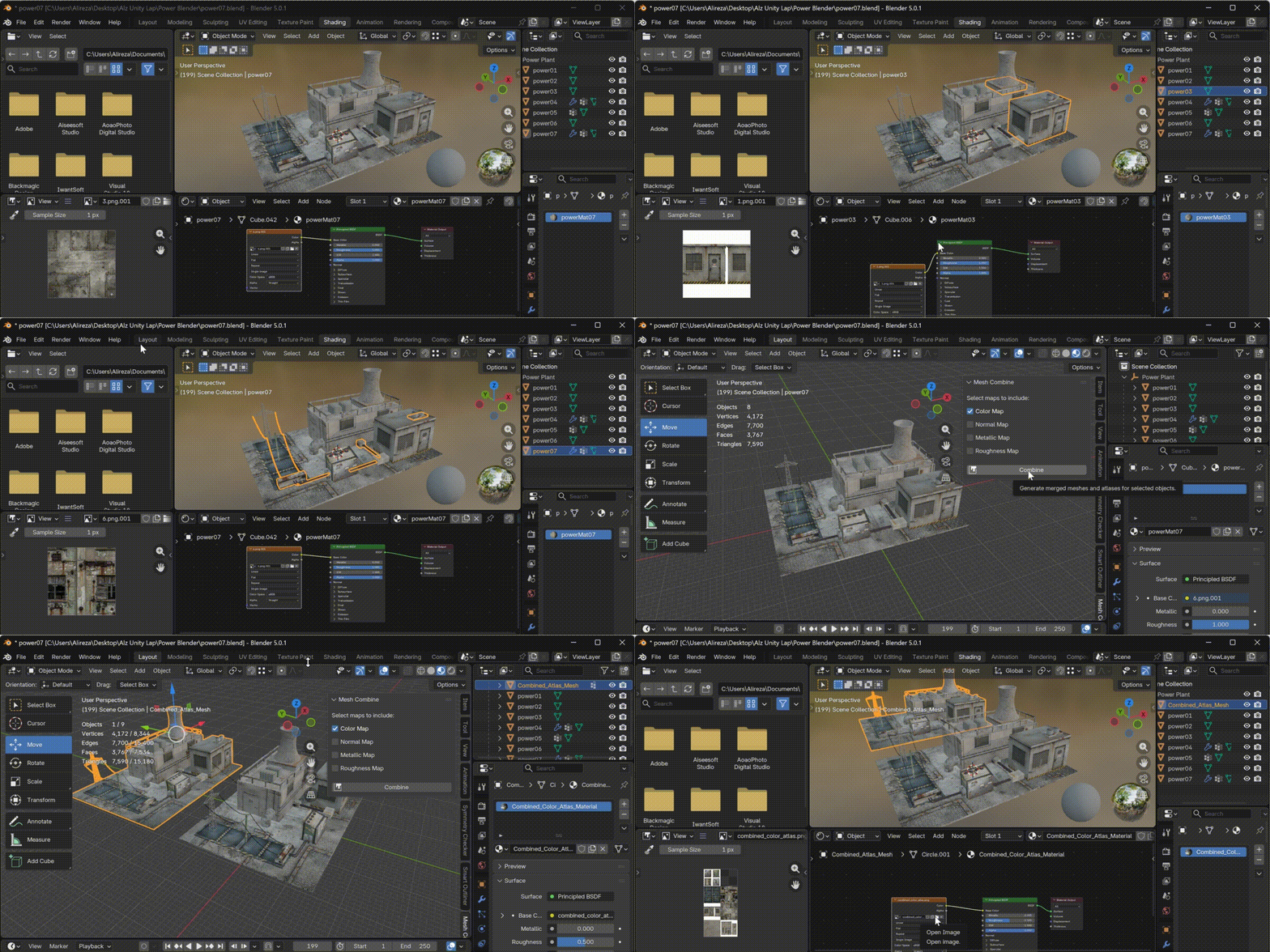
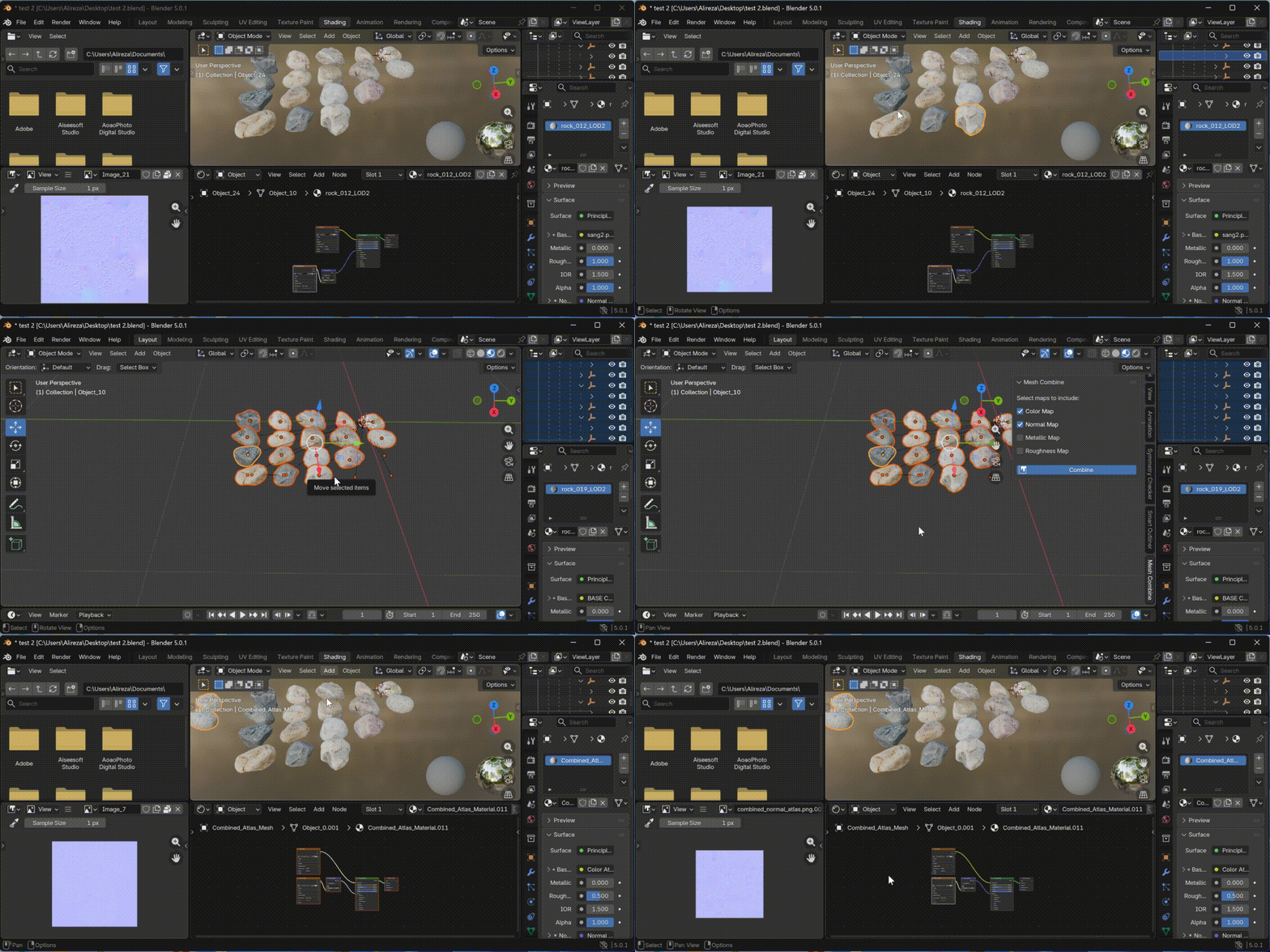
Select the meshes you want to combine.
Choose which texture maps to include (Color, Normal, etc.) in the Sidebar panel.
-
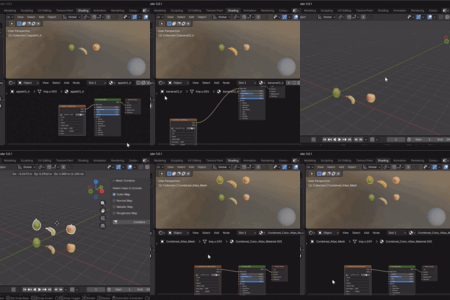
Click Combine! The add-on creates a new object with a custom "Combined Atlas Material". You can save the generated texture atlas in Shading panel.