 Azerilo


How to install:
Download the add-on and extract it. There is a zip file (mesh_combine.zip) inside it. You should install that file.
In Blender go to Edit -> Preferences -> Add-ons menu and install it.
How to use it:
By pressing N you will find it as Mesh Combine panel.
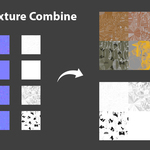
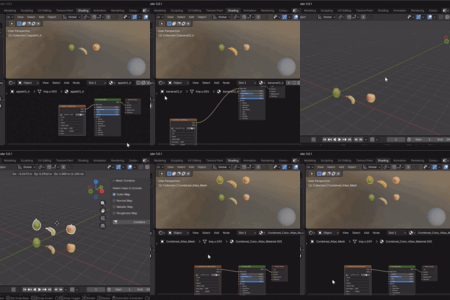
Select multiple meshes that you want to combine. Select texture types that you want to pack. Then press Combine button. After some moment it will be done.
All meshes must have the selected texture map that you checked on the panel.
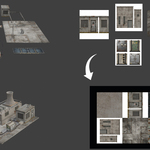
After it is done you will have a combined mesh and texture atlases.
To save the texture atlases go to the Shading tab and select the combine mesh. Click on textures and save them in your desired location.
Have questions about this product?
Login to message
Discover more products like this
Combine texture atlas Auto Merge Mapping mesh merge auto combine Merge optimize mesh combine