 Shahzaib A.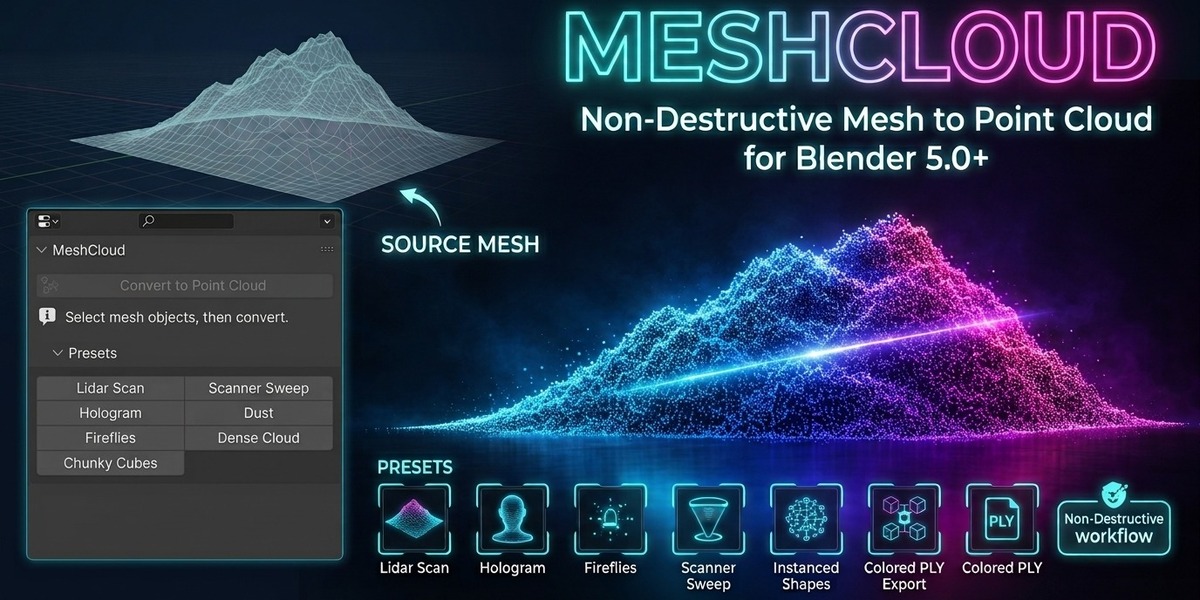
MeshCloud
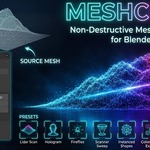
Non-Destructive Mesh to Point Cloud & Point Animation for Blender
Turn ordinary Blender meshes into controllable point-based visuals, animated reveals, procedural motion, instanced shapes and exportable point clouds, without destroying your original geometry.
MeshCloud is a non-destructive Geometry Nodes-based Blender add-on built for point-cloud art, LiDAR-style visualization, holograms, scanner effects, procedural particles, motion graphics, stylized renders and other data-driven workflows.
Select one or more mesh objects, add MeshCloud, and control the entire effect from the 3D Viewport Sidebar (N).
Key features
|
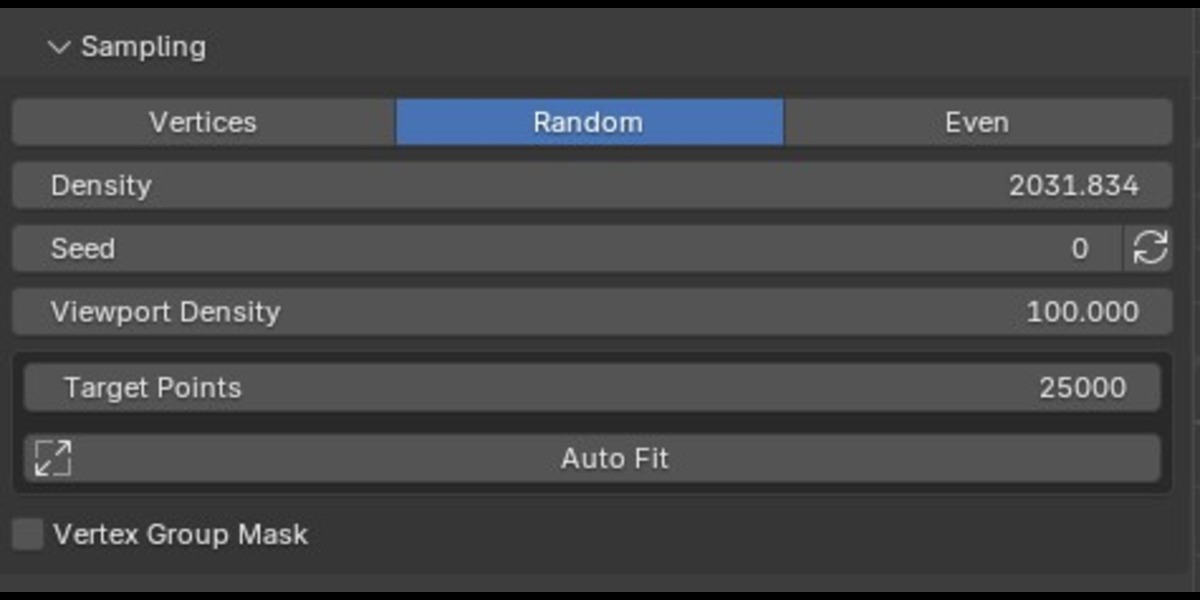
Three Sampling Modes Choose the point distribution that fits your project: ▸ Vertices — use the source mesh vertices directly. ▸ Random Surface — distribute points randomly across mesh surfaces. ▸ Even Surface — use Poisson-style surface sampling with minimum-distance control. Control surface density, minimum spacing, random seed and viewport density directly from the MeshCloud panel. |
|
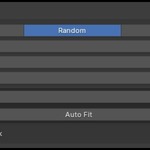
Automatic Point Fitting Set a Target Points value and use Auto Fit to automatically calculate suitable point density, minimum distance and point radius from the mesh size. This makes it easier to create consistent point-cloud results across objects with very different dimensions. Auto Fit can also be enabled automatically when MeshCloud is first added to a mesh. |
|
Vertex Group Density Masks Use an existing Blender vertex group as a density mask to control where MeshCloud places points. This makes it possible to create localized point effects instead of treating the entire mesh uniformly. |
|
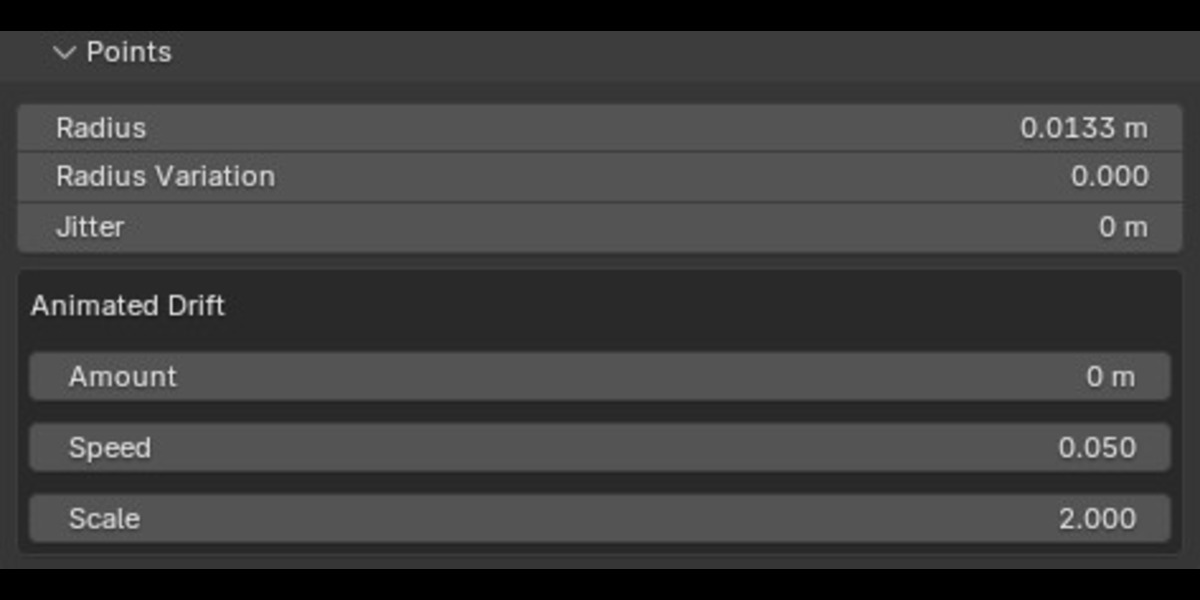
Full Point Controls Shape the point distribution and movement with: ▸ Point radius ▸ Radius variation ▸ Static jitter ▸ Animated noise drift ▸ Drift amount, speed and scale ▸ Random seed ▸ Viewport density MeshCloud also displays an estimated point count and warns when a setup becomes especially dense or when instanced shapes may become expensive. |
|
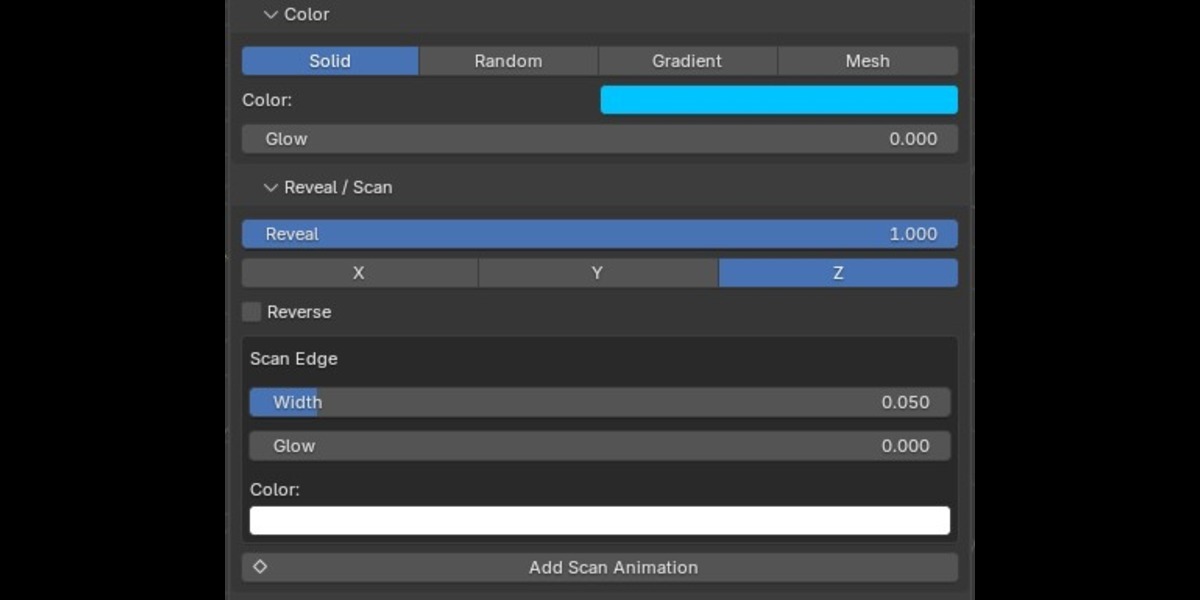
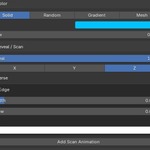
Flexible Color & Glow Create different visual styles with four built-in color modes: ▸ Solid — one color across the cloud. ▸ Random — randomly blend between two colors. ▸ Gradient — generate a gradient along the selected X, Y or Z axis. ▸ Mesh — use a color attribute from the source mesh. Add adjustable glow/emission for luminous point clouds, holographic effects, scanner visuals and sci-fi looks. |
|
Animated Scan & Reveal Use the Reveal control to progressively reveal or hide points along the X, Y or Z axis. Customize the scan with: ▸ Reverse direction ▸ Edge width ▸ Edge glow ▸ Edge color The built-in Add Scan Animation tool automatically keyframes Reveal from 0 to 1 over a chosen frame range. |
Built-in point animation
MeshCloud includes a complete procedural animation system for making point clouds appear, move and react.
Seven motion types
Easing for keyframed motions
Keyframed motions use Anim Progress and support:
Control how individual points enter or move with stagger and randomness settings, plus motion distance and effect-specific controls. Smear can create a motion trail using multiple point copies, while Swirl controls rotational turns around the selected axis.
|
Looping Motion Wave and Pulse can run continuously with scene time, so they do not require keyframes. Adjust: ▸ Loop speed ▸ Loop amount ▸ Wave/pulse frequency |
Animation quick presets
Start with ready-made motion setups such as:
Use Animate In or Animate Out to automatically keyframe the animation progress.
Built-in style presets
MeshCloud includes ready-made visual presets that automatically adapt their sizing to the source mesh:
These presets can quickly transform a mesh into anything from a dense visualization to floating dust, glowing fireflies, holographic particles or chunky procedural cubes.
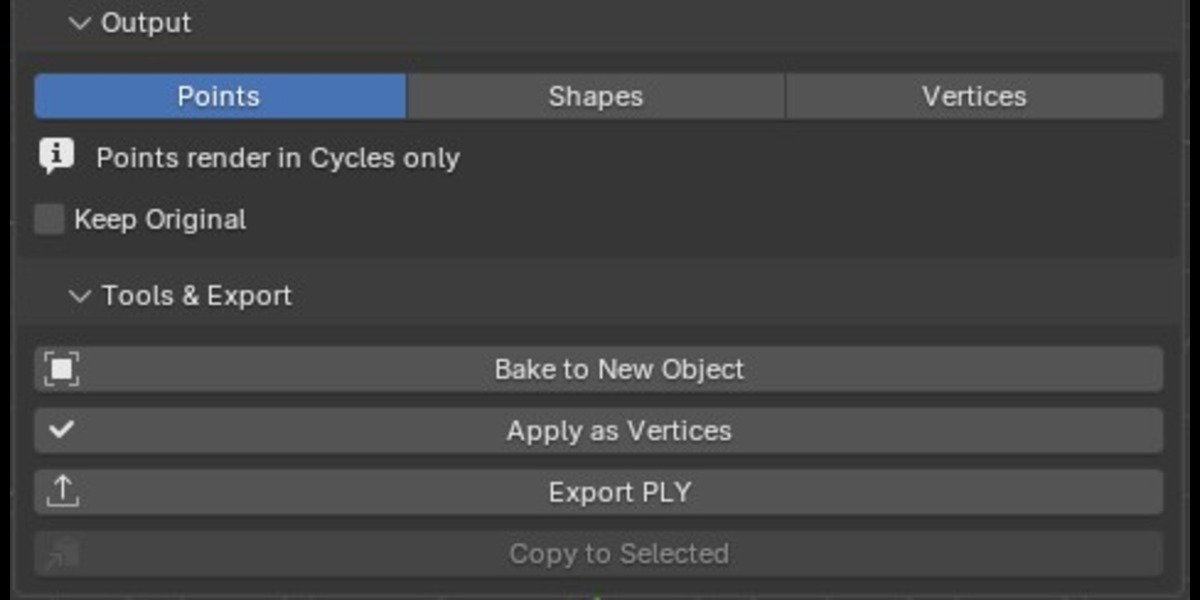
Point, shape & vertex outputs
|
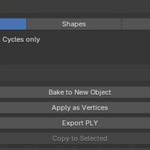
Choose how MeshCloud generates the final geometry ▸ Points — output as Blender points for point-based rendering. ▸ Shapes — instance spheres, cubes or a custom Blender object on every point. ▸ Vertices — convert the result into real mesh vertices. For instanced shapes, you can control sphere detail and enable random rotation per instance. The custom-object workflow lets you select another Blender object and use it as the instance on every point. |
Non-destructive workflow
MeshCloud operates through a Geometry Nodes modifier, so your original mesh remains editable while you experiment.
|
You can ▸ Keep the original mesh visible ▸ Remove MeshCloud from selected objects ▸ Reset settings ▸ Copy settings to other selected meshes ▸ Randomize seeds ▸ Upgrade older MeshCloud node setups while preserving compatible settings Older MeshCloud versions can be migrated to the current node setup without manually rebuilding the effect. |
Bake & apply tools
When you are ready to commit the result, MeshCloud provides two different workflows:
|
Bake to New Object Create a new object containing real vertices generated from the current point-cloud result while leaving the original object intact. An optional preference can hide the original source object after baking. |
|
Apply as Vertices Apply the MeshCloud modifier directly and replace the source mesh with one real vertex per generated point. This is the destructive workflow and is intended for cases where you no longer need the original mesh geometry. |
Colored PLY export
Export selected MeshCloud point clouds directly to PLY.
|
The exporter includes ▸ XYZ point positions ▸ RGB color data ▸ Binary PLY output ▸ ASCII PLY output ▸ Optional world-space transforms ▸ Multi-object point-cloud export MeshCloud evaluates the current generated result at full quality before export, including the generated point colors. |
User presets
Save your current MeshCloud settings as reusable custom presets. User presets can be saved, loaded and deleted, which makes it easy to build your own library of production-ready point-cloud styles.
Multi-object workflow
MeshCloud supports working with multiple selected mesh objects for common operations. You can convert selected meshes together, apply presets across selected objects, copy the active object's settings to other selected meshes, bake multiple MeshCloud objects and export selected point clouds.
Built-in workflow tools
Requirements
|
Before you buy ▸ Blender 5.0 or newer |
MeshCloud is available in 3D Viewport → Sidebar (N) → MeshCloud.
Whether you're creating a LiDAR-style scan, holographic character, scanner sweep, animated point reveal, floating dust cloud, procedural fireflies, morphing particle effect or stylized instanced geometry, MeshCloud gives you a single non-destructive workflow for turning meshes into flexible, editable point-based effects.