 Salman Animator
The problem: lining parts up by hand
Placing a pipe on a wall, a handle on a box or a robot arm segment on a joint sounds simple. In practice you snap, rotate, check from three views, nudge, and repeat. Moving origins or the 3D cursor helps for one part and breaks the next. Booleans join meshes but leave messy topology and visible gaps.
The solution: choose two contact areas and attach
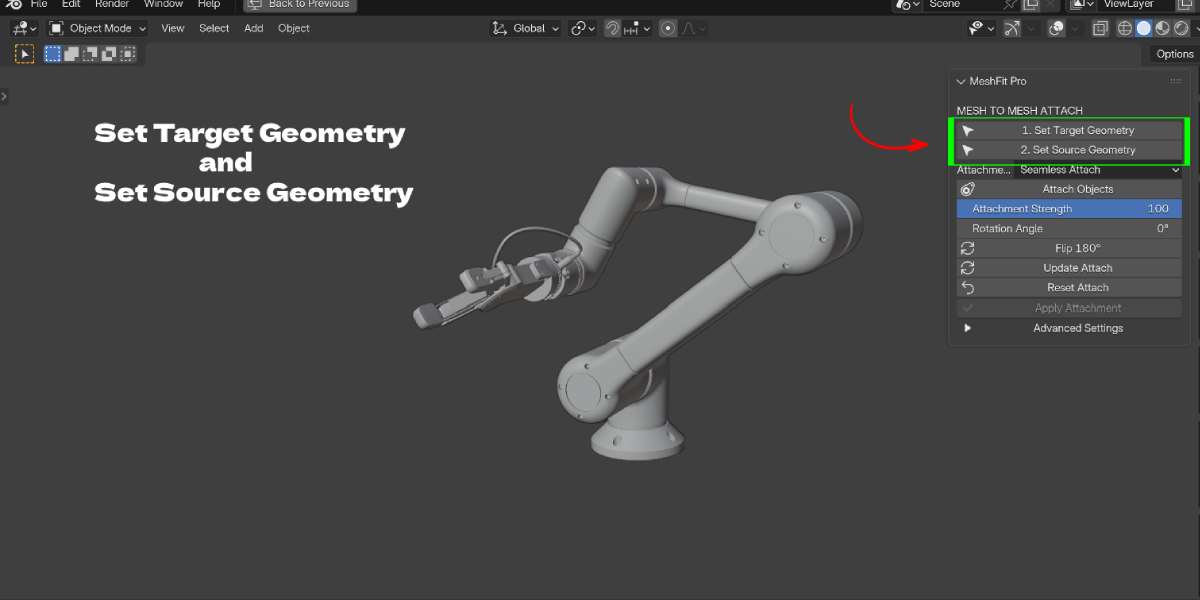
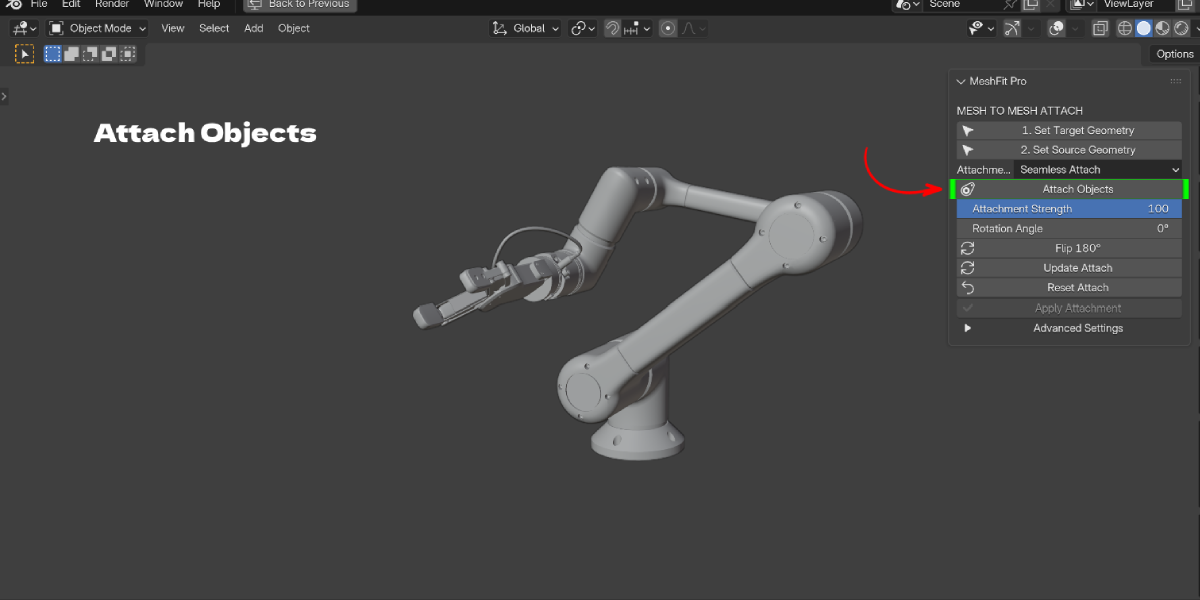
MeshFit Pro aligns one mesh to another using the geometry you select. In Edit Mode select faces, edges or vertices on the target and click Set Target Geometry. Select matching geometry on the part you want to move and click Set Source Geometry. Click Attach Objects and the source lines up with the target.
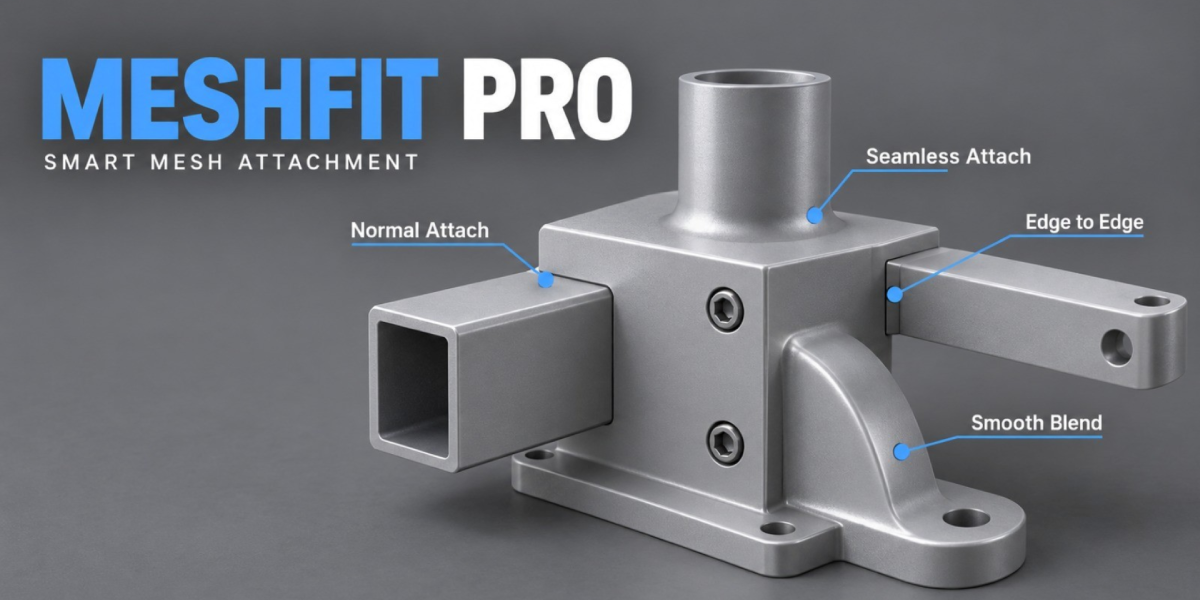
Normal Attach and Seamless Attach
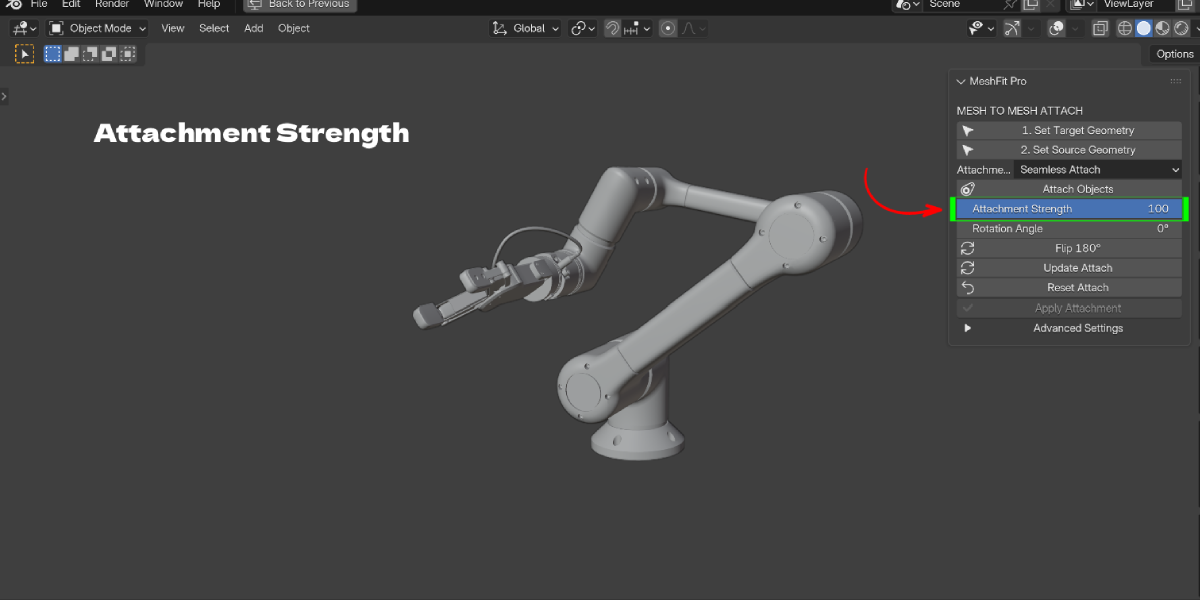
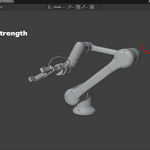
Normal Attach moves the source rigidly so the selected areas meet, without deforming it. Seamless Attach adapts the source contact region to the target surface, so the joint sits tight instead of floating or cutting in. Attachment Strength controls how strong the fit is.
Preview first, then commit
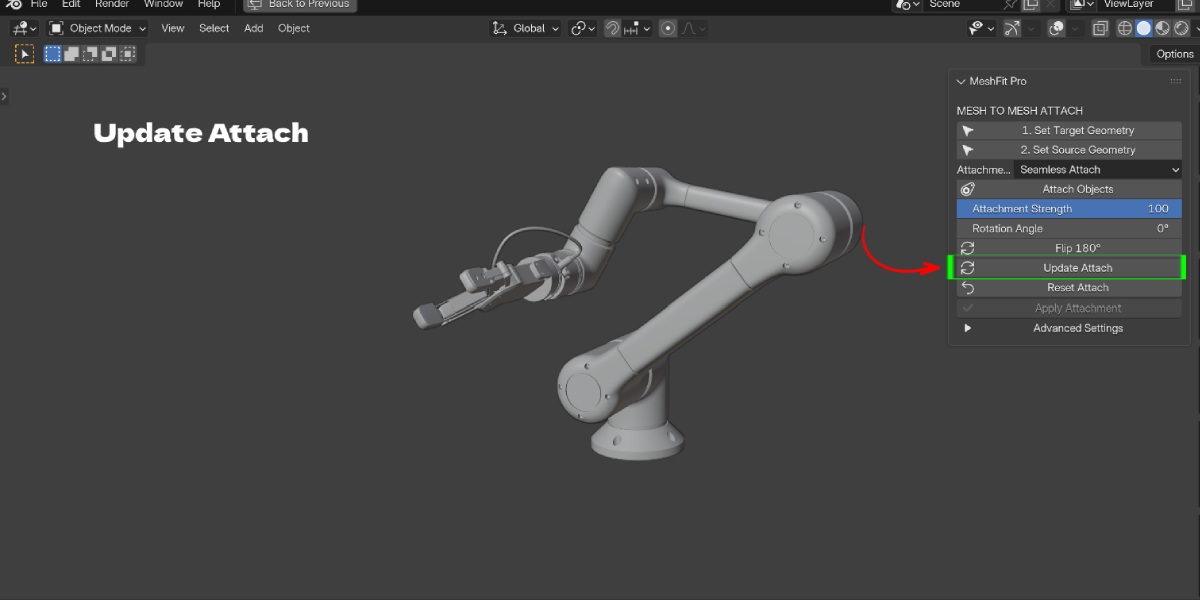
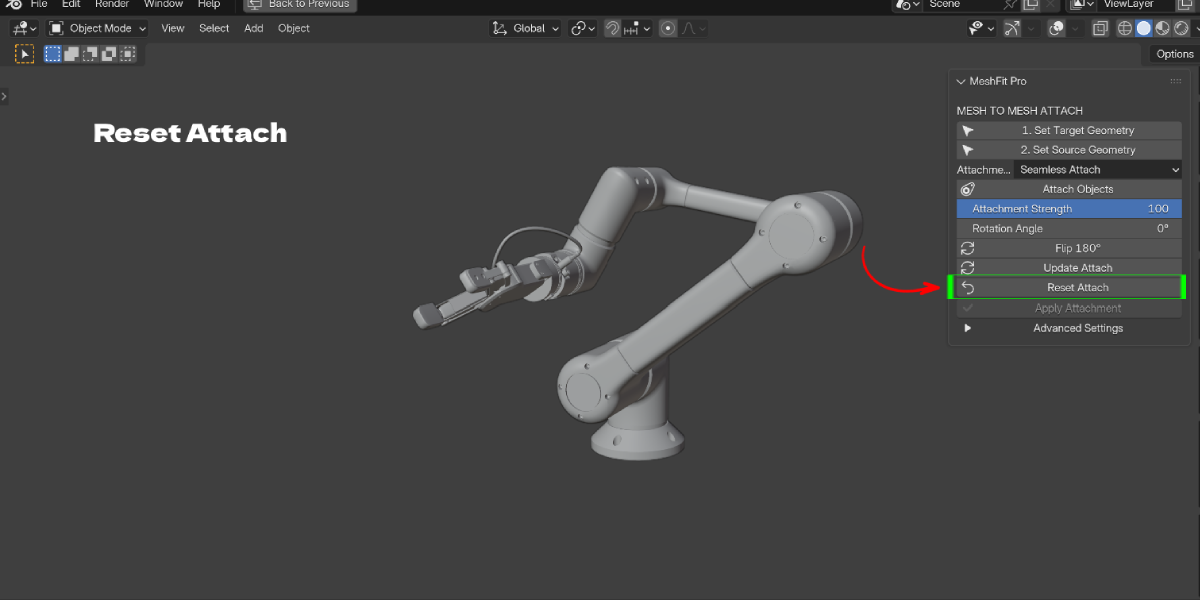
The attachment stays a preview until you are happy. Change Rotation Angle, use Flip 180, then Update Attach. Reset Attach brings everything back. Apply Attachment commits the result when you are done. Originals are kept safe until then.
Key Features
- Set Target and Source Geometry: works with faces, edges or vertices. Benefit: attach exactly the areas that should touch.
- Normal Attach: rigid alignment with no deformation. Benefit: hard surface parts stay clean.
- Seamless Attach: fits the source contact region to the target. Benefit: tight joints without booleans.
- Attachment Strength: controls the fit. Benefit: from a light adjustment to a full fit.
- Rotation Angle and Flip 180: spin or flip the part around the contact. Benefit: correct orientation without re-snapping.
- Update Attach and Reset Attach: refresh or undo the preview. Benefit: experiment freely.
- Apply Attachment: one button to commit. Benefit: a clean final result when you are ready.
- Collision and intersection checks: Smart Intersection Prevention, Collision Tolerance and Maximum Gap in Advanced Settings. Benefit: fewer parts sinking into each other.
- Preserve Original Transform and Preserve Body Shape: advanced options to protect your source. Benefit: control over what is allowed to change.
Workflow Benefits
- Old way: face snap, rotate, check, nudge, repeat. New way: set two contact areas and click Attach Objects.
- Old way: move the origin or 3D cursor for every part. New way: origins stay where they are.
- Old way: boolean union and clean up the joint. New way: Seamless Attach fits the contact area.
- Old way: undo several steps to try another rotation. New way: change Rotation Angle and Update Attach.
Who it is for
- Hard surface modelers: pipes, brackets, panels and mechanical parts
- Kitbash artists: placing kit pieces on surfaces quickly
- Product designers: handles, caps and buttons on product shells
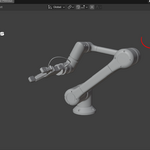
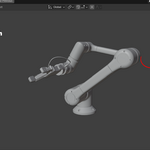
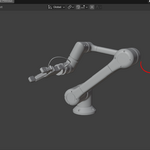
- Robot and mech artists: arm segments and joints
- Archviz artists: fixtures and fittings on walls and furniture
What's included and requirements
- MeshFit Pro addon ZIP, version 1.14.0
- Requires Blender 4.2 or newer
- License: GPL-3.0-or-later for the code
- Support: [email protected]
