MeshFit Pro: Attach and Fit Mesh Parts Face to Face
 Salman Animator
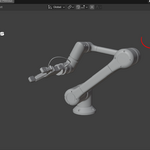
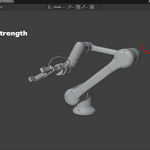
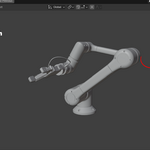
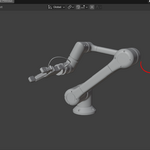
How do I attach one object to the face of another in Blender?
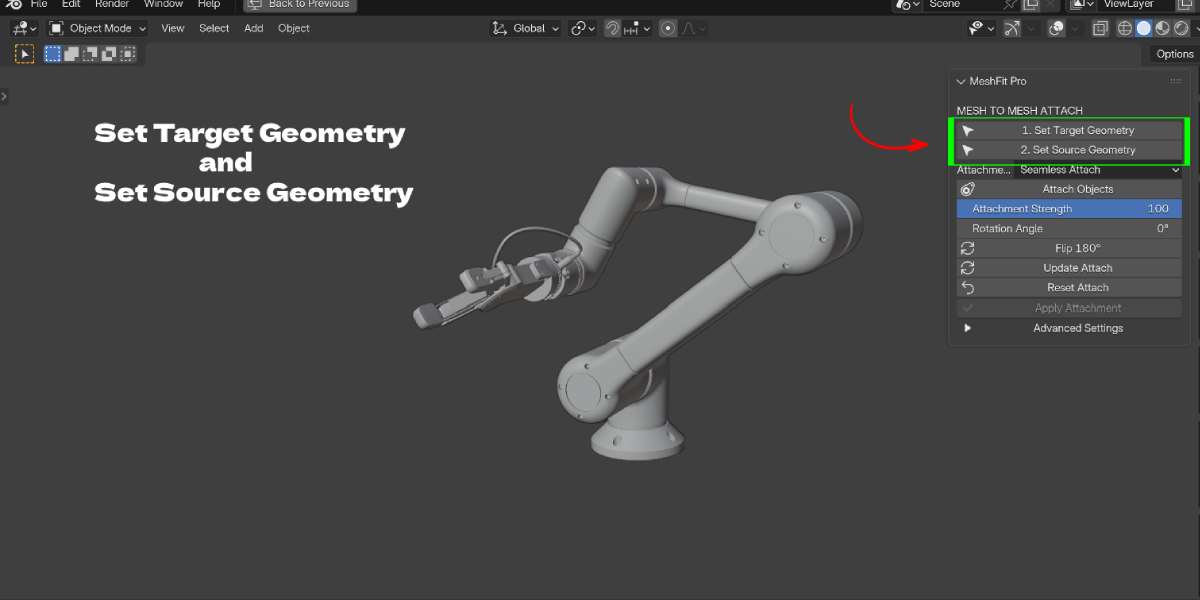
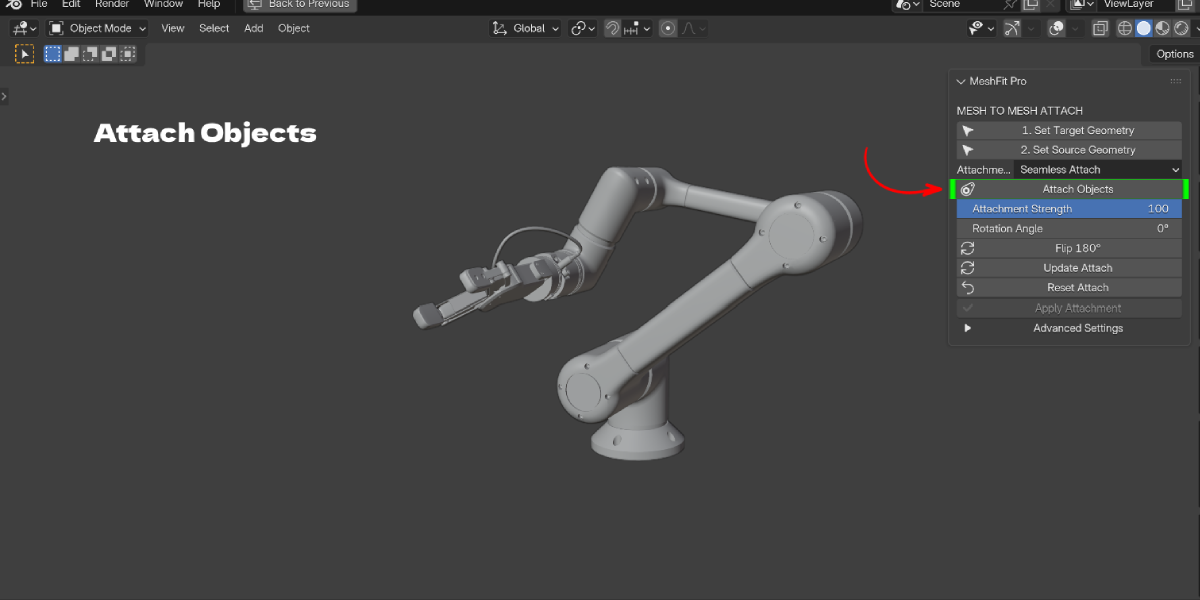
Set Target Geometry on the face you want, set Source Geometry on the part, then click Attach Objects.
Does it deform my mesh?
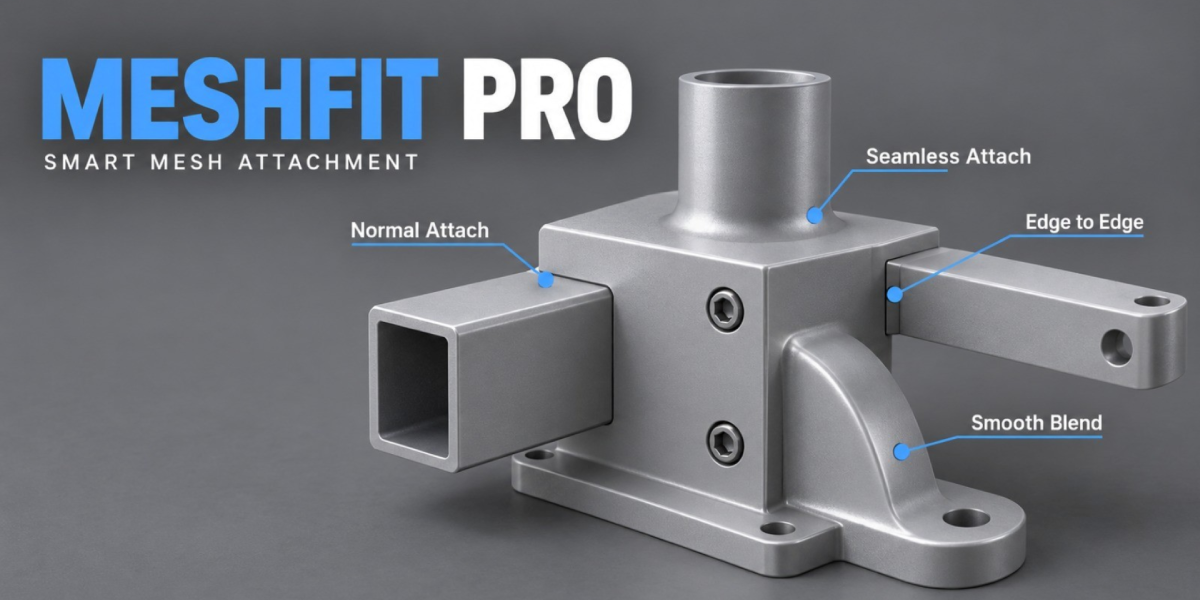
Normal Attach does not. Seamless Attach adapts only the source contact region.
Can I use edges or vertices instead of faces?
Yes. Select edges or vertices on both objects.
Can I rotate the part after attaching?
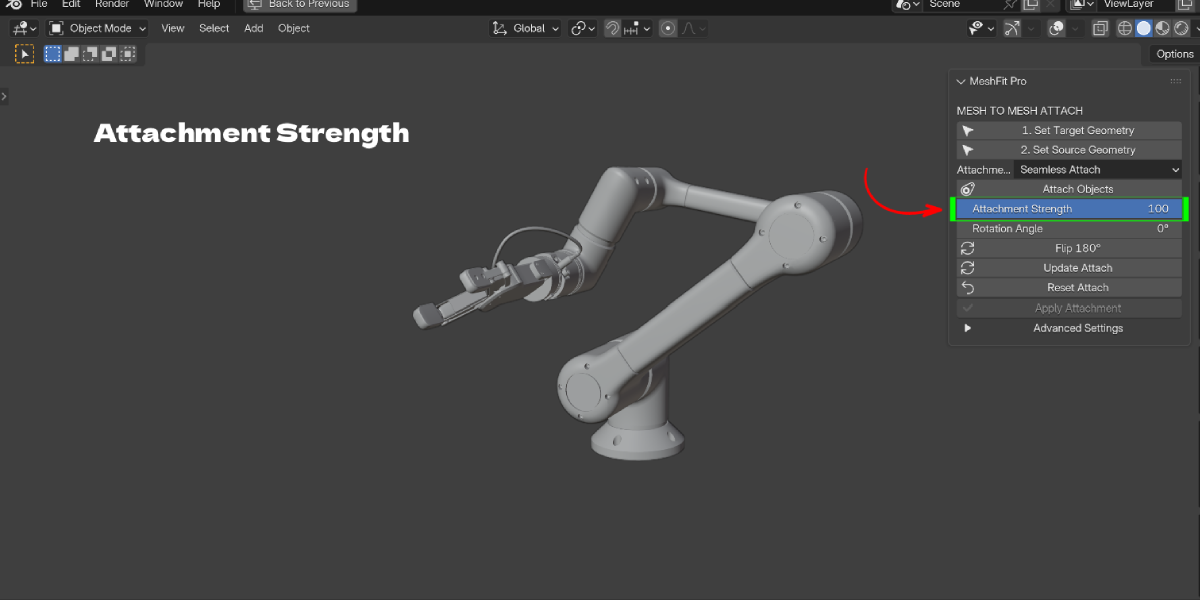
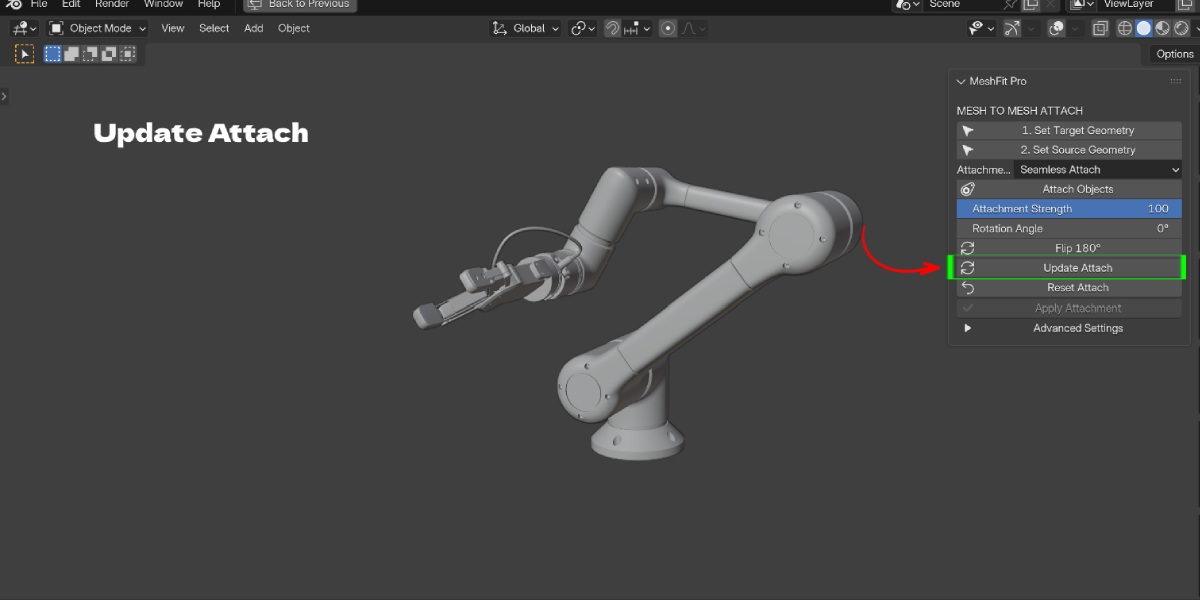
Yes. Use Rotation Angle or Flip 180, then Update Attach.
Can I undo an attachment?
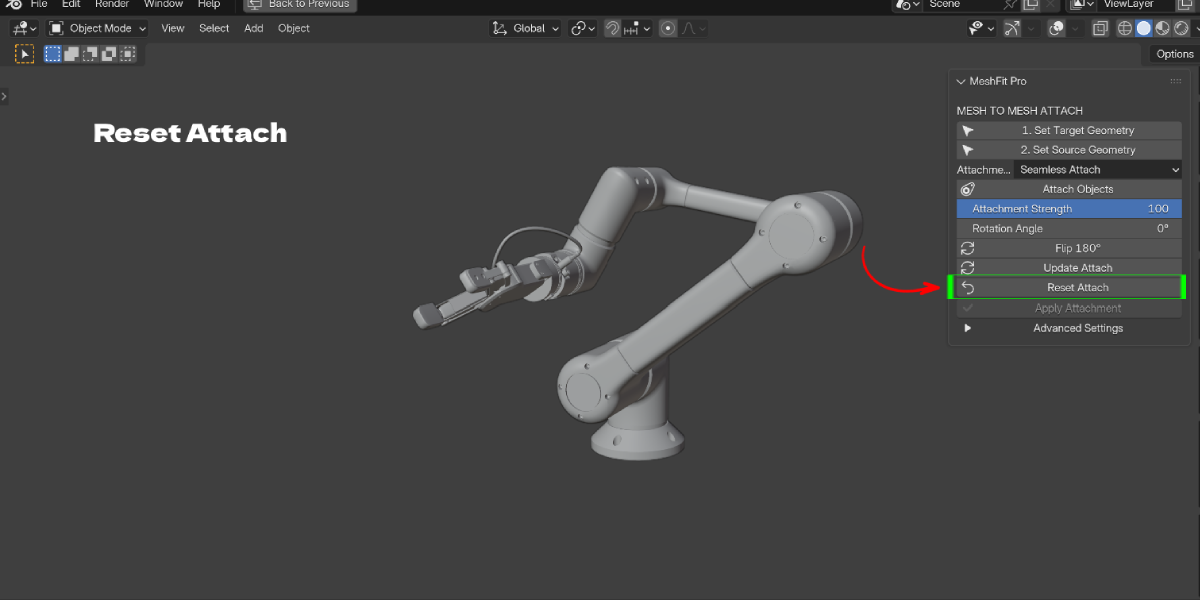
Yes. Reset Attach restores the original until you click Apply Attachment.
Does it change my object origins?
No. It works from the selected geometry, not origins.
Which Blender versions are supported?
Blender 4.2 and newer.
How do I get support?
Email [email protected].
Have questions about this product?
Login to message
| Blender Extension Compatible | Yes |
| Published | about 19 hours ago |
| Blender Version | 4.2 - 5.2 |
| Extension Type | Add-on |
| License | GPL |
