 MPCoreAnalytics
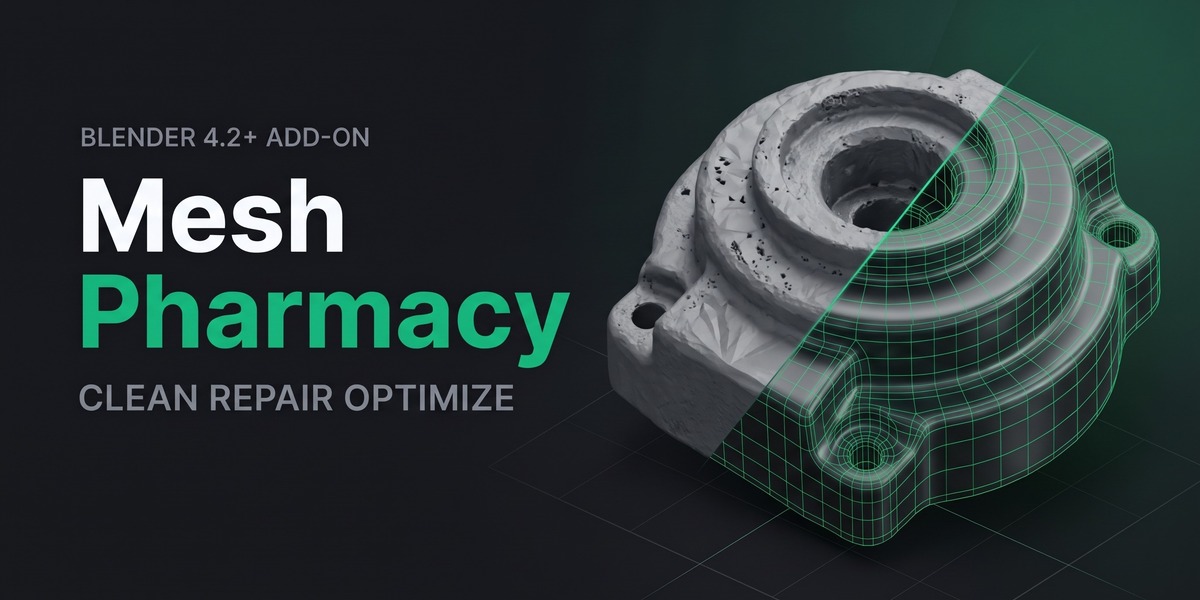
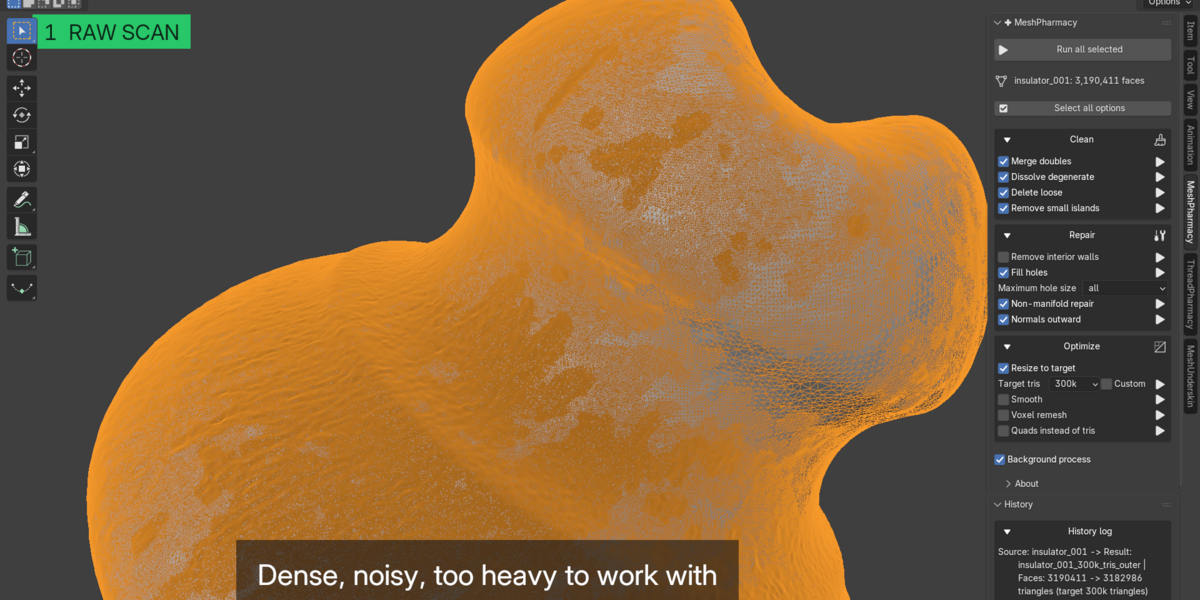
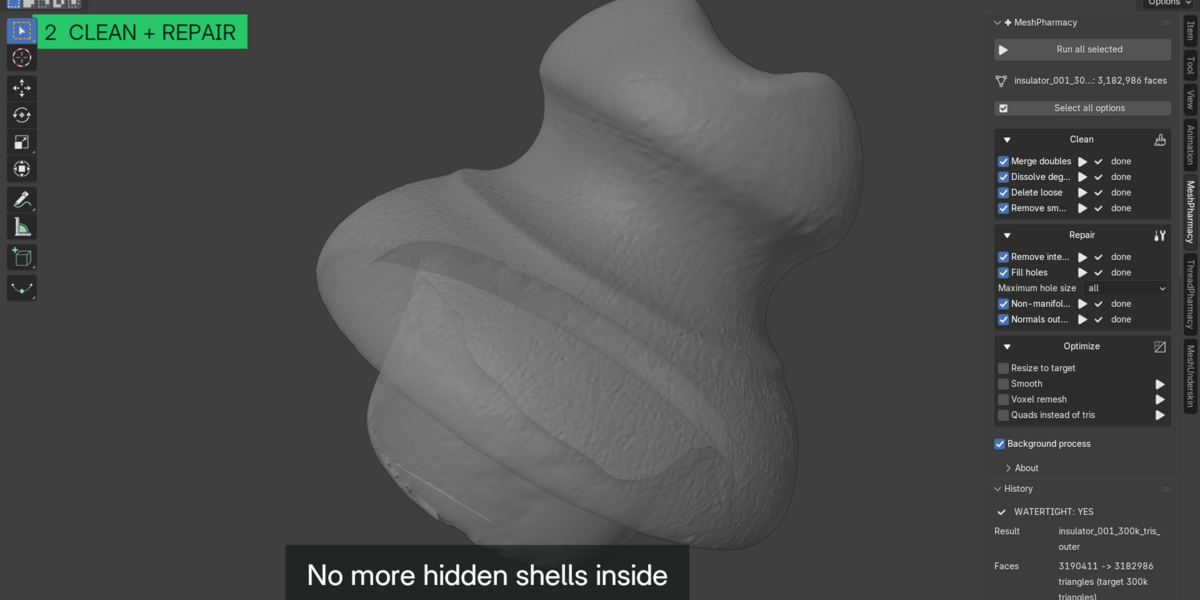
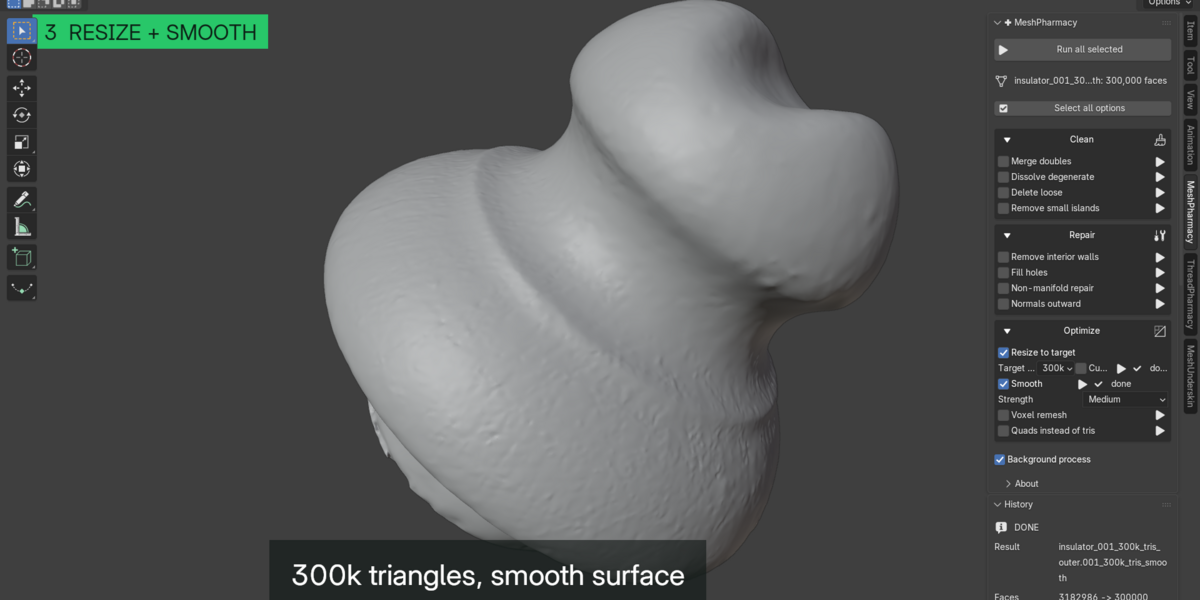
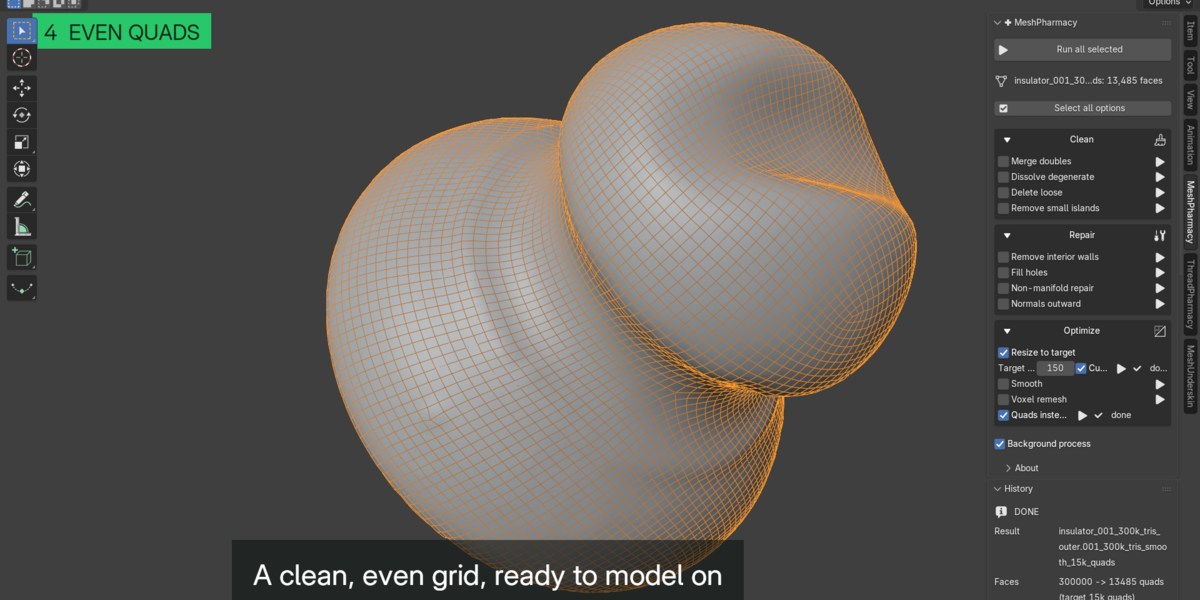
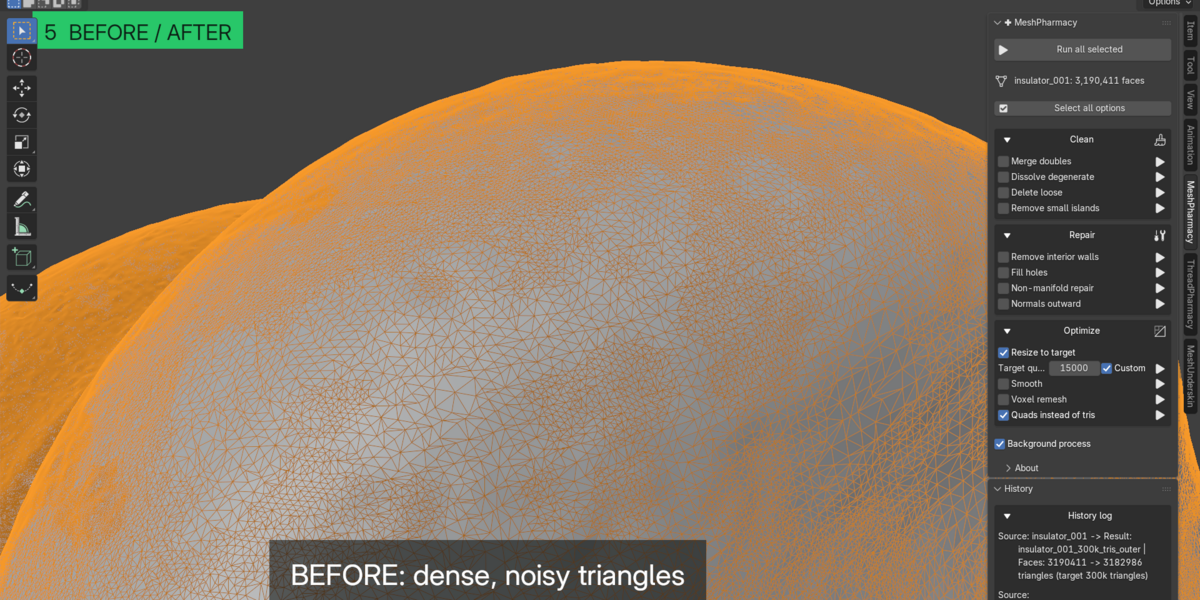
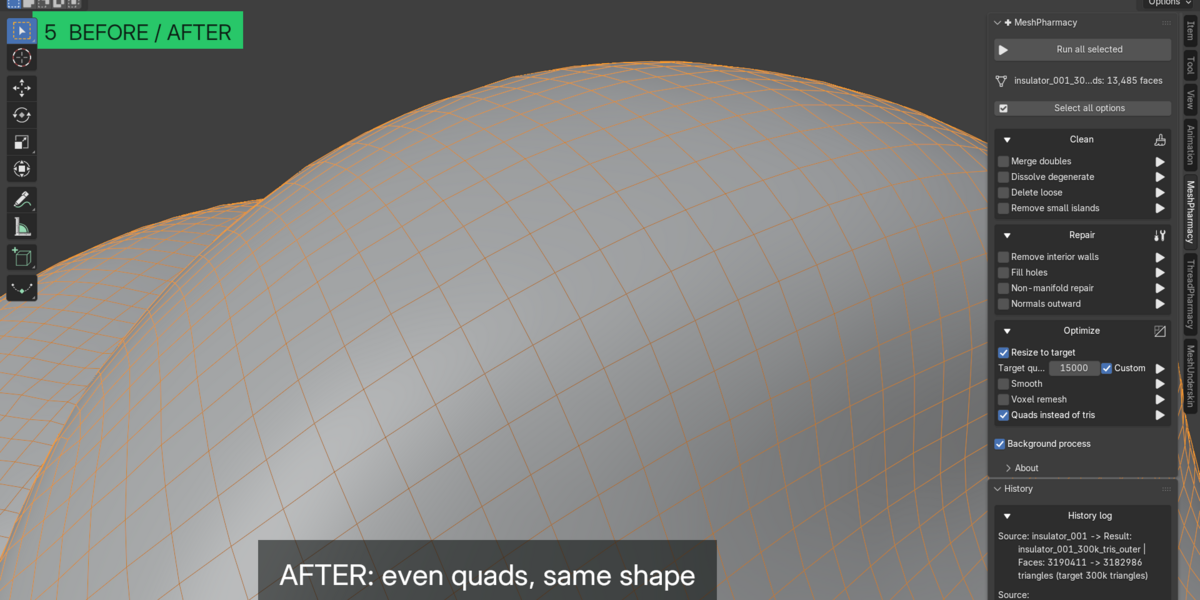
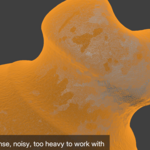
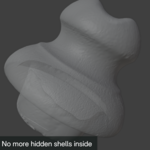
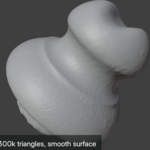
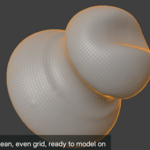
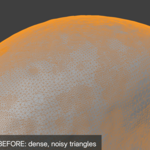
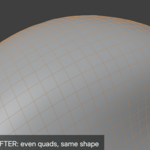
MeshPharmacy is a lightweight, zero-dependency Blender 4.2+ add-on built to clean, repair, and optimize raw 3D scan meshes directly inside Blender - without external software or complex setup.
If you work with STL, OBJ, or PLY files from handheld or structured-light 3D scanners, you know how messy raw meshes can be: floating noise fragments, non-manifold edges, open holes, and millions of unmanageable triangles. MeshPharmacy streamlines the entire cleanup pipeline into a clean, intuitive sidebar panel.
Key Features
- One-Click Scan Cleanup: Automatically strips floating artifacts, isolated vertices, loose geometry, and scanner surface noise.
- Smart Hole Filling & Watertight Repair: Detects and closes open mesh boundaries and non-manifold edges so your models are ready for 3D printing, Boolean operations, or CAD export.
- Detail-Preserving Optimization: Reduces dense, multi-million-triangle scan data into clean, responsive geometry while keeping sharp mechanical edges and surface contours intact.
- Zero External Dependencies: 100% pure Blender Python. Installs in seconds with no external CLI tools, paid cloud APIs, or extra Python libraries to configure.
Typical Workflow
- Import your raw 3D scan (STL, OBJ, PLY) into Blender.
-
Open the MeshPharmacy tab in the 3D Viewport sidebar (
Npanel). - Run Clean, Repair, and Optimize in sequence or via preset steps to get a watertight, lightweight mesh.
Compatibility & License
- Blender Version: 4.2 LTS and newer (Windows, macOS, Linux)
- License: GPL v3.0