MeshPharmacy
 MPCoreAnalytics
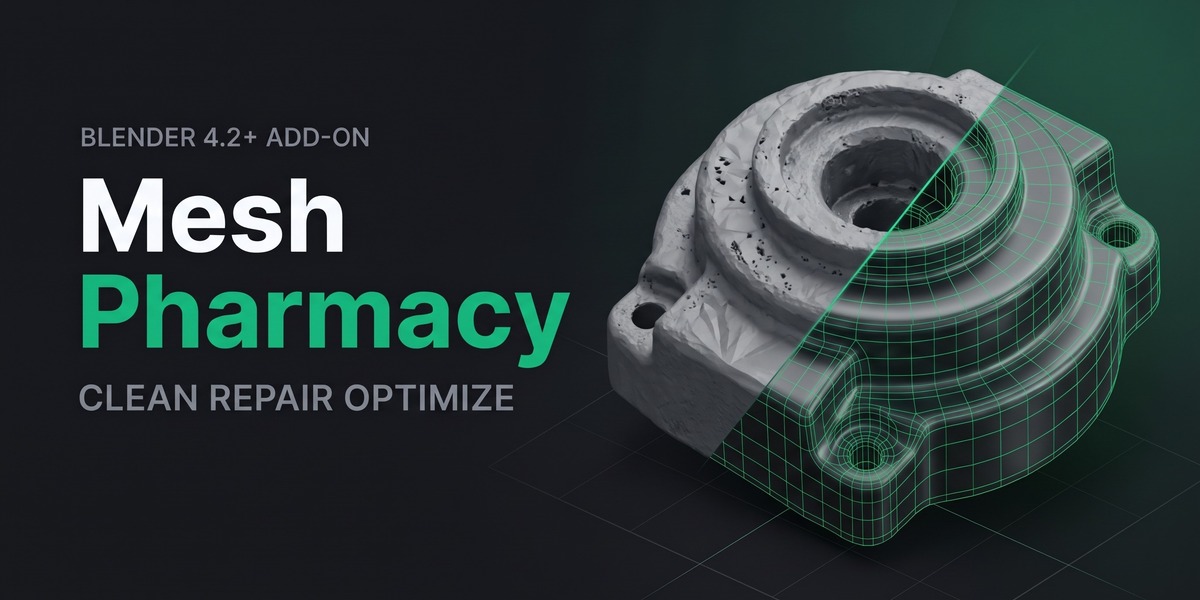
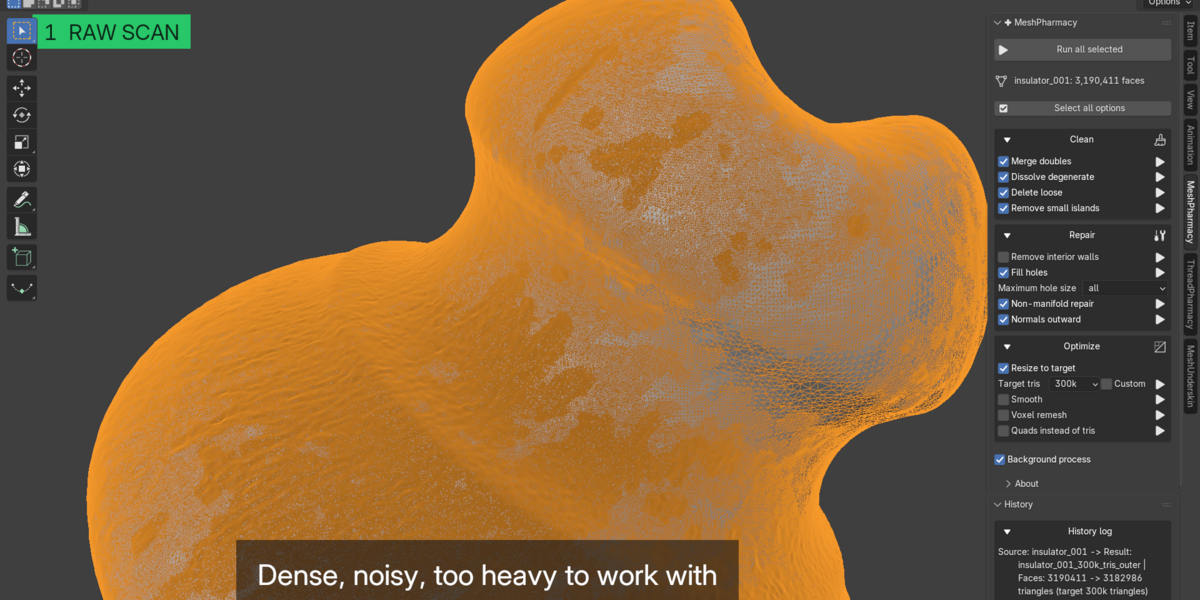
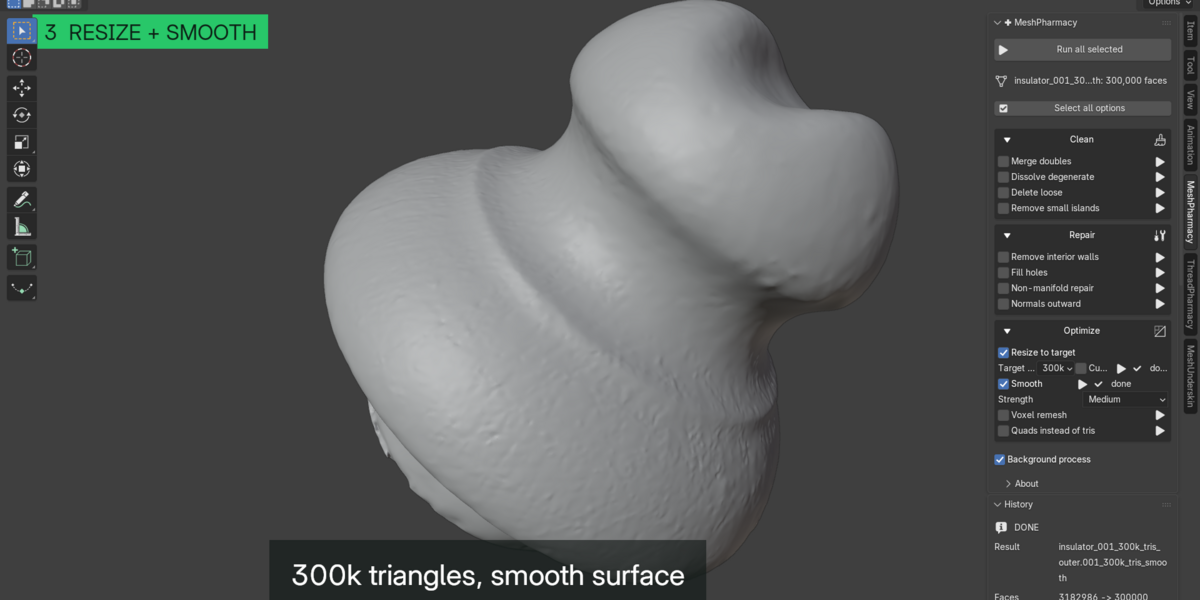
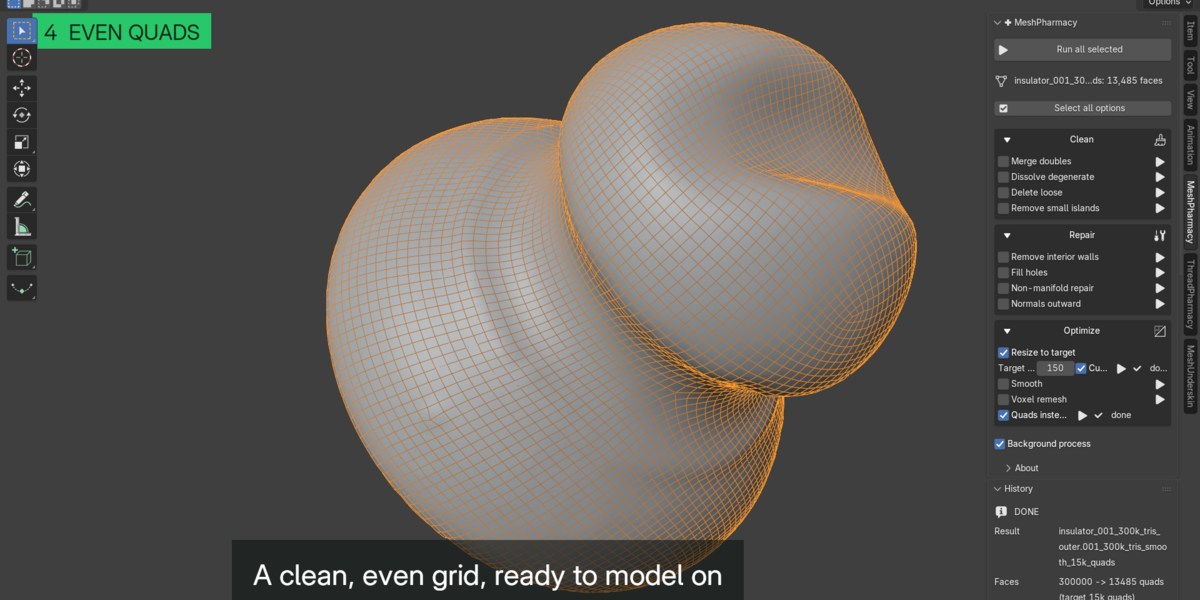
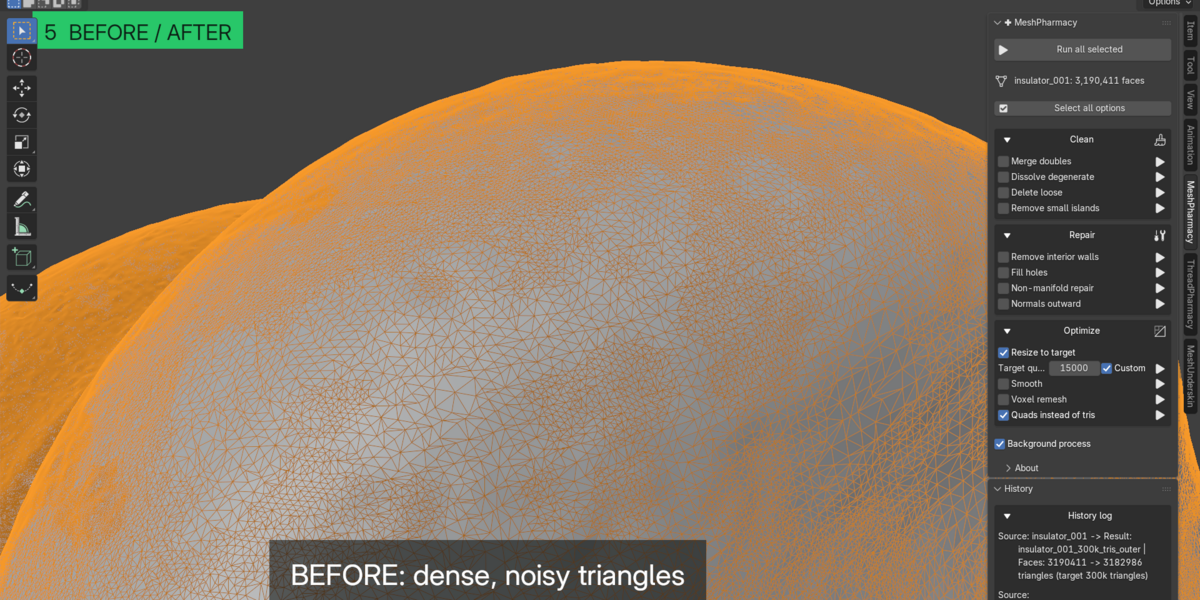
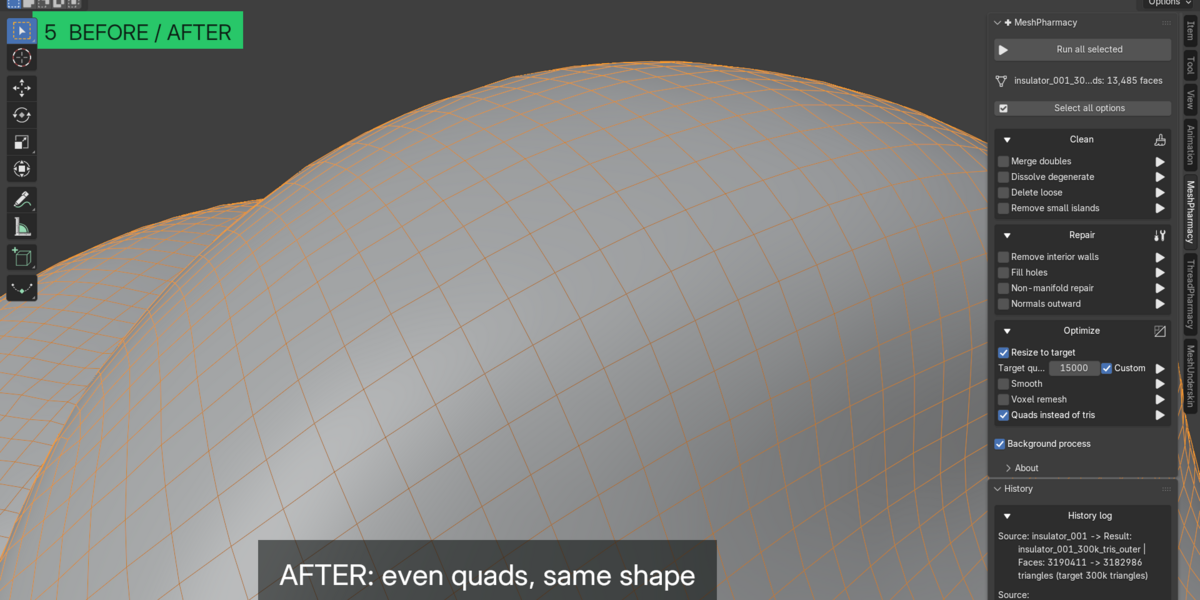
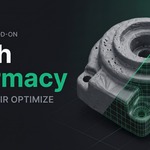
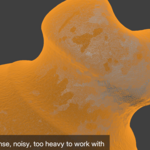
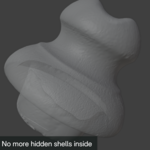
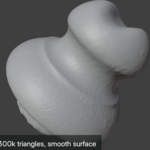
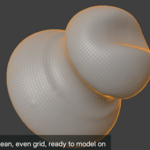
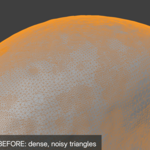
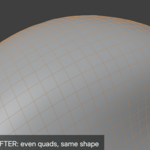
MeshPharmacy turns raw, multi-million-triangle 3D scans into clean, watertight, production-ready geometry directly inside Blender—without touching your original source object.
1. How It Works
MeshPharmacy always operates on a safety copy. When you run an operation, your source scan/STL/OBJ is automatically hidden and preserved, and a new, clearly named object is added to your collection.
- Batch Run ("Run all selected"): Executes all ticked steps in a fixed, safe order (Clean → Repair → Optimize) to deliver a finished mesh in one click.
- Single Step Run: Run individual operations on dedicated copies to compare results side by side.
- Background Processing: Heavy operations (like voxel remeshing or quad generation above 500k faces) run in a secondary Blender instance with live progress tracking.
2. Pipeline Stages
-
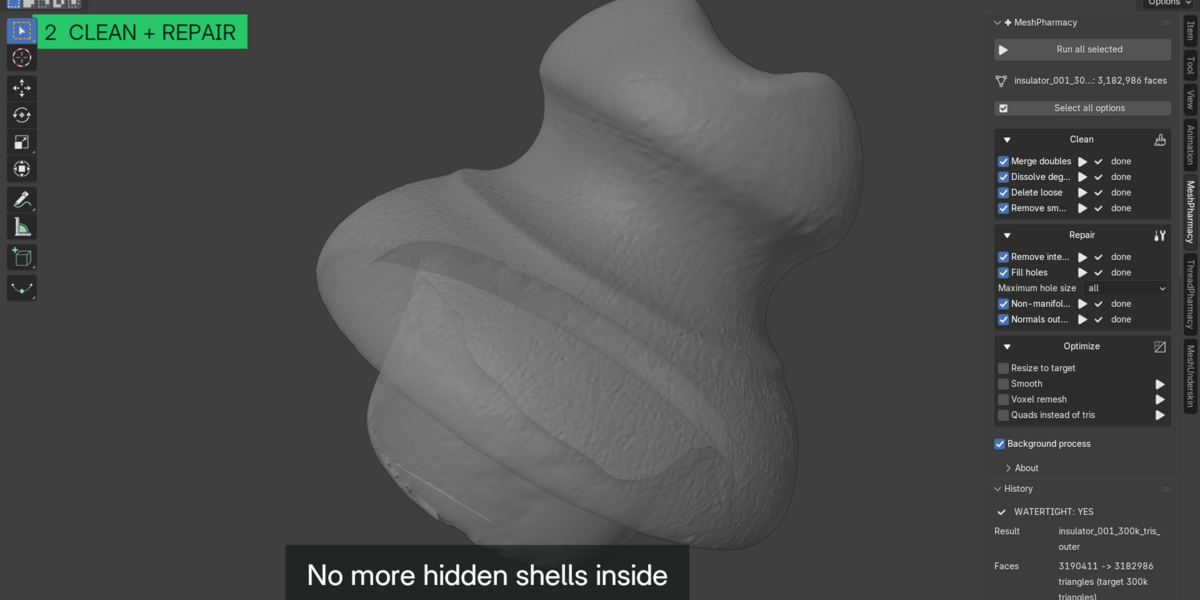
Clean: Welds duplicate vertices, dissolves degenerate faces, deletes loose geometry, and removes small floating debris/islands.
Includes automated ray-casting to strip hidden interior walls and phantom cavities that break slicers. - Repair: Closes open holes up to user-defined size thresholds, fixes non-manifold geometry, and recalculates outward normals for correct slicer behavior.
- Optimize: Intelligent decimation/subdivision (Resize to target) that preserves sharp mechanical edges, paired with volume-preserving Taubin smoothing and automated QuadriFlow remeshing.
3. Installation
- In Blender, go to Edit > Preferences > Add-ons.
- Click Install from Disk... and select the downloaded
mesh_pharmacy.zipfile. - Access the tool via the N-panel in the 3D Viewport under the MeshPharmacy tab.
Have questions about this product?
Login to message
| Published | about 22 hours ago |
| Blender Version | 4.2 - 5.3 |
| Extension Type | N/A |
| Render Engine Used | Cycles |
| License | GPL |
Discover more products like this
STL decimate 3D Scan non-manifold reverse engineering retopology cad hole filling optimization 3d printing mesh repair cleanup