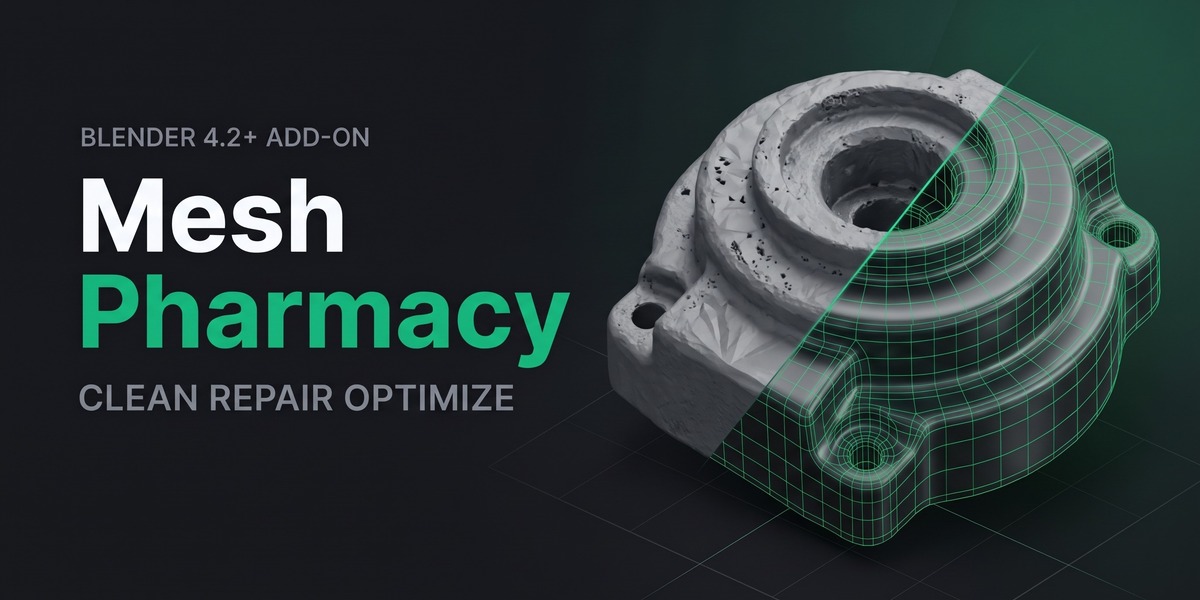
MeshPharmacy
 MPCoreAnalytics
How do I install MeshPharmacy?
In Blender, go to Edit > Preferences > Add-ons, click 'Install from Disk...', and select the downloaded mesh_pharmacy.zip file. You can then access the add-on via the N-panel (Press N in the 3D Viewport) under the MeshPharmacy tab[cite: 30].
Does MeshPharmacy modify or overwrite my original 3D scan?
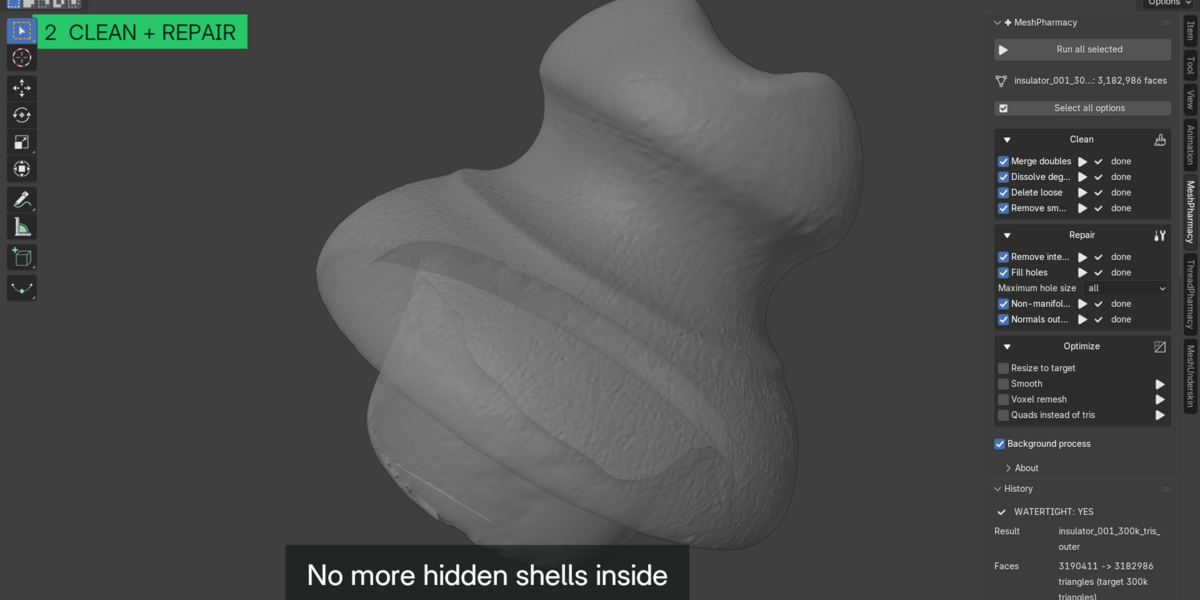
No. MeshPharmacy always operates on a safety copy[cite: 25, 30]. Your original raw scan/STL/OBJ is automatically hidden and preserved untouched, while every run generates a new, clearly named object in your collection[cite: 25, 30]. Standard Ctrl+Z undo works fully, and your source data remains completely secure[cite: 30].
How does MeshPharmacy handle heavy multi-million triangle scans without freezing Blender?
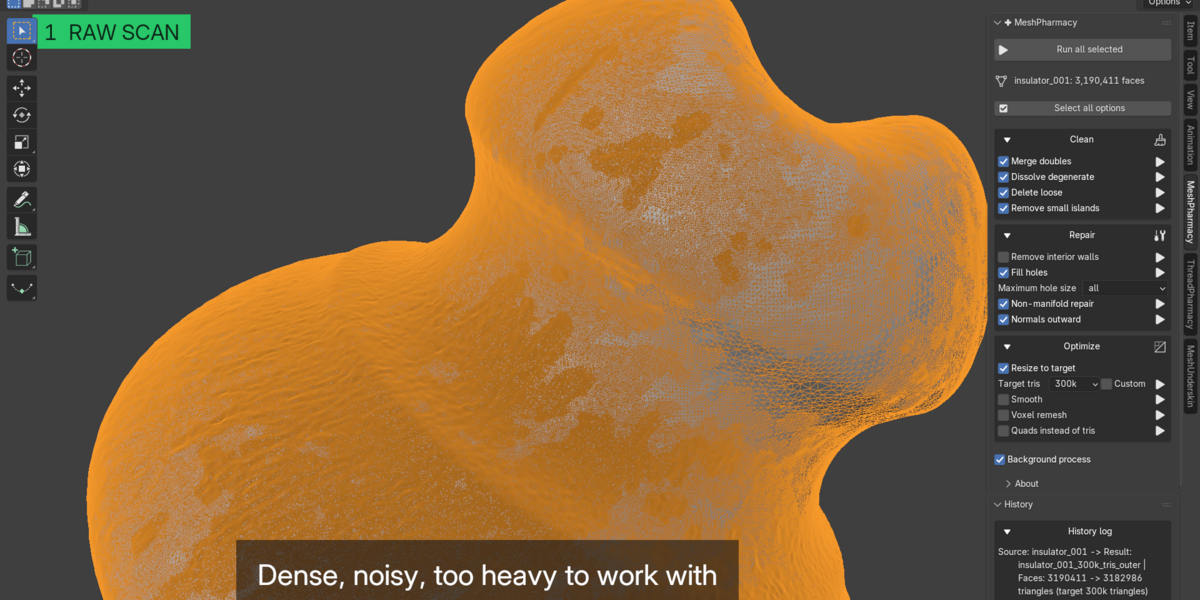
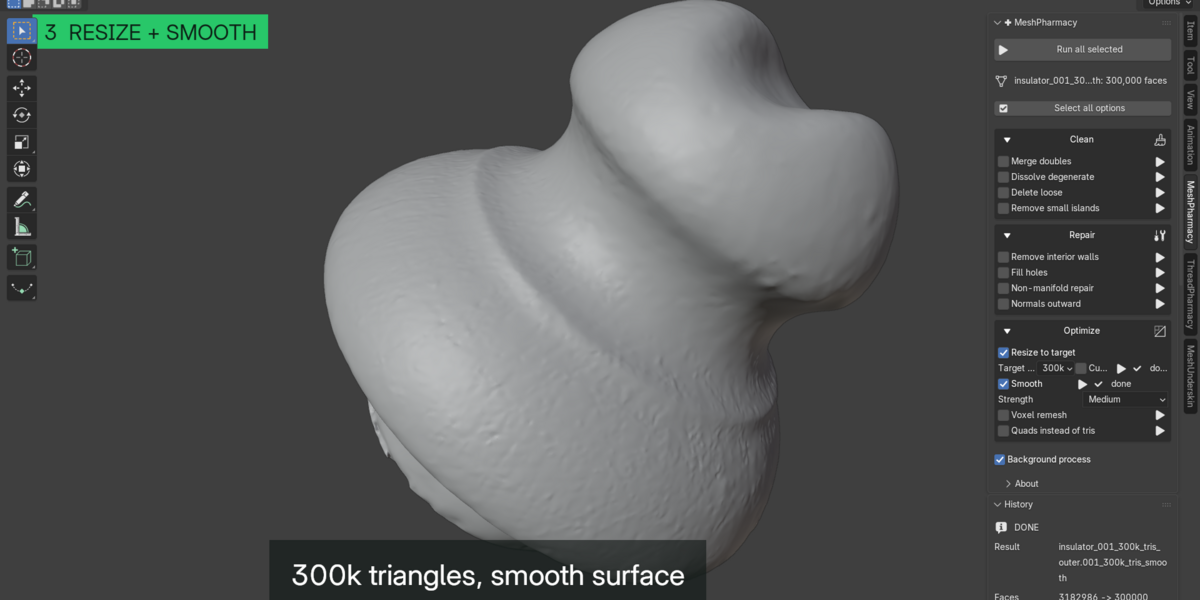
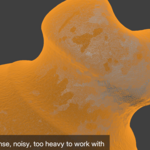
Complex geometry processing algorithms run efficiently in the background or utilize optimized routines, preventing UI freezes and ensuring smooth performance even when processing heavy scans with millions of triangles or dense point cloud data.
Does MeshPharmacy require any external Python libraries or paid command-line tools?
No. MeshPharmacy is 100% pure Blender Python and relies exclusively on Blender's built-in modules. It installs in seconds with zero external dependencies, web APIs, or third-party binaries to configure.
Have questions about this product?
Login to message
| Published | about 22 hours ago |
| Blender Version | 4.2 - 5.3 |
| Extension Type | N/A |
| Render Engine Used | Cycles |
| License | GPL |
Discover more products like this
decimate retopology mesh repair STL hole filling reverse engineering 3D Scan cleanup 3d printing cad non-manifold optimization