 Blenderujemy


MeshyLib
Your Personal Mesh Library
Bring order, speed and consistency to every scene with a dedicated asset hub that lives directly in the 3D Viewport sidebar. No more digging through folders, opening old .blend files, or manually appending objects one by one.
🔥 Version 2.2.0 Released
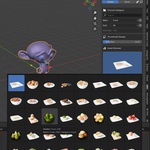
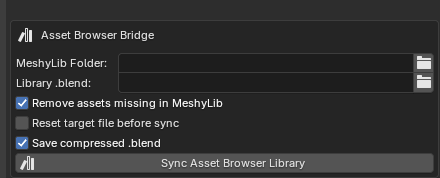
Added a Live Link Bridge to the Asset Browser – quickly sync your Meshy Lib library with Blender’s native Asset Browser.
MeshyLib turns your existing folder structure into a clean, searchable library with thumbnails and one-click insertion exactly where your 3D Cursor is.
Asset Library, Directly in the Blender UI
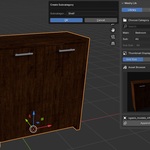
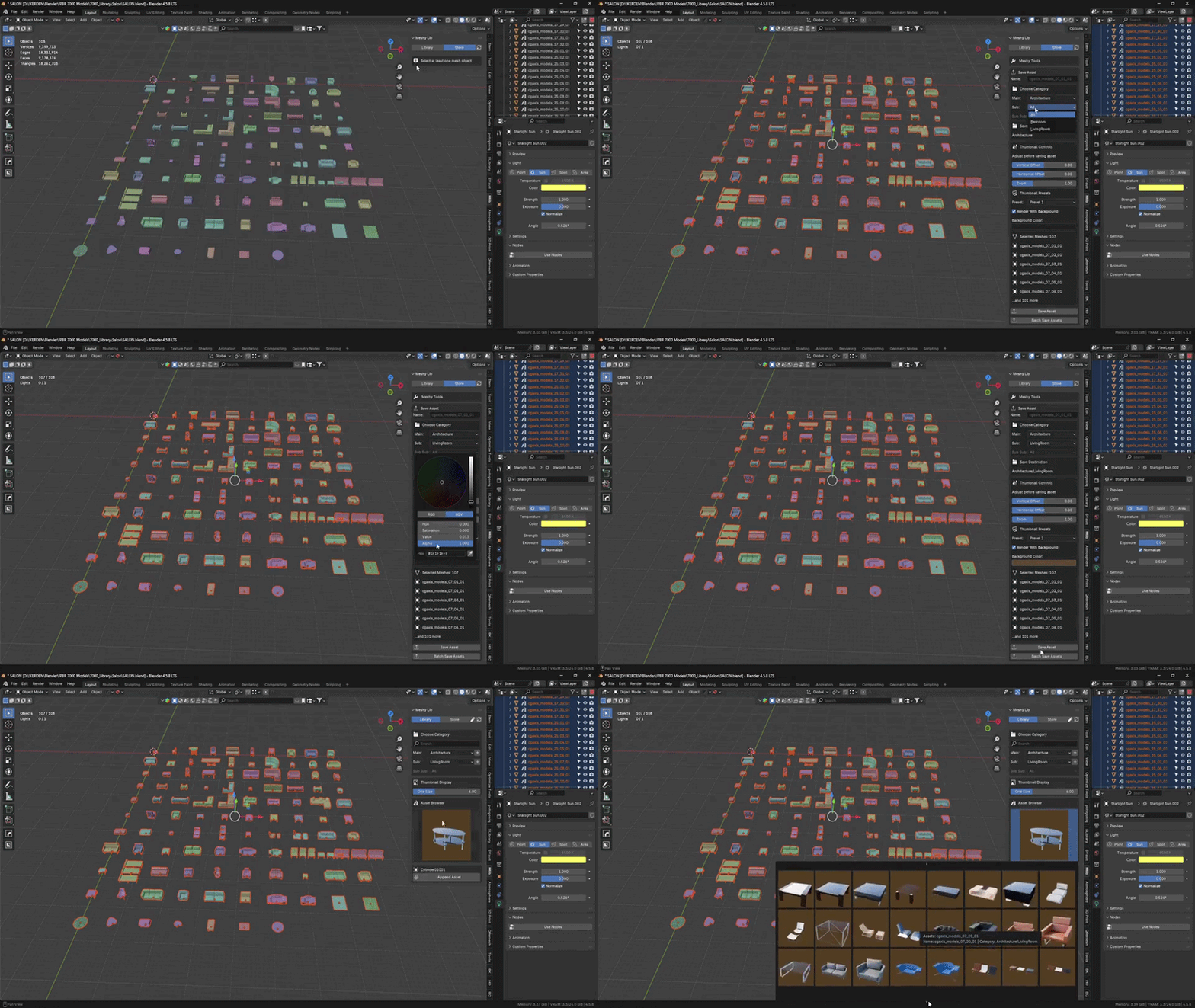
MeshyLib reads your local model folders and presents them as a clear list of assets with name, thumbnail and description – just like an asset browser, but built around your own collection. You don’t have to open additional files or switch workspaces: you browse, preview and drop assets into the current scene from a single panel in View3D.
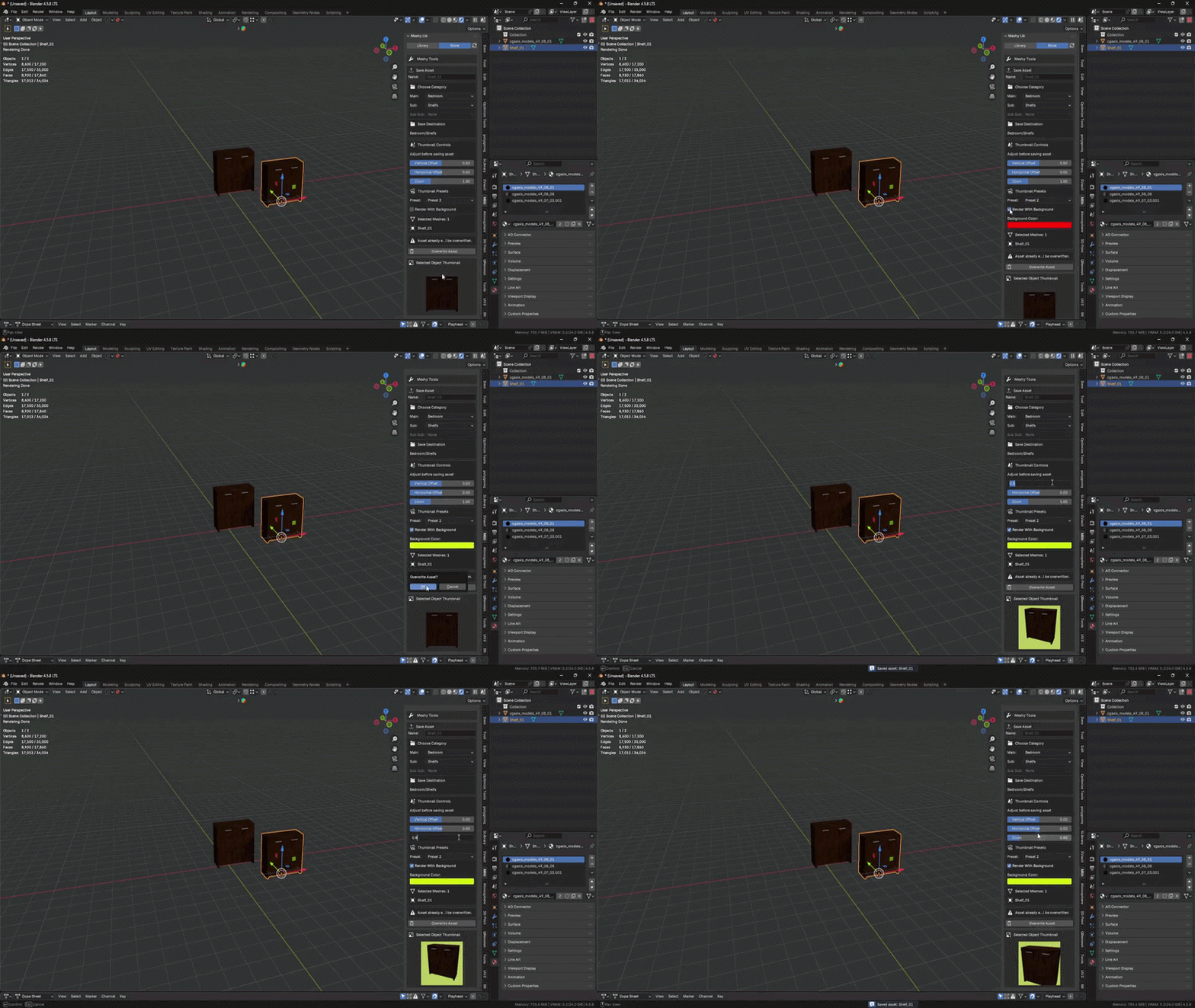
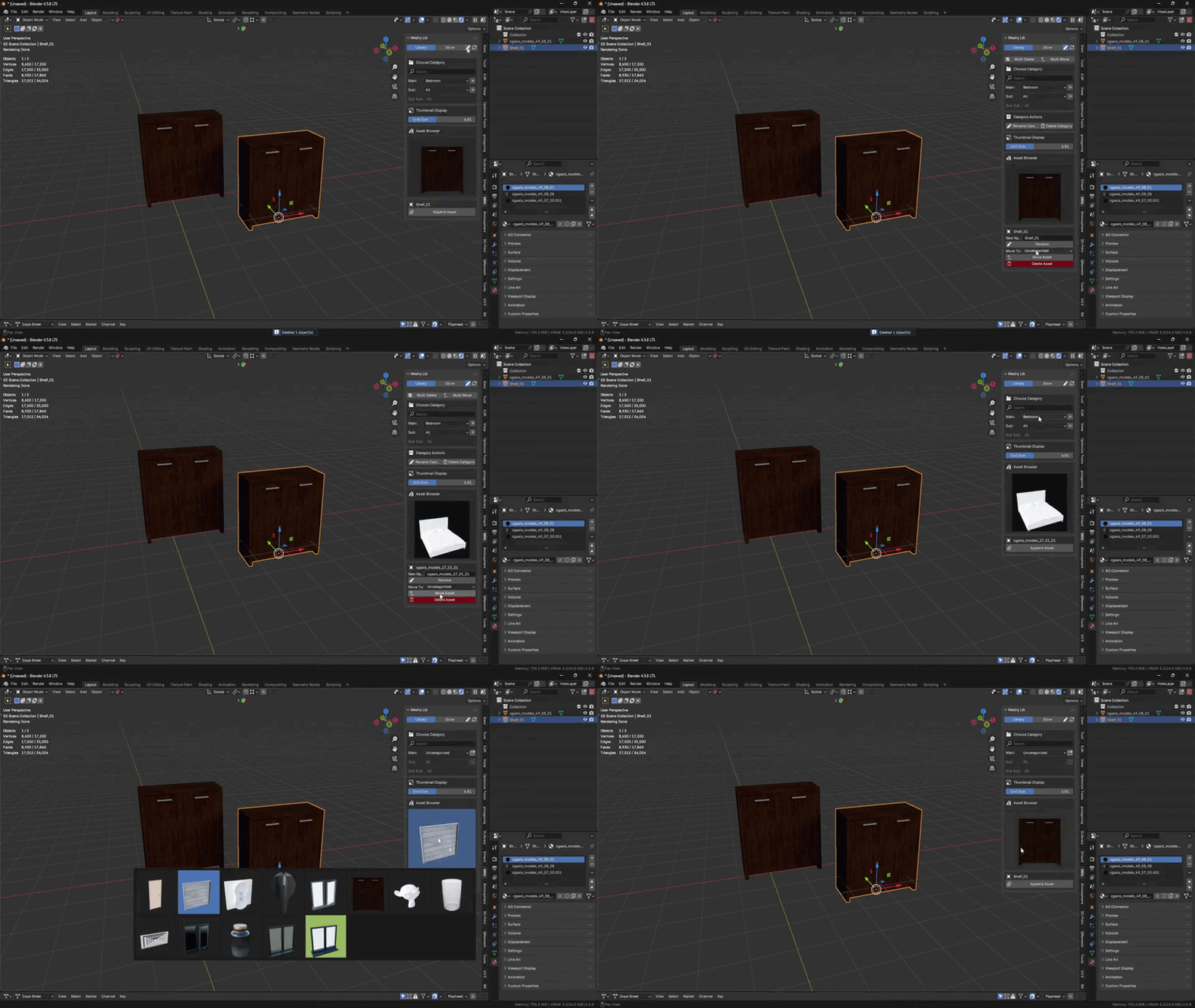
With one click you can inspect a model and immediately append it into the active scene. If an asset thumbnail doesn’t frame the model the way you want, you can fine-tune it manually using vertical offset, horizontal offset and zoom controls.
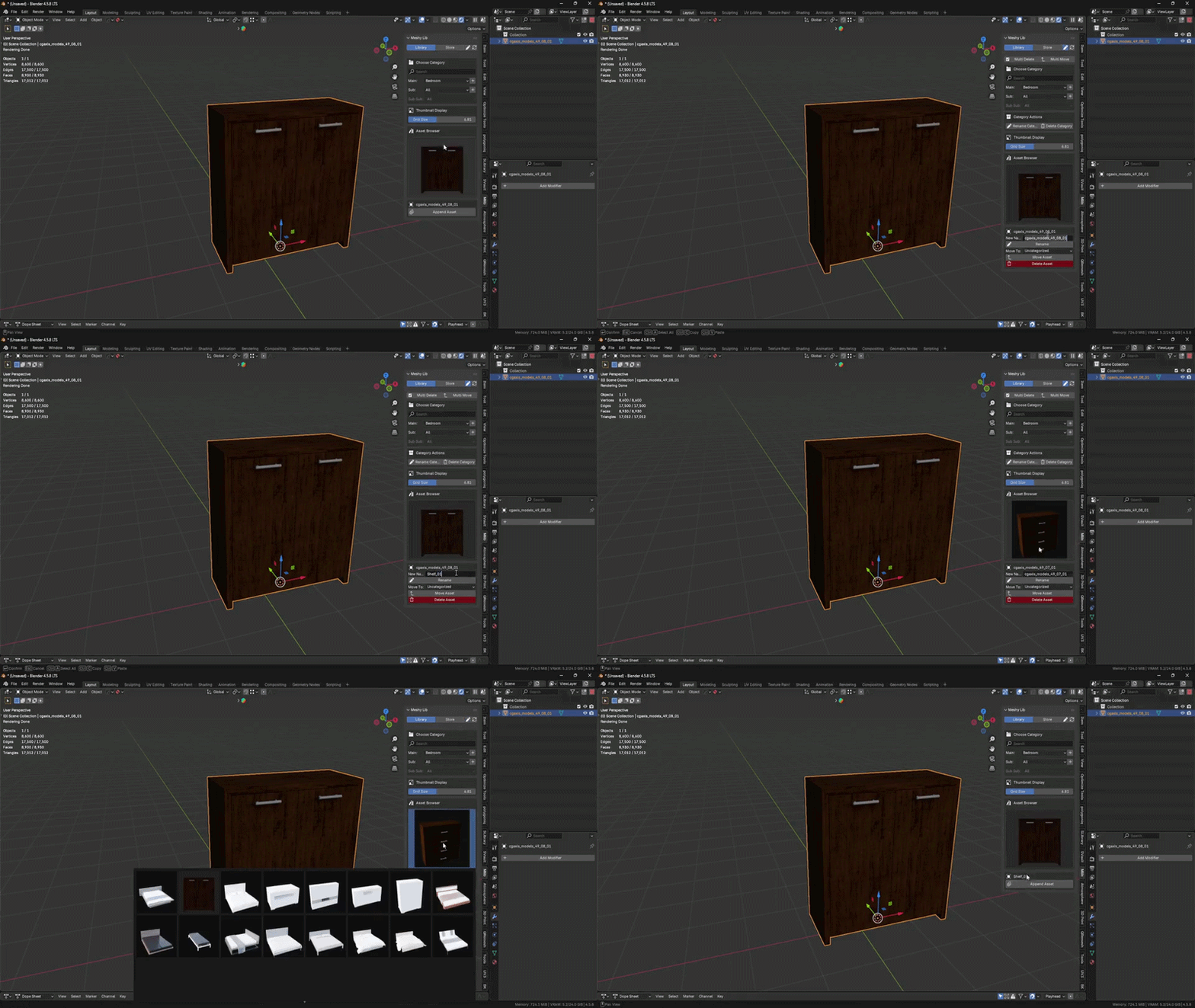
From Folder Chaos to Structured Library
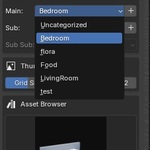
All your models are gathered in one panel, organized into categories and collections. A built-in search bar and folder/category filters let you instantly narrow down the asset you need.
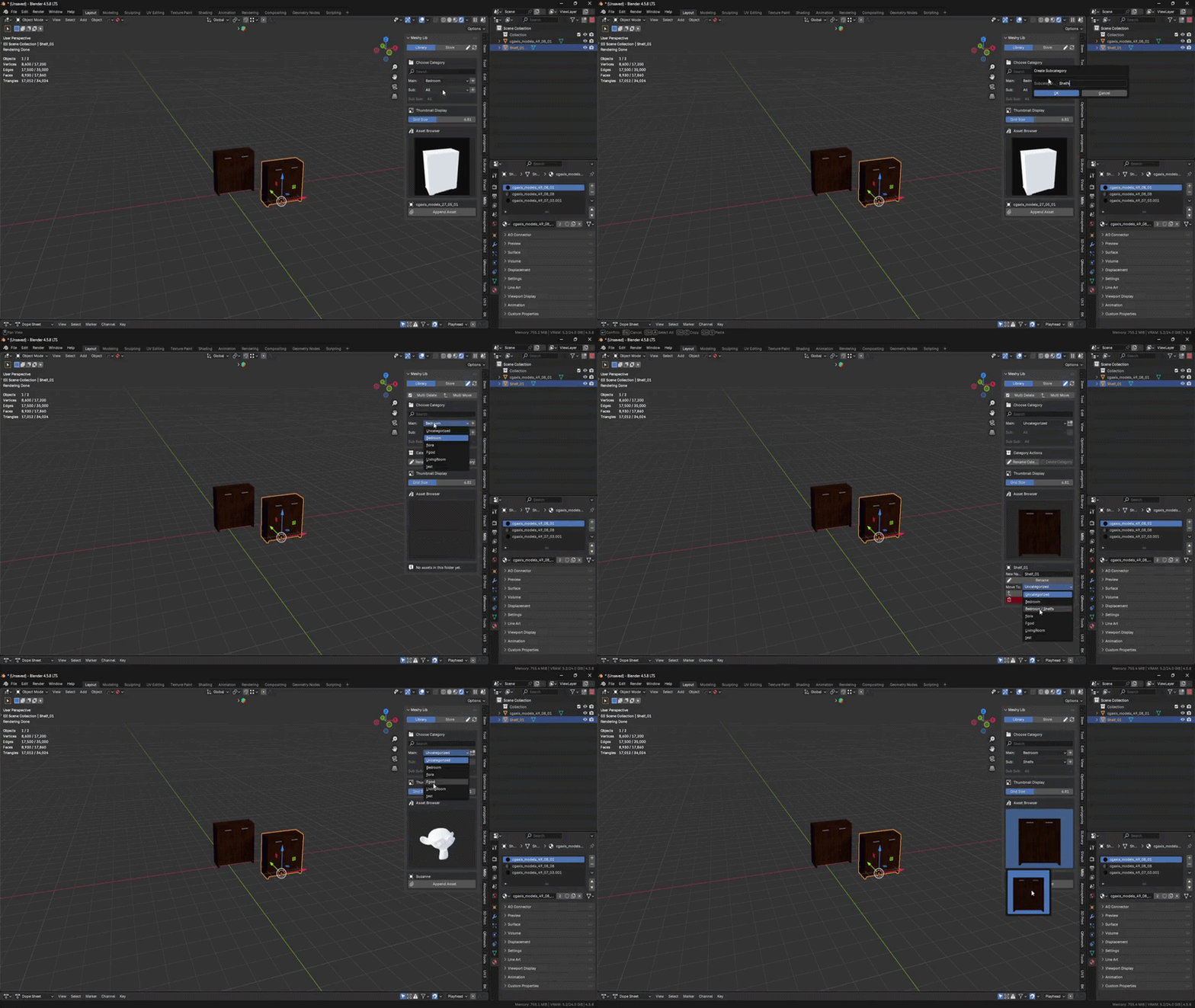
If a simple hierarchy is not enough, you can further tag and visually separate assets using different thumbnail background colors.
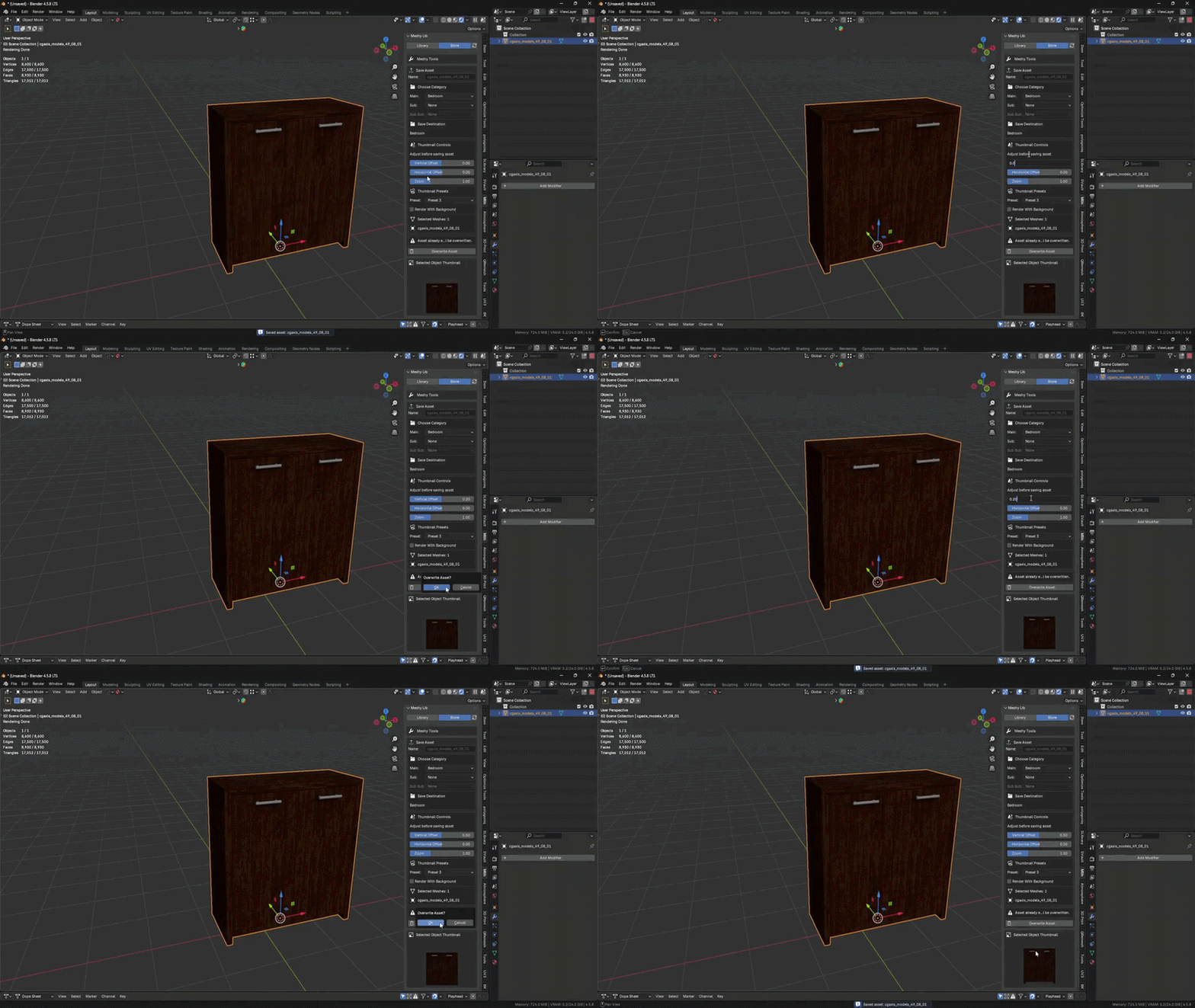
One-Click Append into the Scene
MeshyLib reduces the entire Append workflow to a single button. Pick a model from the list, click once, and the mesh is appended into your scene as a ready-to-use object. Ideal for archviz, interior design and environment work.
Built for Real Production
Designed for artists and teams who already own libraries of meshes and want to use them faster than "Open File → Copy/Paste → Cleanup". Each asset is stored as lightweight metadata, keeping your archive fast and cloud-storage friendly.
Why MeshyLib if Blender Has a Built-In Asset Browser?
Blender’s Asset Browser is great as a display shelf for finished assets, but MeshyLib acts as your warehouse and production workshop.
With MeshyLib you can be in any scene of a project and still edit and manage your library. Unlike the Asset Browser, you don’t have to switch into a dedicated "asset file" – your library is always one panel away in View3D. It simplifies:
- Generating thumbnails in a controlled studio setup
- Changing thumbnail background color to visually group assets
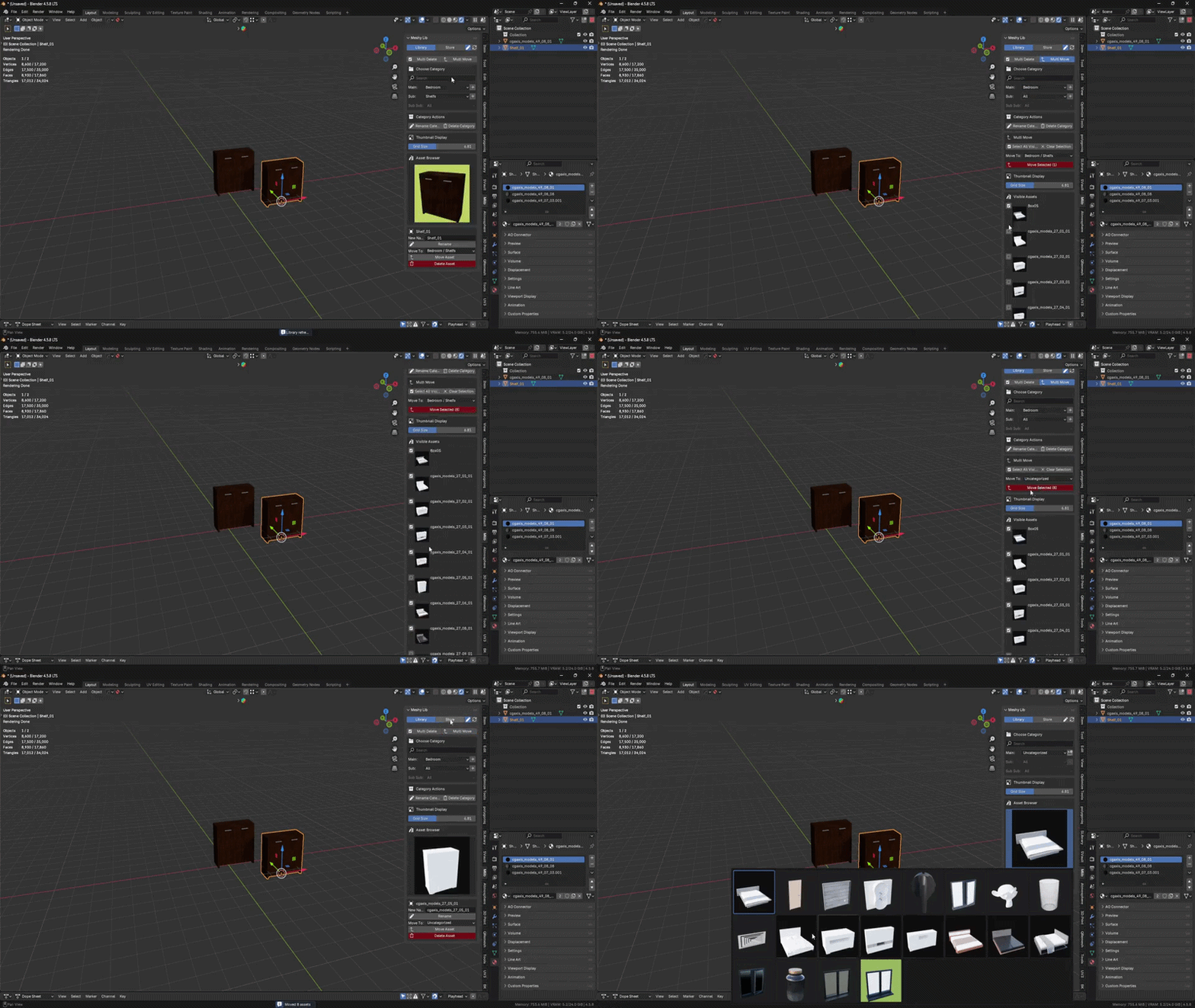
- Renaming and moving assets between folders and categories
- All from whatever scene you are currently working in.
Manage Libraries Efficiently
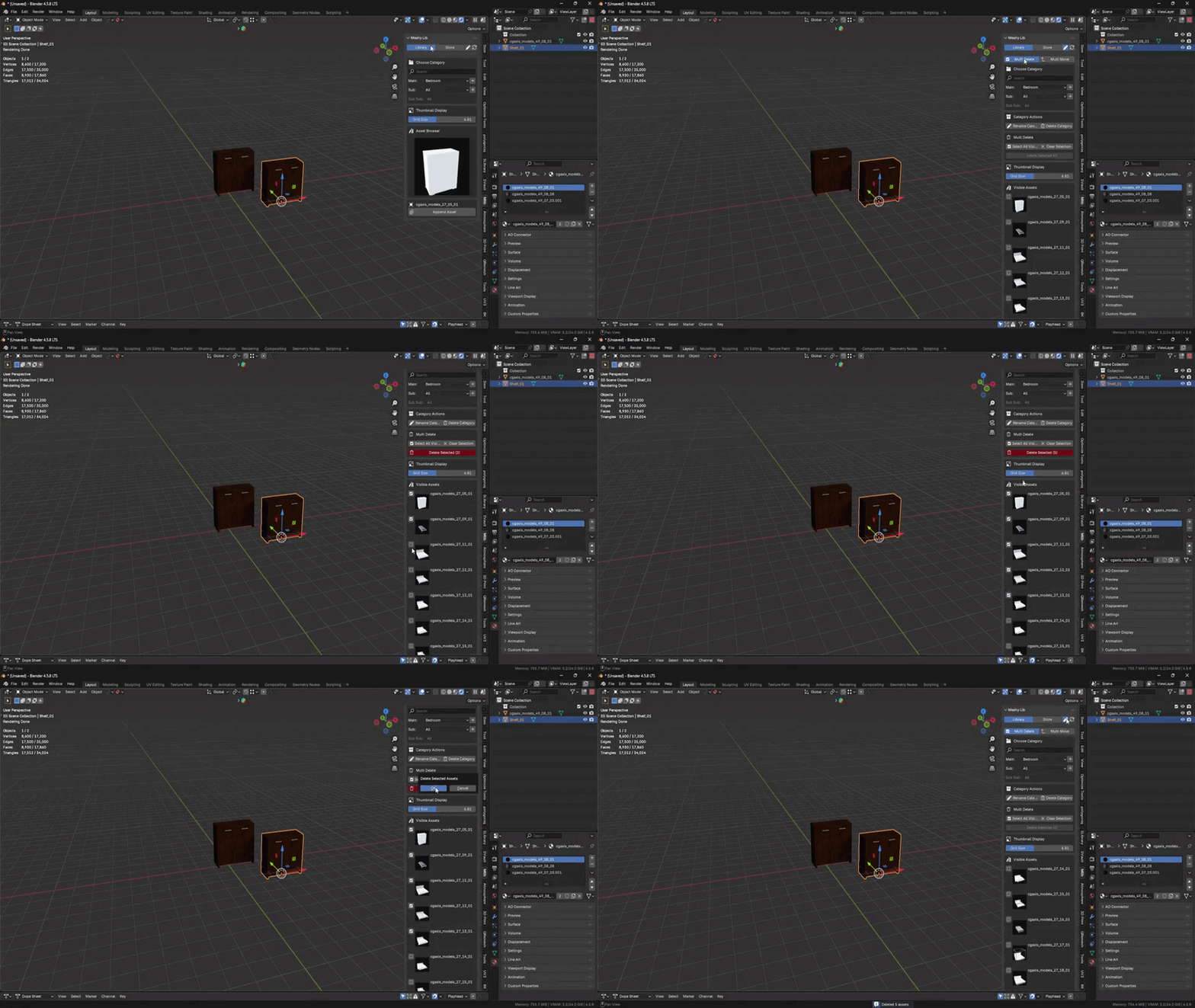
Move, multi-move, and delete multiple assets with ease.
Meshy Tools – Production Utilities Built-In
MeshyLib is more than an asset manager; it ships with a compact toolbox to clean up and prepare models directly in the same scene.
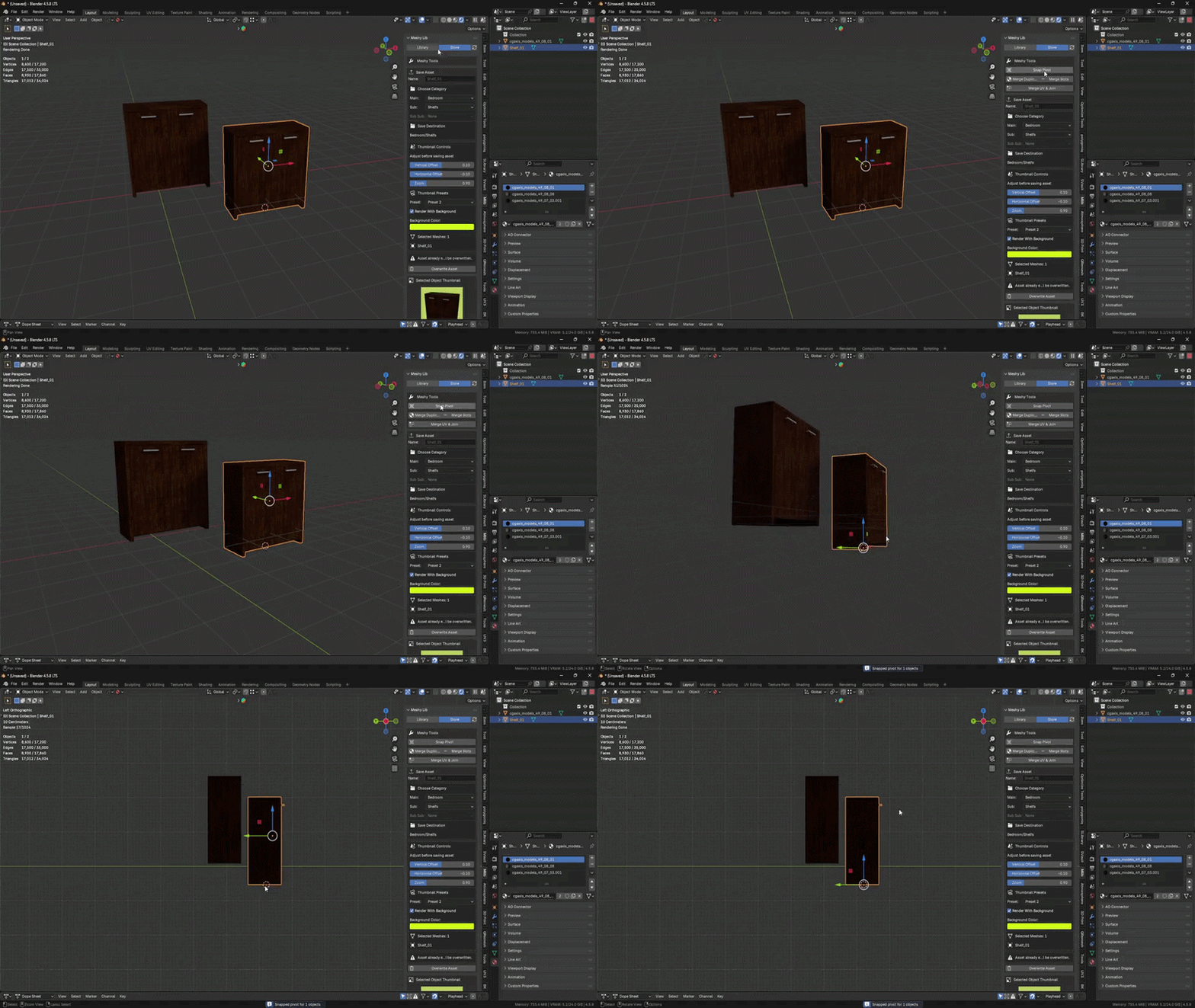
📐 Snap Pivot
Quickly snaps the object pivot to the bottom of the model for predictable placement and snapping.
🎨 Merge Duplicates
Cleans up duplicated materials like .001 / .002 by merging them into a single base material.
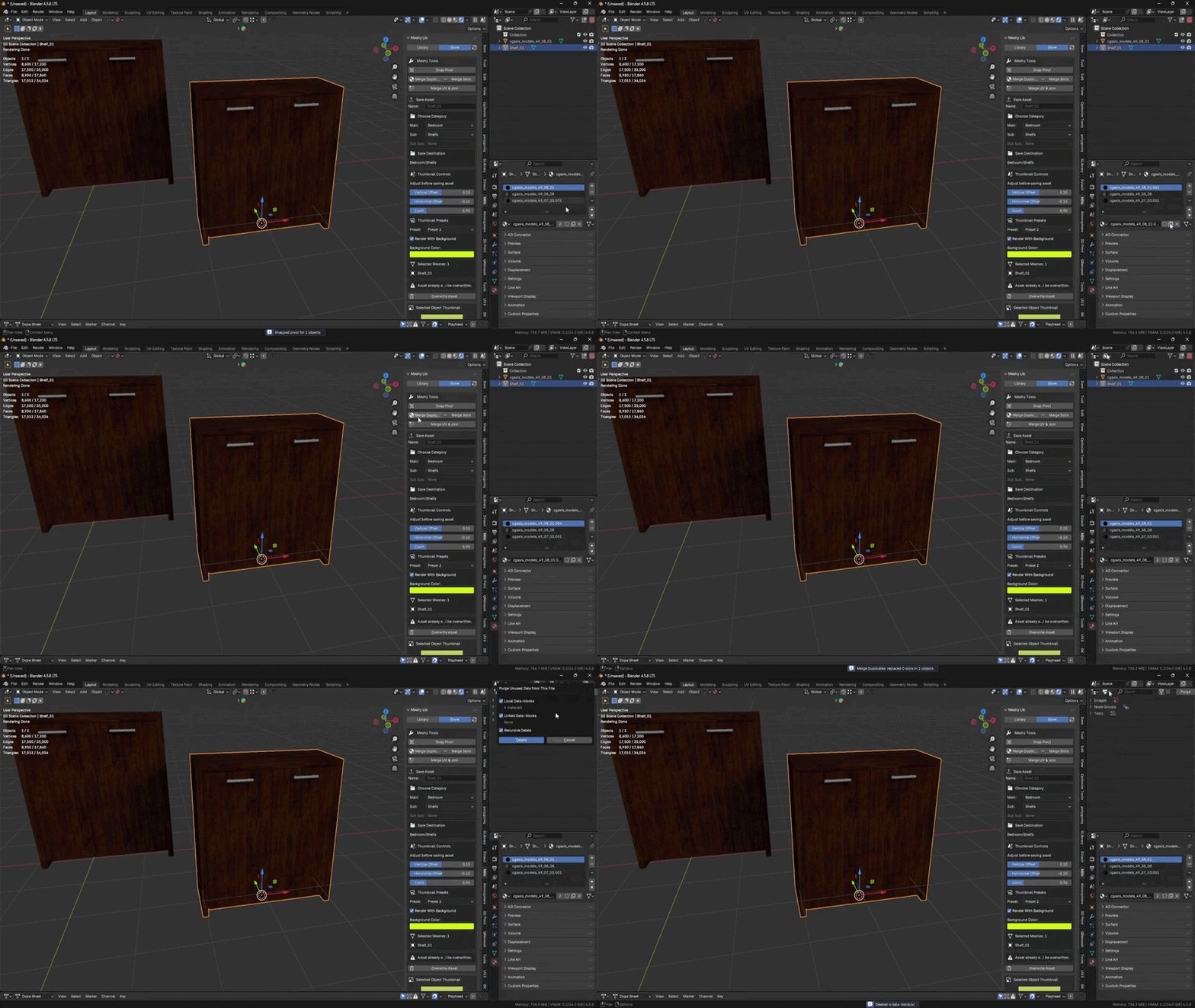
🗑️ Merge Slots
Organizes and consolidates redundant material slots, removing clutter from complex meshes.
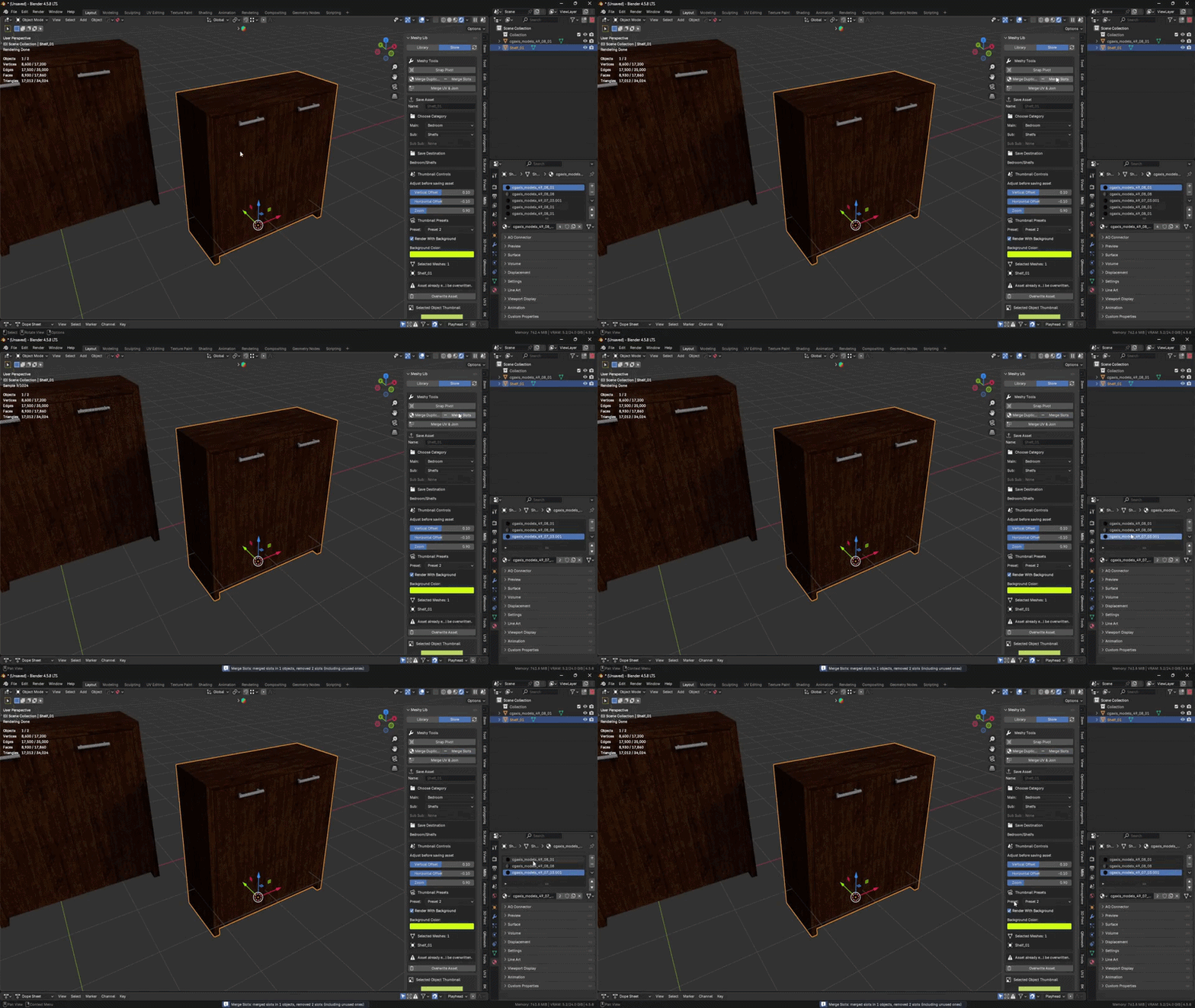
Also includes Merge UV Join – Joins selected objects into a single mesh and consolidates their UVs into a unified UV map.
Deep Dive: Version 2.2.0 Live Link Bridge
- Syncs your Meshy Lib asset library into a chosen Blender Asset Browser library (.blend) as assets with custom thumbnails.
- Automatically builds and updates Asset Browser catalogs based on folder/category structure.
- Performs incremental updates: detects changed assets via a sync signature and only imports/updates what’s needed.
- Optionally prunes missing assets from the Asset Browser library when they no longer exist in the source folder.
- Can clear the target scene before sync to regenerate a fresh, compact file.
- Generates a human-readable sync report (.txt) summarizing what changed (new, updated, removed) after each bridge sync.
Key Features Summary
Viewport-Native Browsing
Browse, preview and append assets without ever leaving the 3D Viewport. One click places the model at your 3D cursor.
Auto-Organized Library
Point MeshyLib at a folder. It reads subfolders as categories and generates thumbnails. No special file format required.
Smart Search & Tagging
Tag assets with custom keywords and filter your entire library in real time. Finding the right prop takes seconds.
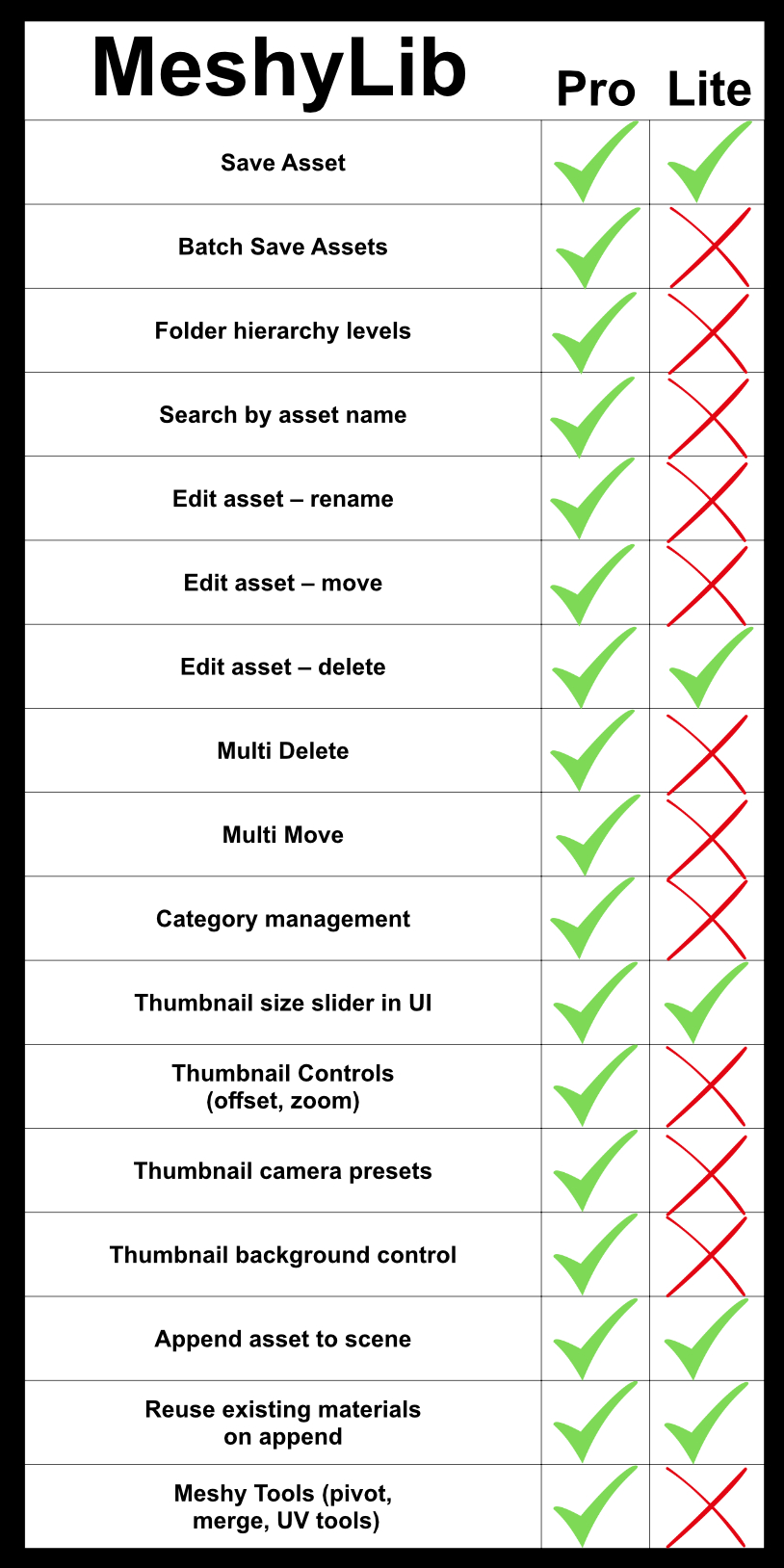
Modern Add-On for Blender 4.5+
MeshyLib is built for modern Blender 4.5+ workflows, using up-to-date APIs and patterns for working with larger libraries. Define your library path once, and every scene can tap into the same organized asset base.