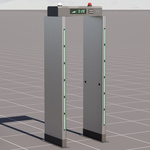
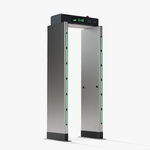
Metal Detector Gate
 Next Level Models
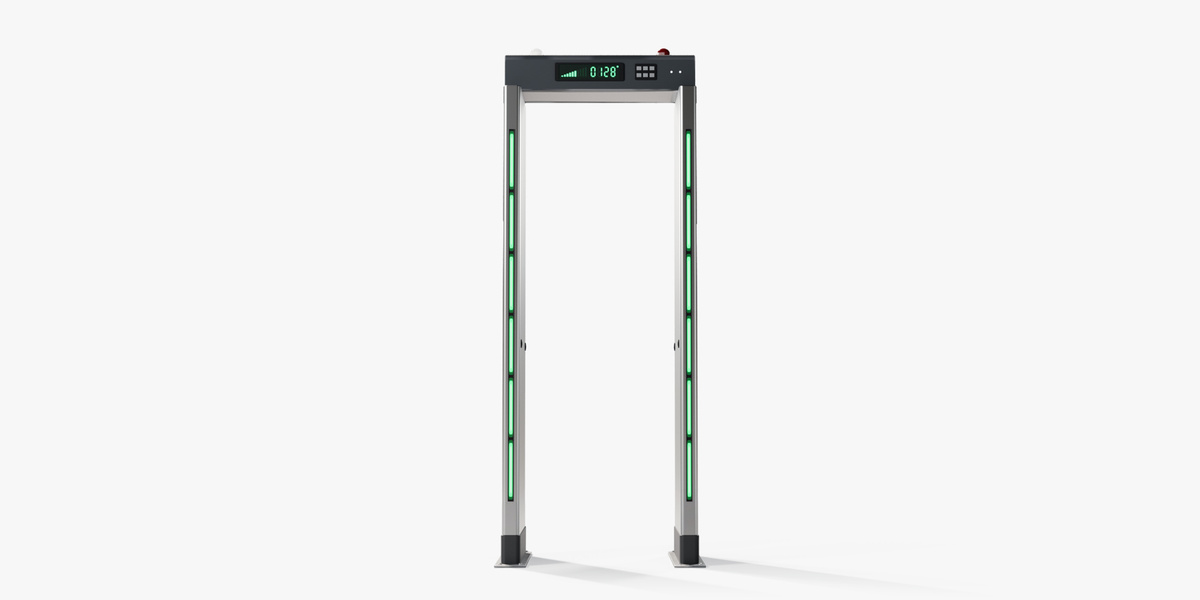
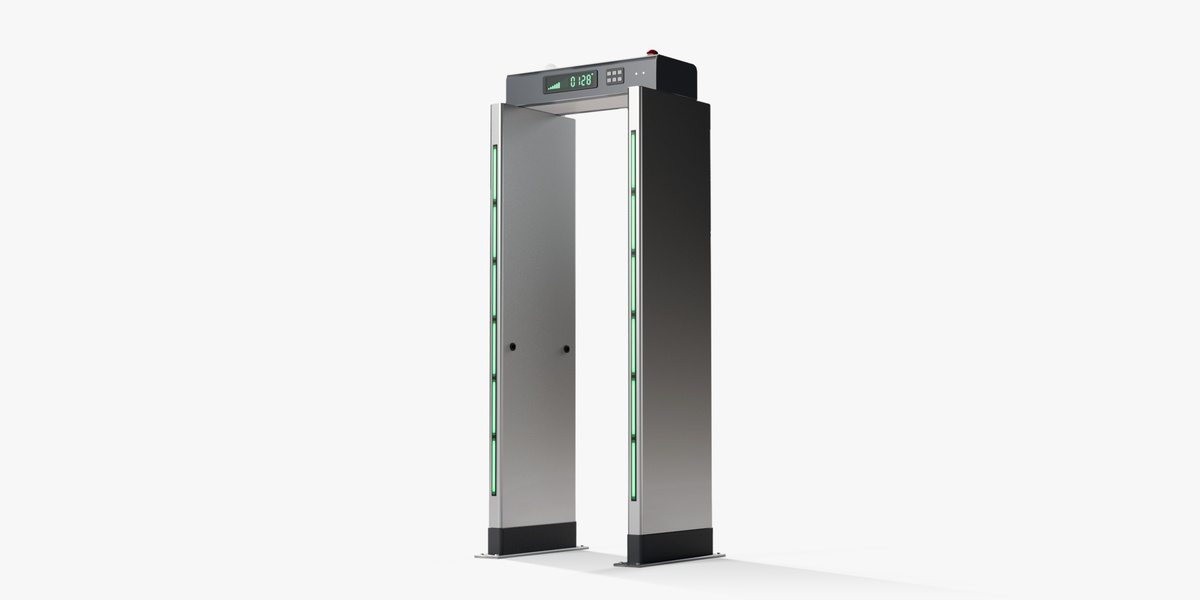
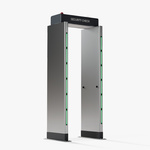
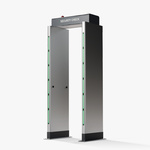
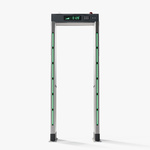
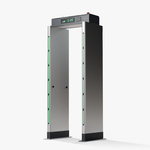
Getting started
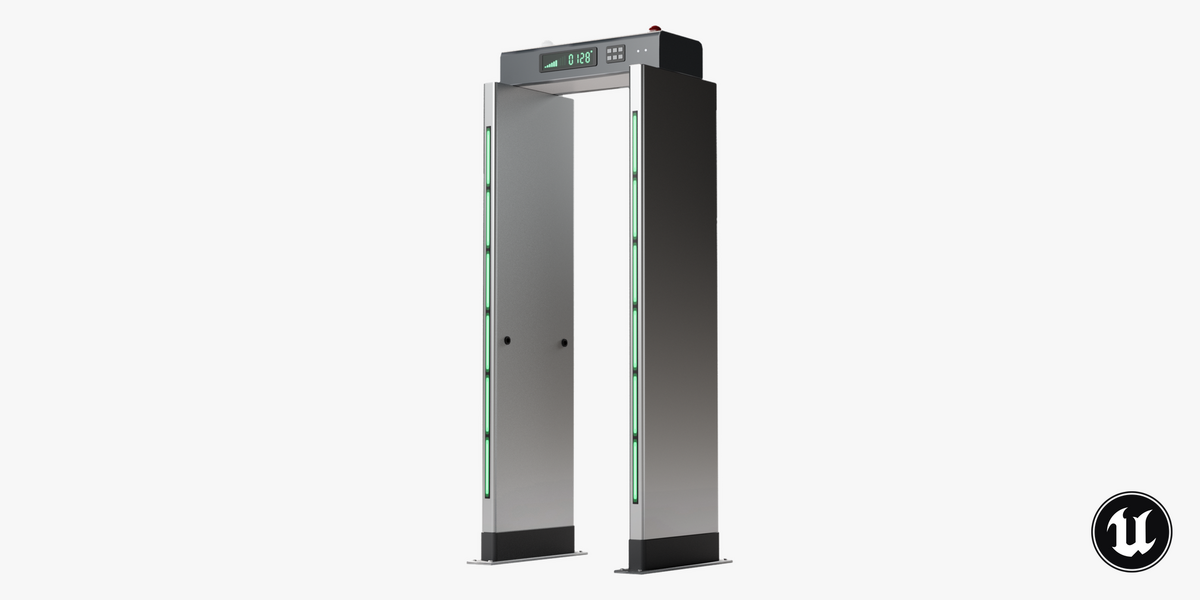
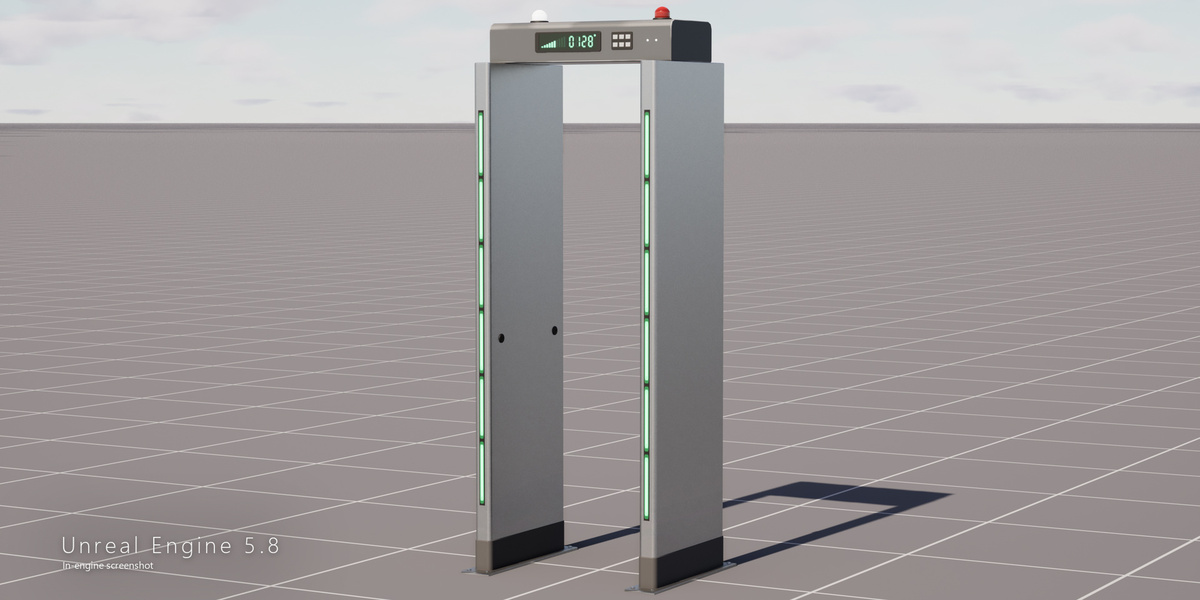
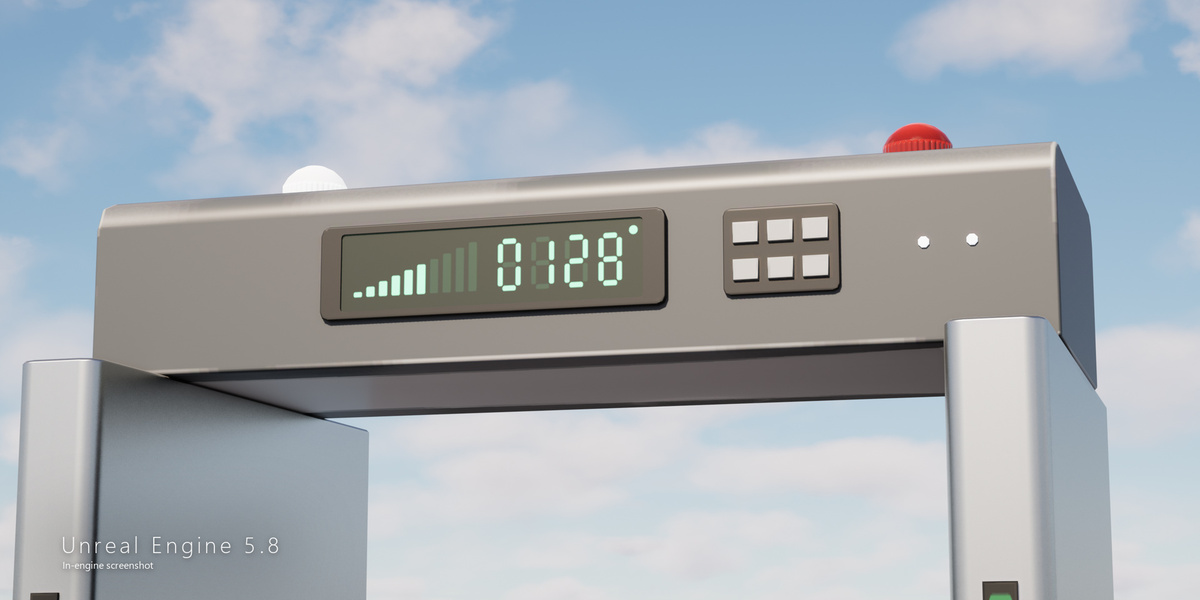
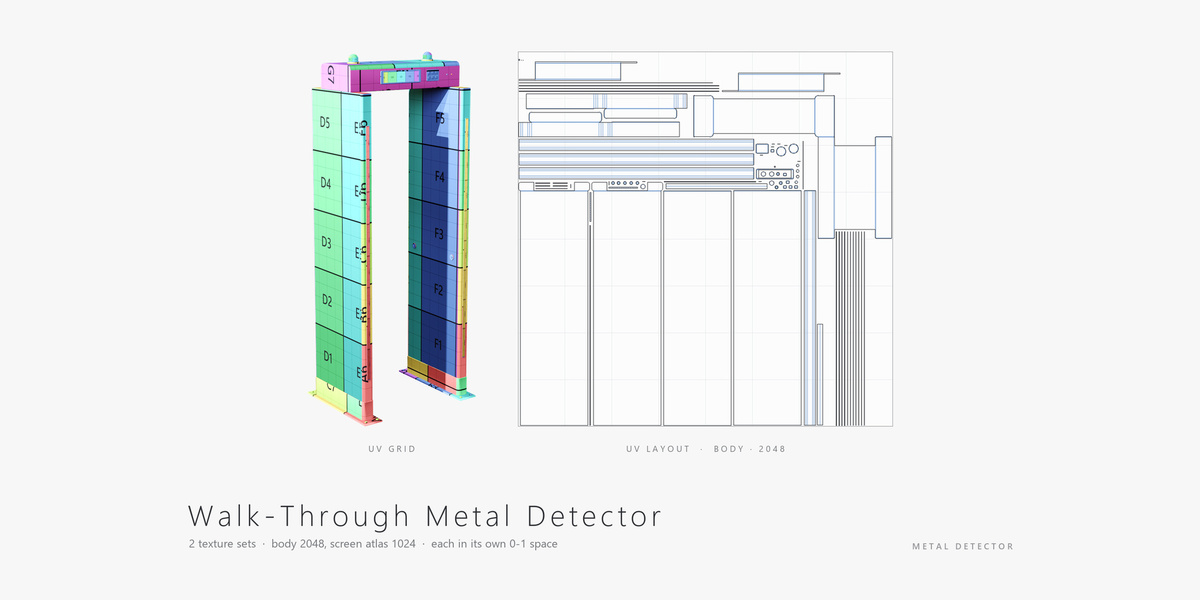
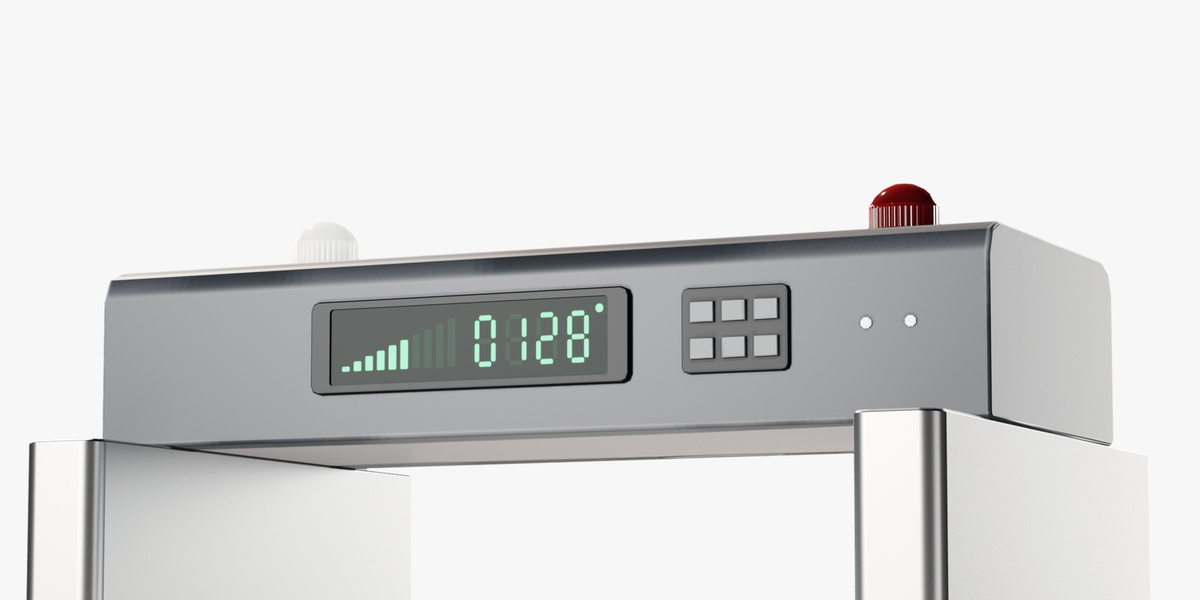
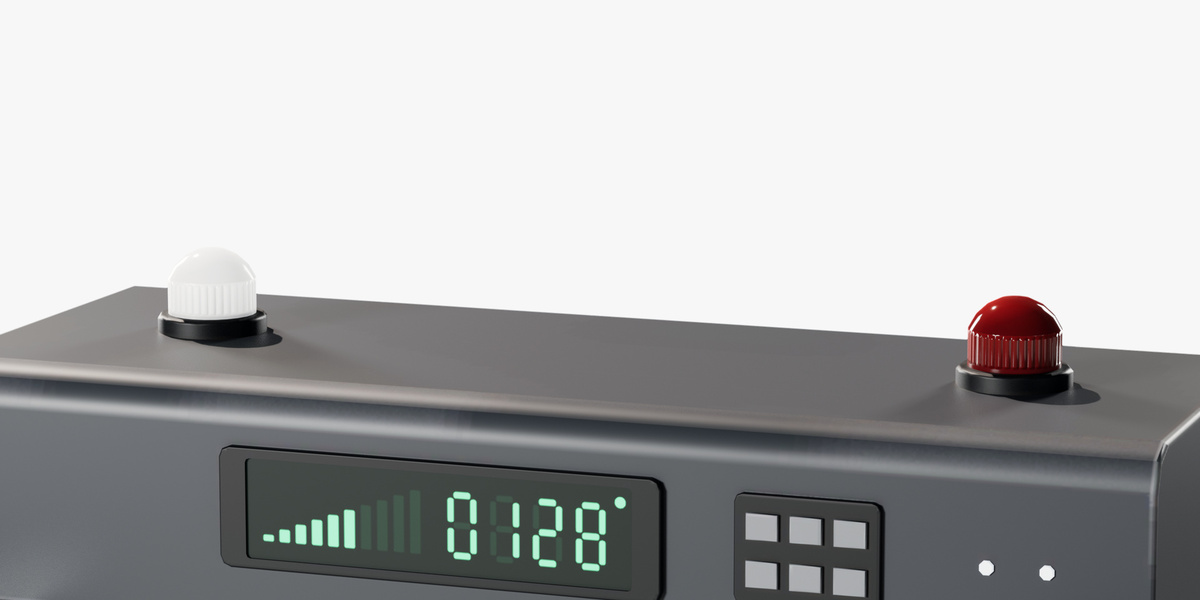
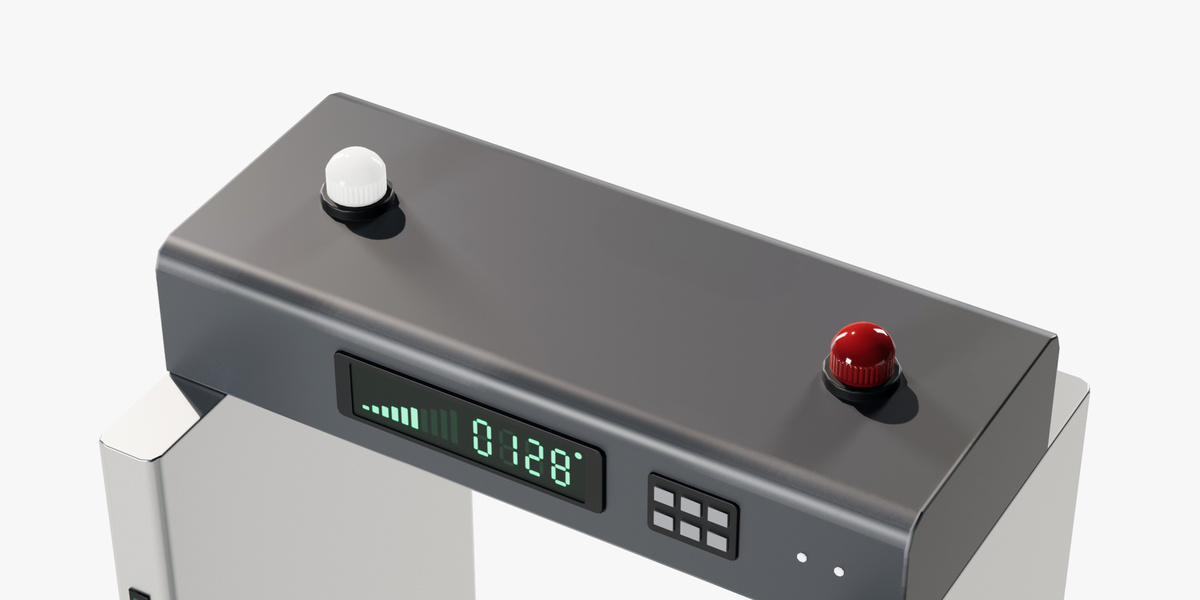
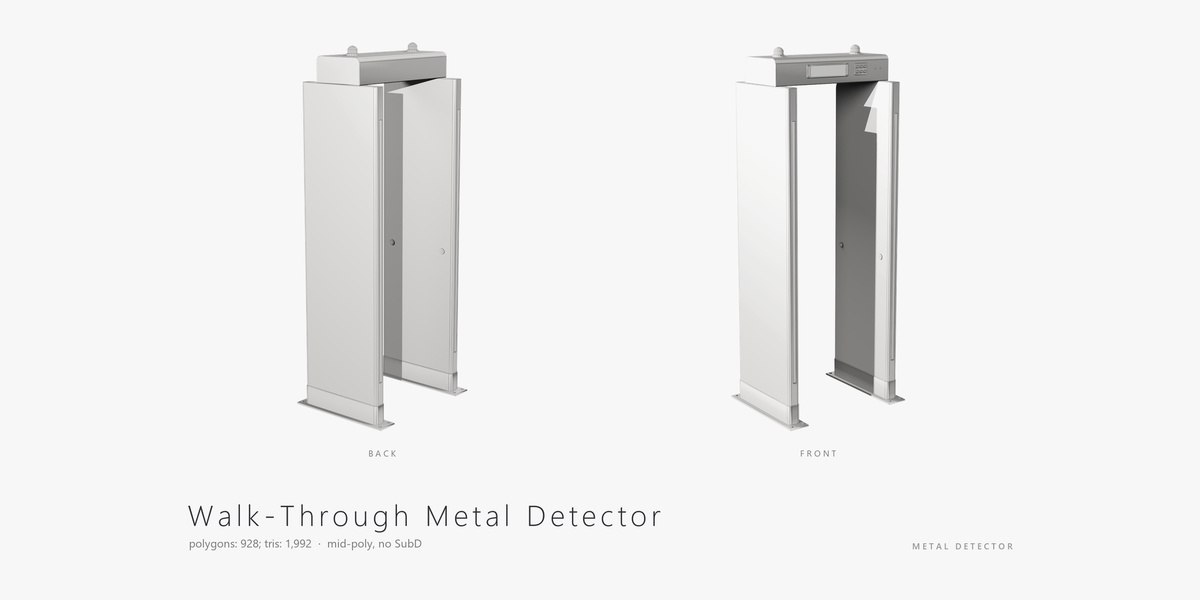
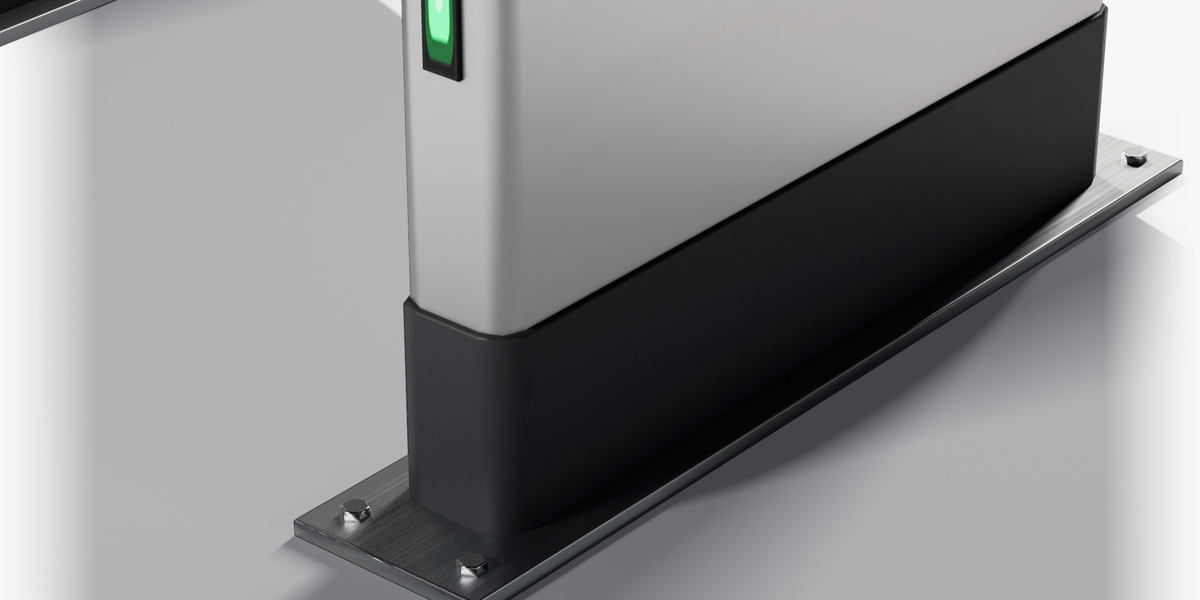
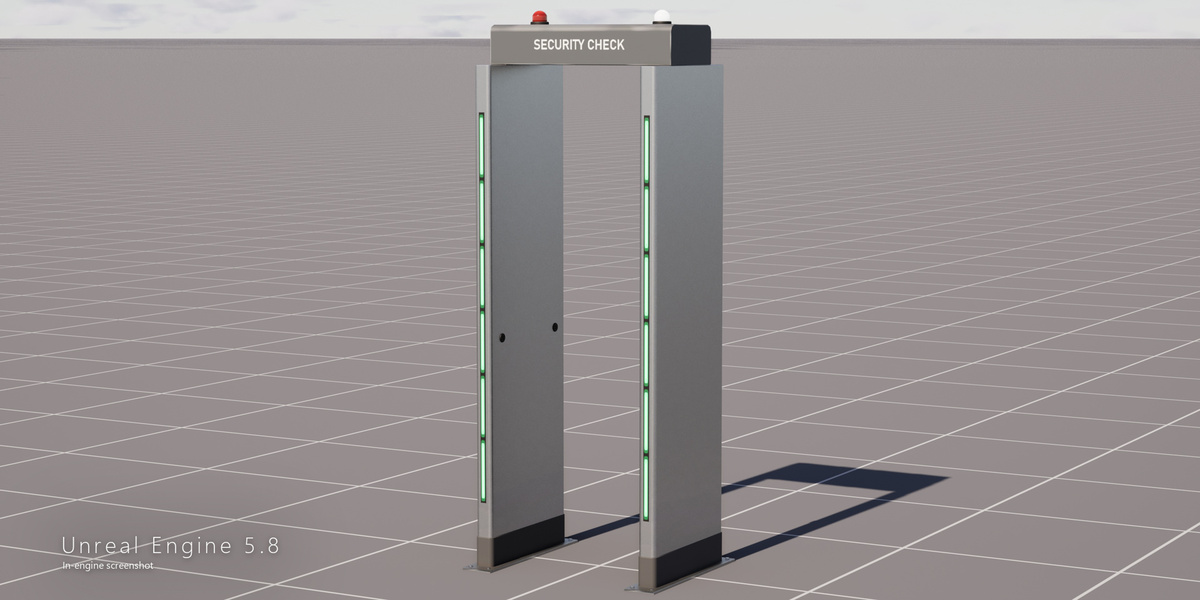
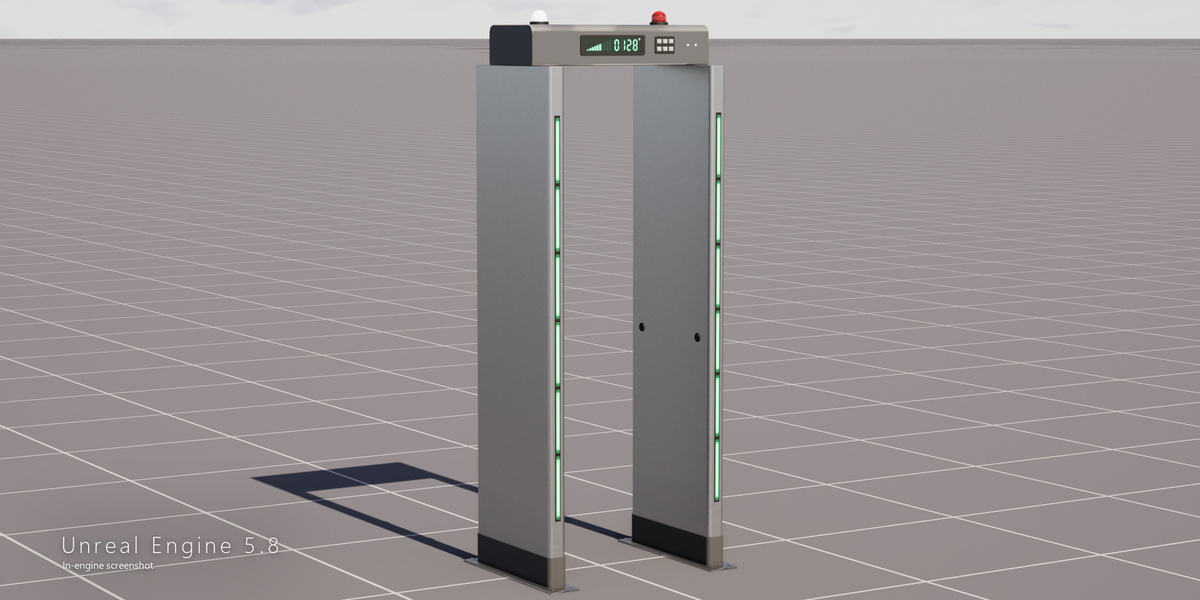
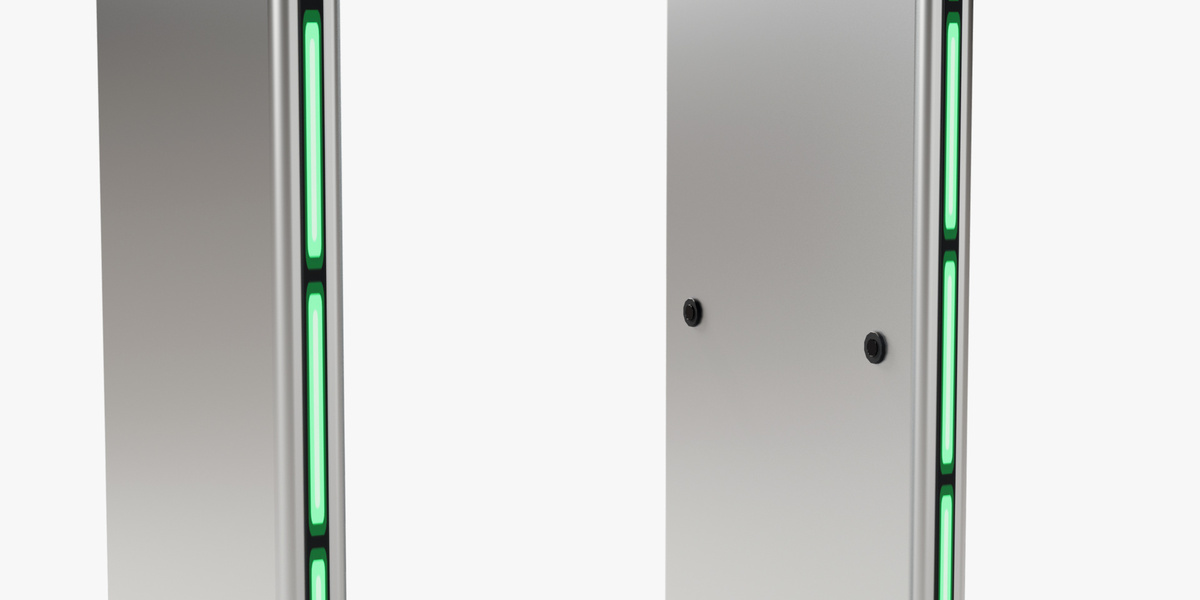
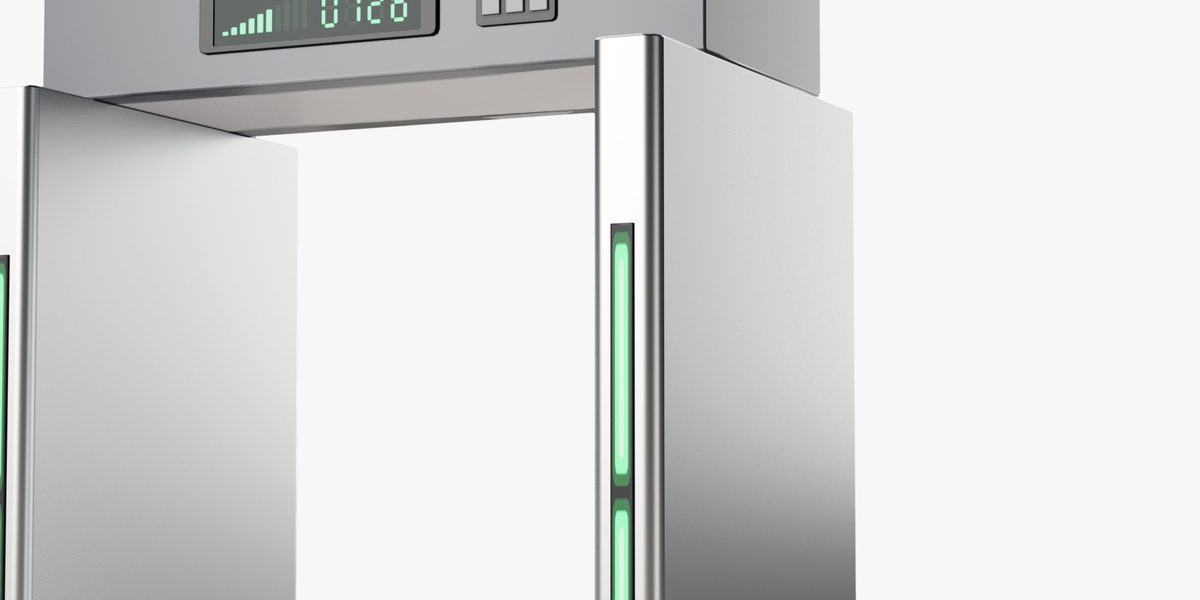
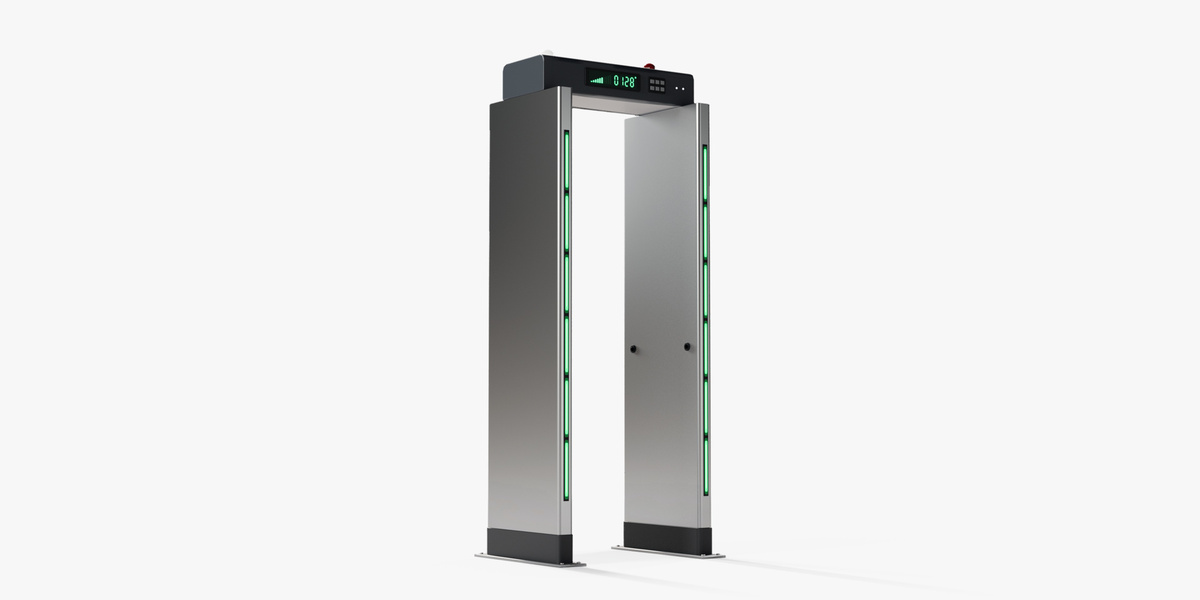
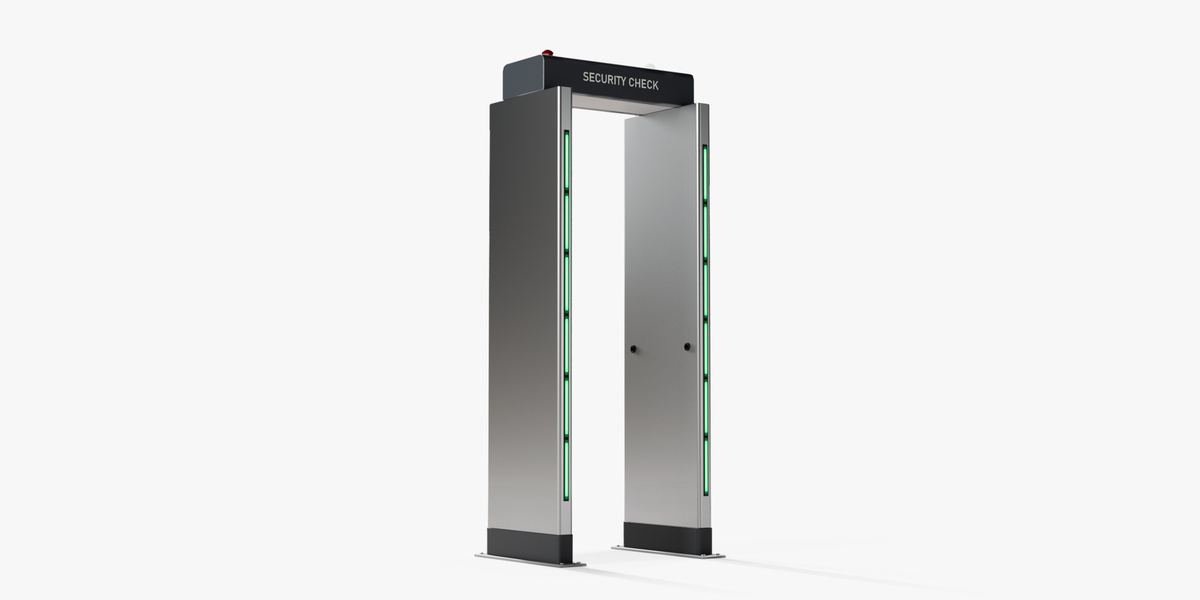
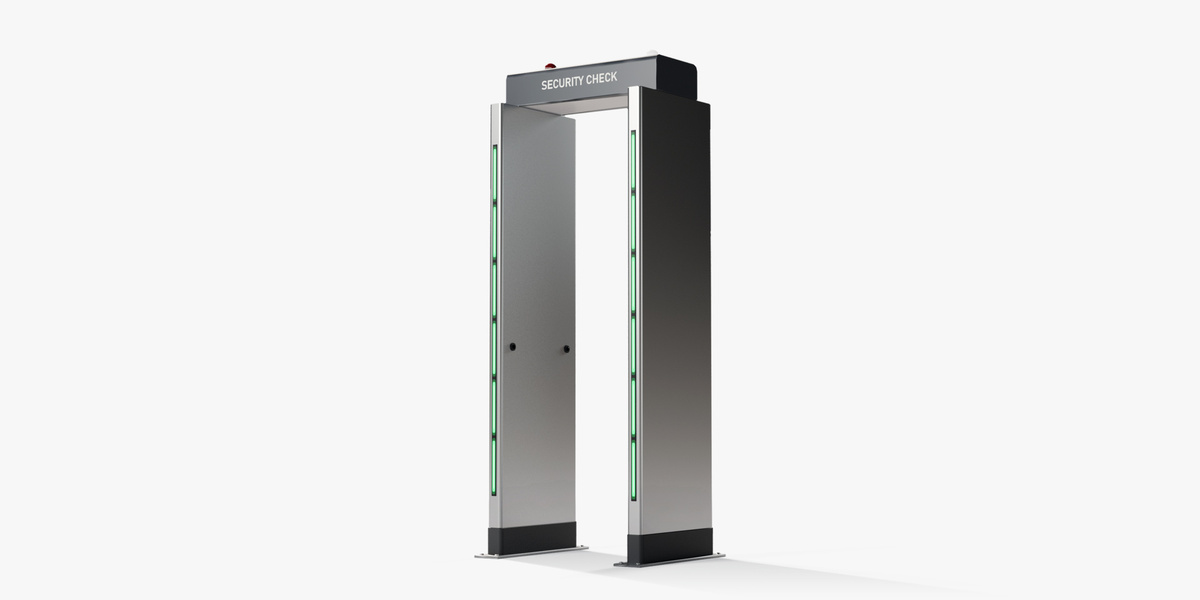
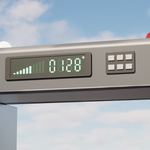
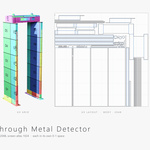
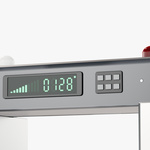
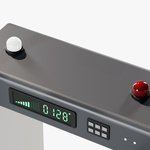
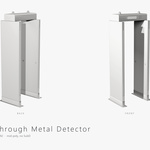
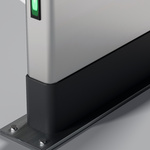
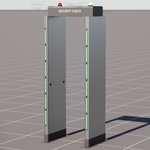
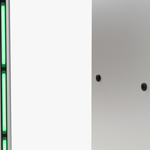
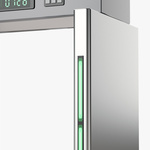
- Open the .blend file (Blender 5.2): the gate and its LED screen are two objects, one material each; all textures are packed in the file.
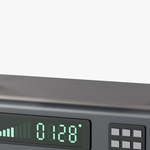
- The LED screen has three states: Ready (default), Alarm and Off. To switch, open the screen material and swap the Base Color and Emissive images for T_MetalDetector_Screen_Alarm_* or T_MetalDetector_Screen_Off_* from Textures.zip (same UV).
- FBX, OBJ and DAE read their maps from the shared Textures folder - keep it next to them. GLB carries its textures inside.
- Normal maps are OpenGL (Y+). Real-world scale, meters in Blender; pivot at the centre of the base on the ground.
- Unreal Engine 5.8: open the .uproject; the showcase level holds the gate, with a material instance per screen state.
Have questions about this product?
Login to message
| Published | 1 day ago |
| Blender Version | 5.2 |
| Render Engine Used | Cycles, Eevee |
| Misc Data | Uvs-Unwrapped, Normal-Mapped, Textured |
| License | Royalty Free |