MHD-Int 55 Cancri System — Five Planets, the Lava World 55 Cnc E and the Habitable Zone
 Solaris Core — MHD-INT
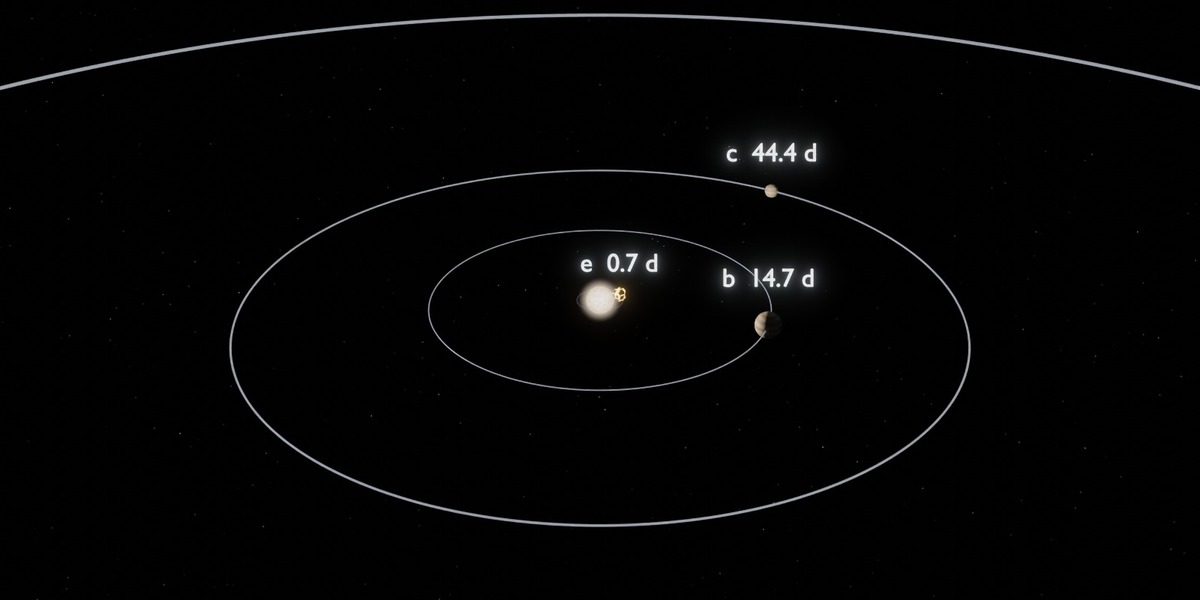
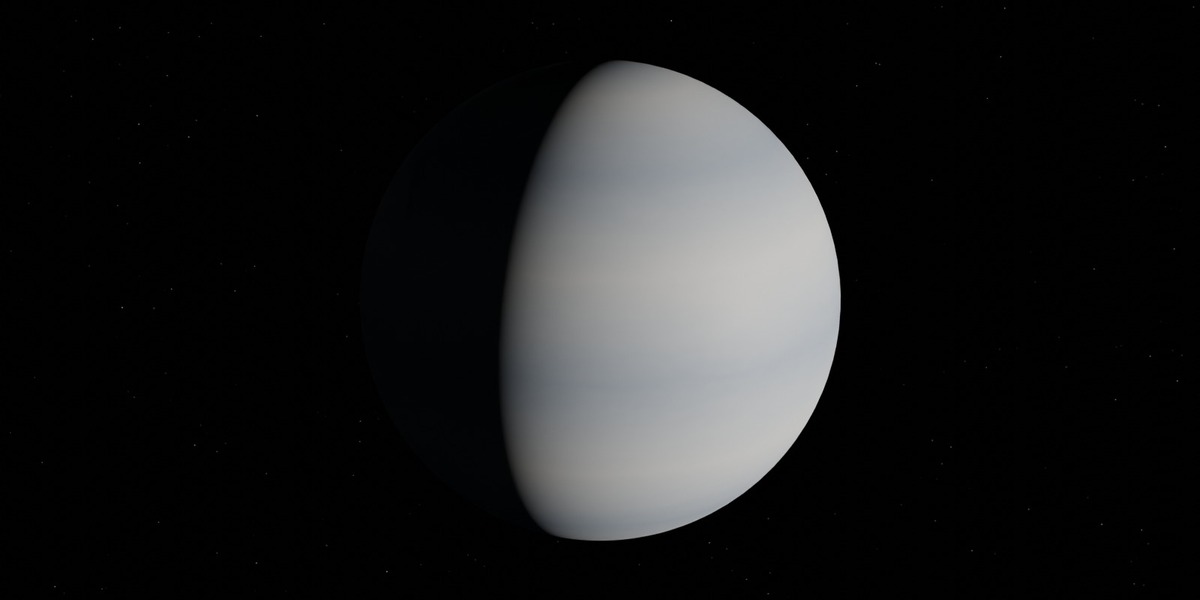
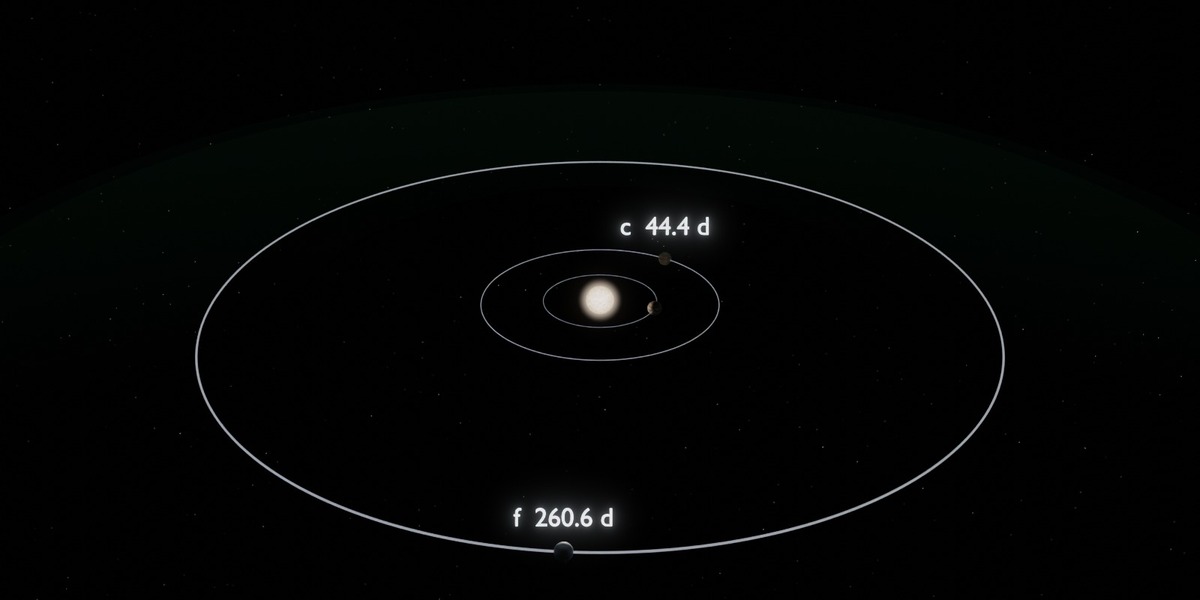
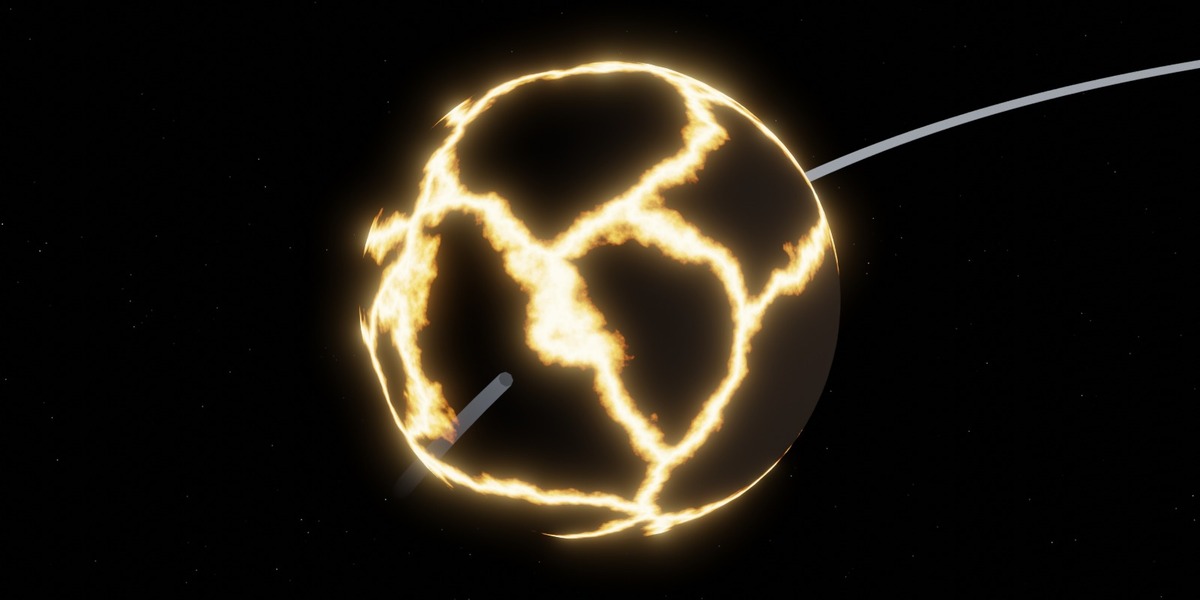
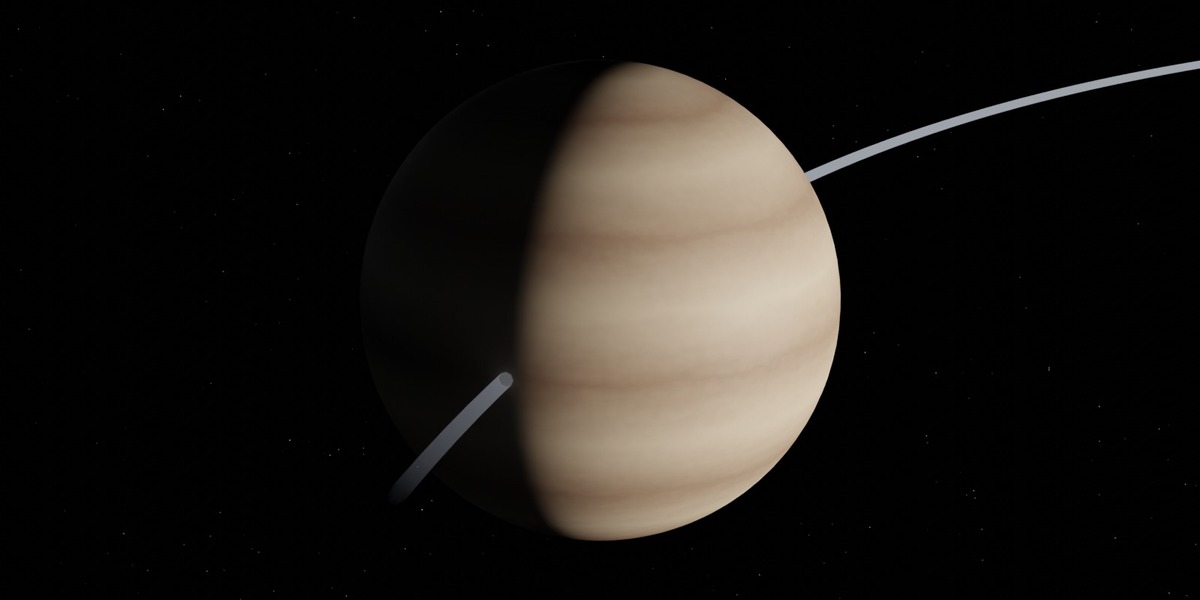
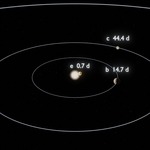
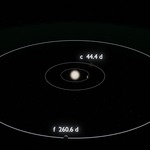

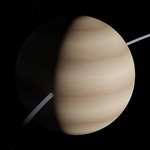
Requirements: Blender 4.2 LTS or newer. Scene generation and Cycles renders tested on 4.2 and 5.0.1. EEVEE has not been tested. Uses numpy, which is bundled with Blender. 8 GB RAM recommended.
Quick start (no scripting):
- Unzip the download.
- Open 55Cancri_MHDINT.blend.
- Press F12 to render the current frame, or Ctrl+F12 to render the animation.
Change the camera: go to the Scripting tab (the script is already open inside the .blend), set ONLY_SWITCH_CAMERA = "e" and press Alt+P. This does not rebuild the scene: it switches the camera and shows the objects that belong to that view. Camera keys: general, mid, inner, top, e, b, c, f, d.
Rebuild with your own settings:
- In the Scripting tab, edit the settings at the top of 55cancri_v2.0.py. The main ones: the duration and speed of the animation (e makes a revolution every 0.5 s; f and d barely move in 60 days), TRUE_SCALE, lighting, RESOLUTION (all with comments in the file).
- Set ONLY_SWITCH_CAMERA = None and press Alt+P. The scene is rebuilt from scratch.
Read the data: select an object named MHDINT_… and open Object Properties → Custom Properties. Values carry their source and say whether they are measured, computed or illustrative.
Performance: rebuilding takes a few seconds. At the default 1920×1080 and 128 samples a Cycles frame takes several minutes on a CPU and much less on a GPU; lower the samples for quick drafts.
Have questions about this product?
Login to message
| Published | 11 days ago |
| Blender Version | 4.2 - 5.0 |
| Render Engine Used | Cycles |
| License | GPL |
Discover more products like this
exoplanet Science super-earth astronomy education 55 cancri lava world procedural space