MHD-Int Trappist-1 — Seven Earth-Sized Planets With Measured Masses
 Solaris Core — MHD-INT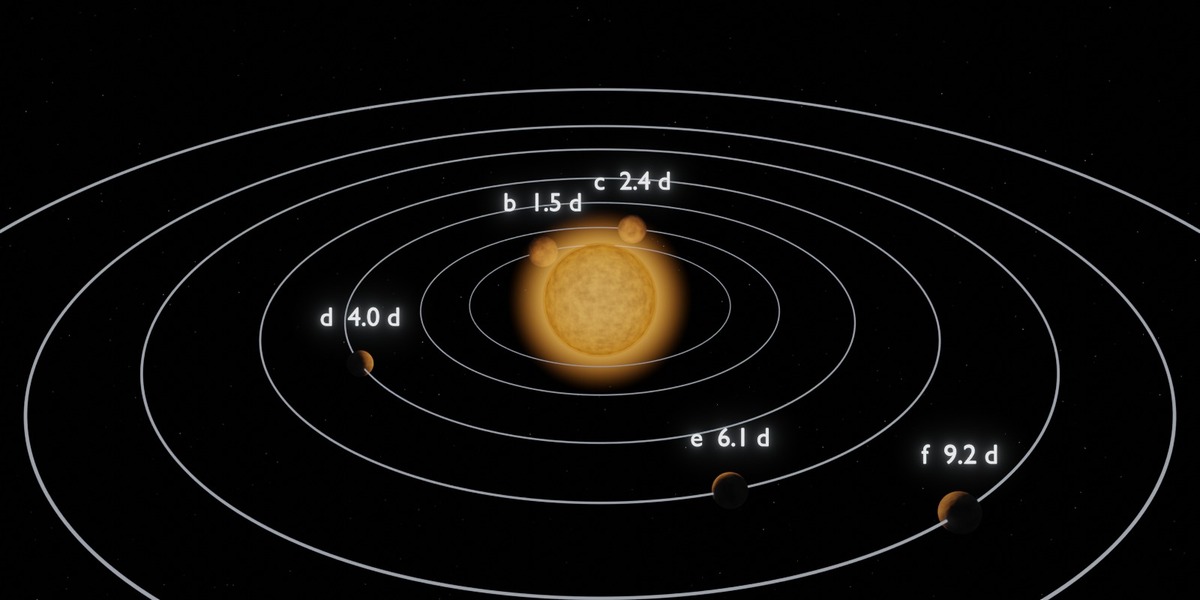
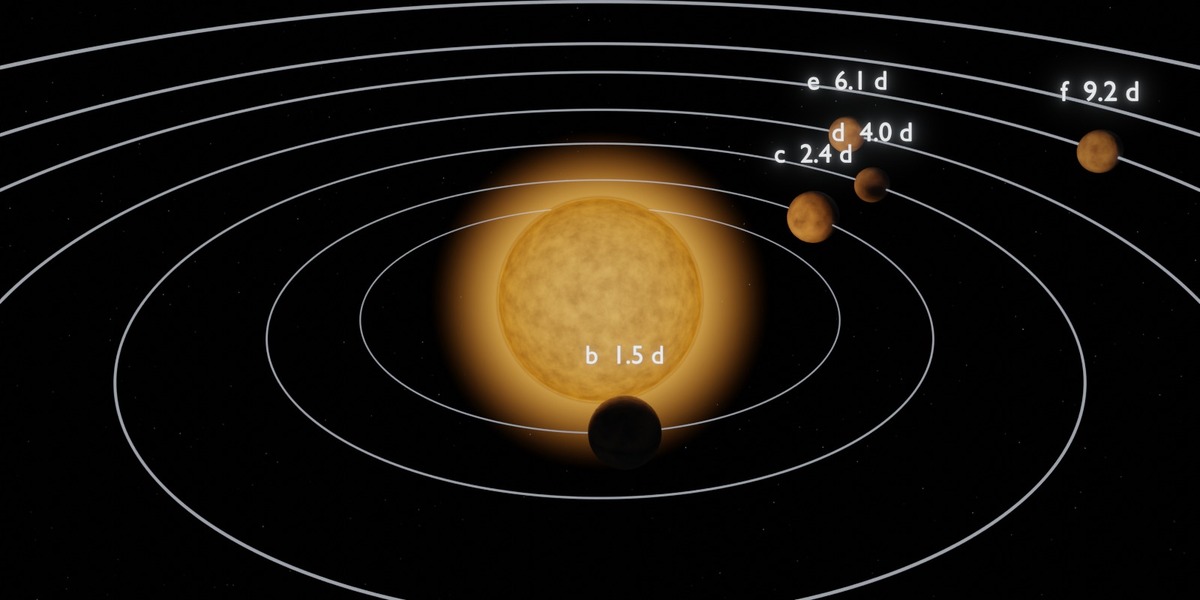
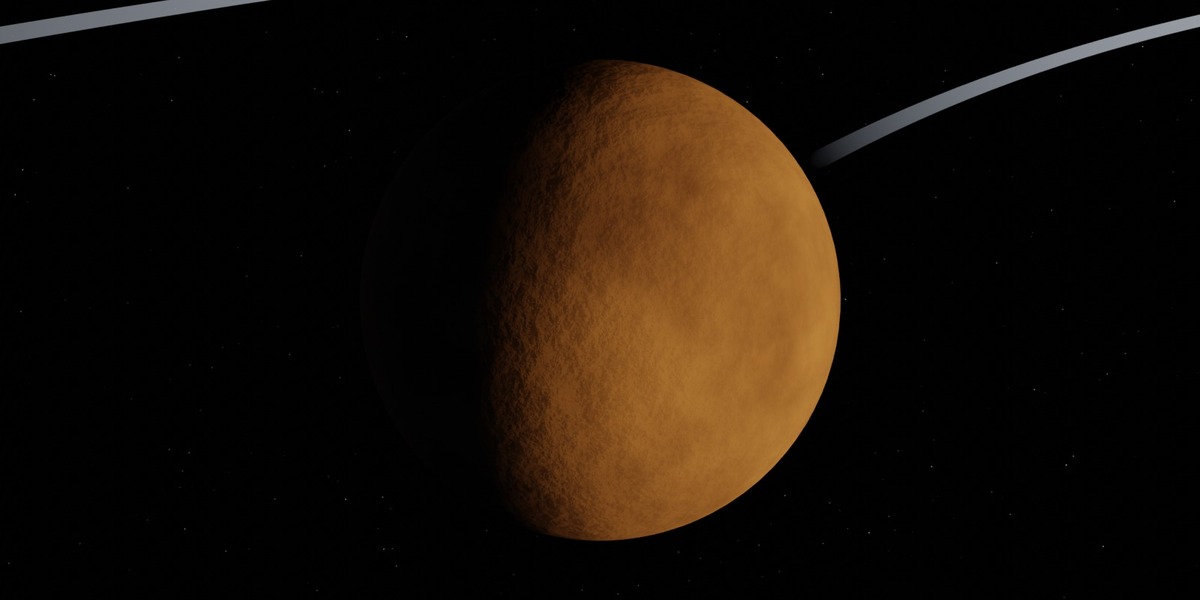
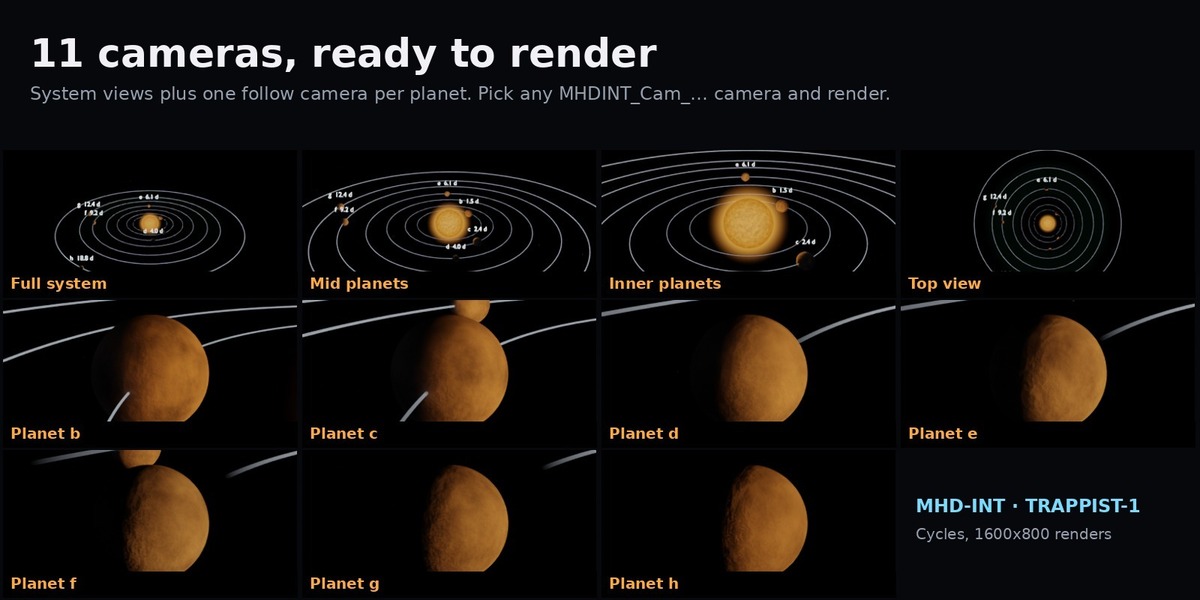
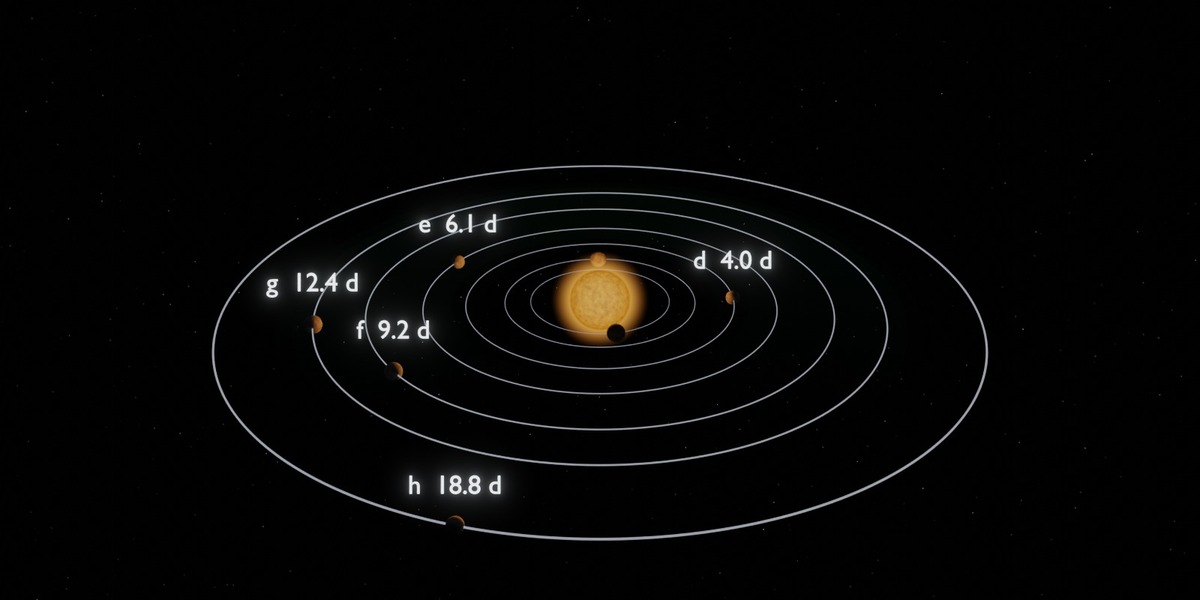
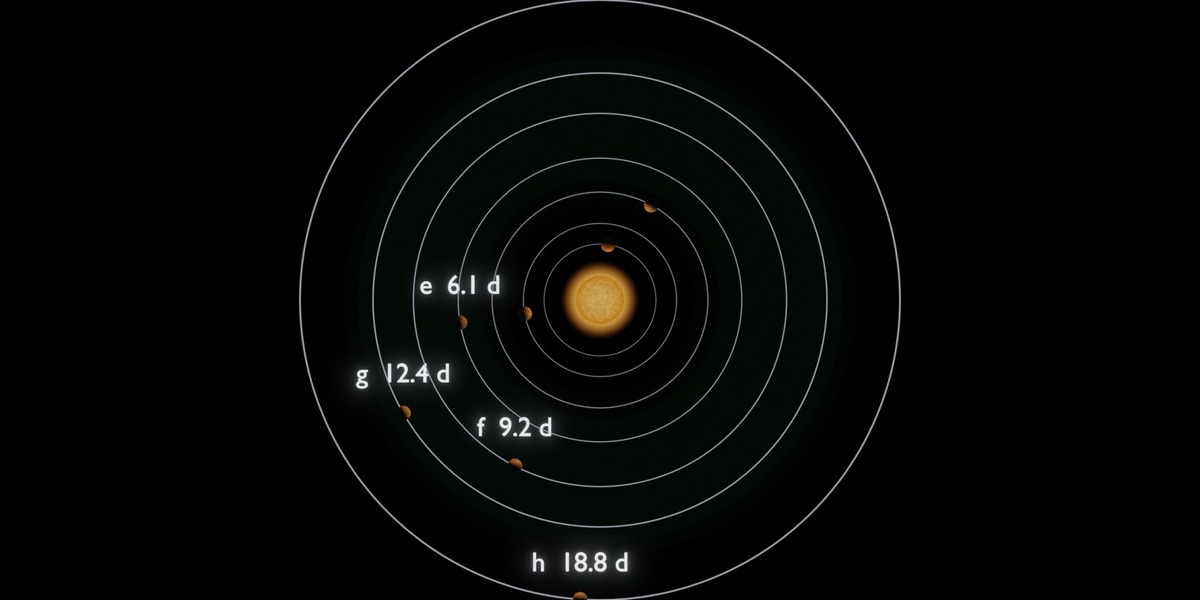
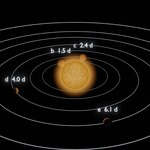
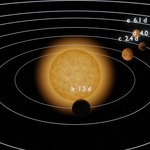
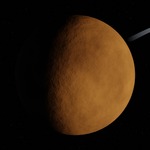
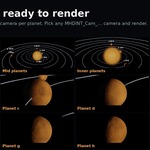
Requirements: version 4.2 LTS or newer. Scene generation and Cycles renders tested on 4.2 and 5.0.1. EEVEE has not been tested. 4 GB RAM minimum, 8 GB recommended. A Cycles render at 1600×800 takes about 1–2 minutes on a laptop CPU.
Quick start (no scripting):
- Unzip the download.
- Open TRAPPIST1_MHDINT.blend.
- Press F12 to render the current frame, or Ctrl+F12 to render the animation.
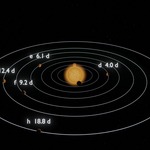
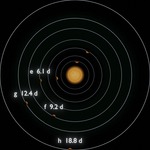
Change the camera:In the Outliner, select any camera named MHDINT_Cam_… (Full_System, Mid_Planets, Inner, Top, or b to h), then press Ctrl+Numpad 0 to make it the active camera.
Rebuild with your own settings:
- Go to the Scripting workspace and open trappist1_v1.0.py.
- Edit the settings at the top of the file. The main ones:
- DURATION_DAYS, DAYS_PER_SECOND, FPS: length and speed of the animation.
- LIGHTING: "studio" or "physical".
- TRUE_SCALE: True for real proportions.
- SHOW_HABITABLE_ZONE, SHOW_ORBITS, SHOW_LABELS, COMPOSITOR_GLARE: turn elements on or off.
- ACTIVE_CAMERA: general, mid, inner, top, or a planet letter b to h.
- RESOLUTION: output size.
- Press Alt+P (Run Script). The scene is rebuilt in about one second.
- To switch camera without rebuilding, set ONLY_SWITCH_CAMERA = "e" (any key above) and press Alt+P.
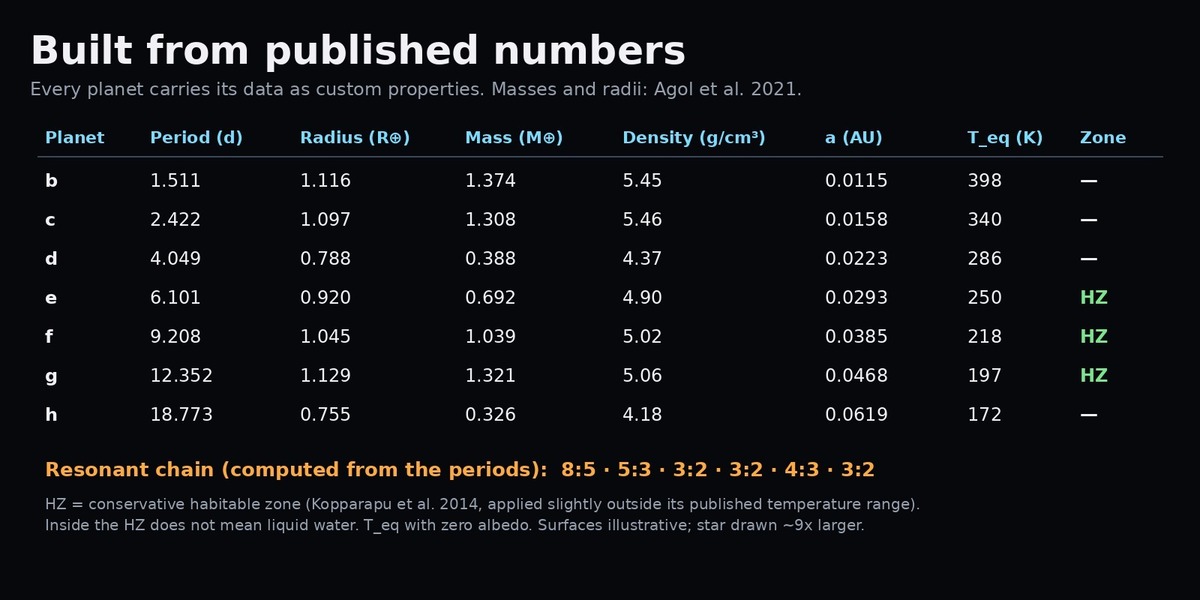
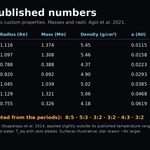
Read the data:Select a planet (MHDINT_TRAPPIST1_b … _h) and open Object Properties → Custom Properties. You will find period, distance, mass, radius, density, insolation, equilibrium temperature, habitable-zone status, uncertainties and sources.
Have questions about this product?
Login to message
| Published | about 12 hours ago |
| Blender Version | 4.2 - 5.0 |
| Render Engine Used | Cycles |
| License | GPL |
Discover more products like this
trappist-1 education Planets planetarium jwst astronomy space orbital resonance Science exoplanet habitable zone Solar System