 Migopos


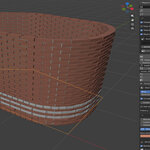
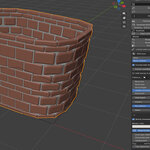
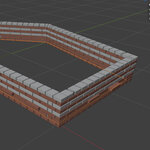
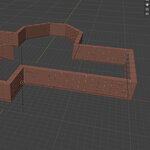
How to use:
Extract content of zip file to a folder. Remember where you extracted it to.
Open Blender. Go to Edit-->Preferences--> Add-ons. In the far right upper part of the window you see an arrow pointing down. Click it. Select Install form disk. Then navigate to Migopos_Wall_Builder.py, select it and click on Install from disk. Now the addon is installed.
Close the Preferences window. Delete all items in your scene (optional. Use shortcut "a" on your keybord and then "Delete"). Then press "n". On the right side of your window you see tabs. One of them is called Migopos Wall. Click it and you have reached the addon.
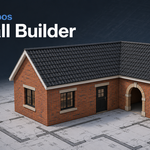
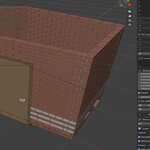
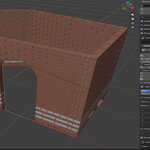
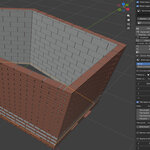
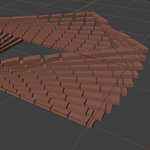
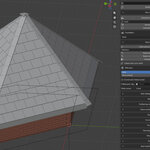
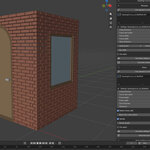
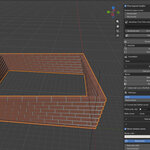
Basics: under Wall settings set everything for your wall. Under Mortar you can enable mortar. Then click Building plan (or first enter a name above it). Create the building plan of your house (only single layer curve). Extra settings for building are available under Plan settings. Here you also can choose a backgrop - image. When done, click on Generate of Apply Wall. This button is crucial. Every time you edit something in your wall, you need to press it to see the changes. You can also click the Generate roof button if you have finished your wall. It will try to generate a roof object. It creates two objects (one for creating the roof tiles and one for beneith it). If you are not satisfied with the generated roof, you can build your own. Under Roof cladding you can generate roof tiles for the selected object. Doors and windows need a closed curve to generate. You can also swap bricks with your own objects. Preview render is a button to render a quick preview.
Have questions about this product?
Login to message
| Blender Extension Compatible | Yes |
| Published | about 2 months ago |
| Blender Version | 5.2 |
| Extension Type | Add-on |
| Render Engine Used | Cycles |
| License | Mit |
Discover more products like this
brick wall stone wall procedural masonry environment medieval building architecture roof ArchViz floor plan wall generator