 Meshwright
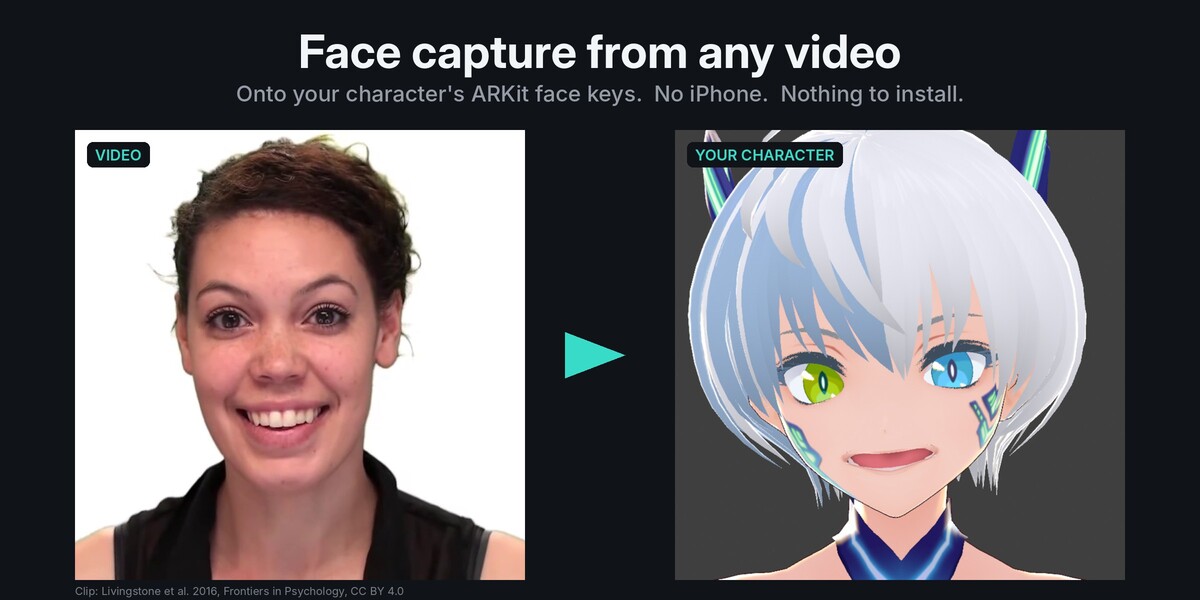
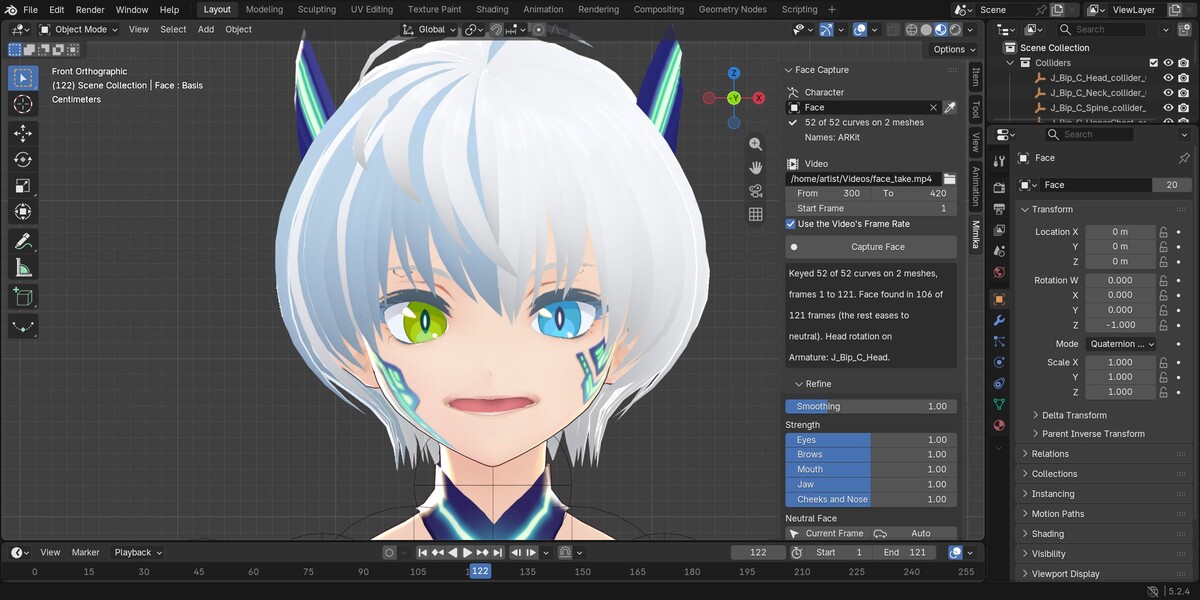
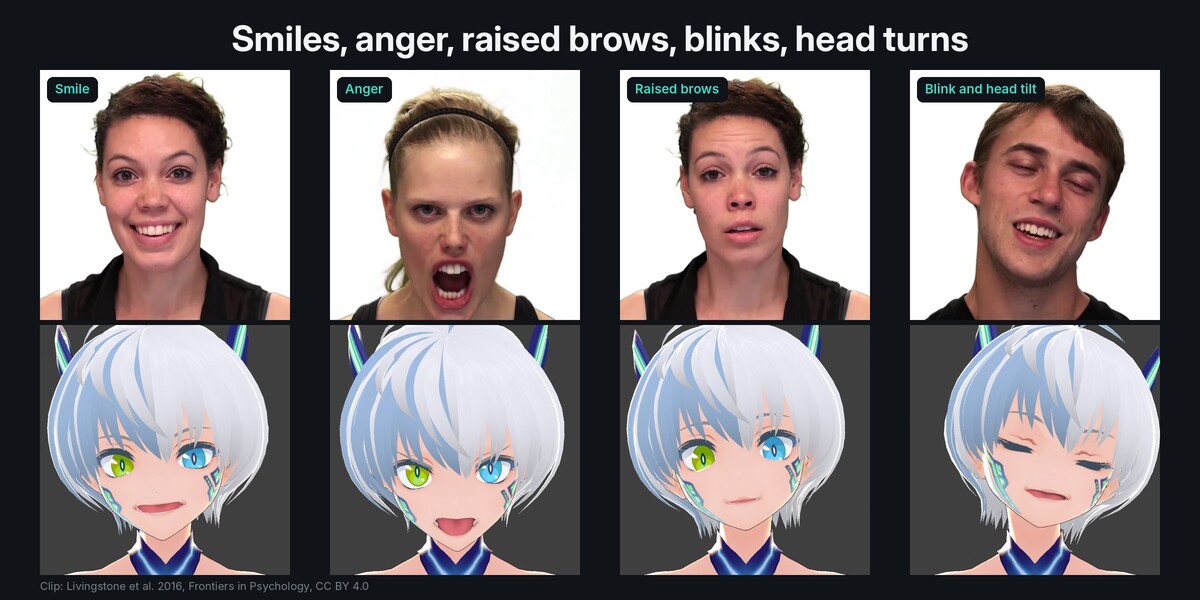
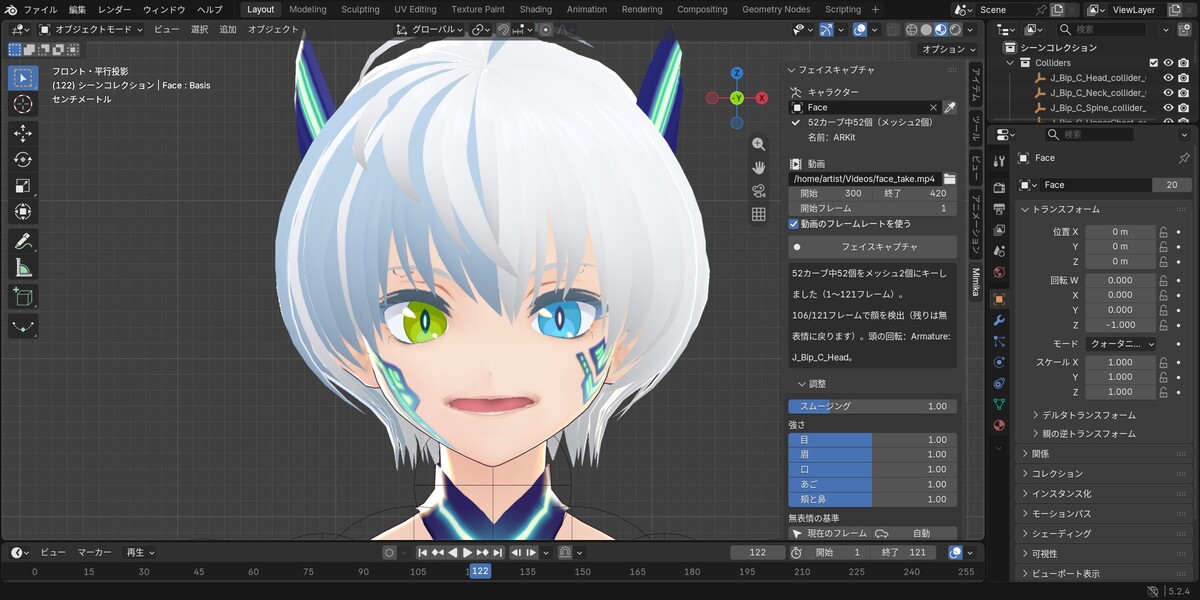
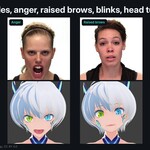
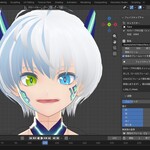
Film your face with a phone or webcam, pick the video in Blender, press Capture Face. Mimika follows the face through every frame and keys the 52 ARKit face curves on your character: blinks, eye look, brows, jaw, smiles, lip shapes and the head turn.
No iPhone, no depth camera, no app. It works with the video files you already have.
Nothing to install
- One small zip (about 3 MB). No Python packages, no 300 MB downloads, no admin rights, no graphics card.
- Everything runs inside Blender, offline. Your video never leaves your computer.
- The same zip for Windows, macOS and Linux, Blender 4.2 LTS to 5.2.
Made for the characters people actually use
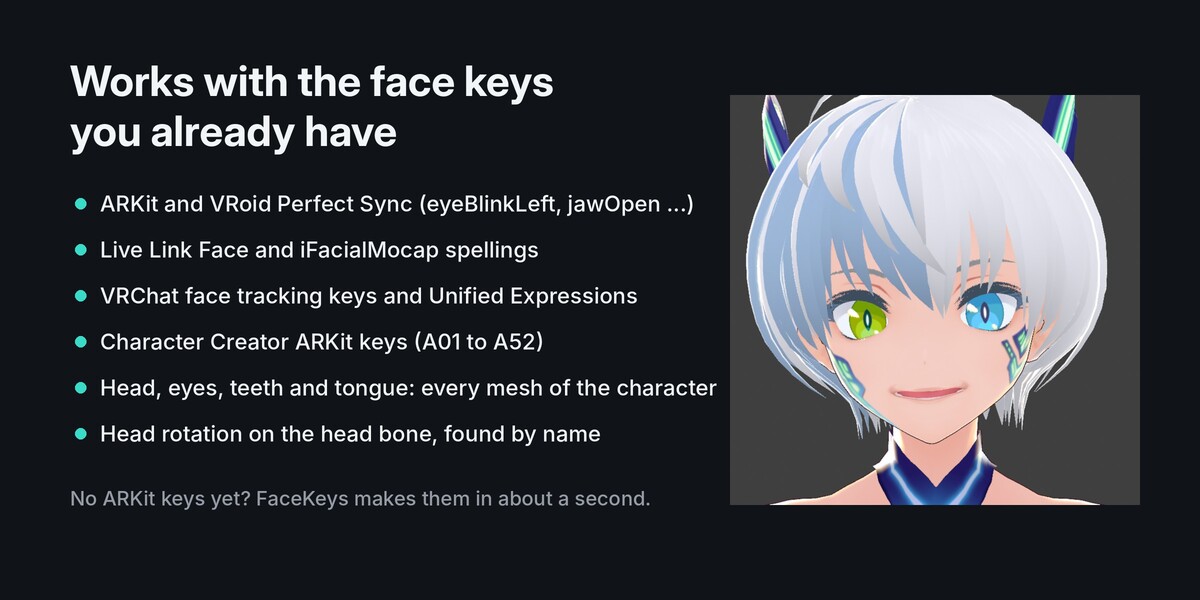
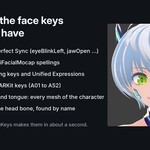
- Finds the face keys by name on every mesh of the character (head, eyes, teeth, tongue): ARKit and VRoid Perfect Sync names, Live Link Face and iFacialMocap spellings, Character Creator ARKit keys (A01 to A52), VRCFaceTracking Unified Expressions and VRChat's built-in face tracking keys.
- No ARKit keys yet? Make them in seconds with our FaceKeys add-on, or use Faceit's.
Refine without capturing again
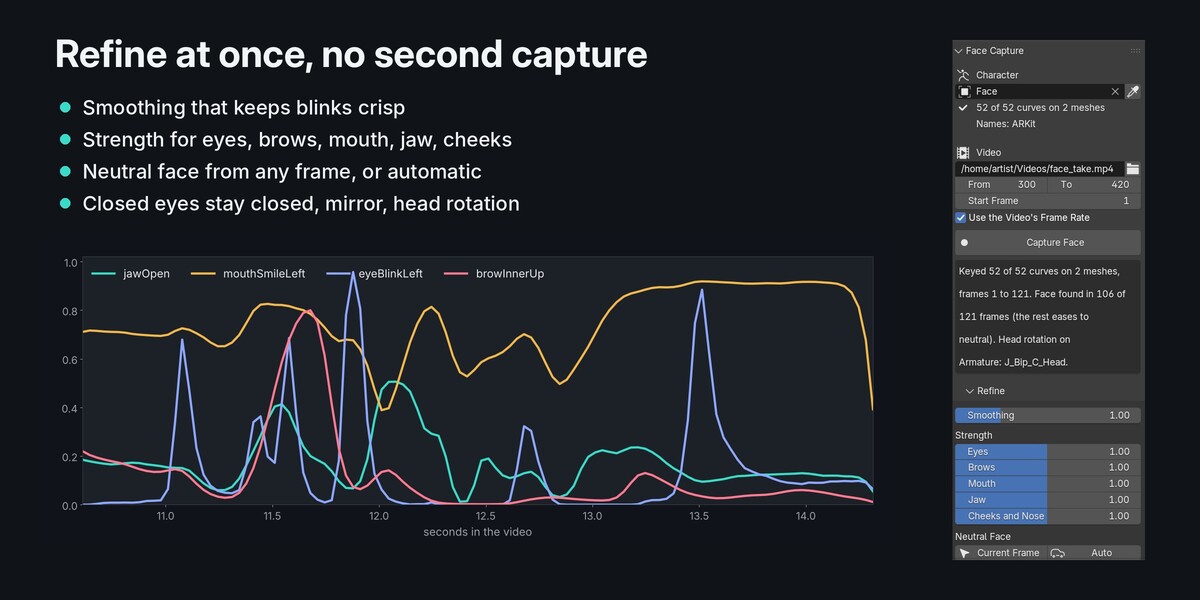
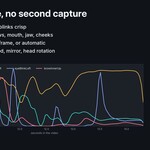
- Smoothing that keeps blinks crisp and calms the brows.
- Strength for eyes, brows, mouth, jaw, cheeks and nose.
- Neutral face from any frame, or found for you from the calm part of the clip.
- Closed eyes stay closed, mirror for selfie videos, eye look on or off.
- Head rotation onto the head bone, found by name (VRoid, Mixamo, Rigify, Character Creator and more).
- Every change shows at once: the take is stored in your .blend file.
Also
- Blender stays free while it works: the capture runs in the background with a progress bar. Esc stops it and changes nothing.
- Show Video Beside: the clip plays next to your character in the viewport, frame for frame.
- Save the take as a Live Link Face CSV (52 curves and head angles) for other tools.
- Reads phone videos (H.264 and HEVC); clips filmed sideways are turned upright for you.
- Japanese interface (日本語).
Good to know
- One face per video, seen from the front or a little to the side, with light on the face.
- The face model reads 51 of the 52 curves: tongueOut is not read from video.
- Cheek puff and nose sneer come out weaker than on an iPhone capture; use the Cheeks and Nose strength.
- A 30 second clip takes about a minute (measured on two processor cores, no graphics card used).
Credits
Demo clip in the pictures and video: Supplemental Video 1 from Livingstone S, Vezer E, McGarry L, Lang A, Russo F (2016), Frontiers in Psychology, DOI 10.3389/fpsyg.2016.00780, licensed CC BY 4.0, via Wikimedia Commons; cut, cropped and shown beside the character. The people in the clip do not endorse this product. Character: VRoid sample avatar (CC0).