 Sonneblom Digitaal
What it does
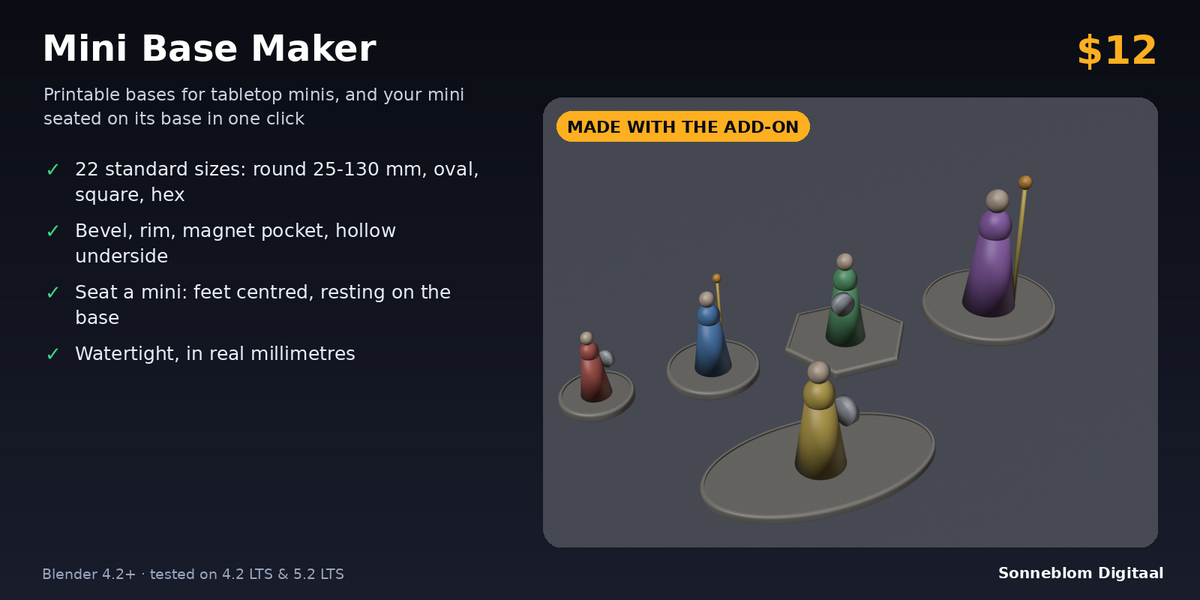
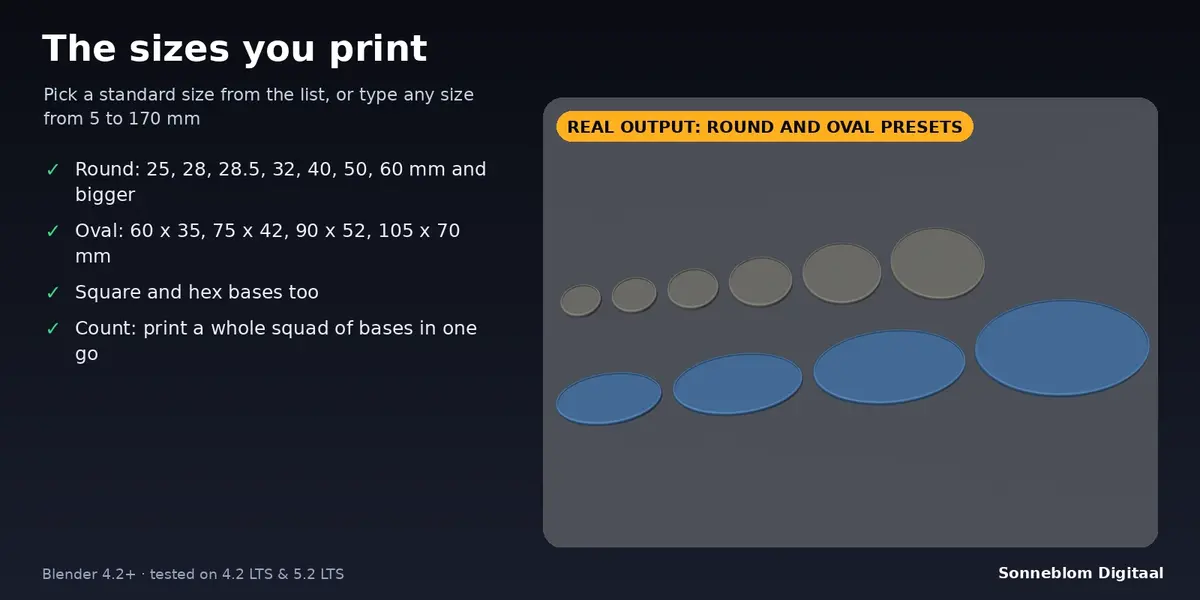
Mini Base Maker makes printable bases for tabletop miniatures inside Blender. Pick a standard size (round 25, 28, 28.5, 32, 40, 50, 60 mm and bigger, ovals 60 x 35, 75 x 42, 90 x 52, 105 x 70 mm and more) or type your own from 5 to 170 mm. Choose round, oval, square or hex, add a bevel, a raised rim, a magnet pocket and a hollow underside, and click once. Every base is one watertight mesh in real millimetres. A second button seats your miniature on its base: feet centred, resting on the top surface.
Who it's for
Tabletop and wargaming hobbyists who print their own minis, and Blender sculptors who need a clean base under a model before exporting it to the slicer. No CAD or OpenSCAD needed.
Key features
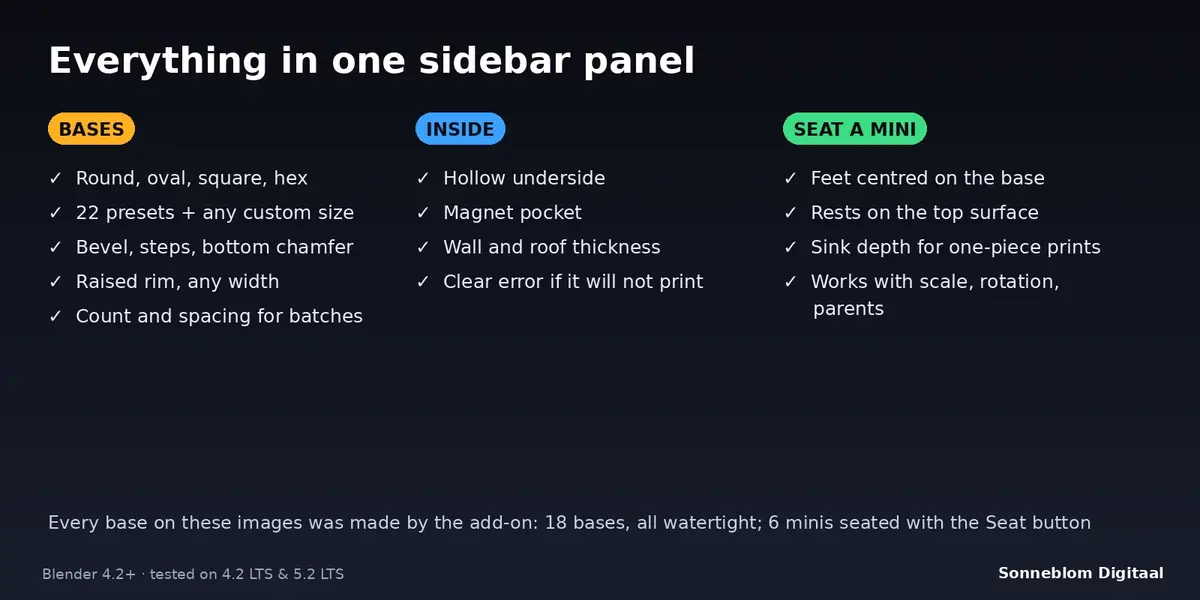
- Four shapes: round, oval, square (rounded corners) and hex, with 22 standard size presets plus any custom size.
- Bevel along the top edge (1 to 8 steps, or sharp) and a small bottom chamfer against elephant foot.
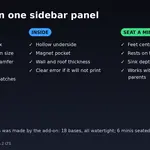
- Raised rim with adjustable width and height; the mini stands in the recess inside it.
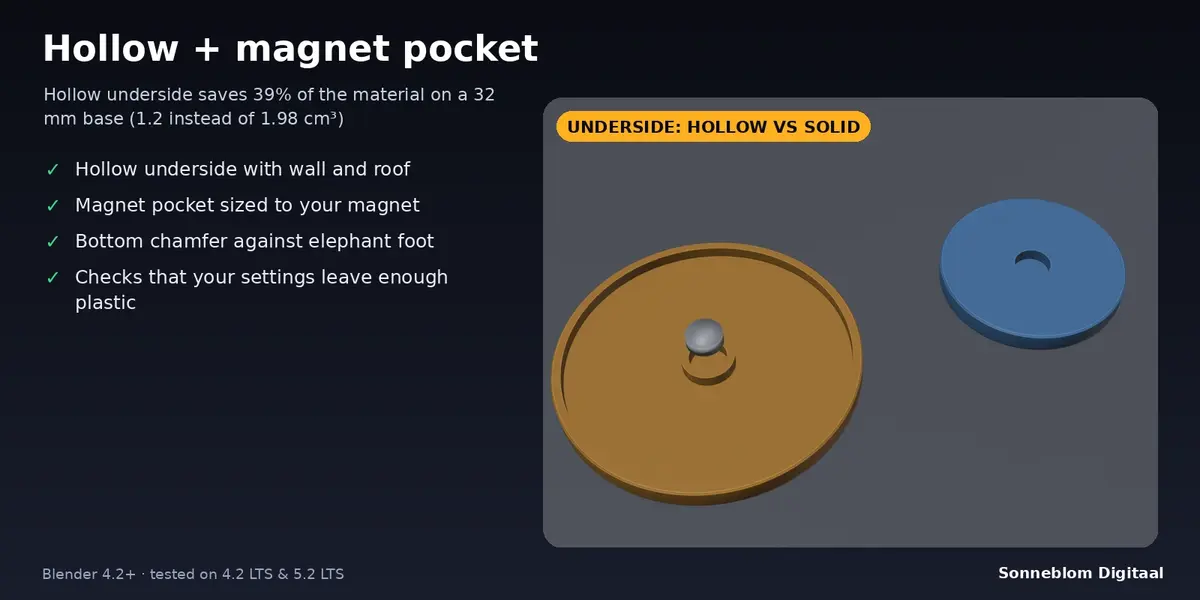
- Hollow underside with adjustable wall and roof thickness, to save material and weight (about 39% less on a default 32 mm base).
- Magnet pocket in the middle of the underside, with your magnet's diameter and depth. In a hollow base it gets its own solid ring so it stays strong.
- Count: make 1 to 100 identical bases in a grid with a gap you choose.
- Seat Mini on Base: moves the selected mini(s) onto the active base, centred, lowest point just inside the top surface so both print as one piece. Works with scale, rotation, parents and modifiers.
- Checks and report: if your settings would leave too little plastic you get a clear message instead of a bad model; every base reports its size, volume and whether it is watertight.
How to use
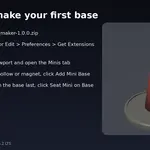
- Install the zip and press N in the 3D Viewport. Open the Minis tab.
- Pick a size from the list (or Custom size), then tick Rim, Hollow underside or Magnet pocket as you like.
- Click Add Mini Base. The base appears at the 3D cursor with its underside on the cursor.
- Select your mini, then Ctrl+click the base so it is active, and click Seat Mini on Base.
- Export with File > Export > STL or 3MF and slice. With 1 unit = 1 mm the size is right in every slicer.
Compatibility
Blender 4.2 LTS or newer, tested on 4.2 LTS and 5.2 LTS. Works as a Blender extension (Get Extensions > Install from Disk), and a legacy add-on zip is included.
Good to know
- Bases are flat-topped. There are no textures (cobblestones, grass), no slots and no lipped bases in this version; add detail on top in Blender.
- Seating looks at the lowest part of the mini's feet. It does not tilt or pose the mini, and a mini whose feet are larger than the base will overhang (you get a warning).
- If the mini's feet touch the raised rim, the mini rests on the rim.
- Base size is the widest outside size at the wall. A hex base is sized across the flats.
- Round surfaces are made of 144 segments (192 for square), which is smooth for printing.
Support
Questions or a bug? Use the Superhive product page messages and we reply within a day.