Mini Base Maker
 Sonneblom Digitaal
Mini Base Maker 1.0.0
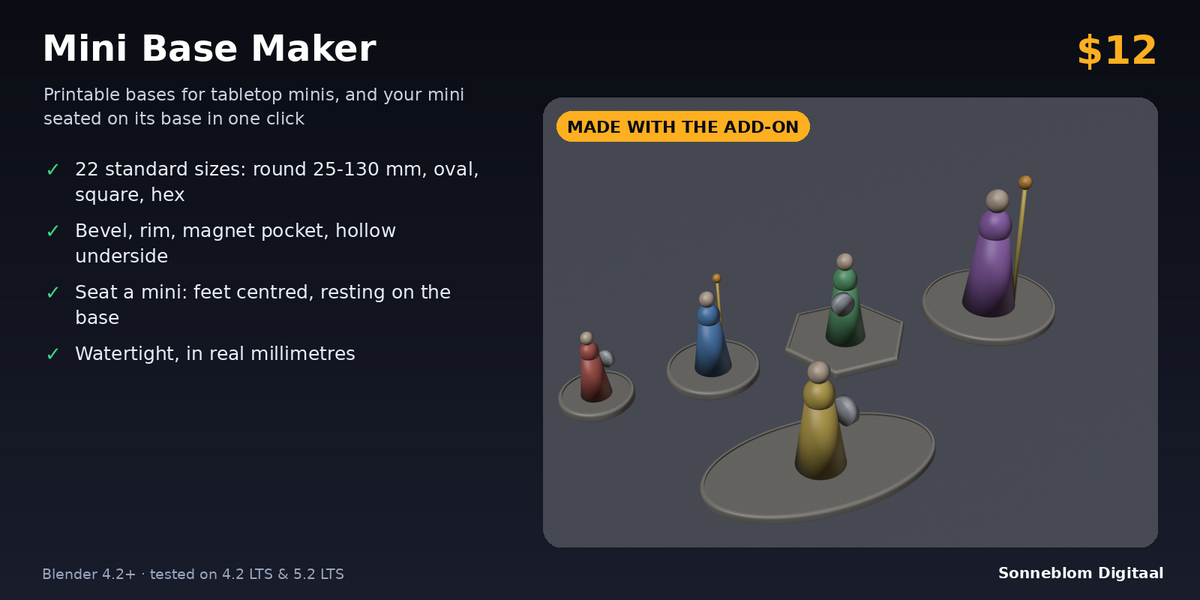
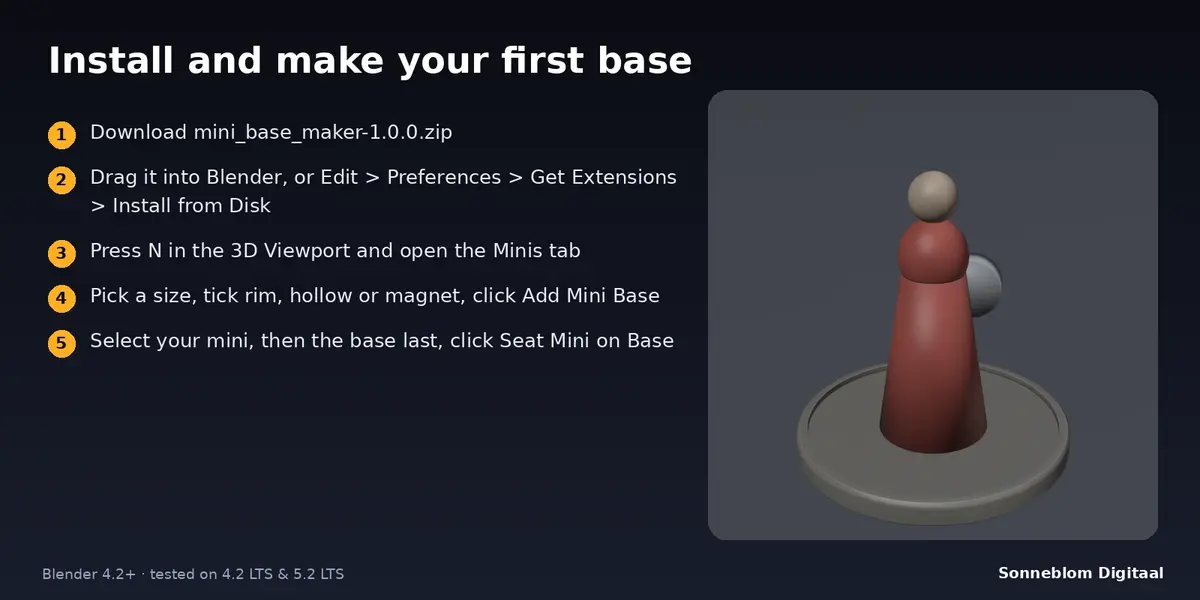
Printable bases for tabletop miniatures, and a one-click seat for the mini. Blender 4.2 LTS or newer, tested on 4.2 LTS and 5.2 LTS.
Install
-
Extension zip (recommended): download
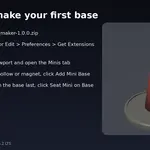
mini_base_maker-1.0.0.zip. Drag it into Blender, or go to Edit > Preferences > Get Extensions, open the drop-down at the top right and choose Install from Disk. -
Legacy zip:
mini_base_maker-1.0.0-legacy.zip. Go to Edit > Preferences > Add-ons > Install from Disk, then tick Mini Base Maker.
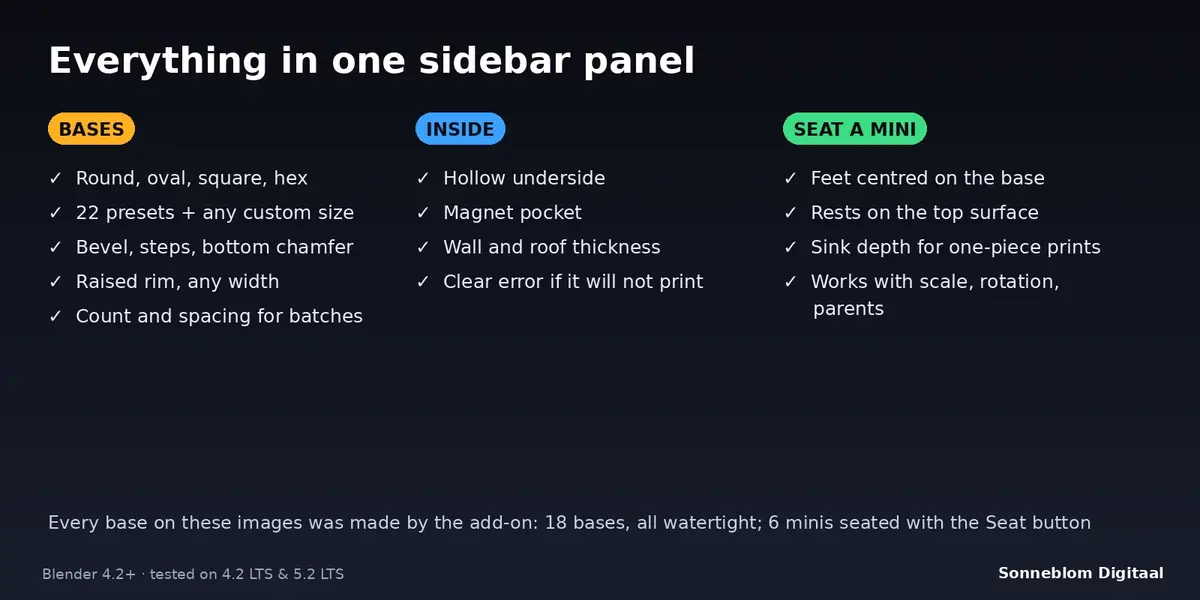
The panel is in the 3D Viewport sidebar: press N and open the Minis tab.
Make a base
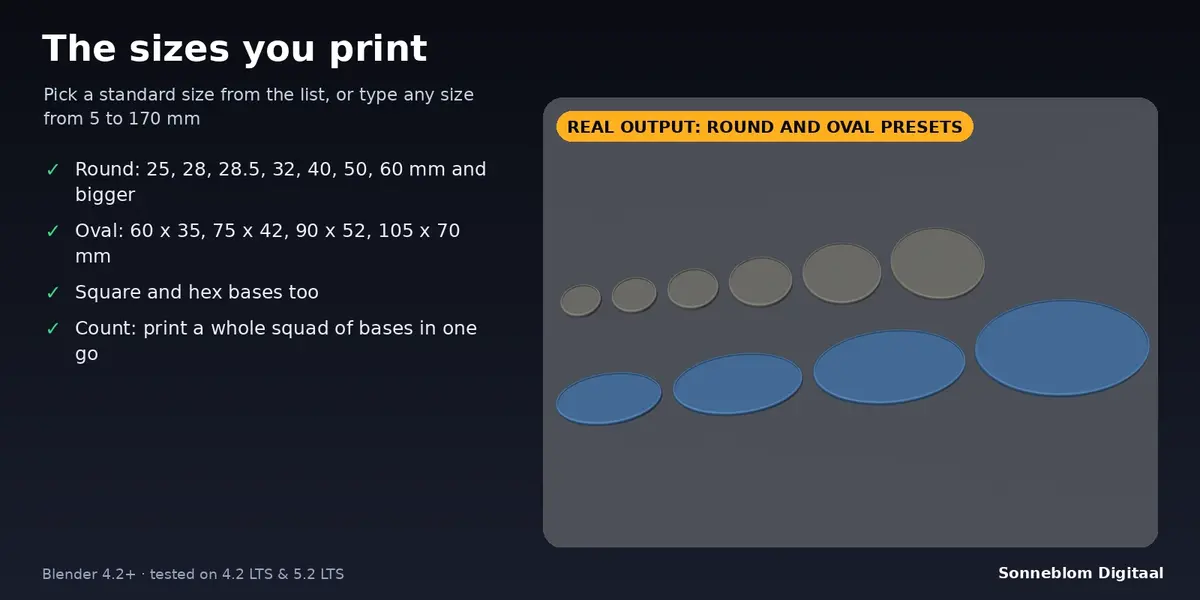
- Choose a Size preset. For another size choose Custom size, then a shape and the width (and depth for oval and square).
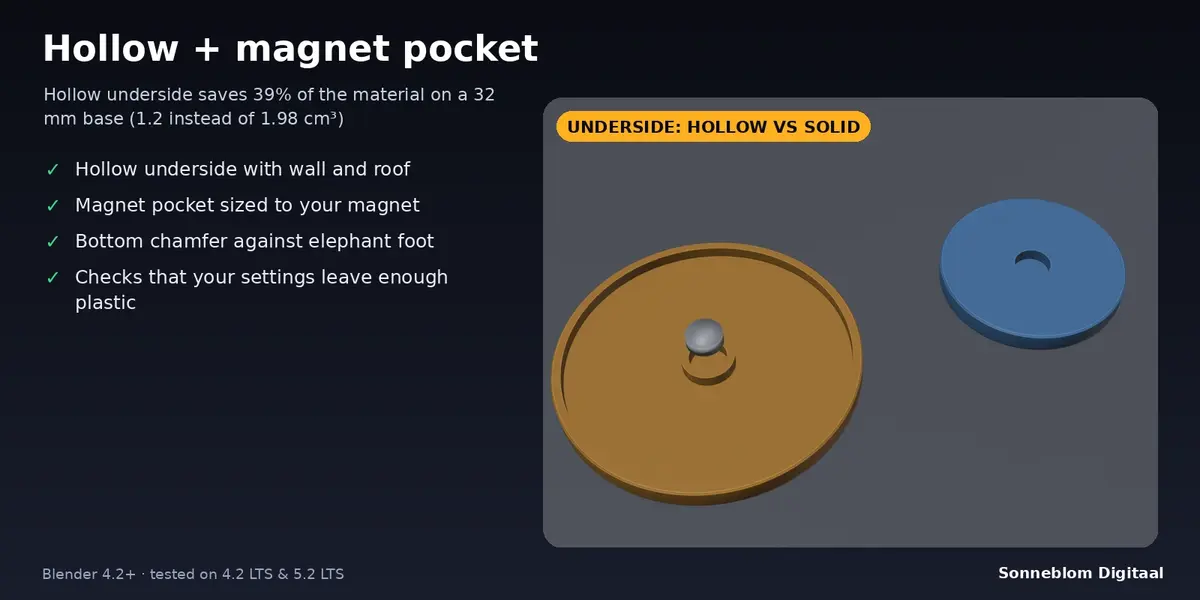
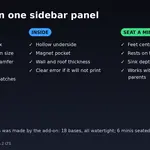
- Set the height, bevel and bottom chamfer. Tick Rim, Hollow underside and Magnet pocket as needed.
- The panel shows the finished size. If a setting leaves too little plastic, it says so in red and the button gives a clear message.
- Click Add Mini Base. The base is created at the 3D cursor, bottom on the cursor, and selected. The report lists size, volume and whether it is watertight.
- For a batch set Count (up to 100) and the Gap. The bases form a grid and share one mesh.
Seat a mini
- Select the miniature (one or several), then Ctrl+click the base so that the base is the active object.
- Click Seat Mini on Base. The mini moves so its feet are centred on the base and its lowest point sits Sink into base mm below the top surface.
- Untick Centre on base to keep the mini where it is sideways and only lower it onto the surface.
- If part of the feet hangs over the edge you get a warning with the percentage; use a bigger base.
Settings
| Setting | Default | What it does |
|---|---|---|
| Model units | 1 unit = 1 mm | Best for printing. Scene units follows Scene > Units instead. |
| Size | Round 32 mm | 22 presets, or Custom size. |
| Shape / Width / Depth | Round, 32 / 32 mm | Custom size only. 5 to 170 mm. Round and hex use the width only (hex: across the flats). |
| Corner radius | 2 mm | Rounded corners of a square base. |
| Height | 3 mm | Total height including the rim (1 to 20 mm). |
| Bevel / Bevel steps | 0.8 mm / 3 | Rounded top edge; 0 = sharp edge; 1 step = flat chamfer. |
| Bottom chamfer | 0.3 mm | Small chamfer on the bottom edge against elephant foot. |
| Rim, width, height | On, 1.2 mm, 0.6 mm | Raised rim; the top inside it is recessed by the rim height. Width must be at least bevel + 0.4 mm. |
| Hollow underside, Wall, Roof | On, 1.6 mm, 1.2 mm | Hollow from below with an outer wall and a roof between the hollow and the top surface. |
| Magnet pocket, diameter, depth | Off, 5.2 mm, 1.2 mm | Pocket in the middle of the underside. Use your magnet size plus about 0.2 mm. At least 0.6 mm must stay above the pocket. |
| Count / Gap | 1 / 3 mm | Number of identical bases and the space between them. |
| Sink into base | 0.2 mm | How far the mini's feet go into the base (0 = just touching). |
| Centre on base | On | Also centre the mini's feet on the base. |
Printing tips
- Print the base flat with the underside on the bed. The hollow and the magnet pocket face the bed and need no supports.
- For a 5 x 1 mm magnet use the defaults (5.2 x 1.2 mm). For a 6 x 2 mm magnet use 6.2 x 2.2 mm and a height of at least 4 mm.
- Pause the print above the pocket depth to drop the magnet in, or glue it in afterwards.
- The default 0.2 mm sink lets a slicer merge the mini and the base into one body.
Limits
- Flat-topped bases only: no textured tops, slots or lipped bases.
- Seating moves a mini; it never tilts or deforms it. Feet are the vertices within 1% of the mini's height (and 0.3 mm) of its lowest point.
- Width and depth are limited to 170 mm.
Licence
GPL-3.0-or-later. Made by Sonneblom Digitaal.
Have questions about this product?
Login to message
| Blender Extension Compatible | Yes |
| Published | about 8 hours ago |
| Blender Version | 4.2 - 5.2 |
| Extension Type | Add-on |
| License | GPL |
Discover more products like this
magnet dnd 3d printing wargaming tabletop miniatures parametric Bases