Mini Base Maker
 Sonneblom Digitaal
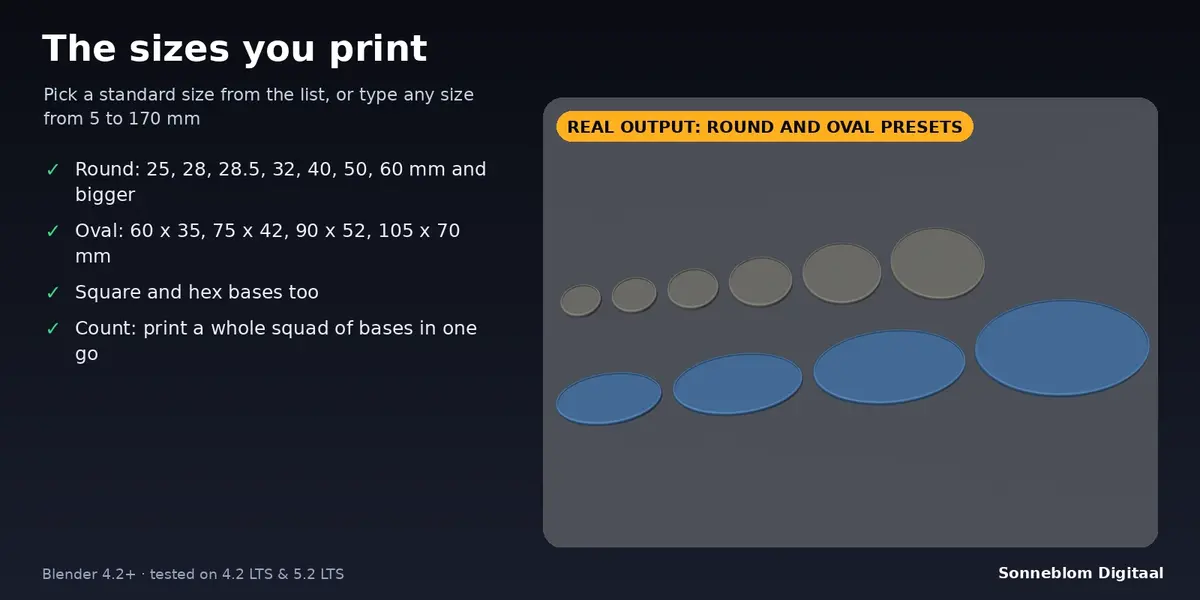
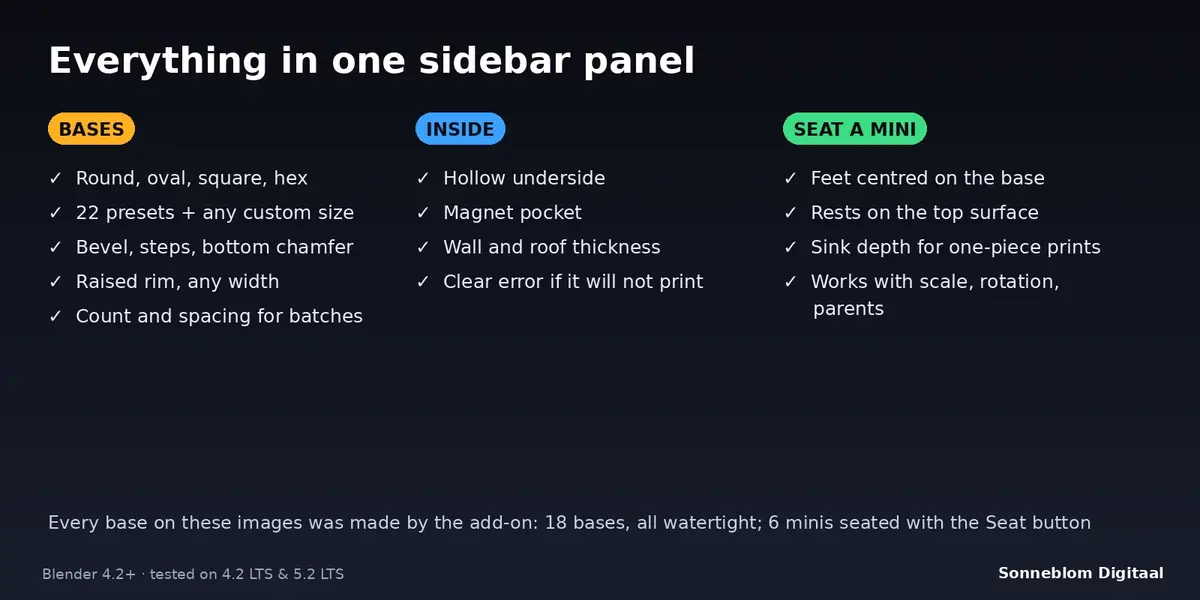
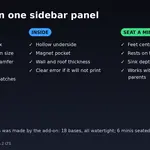
22 presets: round 25, 28, 28.5, 32, 40, 50, 60, 80, 100 and 130 mm; oval 60 x 35, 75 x 42, 90 x 52, 105 x 70 and 170 x 105 mm; square 20, 25, 40 and 50 mm; hex 25, 40 and 50 mm (across the flats). Custom size lets you type any width and depth from 5 to 170 mm.
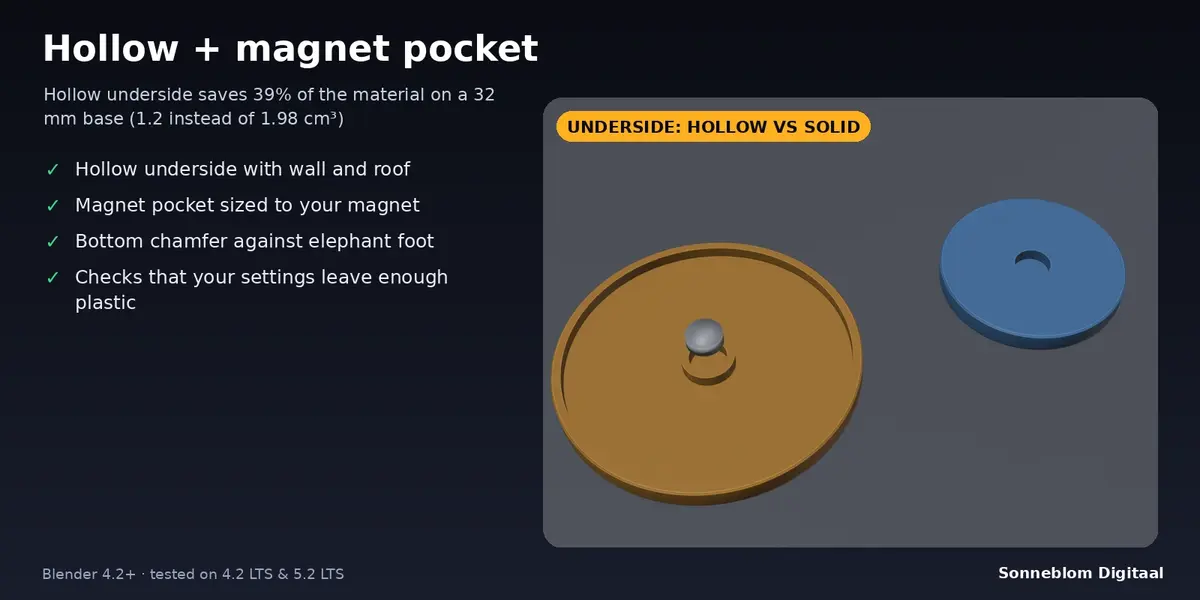
Yes. Switch on Magnet pocket and set the diameter and depth to your magnet plus about 0.2 mm. The add-on tells you if the base is too thin or too small for that pocket, so you never get a pocket that breaks through the top.
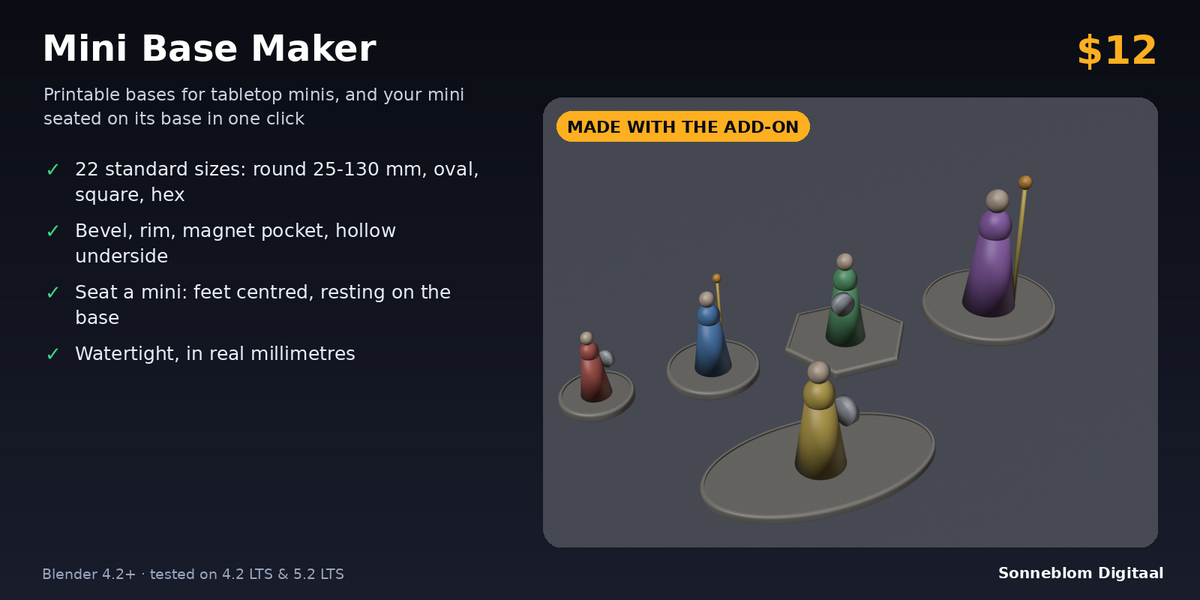
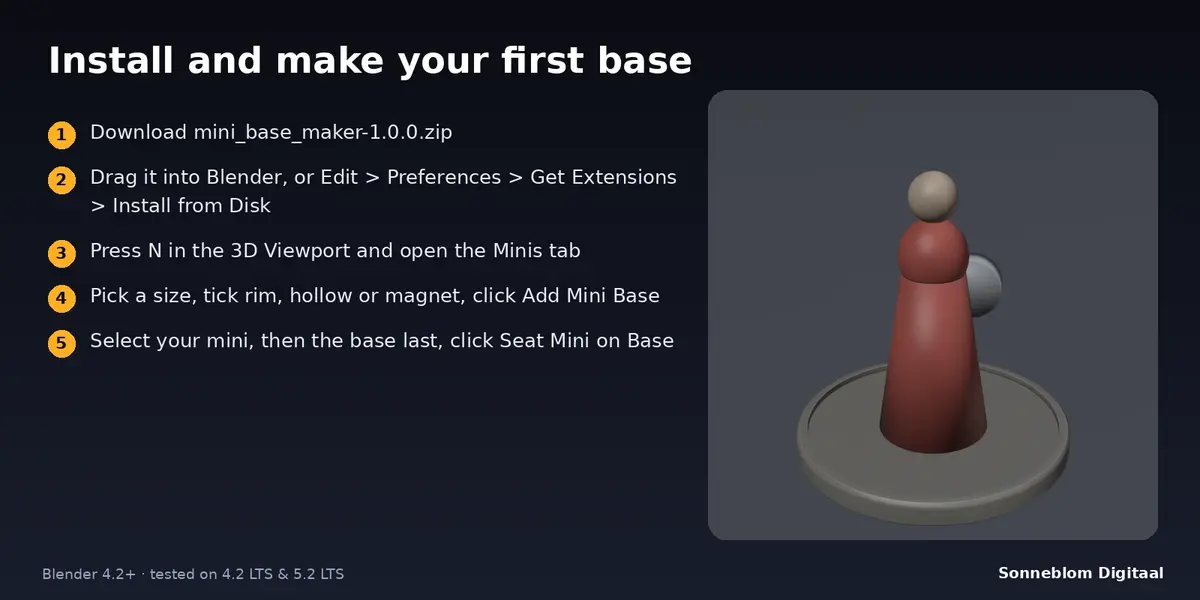
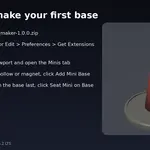
Select your mini, then Ctrl+click the base so it is the active object, and click Seat Mini on Base. The mini's lowest point is found, its feet are centred on the base and it is lowered so it sits 0.2 mm (adjustable) into the top surface. It works with scaled, rotated or parented minis and with modifiers.
Yes. Print it flat on its underside. The hollow and the magnet pocket open towards the bed, the top has only a small bevel, and the bottom chamfer keeps the first layer from squashing outwards.
Model units default to 1 unit = 1 mm, so STL and 3MF files are read in millimetres by every slicer. If you prefer to follow your scene units, choose Scene units in the panel.
Yes. Set Count (up to 100) and a gap and click Add Mini Base: you get a grid of identical bases that share one mesh. For different sizes, click again with other settings.
Yes, it needs Blender 4.2 LTS or newer and is tested on 4.2 LTS and 5.2 LTS. Both an extension zip and a legacy add-on zip are included.
Have questions about this product?
Login to message
| Blender Extension Compatible | Yes |
| Published | about 8 hours ago |
| Blender Version | 4.2 - 5.2 |
| Extension Type | Add-on |
| License | GPL |
Discover more products like this
3d printing miniatures parametric tabletop magnet dnd wargaming Bases