 Sonneblom Digitaal
What it does
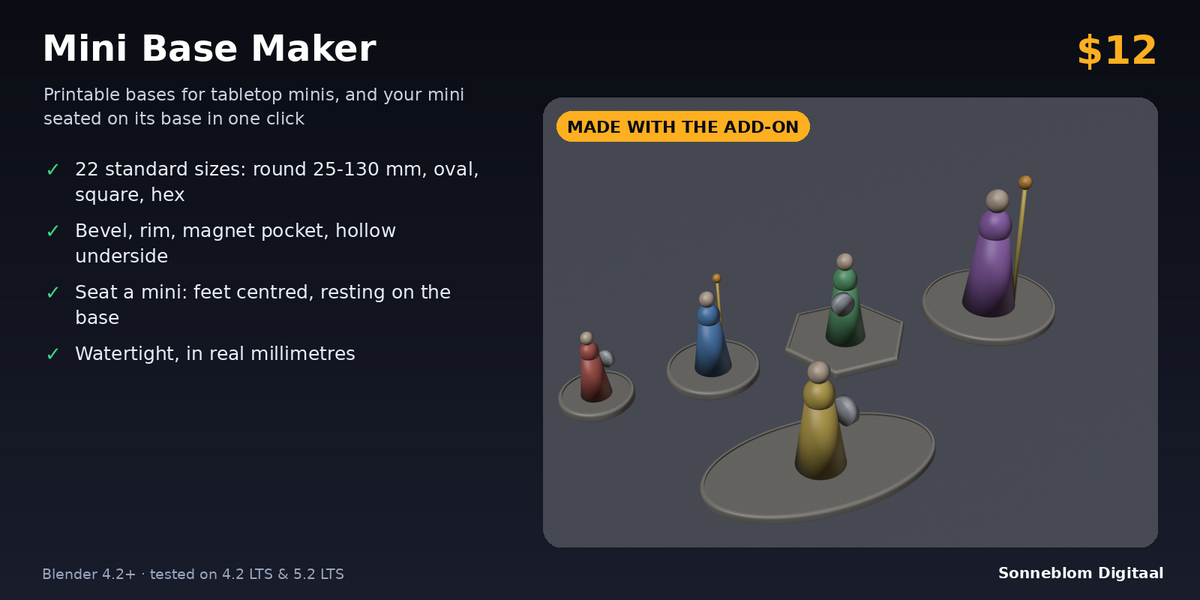
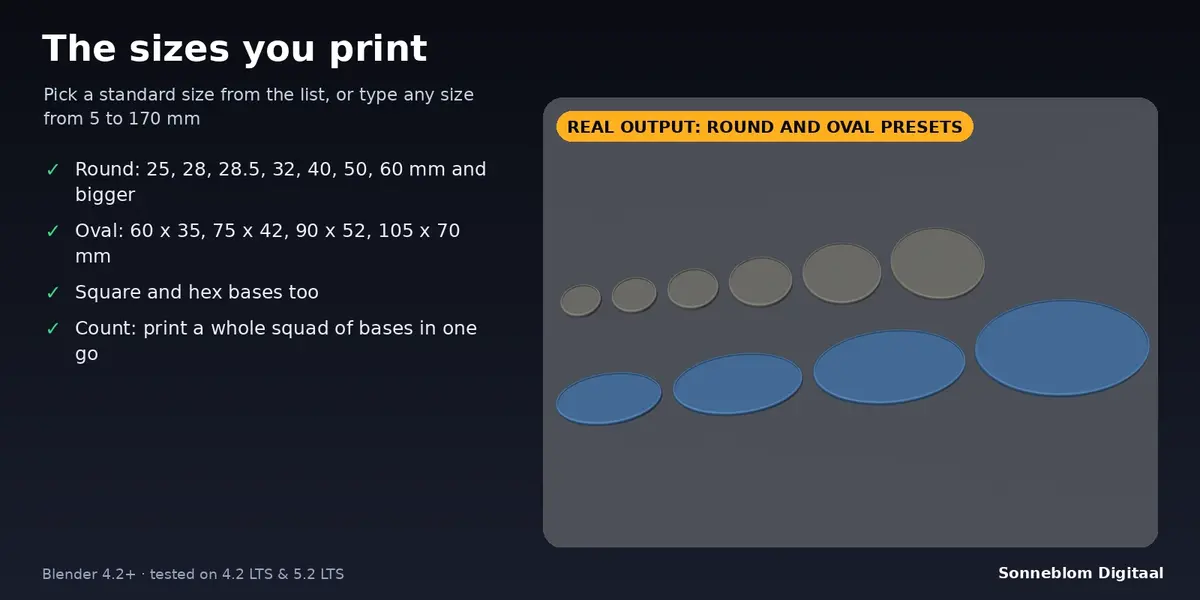
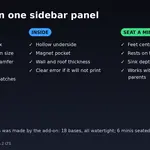
Mini Base Maker makes printable bases for tabletop miniatures inside Blender. Pick a standard size (round 25, 28, 28.5, 32, 40, 50, 60 mm and bigger, ovals 60 x 35, 75 x 42, 90 x 52, 105 x 70 mm and more) or type your own from 5 to 170 mm. Choose round, oval, square or hex, add a bevel, a raised rim, a magnet pocket and a hollow underside, and click once. Every base is one watertight mesh in real millimetres. A second button seats your miniature on its base: feet centred, resting on the top surface, and on request united with the base into one closed mesh. Changed your mind? Every setting can be changed afterwards.
Who it's for
Tabletop and wargaming hobbyists who print their own minis, and Blender sculptors who need a clean base under a model before exporting it to the slicer. No CAD or OpenSCAD needed.
Key features
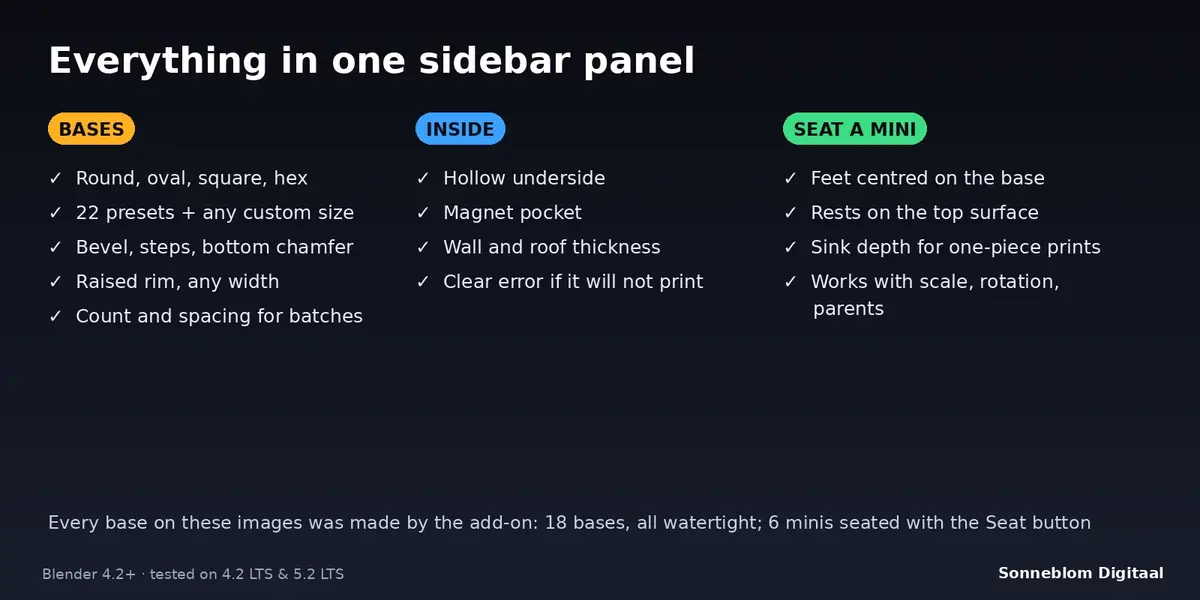
- Four shapes: round, oval, square (rounded corners) and hex, with 22 standard size presets plus any custom size.
- Bevel along the top edge (1 to 8 steps, or sharp) and a small bottom chamfer against elephant foot.
- Raised rim with adjustable width and height; the mini stands in the recess inside it.
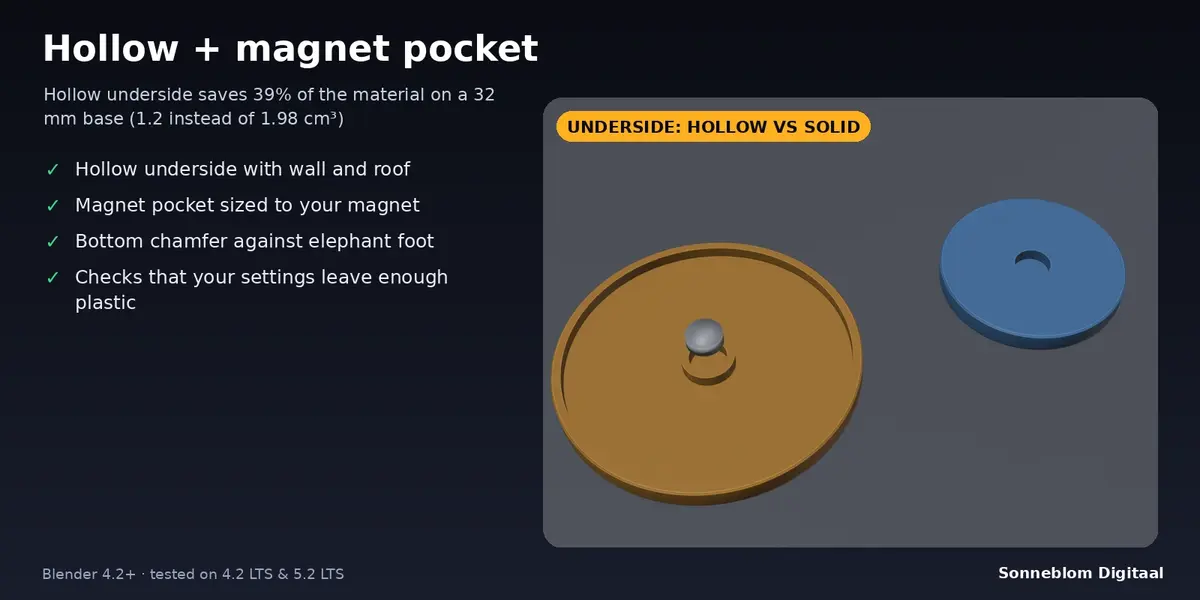
- Hollow underside with adjustable wall and roof thickness, to save material and weight (about 39% less on a default 32 mm base).
- Magnet pocket in the middle of the underside, with your magnet's diameter and depth. In a hollow base it gets its own solid ring so it stays strong.
- Count: make 1 to 100 identical bases in a grid with a gap you choose.
- Seat Mini on Base: moves the selected mini(s) onto the active base, centred, lowest point just inside the top surface. Works with scale, rotation, parents and modifiers. Without Join the mini and the base stay two overlapping meshes, which most slicers merge.
- Join into one mesh (new in 1.1): unites the base and the seated mini(s) with an exact boolean union into one closed mesh, checked for 0 open edges and a plausible volume. The mini must be a closed mesh (you get a clear message if it is not). The originals are kept hidden and Restore Originals brings them back.
- Change it any time (new in 1.1): F9 (Adjust Last Operation) changes every setting of the base you just added or the seat you just did. Each base stores its settings: Load Settings, a red panel-differs warning and Update Active Base rebuild it in place (same object, position, materials and modifiers).
- Checks and report: if your settings would leave too little plastic you get a clear message in the panel instead of a bad model; every base reports its size, volume and its open-edge count (0 = watertight).
How to use
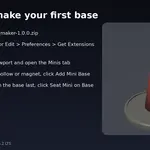
- Install the zip and press N in the 3D Viewport. Open the Minis tab.
- Pick a size from the list (or Custom size), then tick Rim, Hollow underside or Magnet pocket as you like.
- Click Add Mini Base. The base appears at the 3D cursor with its underside on the cursor.
- Select your mini, then Ctrl+click the base so it is active, tick Join into one mesh if you want a single mesh, and click Seat Mini on Base.
- Export with File > Export > STL or 3MF and slice. With 1 unit = 1 mm the size is right in every slicer.
Compatibility
Blender 4.2 LTS or newer, tested on 4.2 LTS and 5.2 LTS. Works as a Blender extension (Get Extensions > Install from Disk), and a legacy add-on zip is included.
Good to know
- Bases are flat-topped. There are no textures (cobblestones, grass), no slots and no lipped bases in this version; add detail on top in Blender.
- Seating looks at the lowest part of the mini's feet. It does not tilt or pose the mini, and a mini whose feet are larger than the base will overhang (you get a warning).
- If the mini's feet touch the raised rim, the mini rests on the rim.
- Join needs a closed (watertight) mini; scans and sculpts with holes must be repaired first, or leave Join off. Update Active Base changes every base that shares the mesh (bases made together with Count).
- Base size is the widest outside size at the wall. A hex base is sized across the flats.
- Round surfaces are made of 144 segments (192 for square), which is smooth for printing.
Support
Questions or a bug? Use the Superhive product page messages and we reply within a day.
Save with a bundle
This add-on is also included in the Maker Generators Bundle (6 parametric print generators in one purchase, about 40% less than buying them one by one).
Compatibility: Blender 4.2 - 5.2 LTS (tested on 4.2.9 and 5.2.2). Updated Nov 2026.