Minimap
 one99addons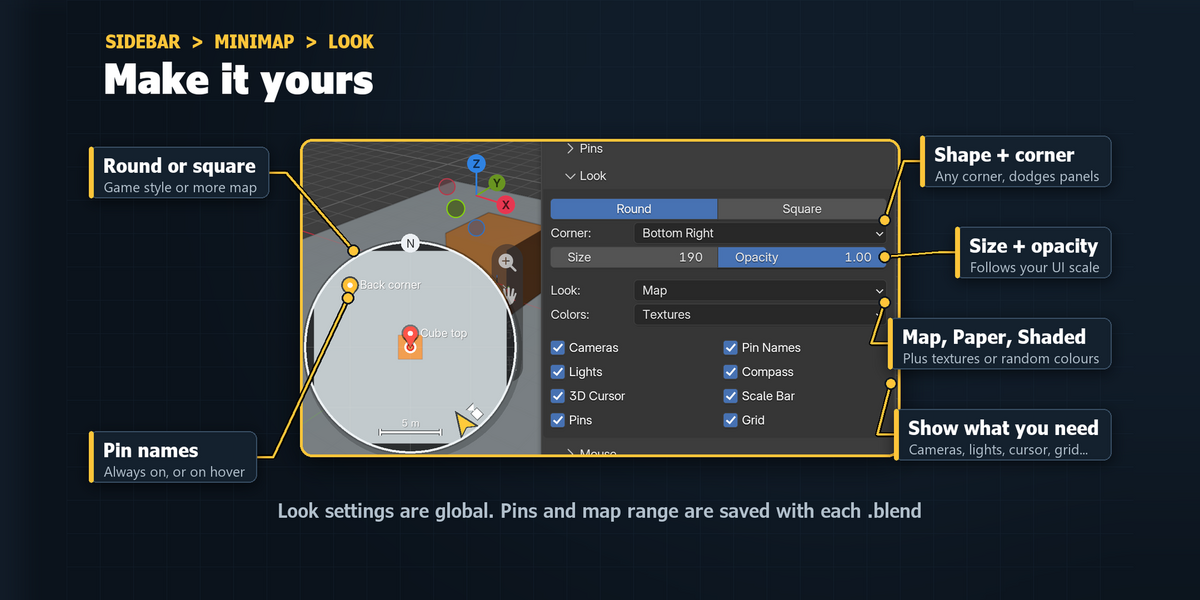
Minimap - Documentation
1. Install
- Download minimap_v1.0.0.zip. Do not unzip it.
- In Blender: Edit > Preferences > Add-ons, click the drop-down arrow at the top right and choose Install from Disk...
- Pick minimap_v1.0.0.zip and tick "Minimap" in the list.
- If Auto-Save Preferences is off, click Save Preferences (bottom left).
2. Where to find it
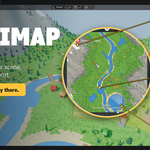
- The map: bottom-right corner of every 3D Viewport, as soon as the add-on is ticked.
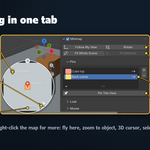
- Settings: 3D Viewport > Sidebar (press N) > Minimap tab, with Pins, Look and Mouse sub-panels.
- Look settings also in Edit > Preferences > Add-ons > Minimap (expand it).
- Show / hide: Ctrl+Alt+M in the 3D Viewport, View menu > Toggle Minimap, or the Viewport Overlays popover > Minimap > Show.
3. How to use it
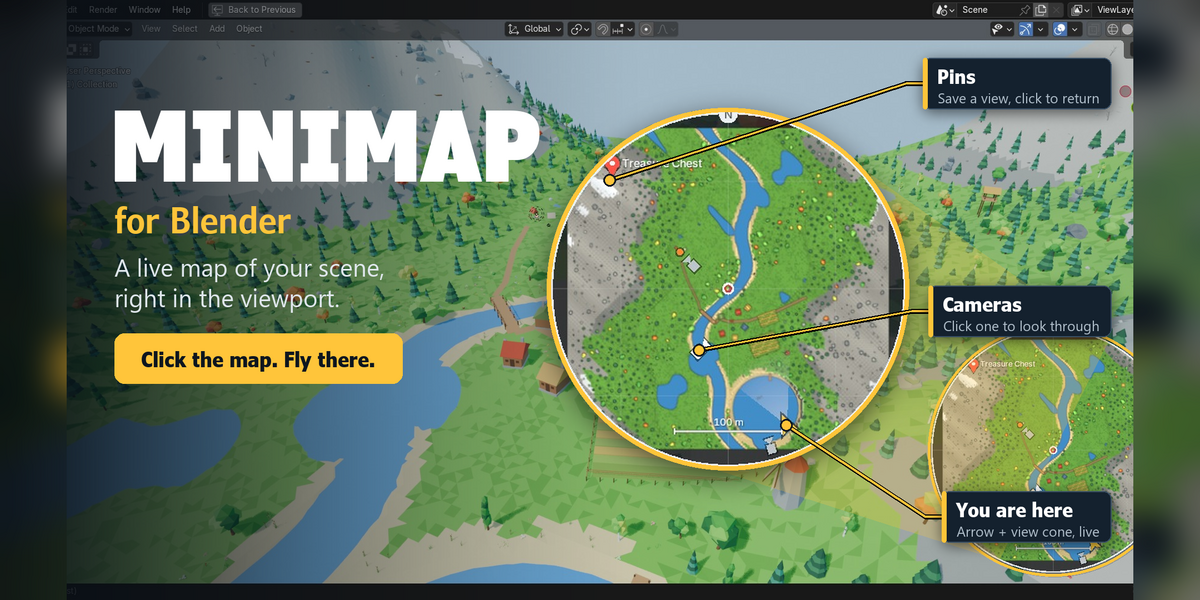
- Click anywhere on the map: the view flies there and lands on the surface under your click.
- Hold the left mouse button on the map and drag: the view glides after your cursor.
- Scroll on the map to zoom it, middle-drag to slide it. Right-click > Fit Whole Scene zooms back out.
- Double-click an object on the map to fly to it and fill the view with it.
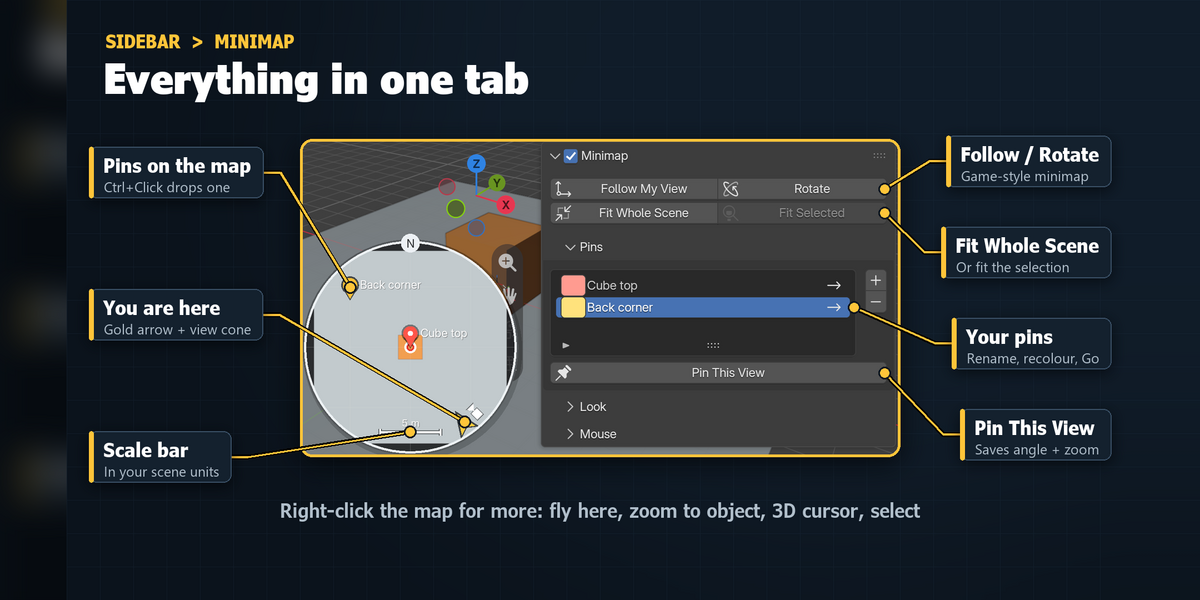
- Ctrl+Click drops a pin. Click the pin later (or Go in the Pins list) to come back to that exact view.
- Alt+Click moves the 3D cursor there. Shift+Click selects the object under the cursor.
- Click a camera icon to look through that camera.
- Turn on Follow My View (and Rotate) in the sidebar for a game-style map that follows you.
4. Settings
Minimap panel
- Show (checkbox in the panel header): show or hide the map in every 3D Viewport.
- Follow My View: keep the map centred on what you look at. Off: the map shows the whole scene.
- Rotate: turn the map so the way you look is always up.
- Follow Range / Map Range: how far the map reaches (default 25 m when following). Scrolling on the map changes it too.
- Fit Whole Scene / Fit Selected: zoom the map to everything, or to the selected objects.
Pins
- List of pins with a colour swatch, an editable name and a Go button.
- + / Pin This View: save the current view as a pin. -: remove the selected pin.
Look
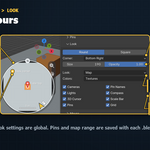
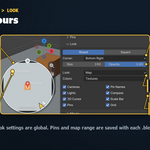
- Shape: Round (game style) or Square (rounded corners, more map).
- Corner: Bottom Right (default), Bottom Left, Top Left or Top Right.
- Size: 110 to 640 px (default 230), multiplied by your UI scale. Opacity: 0.2 to 1.
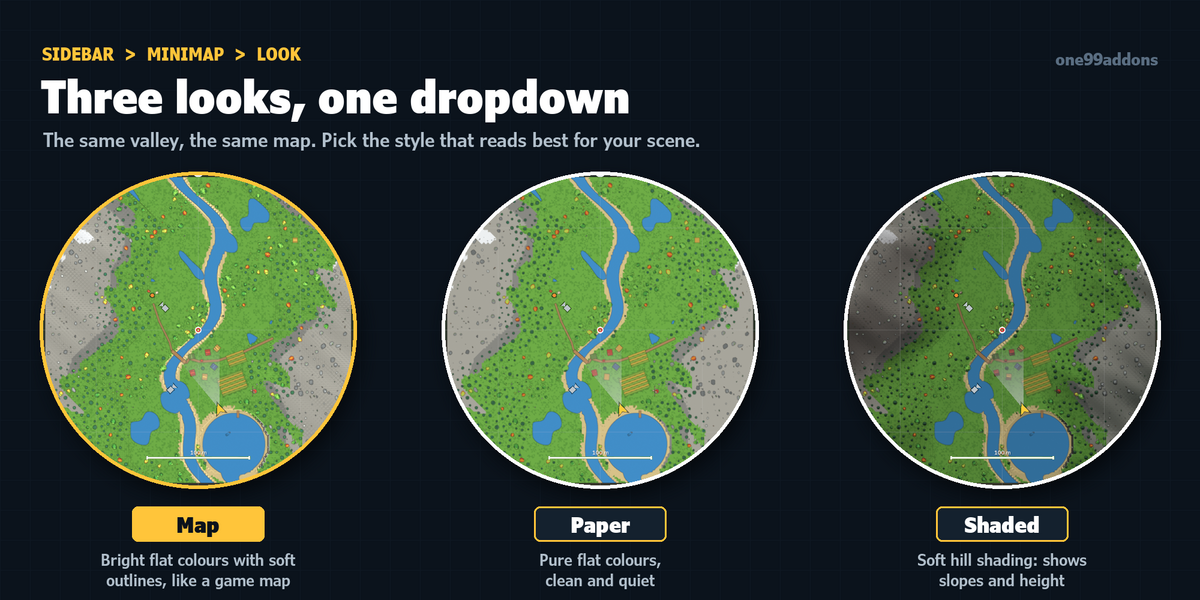
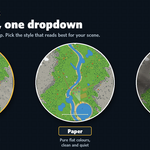
- Look: Map (bright flat colours with soft outlines), Paper (pure flat colours) or Shaded (hill shading).
- Colors: Textures, Materials, Object, Random or Single.
- Cameras, Lights, 3D Cursor, Pins, Pin Names, Compass, Scale Bar, Grid: show or hide each one.
Preferences only
- Fly Time: seconds a click-to-fly takes (0 to 3, default 0.55, 0 = jump instantly).
- Map Refresh: the most map redraws per second (1 to 30, default 10). Heavy scenes lower it on their own.
5. Troubleshooting
- No map: check the checkbox in the Minimap panel header, or press Ctrl+Alt+M with the mouse over the 3D Viewport. A very small viewport has no room for it: make the viewport bigger or lower Size.
- The map says "Map paused in Rendered view" or the picture is frozen: that is on purpose with Cycles or EEVEE. Switch to Solid or Material Preview and it updates again.
- The map is tiny or mostly empty: a huge ground plane or a far-away object stretches it. Scroll on the map or use Fit Selected.
- A click lands on a roof or tree top: clicks use the top surface. Hide the roof or use Local View to work inside.
- No map in Quad View: it shows in the perspective view only.
- Blender stopped auto-saving: Blender's timed auto-save does not run while Minimap is enabled. Save with Ctrl+S, or untick Minimap when you don't need it.
- Install error? Make sure you picked the .zip itself, not an unzipped folder, and that you are on Blender 5.2 or newer.
6. Updating
- Download the new zip from your Superhive library, uninstall the old version in Edit > Preferences > Add-ons, restart Blender, then install the new zip.
7. Uninstall
- Edit > Preferences > Add-ons, expand Minimap and choose Uninstall. Pins and map range saved in your .blend files are simply ignored without the add-on.
Support
- Have a question, a bug or an idea for a new feature? Mail me at [email protected]. Please include your Blender version and operating system.
Have questions about this product?
Login to message
| Published | 3 days ago |
| Blender Version | 5.2 |
| Extension Type | N/A |
| License | GPL |
Discover more products like this
environment minimap bookmarks scene overview camera navigation Level Design viewport map interface