MM Caliper
 Sonneblom Digitaal
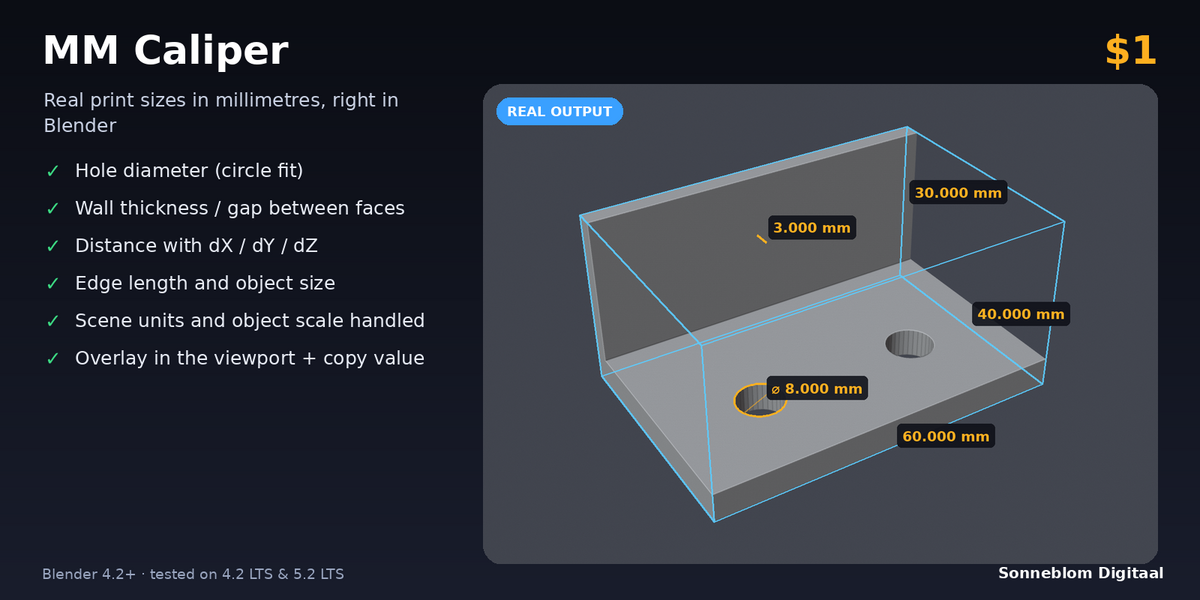
What do I get for $1?
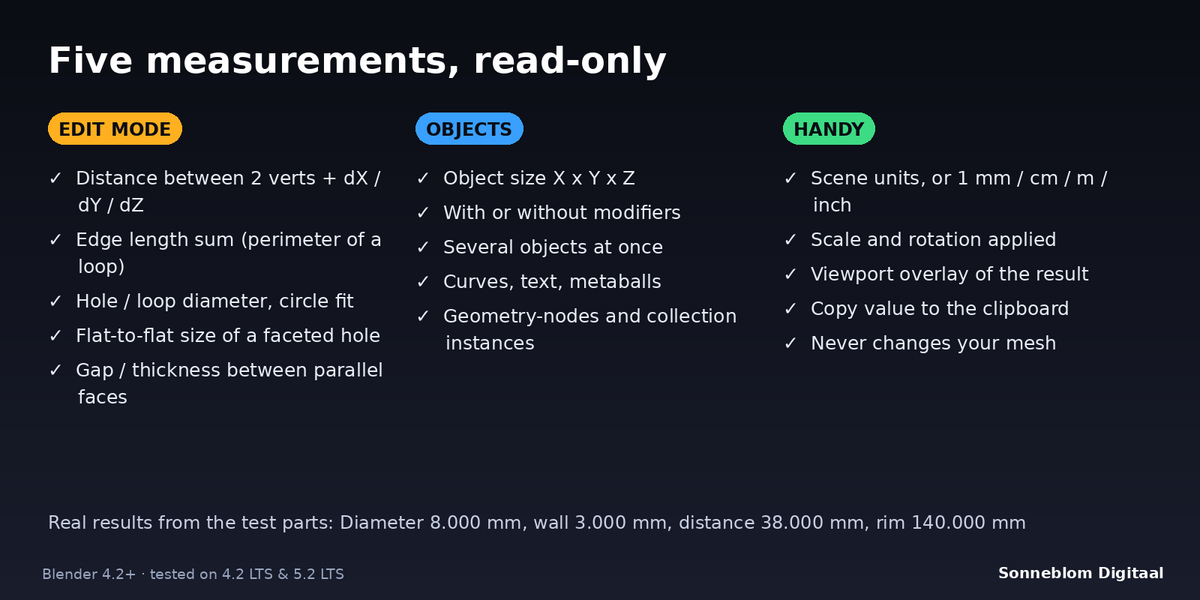
The full add-on: all five measurements, the viewport overlay and Copy, both zips (Blender extension and legacy add-on), the documentation and free updates for 1.x. GPL-3.0-or-later, no account, no trial, no limits.
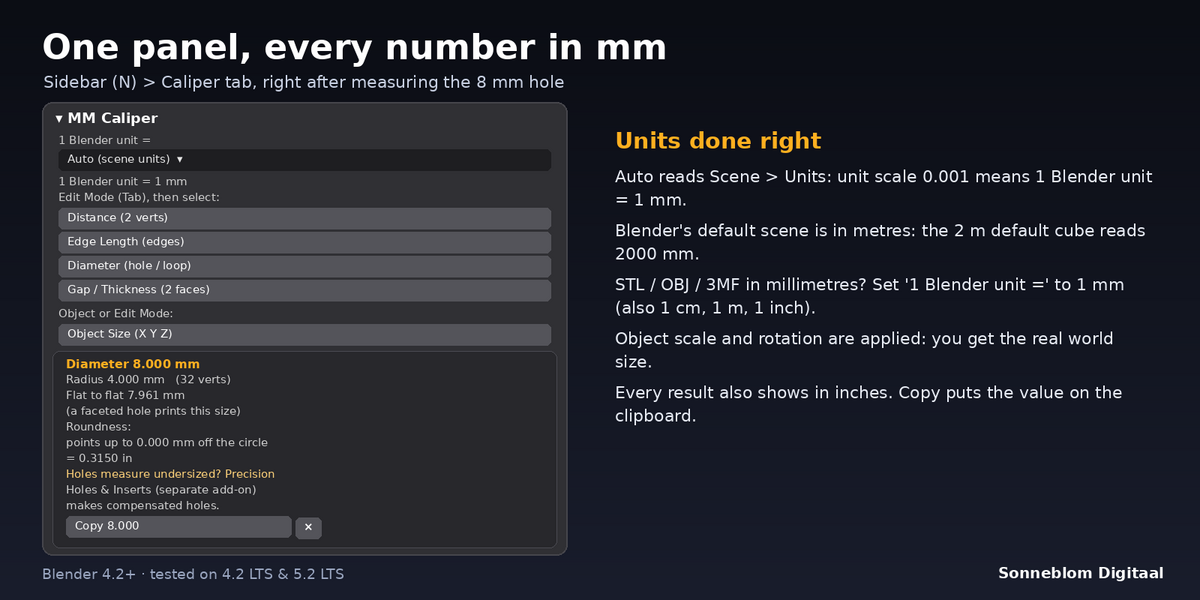
My default cube says 2000 mm. Is that wrong?
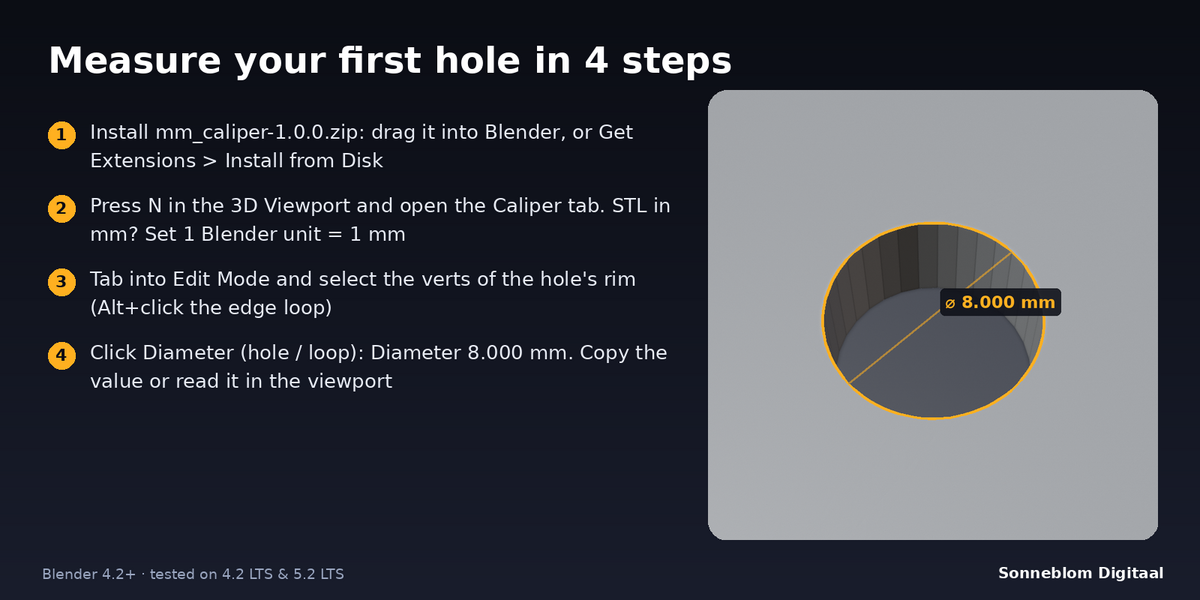
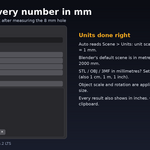
No: Blender's default scene counts one unit as one metre, so the 2 m default cube is 2000 mm. If your model came from an STL in millimetres, set '1 Blender unit =' to '1 mm' in the Caliper tab, or set Scene > Units to Metric with unit scale 0.001.
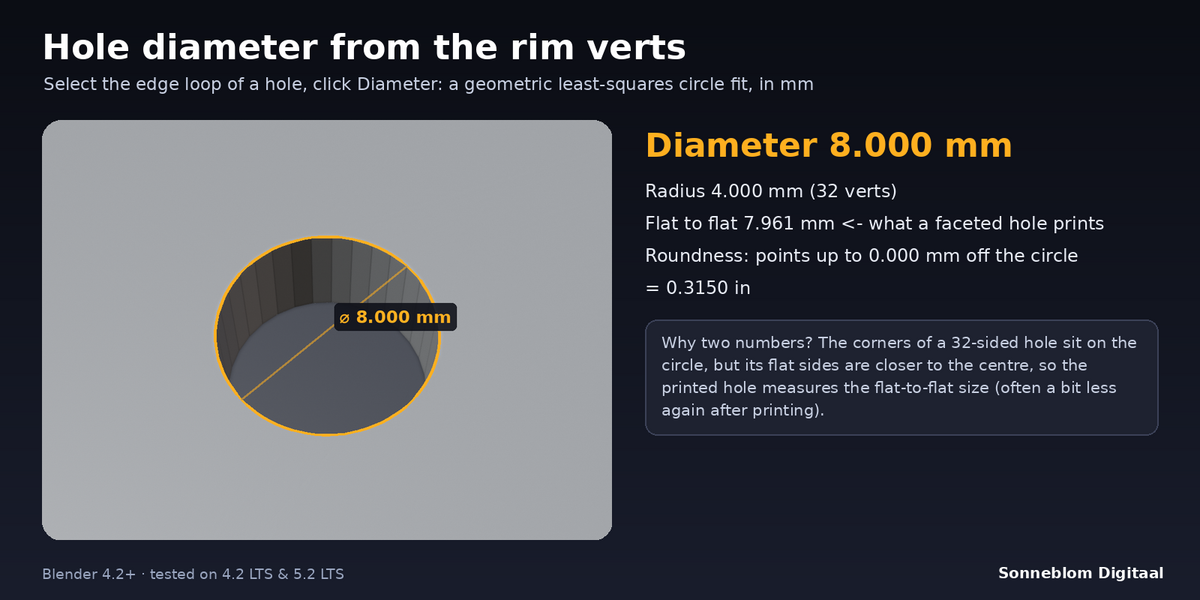
Why does my 8 mm hole show a flat-to-flat size of 7.961 mm?
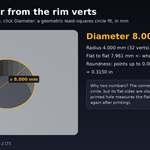
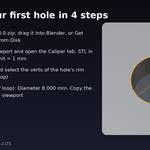
A round hole in a mesh is a polygon. Its corners sit on the 8 mm circle, but the flat sides are closer to the centre, so a 32-sided 8 mm hole is 7.961 mm across the flats. That is the size that prints (often a bit less again because of the printer). More segments bring the two numbers closer.
Do I have to apply scale first?
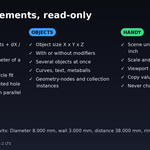
No. Every measurement uses the object's scale and rotation, so you see the real world size. Non-uniform scale on a round hole turns it into an oval; Diameter then gives the best-fitting circle and says 'Not round' as soon as a vert is more than 1% of the radius off that circle (from just over 2% scale difference).
Can I measure between two different objects?
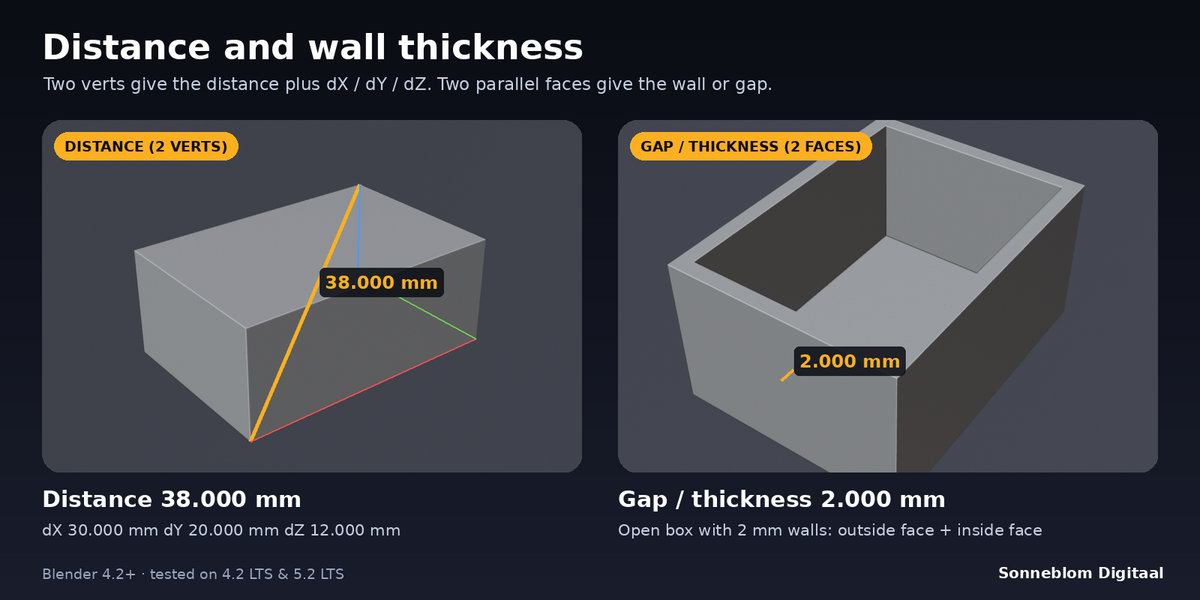
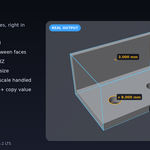
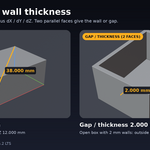
Yes. Select both objects, press Tab for multi-object Edit Mode and select one vert (Distance) or one face (Gap / Thickness) in each. Object Size measures all selected objects together.
Does it change my model?
No. It only reads the selection and the geometry. Undo works as usual; the result lives in the panel and the overlay.
How is this different from Precision Holes & Inserts?
MM Caliper measures. Precision Holes & Inserts is our separate, paid add-on that builds holes, insert pockets and nut traps with printer compensation. Many people use MM Caliper to check what Precision Holes made.
Have questions about this product?
Login to message
| Blender Extension Compatible | Yes |
| Published | 1 day ago |
| Blender Version | 4.2 - 5.2 |
| Extension Type | Add-on |
| License | GPL |
Discover more products like this
dimensions measure 3d printing caliper measurement print prep units millimetres