 Skava
Skava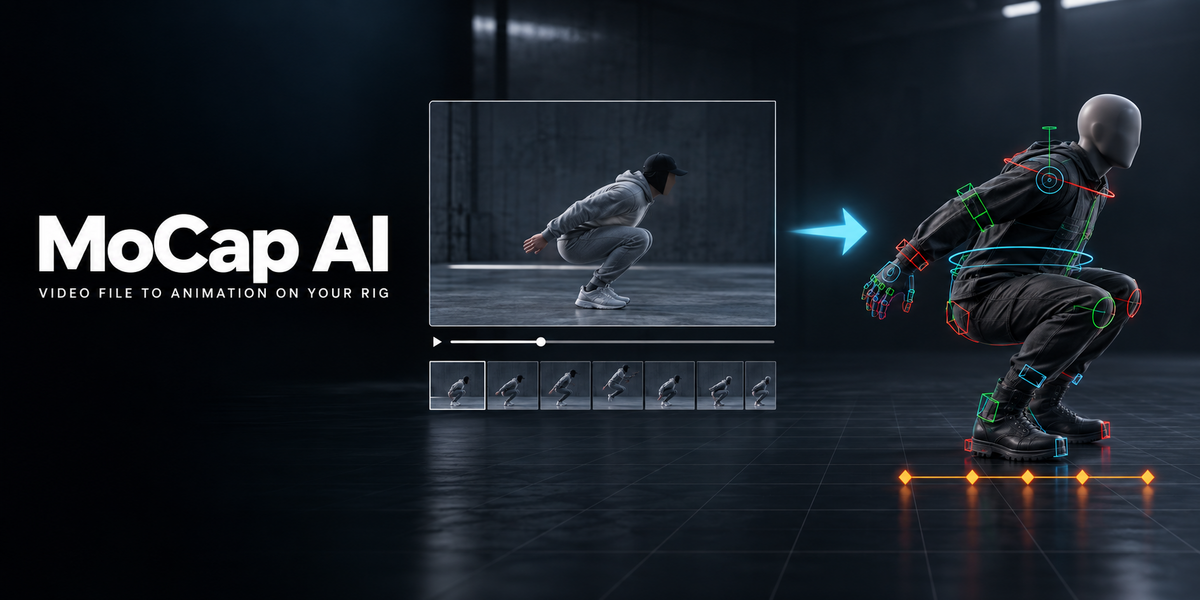
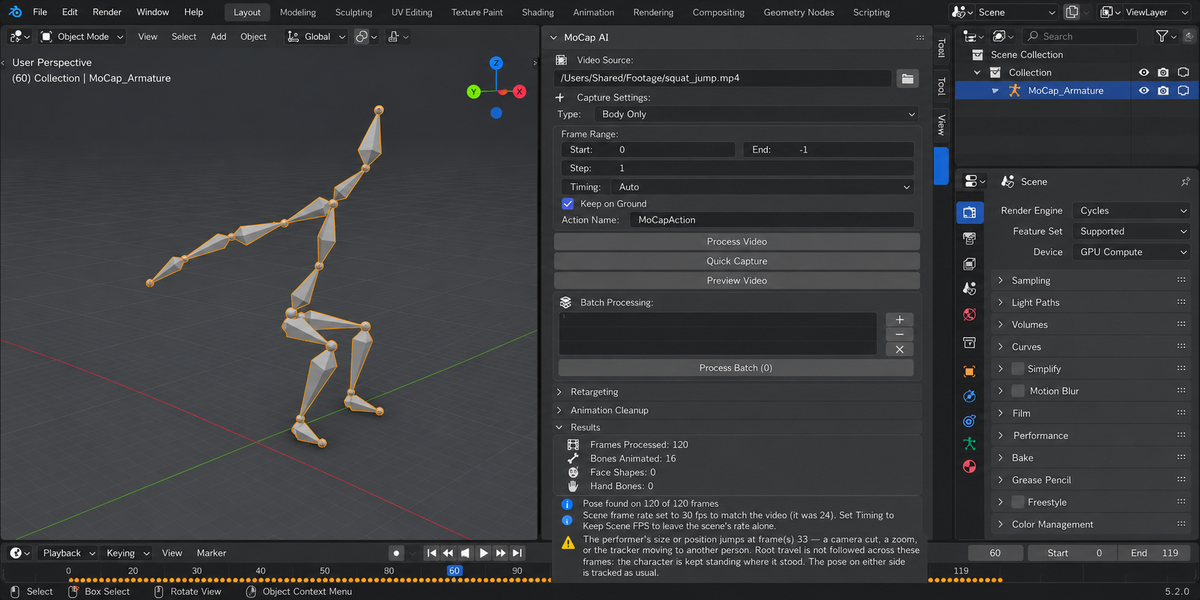
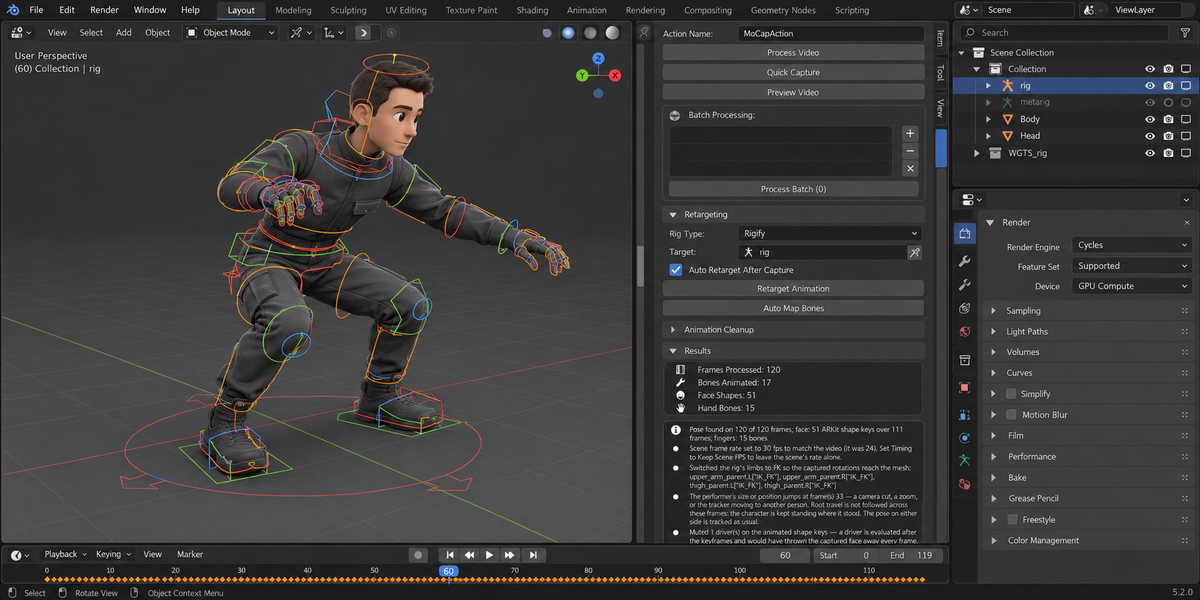
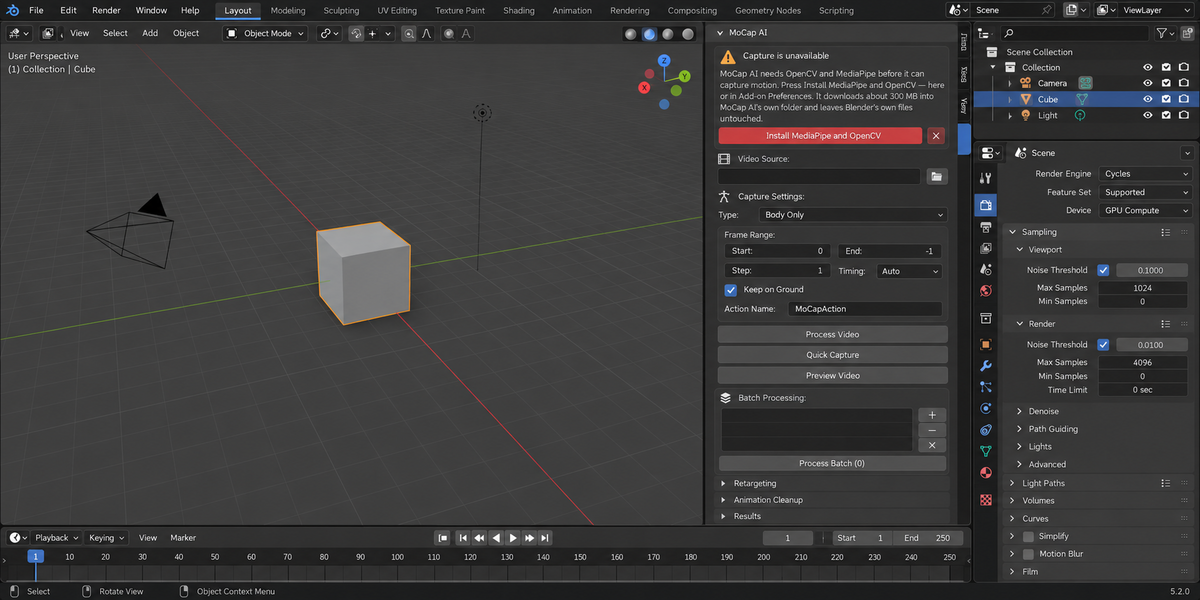
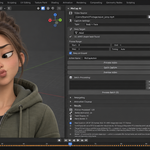
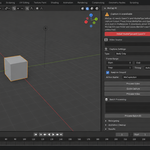
The skeleton now takes the pose the tracker reports. Rotations were computed in armature space and written as local bone rotations, with the bone hierarchy ignored: keys were written, bones moved, and the pose was not the one in the video. Measured on a real clip, a bone pointed on average 74 degrees away from the direction the tracker gave for its limb, and 89 on Rigify, where a random direction gives 90. The pose is now solved parent-first against Blender's own evaluation of the rig and checked against it. On our 120-frame test clip, with Smoothing set to None, the same angle over 10 limb bones is 0.0 degrees on MoCap AI's armature, a plain humanoid, a Mixamo-named rig and the deforming bones of a Rigify rig; with the default Medium smoothing it averages 1.4 degrees and reaches 24 on the fastest frames. This measures that the rig does what the tracker says, not how right the tracker is.
The Install button finishes on Windows. The installer's output went into a pipe that was only read after the installer had exited; it filled the pipe, blocked, and the button said downloading for ever. Measured on Windows 11: 25 minutes, nothing installed. The output is now read continuously and shown in the status bar. The button is disabled while an install runs, Cancel Install stops it, an incomplete folder is recognised as incomplete, and a Remove Packages button deletes the folder.
Capture works on Blender 5.1 and 5.2. The add-on refused to capture there, saying MediaPipe had no build for Python 3.13. It has had one since 0.10.30. On Blender 5.x MediaPipe now uses Blender's own NumPy.
A first capture no longer ends in a traceback. Frames were written to a cache folder whose default resolved to an unwritable place in a file that had never been saved. Frames are now decoded in memory; the cache, its preference and the Clear Frame Cache button are gone, and so are the roughly 2 MB per frame it left on disk.
The character stands on the floor. Root height is taken from the rig's own limbs (Keep on Ground, on by default) or, with that off, from the limbs plus how far the picture shows the body off the floor, instead of from where the hips are in the picture. Camera cuts and zooms are not read as the performer flying, and travel and jump height are scaled by leg length. On the test clip, which has one cut, the feet stay within 2 mm of the floor on all 120 frames at default settings.
The armature is never guessed. With several armatures in the scene and none chosen, the capture took the first one and replaced its action. It now stops and says what to pick; every button follows the same rule, and a Rigify, Auto-Rig Pro or Mixamo rig is recognised without being told. An action the rig already had is kept with a fake user, and a capture that fails puts the rig and the scene's frame rate back as they were.
Fingers and limbs move on Rigify. Finger keys went to the DEF bones, which copy other bones through constraints and ignore their own keys, and every finger chain started one joint too early. Keys now go to the finger controls. Limbs are switched to FK, in capture and in Retarget Animation, so the keyed rotations reach the mesh.
Joints out of frame are left alone instead of receiving the tracker's guess. In a waist-up video the legs stay at rest.
The clip keeps its length. A 30 fps video in a 24 fps scene played for 5 seconds instead of 4. Timing decides whether the scene takes the video's frame rate or the motion is resampled onto the scene's frames; the scene's rate is not changed when other animation is in the scene unless you ask for it. Simulations, geometry nodes, Grease Pencil frames and the sequencer are not looked at; for such scenes set Timing to Keep Scene FPS.
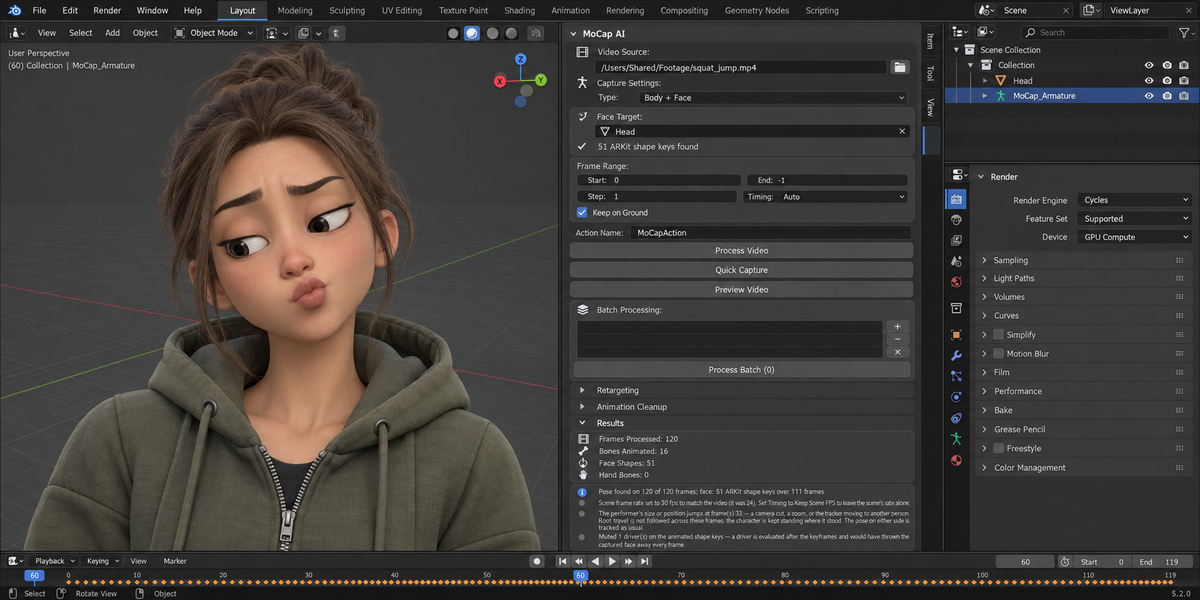
Face: nothing is created, and nothing is left over. A mesh without ARKit shape keys no longer receives eight empty ones. Each capture writes its face into a new action, so a shorter clip no longer keeps the tail of a longer earlier one, and a batch gives each video its own face action. The estimate of eight expressions from landmark distances is removed.
A bone no longer spins when its target is opposite its rest direction. Arms that rest hanging down and are raised overhead rolled by up to 175 degrees in one frame. On an arm circling overhead the roll now changes by 2 to 12 degrees a frame, a repeated movement repeats exactly, and an arm raised and held still stays still.
Fix Foot Sliding does something. It looked for location keys on the feet, found none, changed nothing and reported success. It now holds the standing foot by correcting the root, is off by default, and is described for what it is: a tool for shots where a foot is planted most of the time.
Smoothing no longer runs Remove Jitter behind your back. Medium turned a slow, steady movement into a staircase. Remove Jitter is its own button and only levels channels that are at rest.
Preview Video works. It failed on every press, after changing the scene's frame range and loading another copy of the clip.
Left is left: MoCap AI's own armature had its arms mirrored and a 0.3 m torso, and depth was flipped. Faces are found in full-body shots by looking again at the head region. Only one OpenCV package is installed, and OpenCV and NumPy are version-bounded like MediaPipe. What a capture changed or could not do is listed in the Results panel. Batch Add, Remove and Clear can be undone.
Verified live from a clean profile on Windows 11 x64 (Blender 4.2.9 and 5.2.0) and macOS (Blender 4.2.9, 5.1.0, 5.2.0, 5.2.1, 5.2.2): install by the button, then Body, Body + Face and Full capture from a video file.
Have questions about this product?
Login to message
| Sales | 10+ |
| Published | 2 months ago |
| Blender Version | 4.2 - 5.1 |
| Extension Type | N/A |
| Render Engine Used | Arnold, Blender-Internal, Blender-Game-Engine, Cycles, Eevee, Freestyle, Luxrender, Mental-Ray, Octane, Vray, Yafaray |
| License | GPL |
Discover more products like this
facial-capture body tracking pose-estimation skeletal-animation mediapipe animation motion capture indie animation video-mocap hand tracking retargeting rigify