 Momentum Creative Technology Inc.


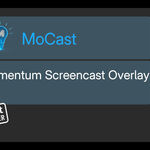
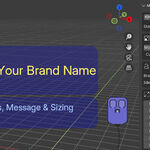
MoCast — Branded Input Overlay for Blender
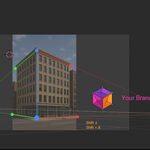
MoCast is a lightweight, modern input-visualization overlay that runs directly inside Blender’s 3D Viewport.
It’s designed for creators who teach, stream, or record tutorials and want their audience to clearly understand what’s happening on screen—without losing their personal or studio identity.
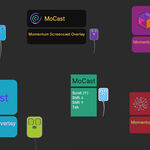
MoCast displays mouse actions, keystrokes, modifier keys, and transform feedback in real time, all presented in a clean, customizable overlay that supports branding, clarity, and professional presentation.
Unlike screen capture tools, MoCast does not record video itself. It works alongside OBS, screen recorders, or streaming software to ensure your Blender actions are communicated clearly and consistently.
Key Features
-
Real-time input visualization
Displays mouse clicks, keystrokes, modifier keys, and transform actions directly inside Blender’s 3D Viewport. -
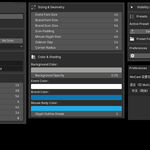
Customizable, brand-friendly overlay
Adjust icon styles, colors, sizes, opacity, and layout to match your personal or studio branding. -
Drag-to-position overlay
Easily place the overlay anywhere in the viewport for tutorials, demos, or livestream layouts. -
Built-in and custom icons
Use included MoCast icons or load your own images for a personalized look. -
Presets support
Save and load different configurations for teaching, recording, or livestreaming. -
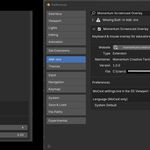
Language override options
Override visible text with simple translations—ideal for multilingual audiences. -
Lightweight and unobtrusive
Designed to stay out of the way while keeping viewers informed.
Platform & Requirements
-
Operating System: Windows 11
-
Blender Version: Blender 4.4 or newer (Extensions-ready)
-
Platform Note: macOS and Linux versions are being explored.
Learn More
-
YouTube Walkthrough: MoCast overview and usage
-
Product Page & Documentation:
https://momentumcreativetech.ca/products/mocast/