 Larry3d


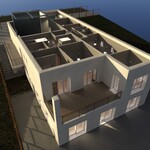
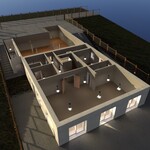
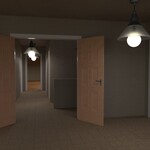
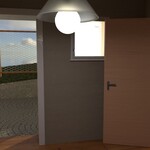
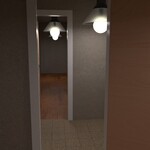
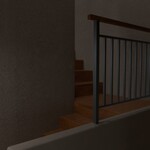
Documentation – Garage Doors & Grass (Geometry Nodes)
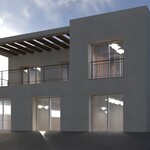
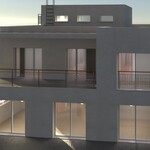
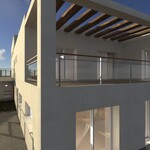
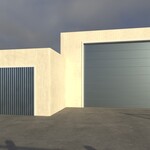
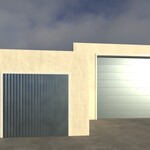
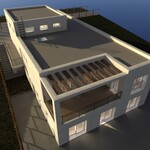
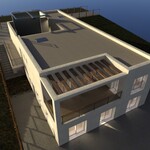
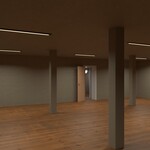
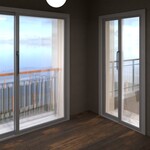
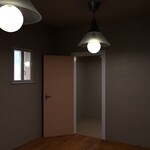
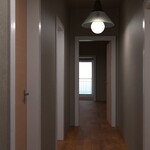
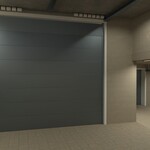
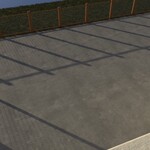
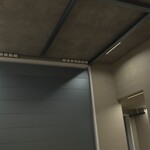
The scene features two rigged, animatable garage doors and a simple Geometry Nodes grass setup.
-
Doors are controller-driven (no pre-made keyframes).
-
Grass is disabled by default and must be enabled per object in the Modifiers panel.
Garage Doors – Controllers
Controllers (red arrows):
-
Driver Controller.small_Garage door→ operates the small garage door. -
Driver Controller_big_Garage door→ operates the big garage door.
How to use
-
Select the respective controller in the viewport or Outliner.
-
Move it along the arrow direction (G + drag) to open/close the door.
-
To animate, hover the changed value (e.g., Location) and press
Ito insert keyframes.
Notes
-
Both doors are independent; animate each with its own controller.
-
If a controller can’t be selected, ensure Object Mode and that the controller’s collection is visible/selectable.
Grass (Geometry Nodes)
Objects that hold the GN grass modifier:
-
Surrounding soil -
Property
Enable per object
-
Select
Surrounding soilandPropertyone after another. -
In the Modifiers tab, toggle the Geometry Nodes modifier on (enable viewport/render as needed).
Performance tips
-
Lower Density in the GN modifier if VRAM is tight.
-
Consider camera-based culling/masks for shots where distant grass isn’t needed.
-
Work in Solid/Material Preview; render final frames in Cycles.
Have questions about this product?
Login to message
| Dev Fund Contributor | |
| Published | about 1 year ago |
| Blender Version | 4.5 |
| Render Engine Used | Cycles, Eevee |
| Misc Data | Uvs-Unwrapped, Rigged, Normal-Mapped, Textured |
| License | Royalty Free |
Discover more products like this
garage House animation modern Cycles architecture geometrynodes exterior grass Interior