 Ritual Studio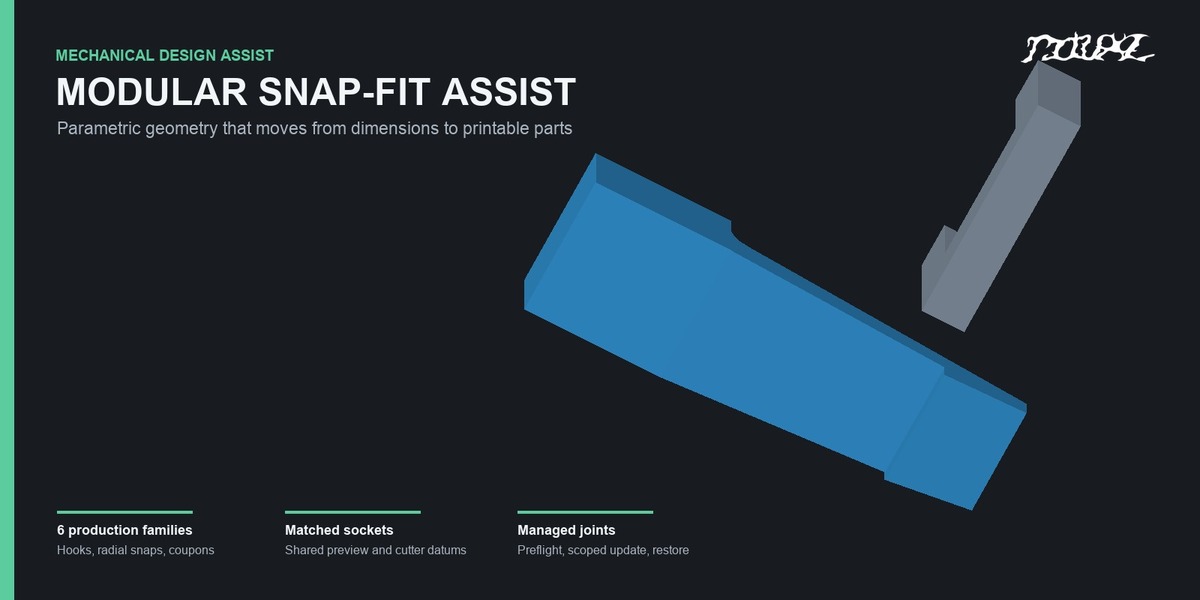

Design the joint, not the same geometry again
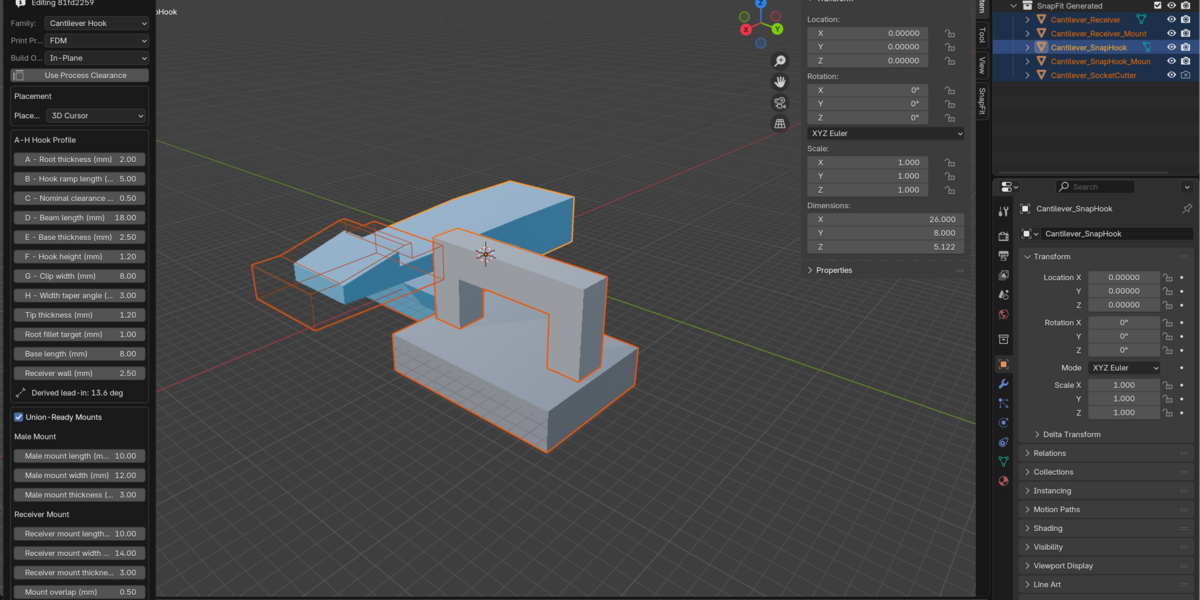
Modular Snap-Fit Assist helps makers and product designers build repeatable snap-fit geometry directly in Blender. Choose a mechanism, enter its controlling dimensions in millimetres, and create a managed joint with matching receiver and Boolean cutout geometry.
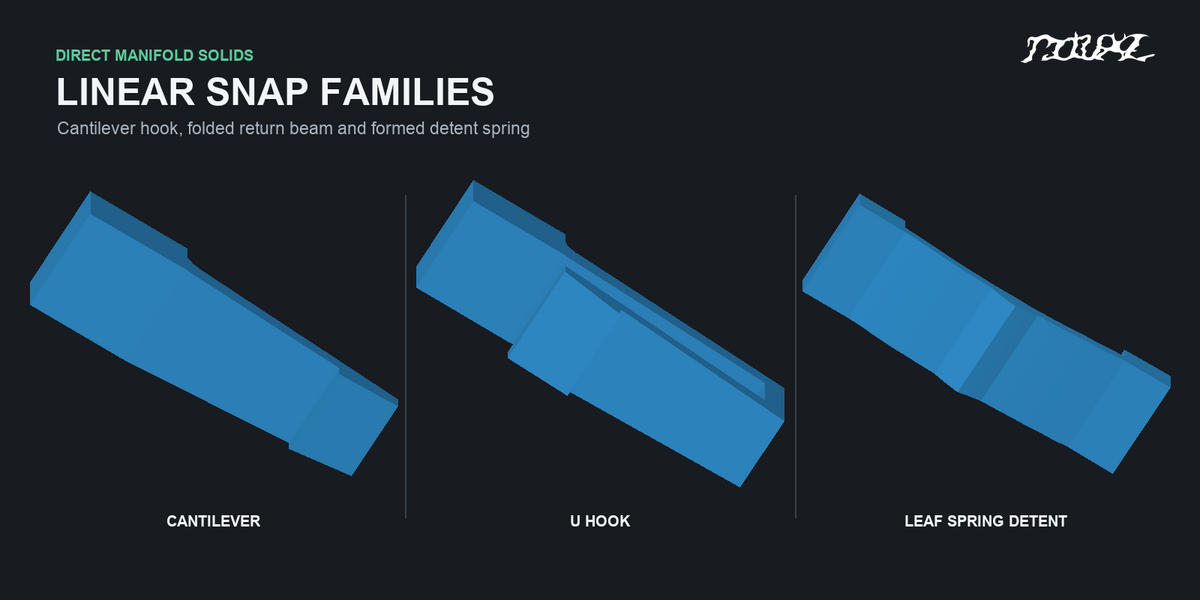
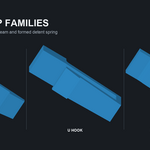
Six production families
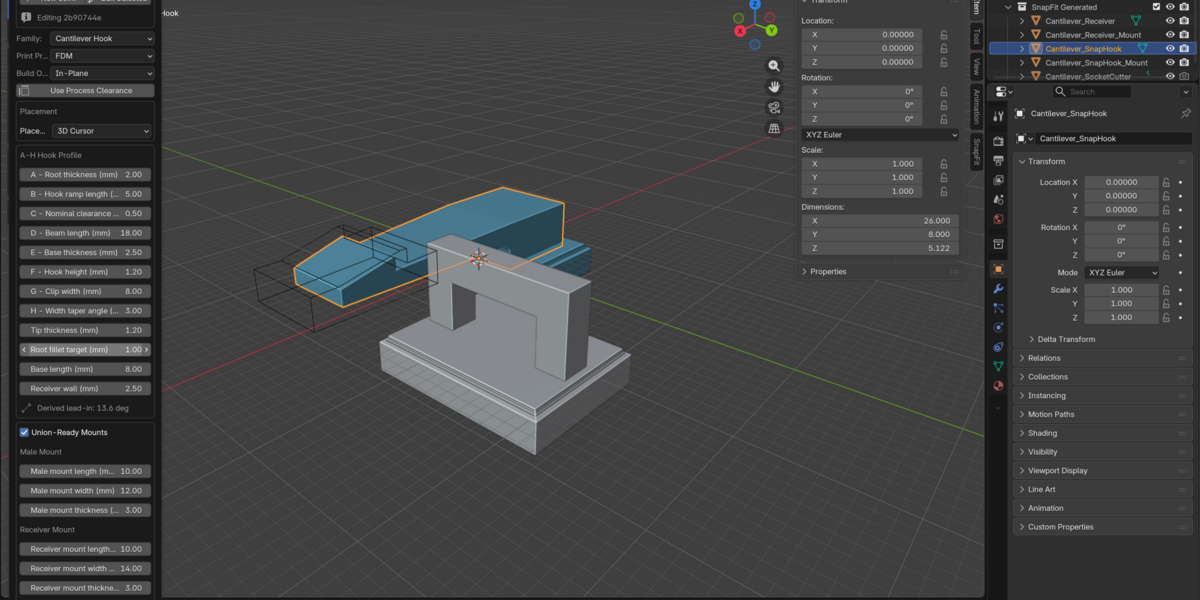
- Cantilever Hook with a tapered beam, modeled root radius, lead-in ramp, and positive retention shoulder.
- U Hook with a folded compliant arm and an open return gap.
- Leaf Spring Detent with two mounting ends, a formed arch, central detent, and matched groove.
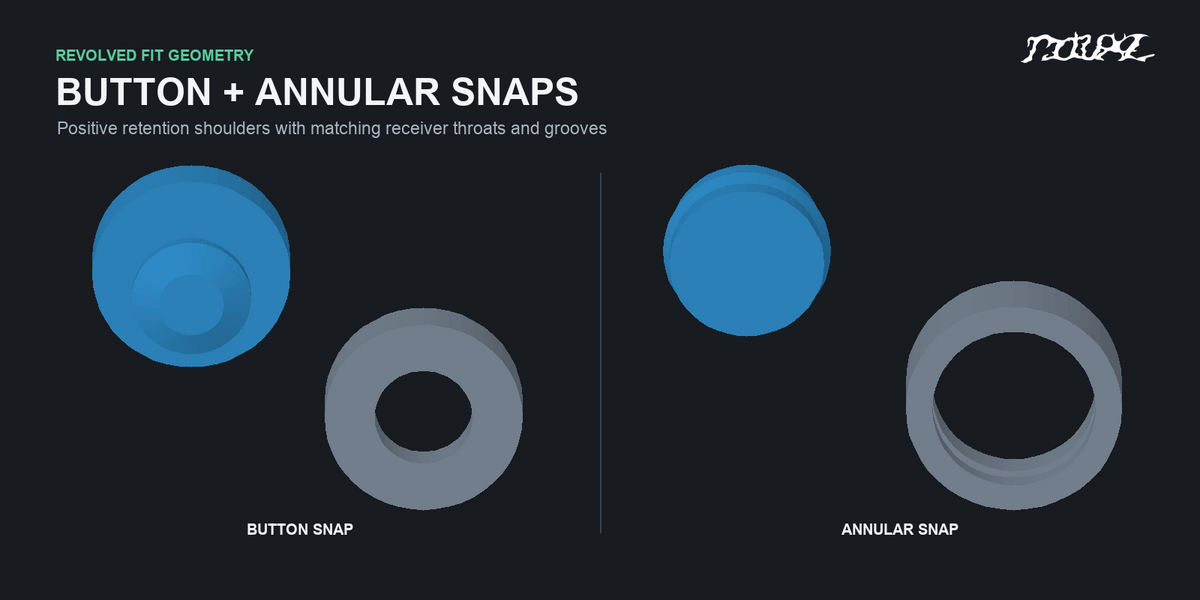
- Button Snap with a revolved stud and throat ring.
- Annular Snap with a beaded plug and matching receiver groove.
- Fit Coupon with stepped clearances for printer and material calibration.
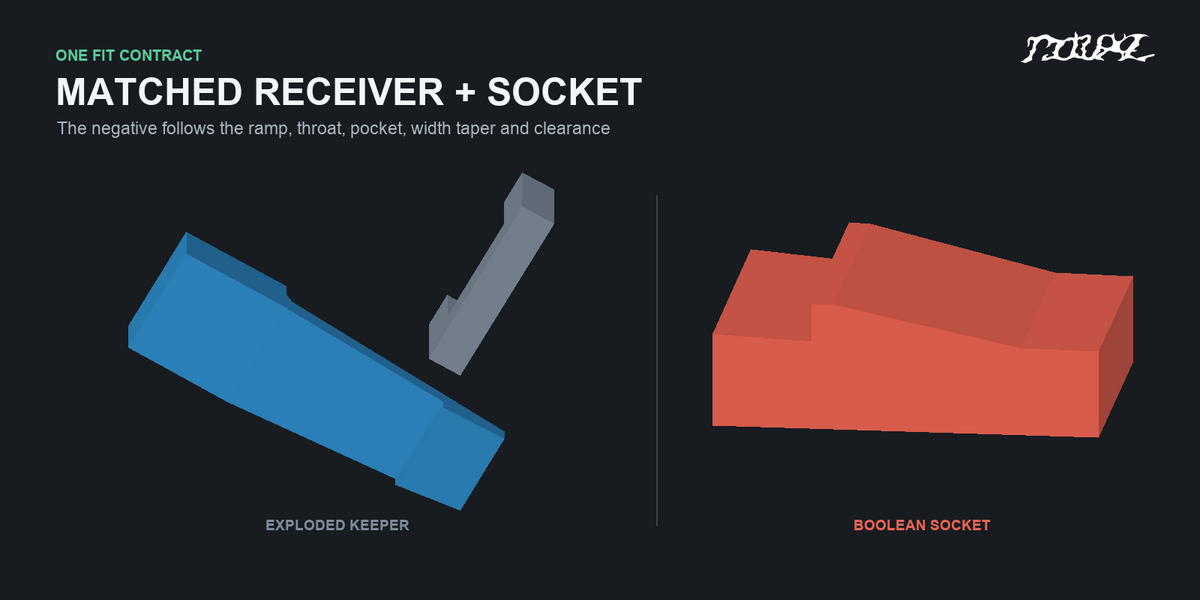
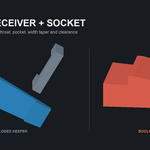
A receiver and socket that follow the snap
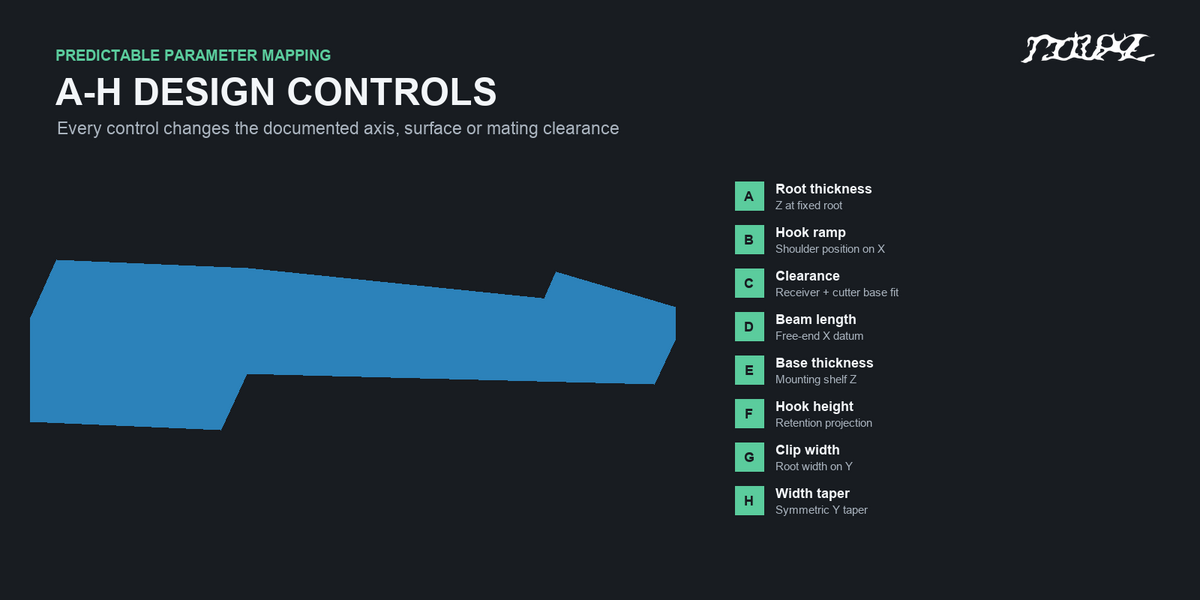
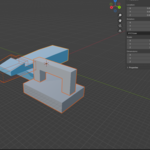
The male part, exploded receiver preview, and negative cutout share family-specific fit dimensions and placement transforms. The cantilever cutter follows the beam passage, ramp, retention shoulder, width taper, and clearance rather than using a generic box. Button and annular cutouts include their matching entry, throat, and retention profiles.
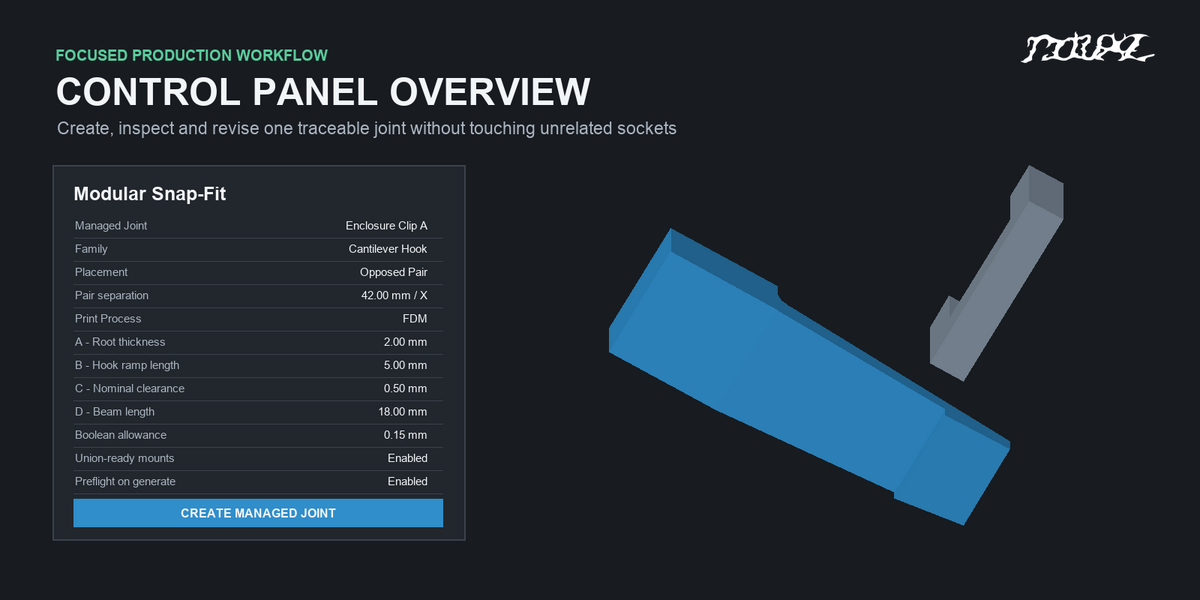
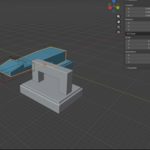
Enable Cut Socket in Target, select a closed mating mesh, and run Preflight to create a managed Exact Boolean Difference. Nominal Clearance sets the designed fit; Boolean Allowance adds extra room to the cutter only. Choose Easy Fit, Exact, or a custom allowance without resizing the male snap.
Place and revise complete joints
- 3D Cursor places one joint.
- Circular Array distributes complete snap, receiver, and cutter sets around an axis with explicit radius, count, sweep, and alignment.
- Map To Surface places rigid instances on an evaluated mesh along surface normals and circular tangents. Project Cursor to Surface ray-casts from the 3D cursor onto one chosen mesh point.
- Opposed Pair creates two facing, positive-scale placements for enclosure halves.
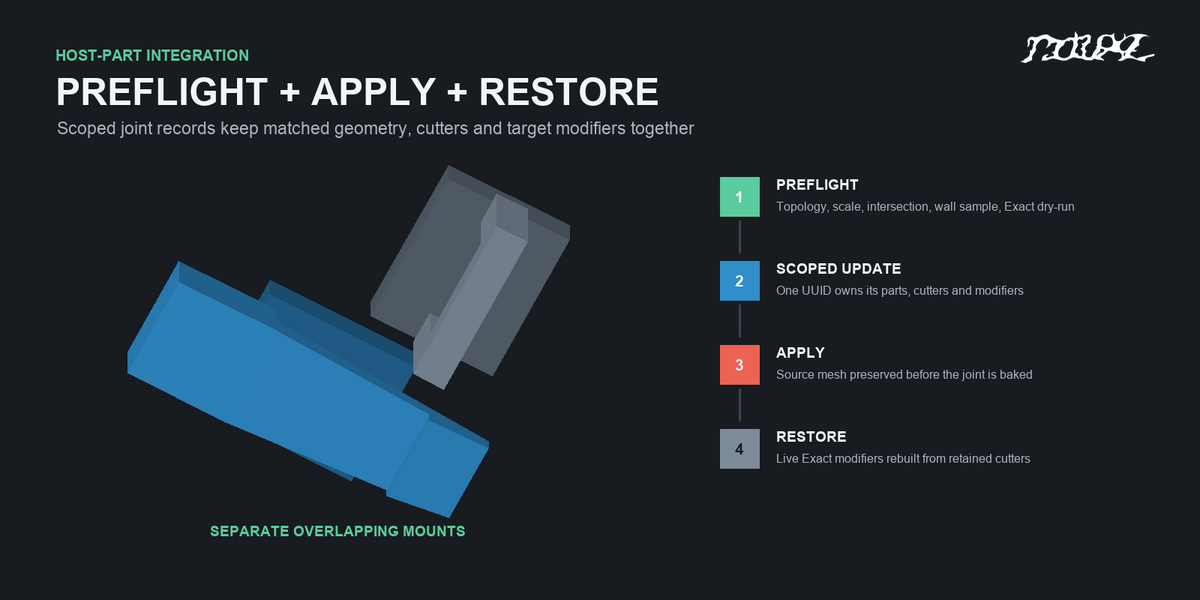
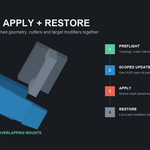
Every joint keeps its own identity and parameters. Select a managed part and use Edit Selected and Update Active Joint to revise only that joint. Preflight checks target topology, scale, intersection, wall travel, and an Exact Boolean dry run. Optional rounded mounting pads can be unioned to a closed male host, while a separate closed receiver mesh receives the matched socket cut. Apply Active Joint preserves a source mesh; Restore Active Joint rebuilds live modifiers when the target has not been edited afterward.
Engineering and print guidance
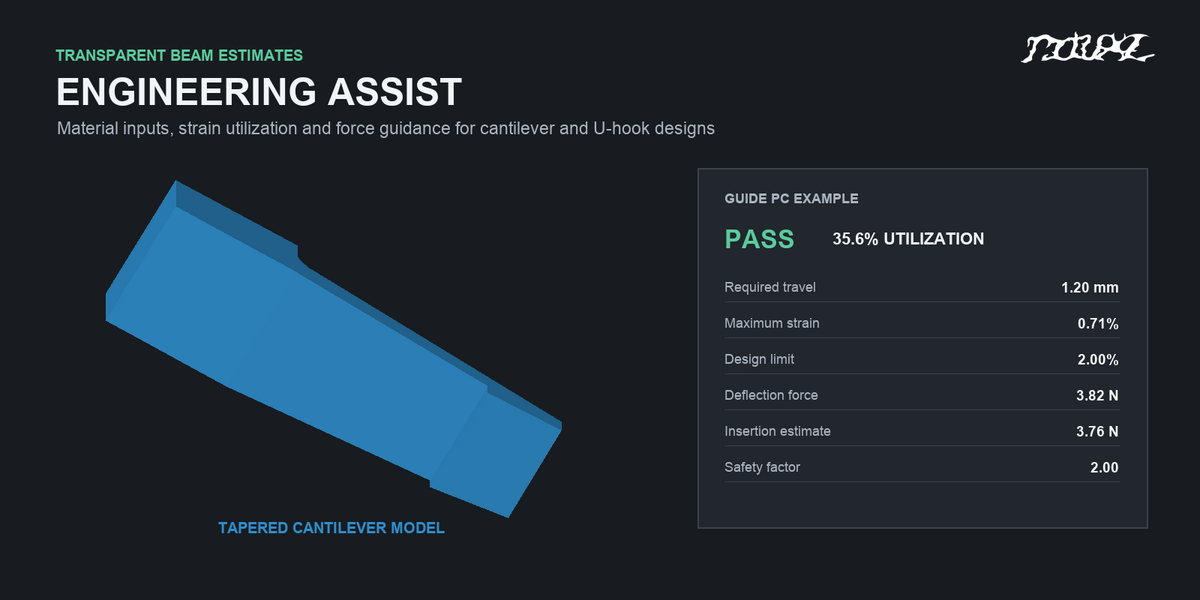
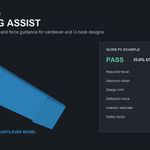
Opt-in Engineering Assist estimates strain utilization and insertion/deflection forces for Cantilever Hook and U Hook after you enter material values, duty, safety factor, friction, and required travel. Process presets and warnings help you review clearance, layer orientation, and beam geometry. These are design-screening estimates, not FEA or a guarantee of printed fit. Print the included Fit Coupon and test the final joint in its intended material and orientation.
Compatibility
Version 0.9.0: the uploaded Blender Extension ZIP supports Blender 4.2 through 5.1. Blender 4.1 requires a separate legacy add-on ZIP, which is not yet included in this draft. The add-on uses pure Blender Python with no external binaries or online service. It was runtime-tested on Apple-silicon macOS in Blender 4.2.1, 4.3.0, 4.4.1, 4.5.1 LTS, 5.0.1, and 5.1.2. Hands-on Windows validation is still pending.
Full installation steps, parameter mapping, Boolean requirements, revision boundaries, and troubleshooting are available in the Documentation tab.
