Modular Snapfit Assist
 Ritual Studio

What should I include when contacting support?
Send a message through the Superhive inbox with the add-on version, Blender version, operating system, snap family, parameter values, the relevant error or Preflight message, and a screenshot or small sample .blend file. Ritual Studio targets a response within 72 hours.
Does Engineering Assist certify that my snap will survive?
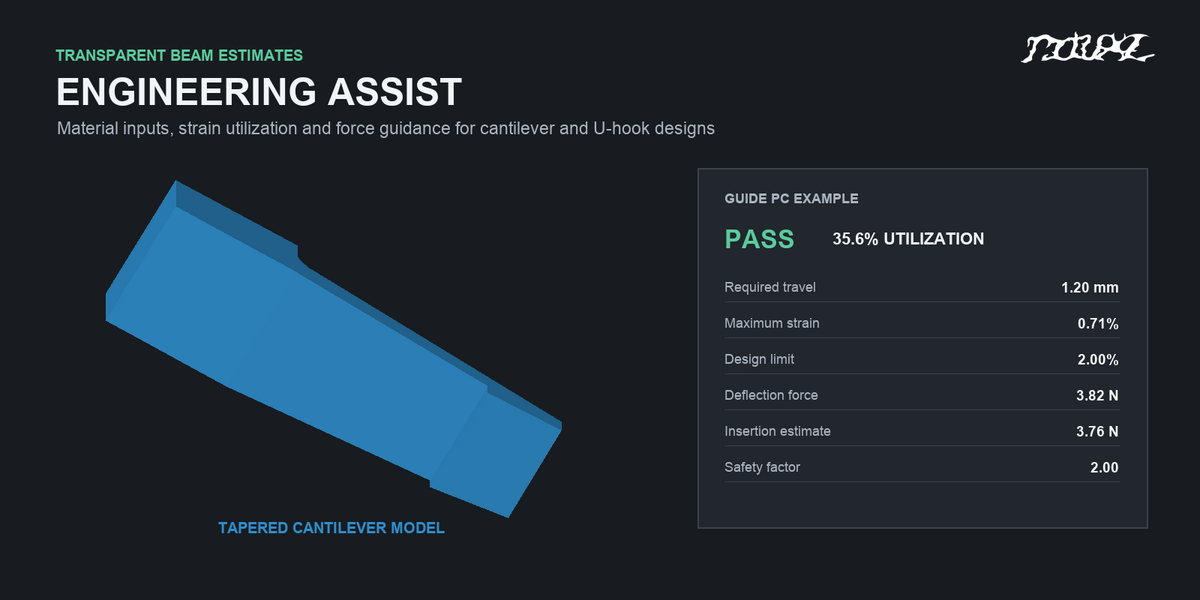
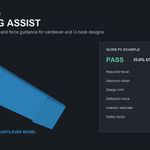
No. Engineering Assist provides small-deflection strain and force estimates only for Cantilever Hook and U Hook when you enter suitable material data. It is a design-screening aid, not FEA, fatigue certification, or a guarantee of printed performance. Validate the final design physically in its intended conditions.
Are the generated parts immediately ready for 3D printing?
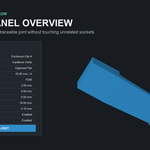
The generated parts are closed manifold starting meshes, but fit and durability depend on printer accuracy, material, orientation, shrinkage, post-processing, and load. Print the included Fit Coupon in the final material and orientation, inspect the mating surfaces, and cycle-test the final joint before using it in production.
Which Blender versions and operating systems are supported?
The uploaded v0.9.0 extension ZIP supports Blender 4.2-5.1. Blender 4.1 requires the separate legacy add-on ZIP, which is not yet attached to this draft. The packages use pure Blender Python and are intended for Windows, macOS, and Linux, with no external binaries or online service. The extension was runtime-tested on Apple-silicon macOS in Blender 4.2.1, 4.3.0, 4.4.1, 4.5.1 LTS, 5.0.1, and 5.1.2; the separate legacy ZIP was tested in 4.1.1. Hands-on Windows validation remains pending.
Can I change a joint later without replacing other sockets?
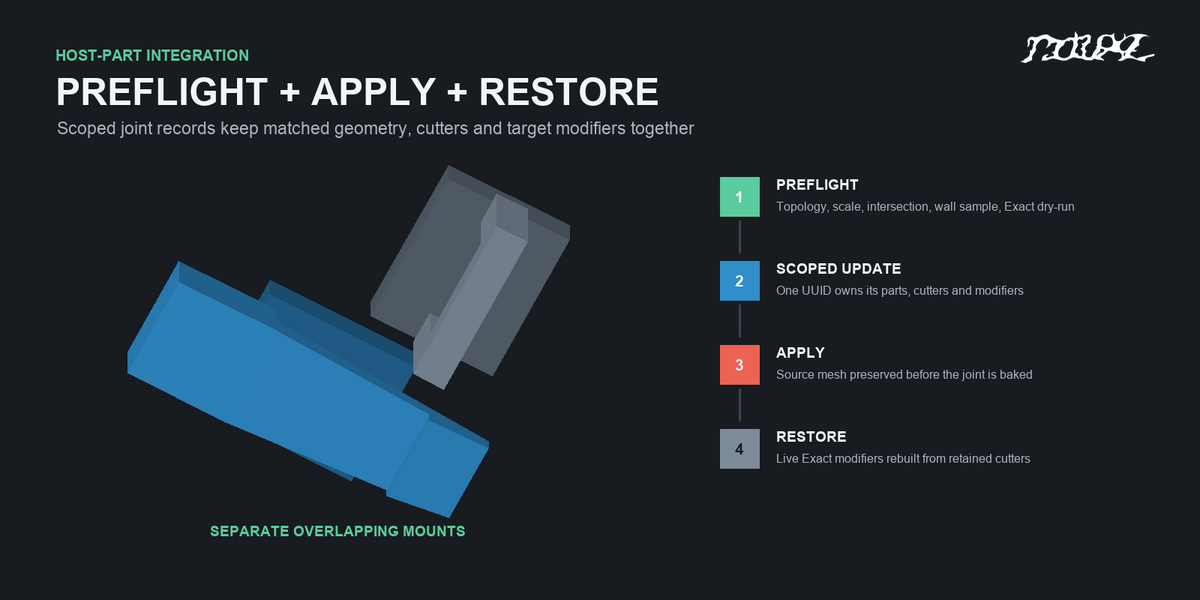
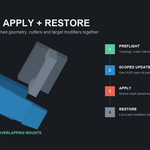
Yes. Select a managed part, choose Edit Selected, change its values, then choose Update Active Joint. The replacement is built and tested before the old geometry and modifiers for that joint are swapped. Other managed joints on the same target remain separate. Apply Active Joint preserves a source mesh; Restore Active Joint can rebuild the live modifiers if the target topology has not been edited since Apply.
What is the difference between Nominal Clearance and Boolean Allowance?
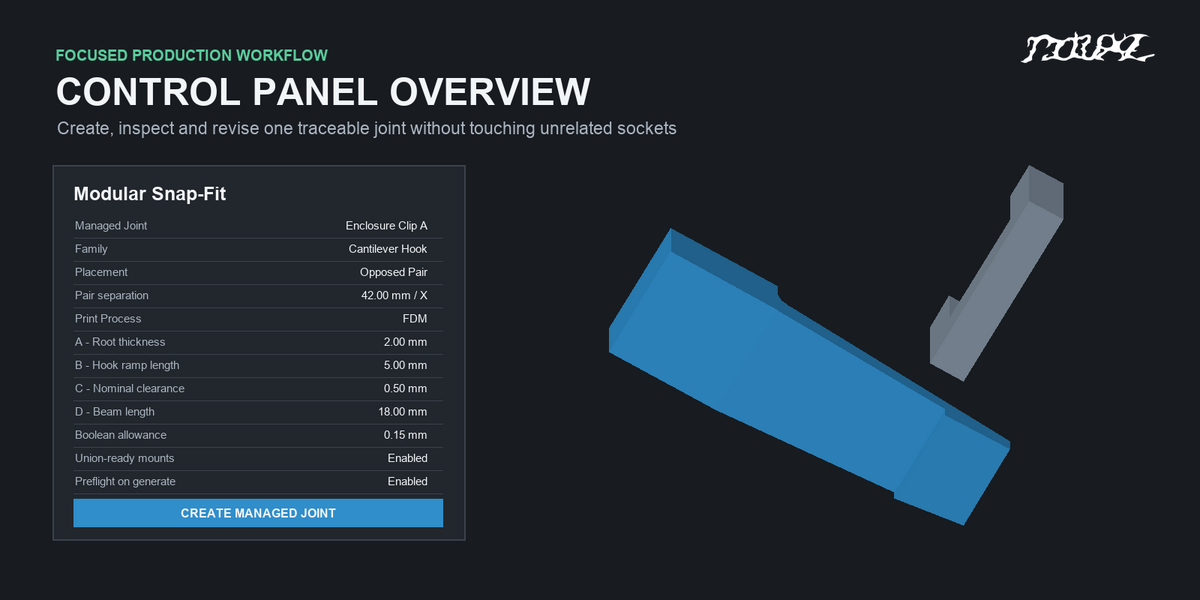
Nominal Clearance defines the designed male-to-receiver fit. Boolean Allowance adds extra space to the negative cutout only; it does not resize the male snap or exploded receiver. Easy Fit starts at 0.15 mm extra for FDM or 0.10 mm for SLA, SLS, and MJF. Exact adds 0.00 mm. Calibrate both against a printed Fit Coupon.
Does the exploded receiver preview automatically cut my enclosure?
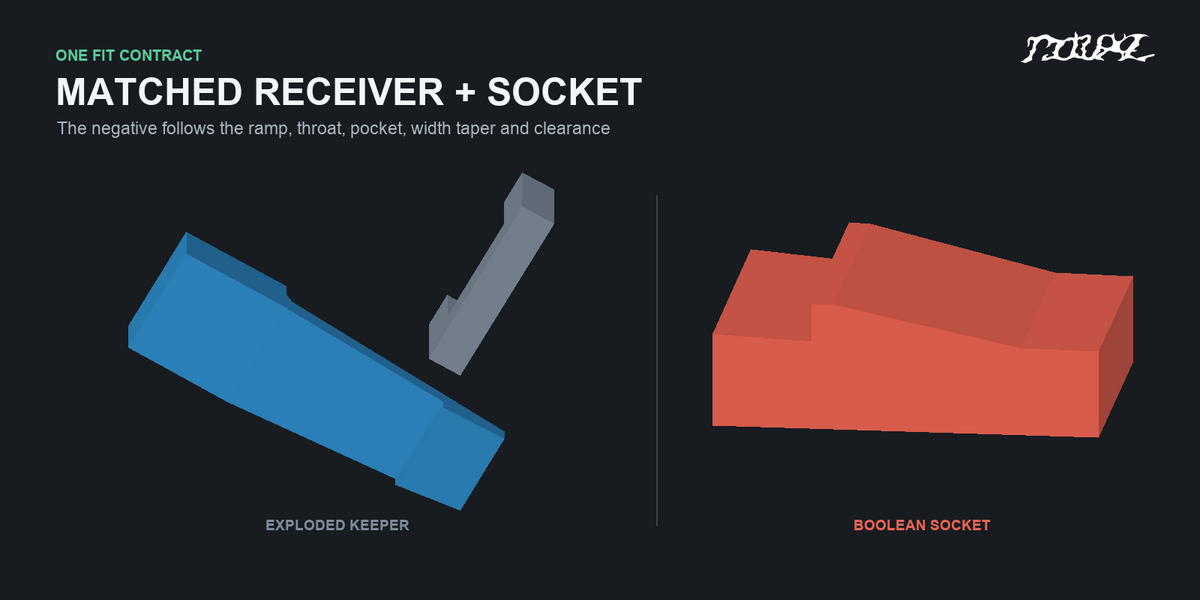
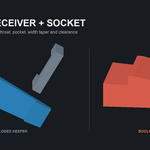
No. The exploded receiver is an inspection object. To make a real cavity, select a closed target mesh, enable Cut Socket in Target, run Preflight, then create the managed joint. The extension adds a clearance-aware cutter and an Exact Boolean Difference modifier. Negative Cutout Preview shows the subtraction volume without changing a target.
How do I install the add-on and find its controls?
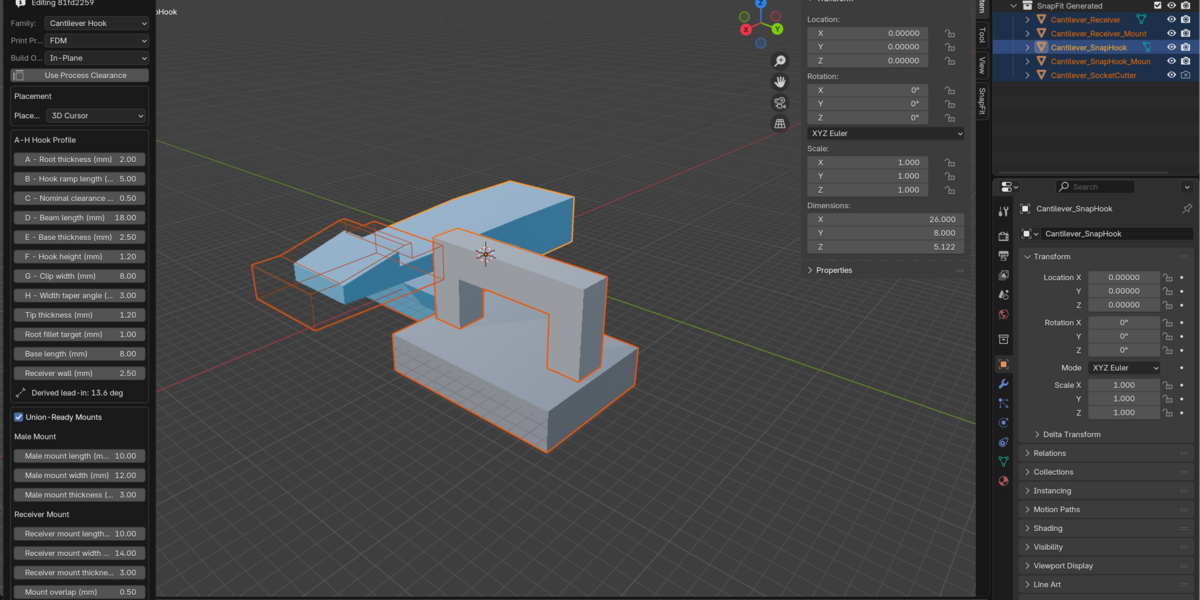
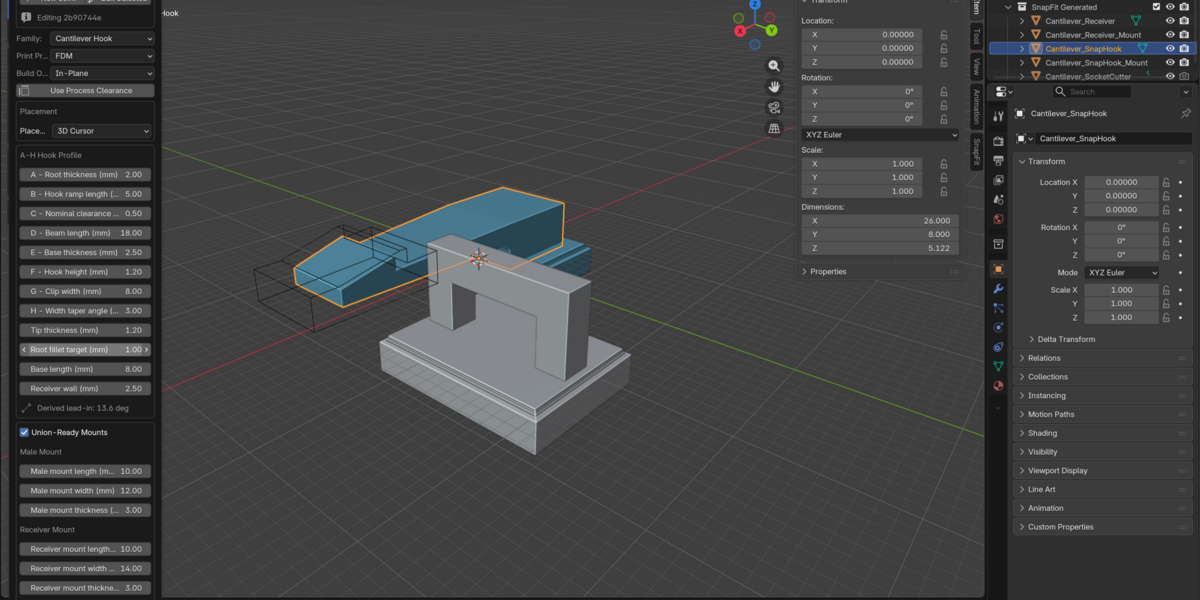
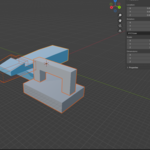
For Blender 4.2-5.1, open Edit > Preferences > Get Extensions, choose Install from Disk, select modular_snapfit_assist-0.9.0.zip, and enable Modular Snap-Fit Assist. Keep the ZIP zipped. In the 3D Viewport, press N and open the SnapFit tab. Blender 4.1 requires the separate legacy ZIP and its Add-ons installation path; that file must be attached before 4.1 can be offered to buyers.
$3
 Included
Includes 12 months of
- Support from Ritual Studio
- Product updates
Extend this product’s Support Period +12 months: 50% of product price
Have questions before purchasing?
Login to message
| Blender Extension Compatible | Yes |
| Published | 9 days ago |
| Blender Version | 4.2 - 5.1 |
| Extension Type | Add-on |
| Render Engine Used | Cycles, Eevee |
| License | GPL |
Discover more products like this
snap fit connector addon blender 3dmodular assist blender parametric modeling Auto-Connect 3D Print Connectors