 Skava
Skava


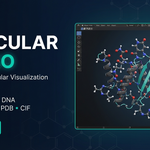
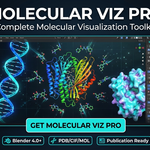
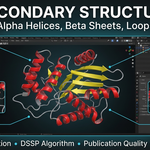

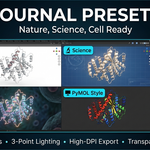
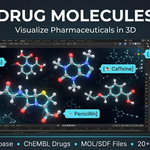
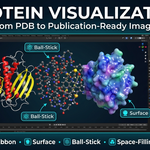
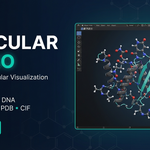
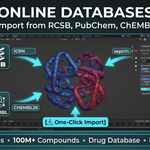
Download the .zip file and do not unpack it. In Blender open Edit > Preferences > Add-ons, click the drop-down arrow in the top-right corner and choose Install from Disk (in Blender 4.0 and 4.1 the button is called Install), then pick the downloaded file. Tick the checkbox next to Molecular Viz Pro to enable it. Press N in the 3D Viewport and open the Molecular tab in the sidebar.
The product page lists Blender 4.0, and the documentation states Blender 4.0 or later.
It imports molecular structures (PDB, mmCIF, MOL, SDF, XYZ) and builds them in Blender in styles such as Ball-Stick, Space-Filling, Wireframe, Sticks, Cartoon, Ribbon and Surface, with color schemes (CPK, Chain, Secondary Structure, Residue, Hydrophobicity, B-factor, Rainbow), journal render presets, and rotation, tumble, wiggle and turntable animations.
Only for the Online panel. According to the documentation, it fetches structures from the RCSB PDB (by PDB ID) and PubChem (by name) databases over the internet. The Import panel loads local files, and a set of common drugs is built in.
Following the documentation: open the Molecular tab, import a molecule or fetch one from an online database, click Build Molecule, then apply a journal preset in the Export panel and render.
The product page lists the license as MIT.
Have questions about this product?
Login to message
| Sales | 10+ |
| Published | 9 months ago |
| Blender Version | 4.0 |
| Extension Type | N/A |
| Render Engine Used | Cycles, Eevee |
| License | Mit |
Discover more products like this
chemistry biochemistry PDB molecular molecule protein Visualization atoms scientific drug biology Science