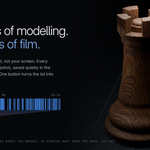
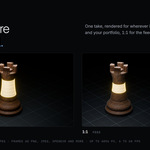
Momentum records your modelling session in the background, then replays it as a stylized timelapse: clean viewport, glowing selection highlights, and a camera that follows the work. Press record, model as usual, press one button for the video.
Momentum. Timelapse Reimagined
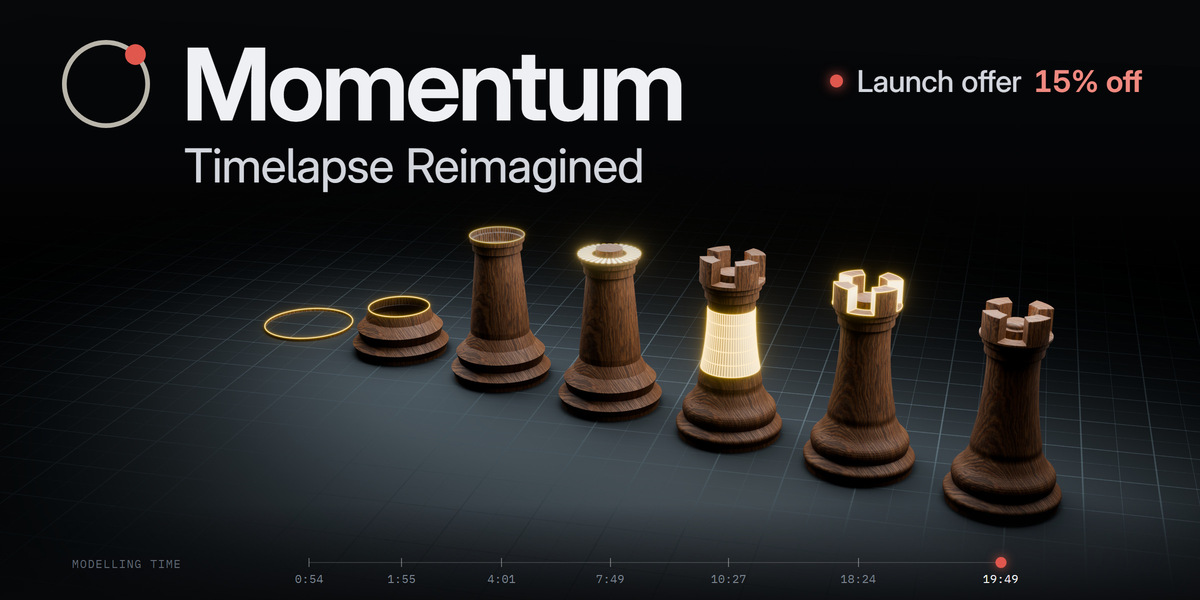
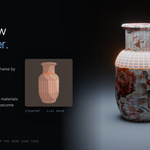
One session, five moments, rendered in Cycles with the vase's own material. The glow marks what was selected.

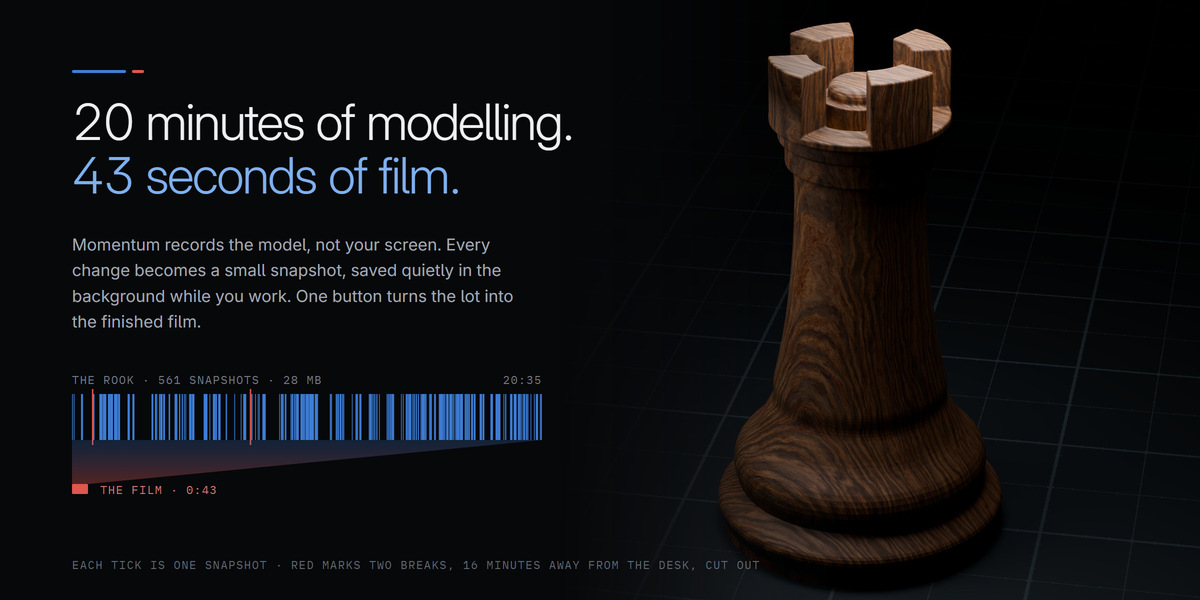
Everyone loves watching a model come together. Almost nobody enjoys making that video: hours of screen capture, menus and a wandering cursor, then an evening in an editor cutting it down to something watchable. Momentum skips all of it. It records the model, not the screen, and builds the timelapse for you.
1
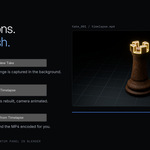
Record
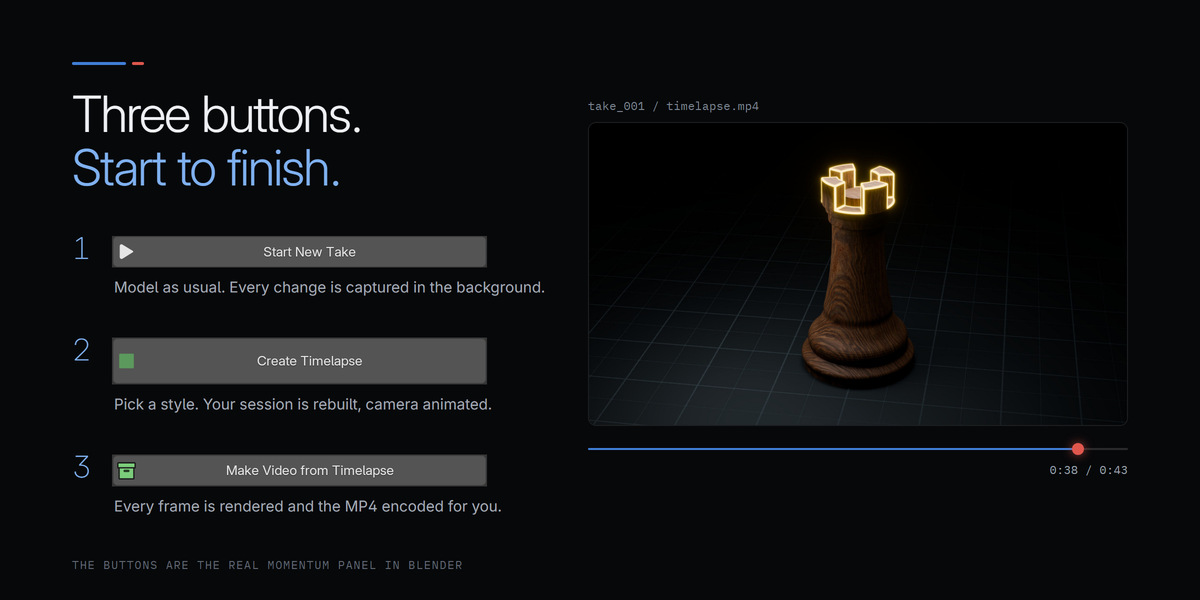
Press Start New Take and model as usual. Momentum snapshots every change quietly in the background.
2
Create Timelapse
Pick a style. Your session is rebuilt shape by shape in its own scene, with a camera already animated.
3
Make Video
One button renders every frame and encodes the MP4, with Blender's own FFmpeg.

A screen recording captures everything except what people came to see. Momentum captures only the model at a mesh level: its geometry, your selection and every move, then replays them as a clean film you can restyle, reframe and re-render as often as you like.
Screen recording
Hours of footage with menus, panels and the cursor in every frame. A fixed viewport angle. Speed it up and the work becomes a blur. Want another look? Model it again.
With Momentum
Only the model, in a style you choose, with a moving camera and the selection lit at every step. Change the look, the pace or the framing afterwards and render again.

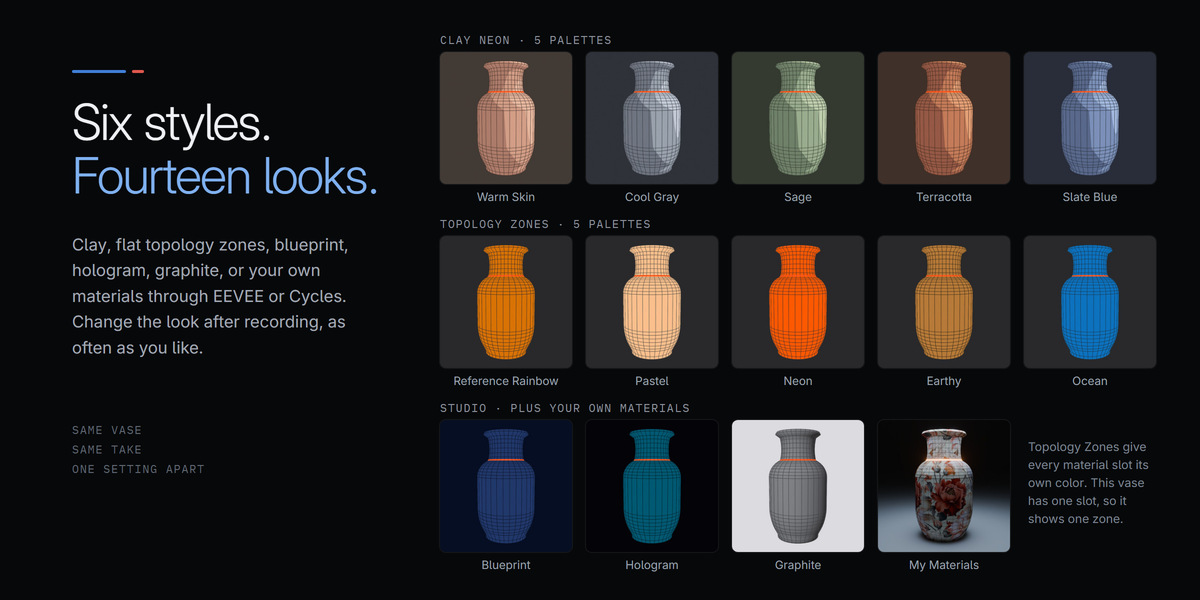
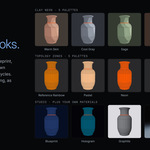
Cel shaded clay, flat topology zones, a blueprint, a hologram, a graphite studio, or your own materials through EEVEE or Cycles. Here is one vase at the same moment of its take, in every style and palette.
Clay Neon 5 palettes
Topology Zones 5 palettes
Studio styles plus your own materials
Topology Zones colors each face by its material slot on your model. The vase has a single material, so it shows one zone; give regions their own materials and each gets its own color.

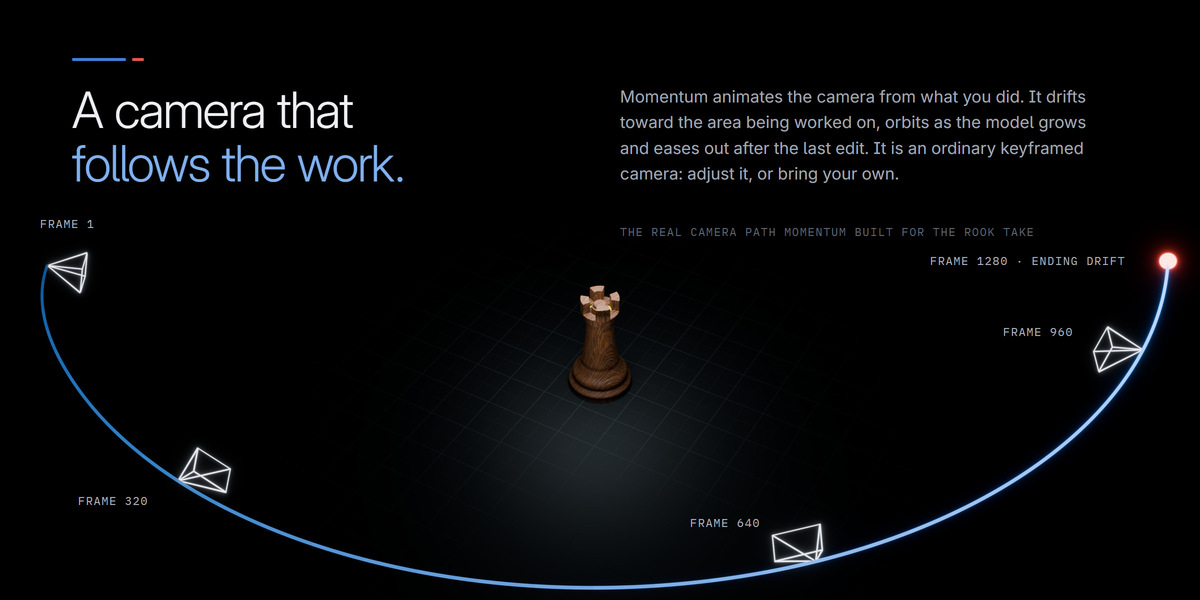
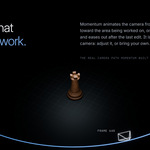
Momentum animates the camera from what you actually did. It drifts toward the area being worked on, orbits as the model grows and eases out after the last edit. It is an ordinary keyframed camera, so you can change anything you like.
Camera Setup and Motion, in the Momentum tab.
Overview or Close-up
Frame the whole model, or follow the work tightly.
Live framing
Focal Length and Distance update a built timelapse as you drag.
Orbit and handheld feel
Choose how far it circles, and how much it breathes.
Square, vertical, wide
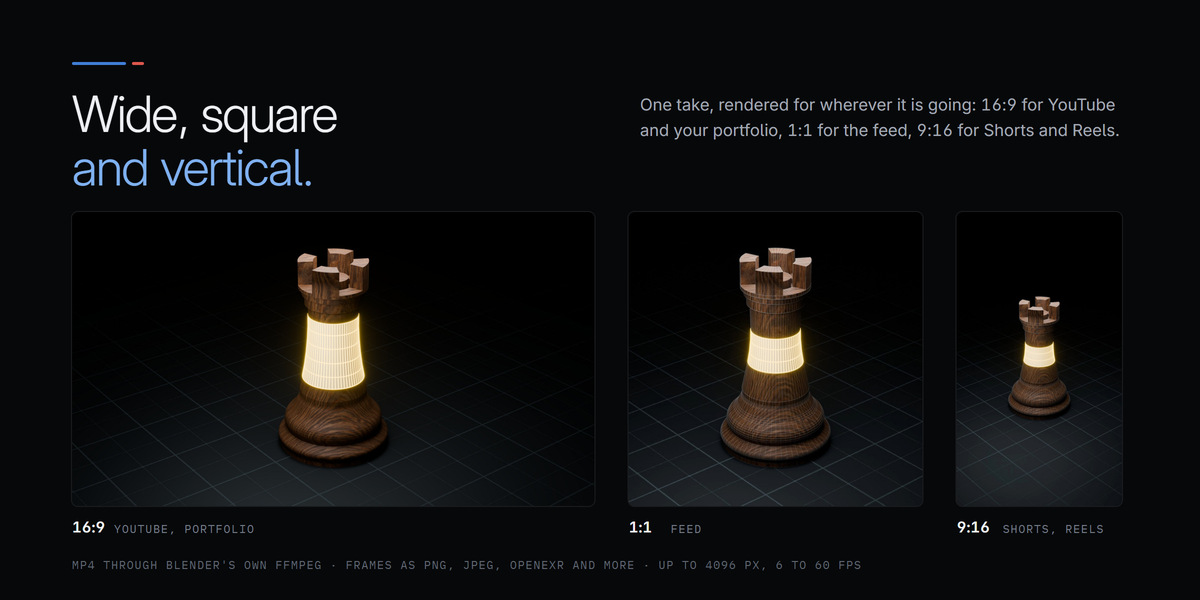
1:1 for feeds, 9:16 for Shorts and Reels, 16:9 for YouTube.

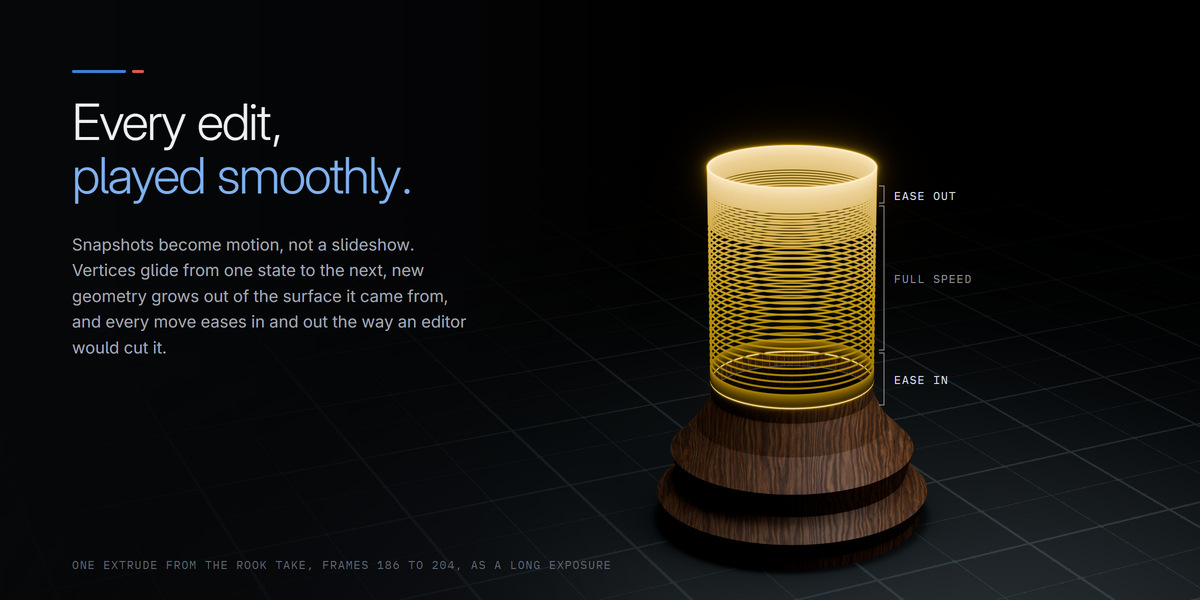
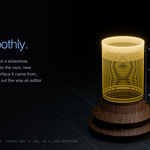
Snapshots become motion, not a slideshow. Vertices glide from one state to the next, objects travel to where you moved them, and the pacing follows the work.
Smooth Morph
every edit glides into place, and new geometry grows out of the surface it came from
Speed Ramp
big changes get time on screen, idle moments rush by, like an editor would cut it
Ending Drift
the camera keeps gliding after the last edit, so the video eases out instead of stopping dead

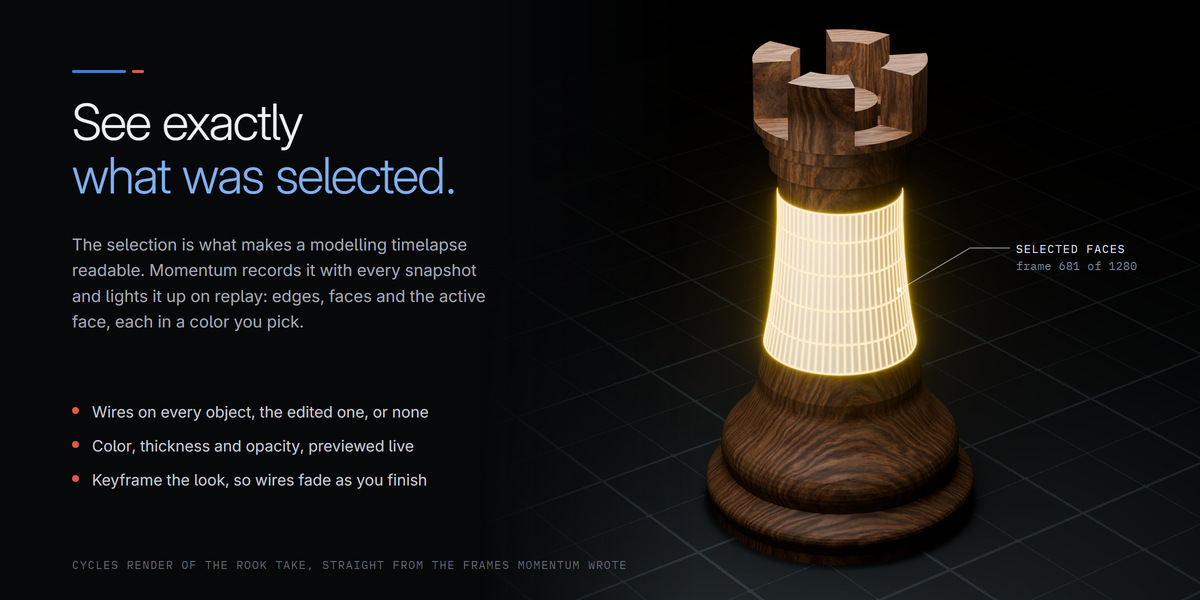
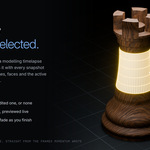
The selection is what makes a modelling timelapse readable: it shows where your attention was. Momentum records it with every snapshot and lights it up on replay, in colors you pick.
Selection that glows
Edges, faces and the active face, each in its own color.
Wires your way
All objects, only the one being edited, or none at all.
Tune it live
See wire color, thickness and opacity in the viewport before you render.
Keyframe the look
Fade the wires out as the model nears completion. Colors animate too.
Highlight Colors, with Preview Render Wires on.

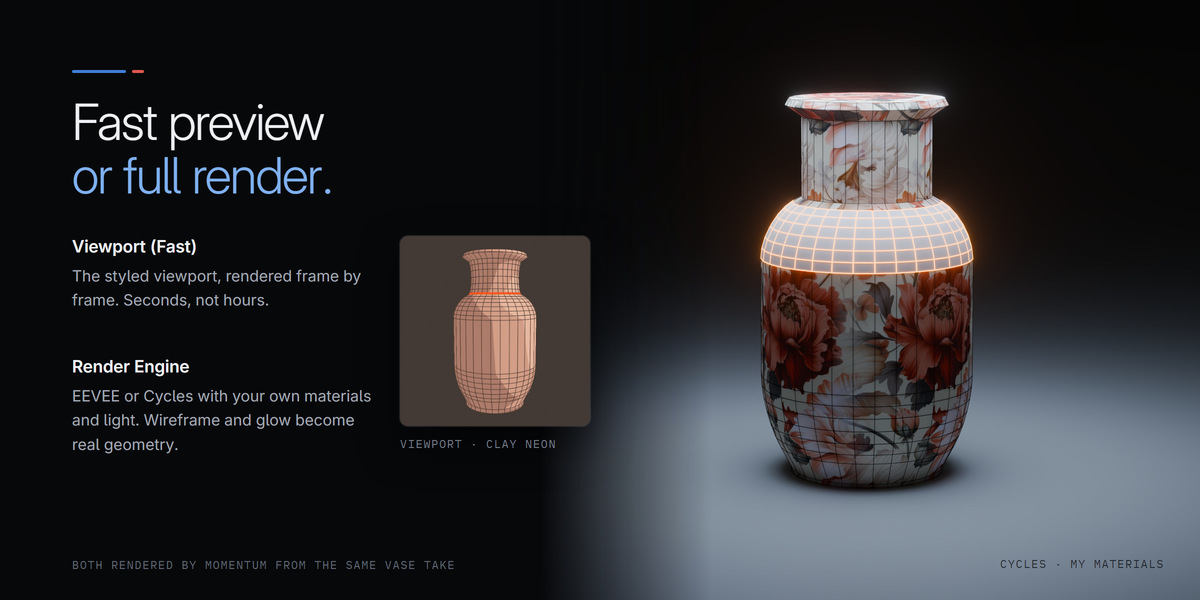
Viewport (Fast) renders the styled viewport frame by frame, in seconds rather than hours. Render Engine goes through EEVEE or Cycles with real lighting, and supplies the wireframe and the glowing selection as geometry, so they hold up in a proper render.
My Materials through Cycles: your own shader, lights and backdrop, with the wireframe and selection rendered as geometry.
One button video. Make Video renders the frames and encodes the MP4. Three quality levels, nothing extra to install.
Redo any part. Renders follow the scene's frame range, so one stretch of a long take can be rendered on its own.
Your formats. Frames are written in whatever Output Properties says: PNG, JPEG, OpenEXR and the rest.
Blender's own buttons work. Render Animation runs on a replay scene too, safely, for frames written wherever you like.

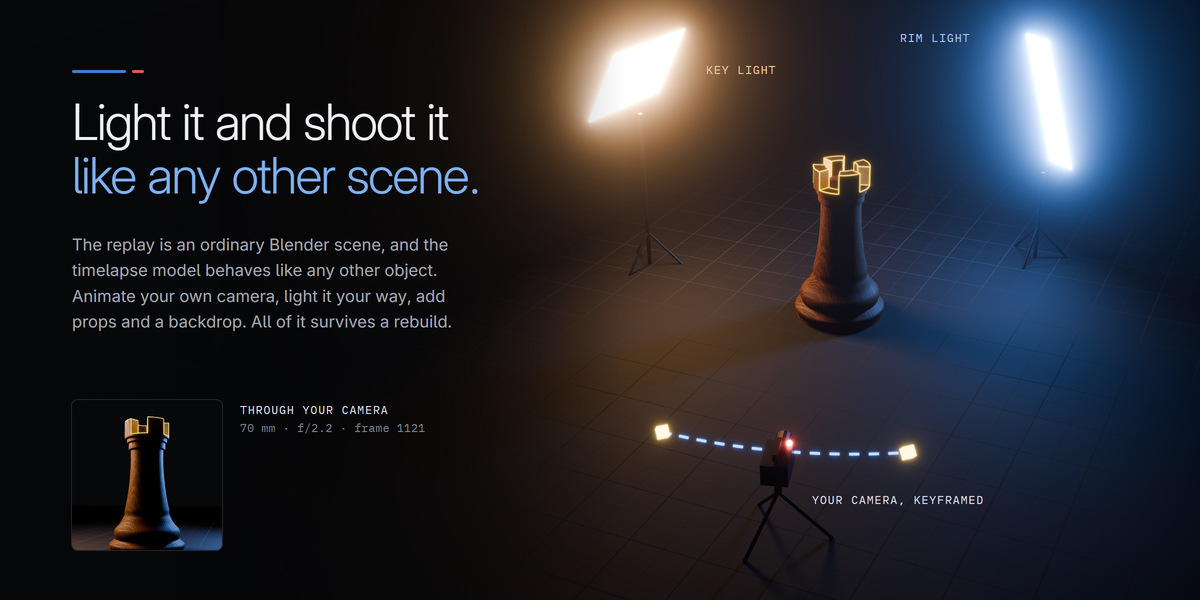
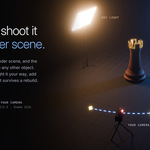
Momentum builds everything in its own scene and never touches your model. Dress that scene however you like: it all survives a rebuild.
Lights, props, backdrops. Add your own; Momentum only manages the objects it made.
Clear the shot. Delete an object that blocks your camera and it stays out of the render. One button brings it back.
Your modifiers. A Bevel or Smooth by Angle shapes the model and leaves the wireframe crisp.
Several looks side by side. Build a second style into its own scene. Each renders into its own folder.
Pick up where you left off. Add to a take days later and the whole model replays as one continuous film.
A clean viewport. Grid and gizmos hide in the replay scene, and your own setup comes back the moment you leave.

| Requirements |
Blender 4.2 or newer (developed and tested on 5.2). No other software needed. |
| Styles |
Clay Neon (5 palettes), Topology Zones (5 palettes), Blueprint, Hologram, Graphite, My Materials |
| Rendering |
Viewport (Fast), or through EEVEE or Cycles |
| Video |
MP4 (H.264) through Blender's own FFmpeg as default. You can choose your own settings. |
| Frames |
Any image format Blender writes, including PNG and OpenEXR |
| Your model |
Never modified; the replay is built in a separate scene |
| Documentation |
an illustrated PDF user guide is included |

How does it do it? Momentum captures mesh states data in very small files, which it can manipulate according to the settings you set.
Will it slow down my modelling? It shouldn't. Snapshots are taken during edits, no more often than the Capture Interval you set.
Does it change my model or my scene? No. It only reads your model. The timelapse lives in its own scene, and Clear Setup removes it again.
Does it work with several objects? Yes. Every object you edit gets its own actor in the replay, and each appears at the moment you started working on it.
Can I change the style after recording? As often as you like. The data is kept; pick another style and press Create Timelapse again.
Can I use my own camera? Yes. The built camera is ordinary keyframes you can edit, or add your own camera and make it the scene camera.
Blender is a trademark of the Blender Foundation. Momentum is an independent product and is not affiliated with the Blender Foundation.
 Limitless Creative