Momentum
 Limitless Creative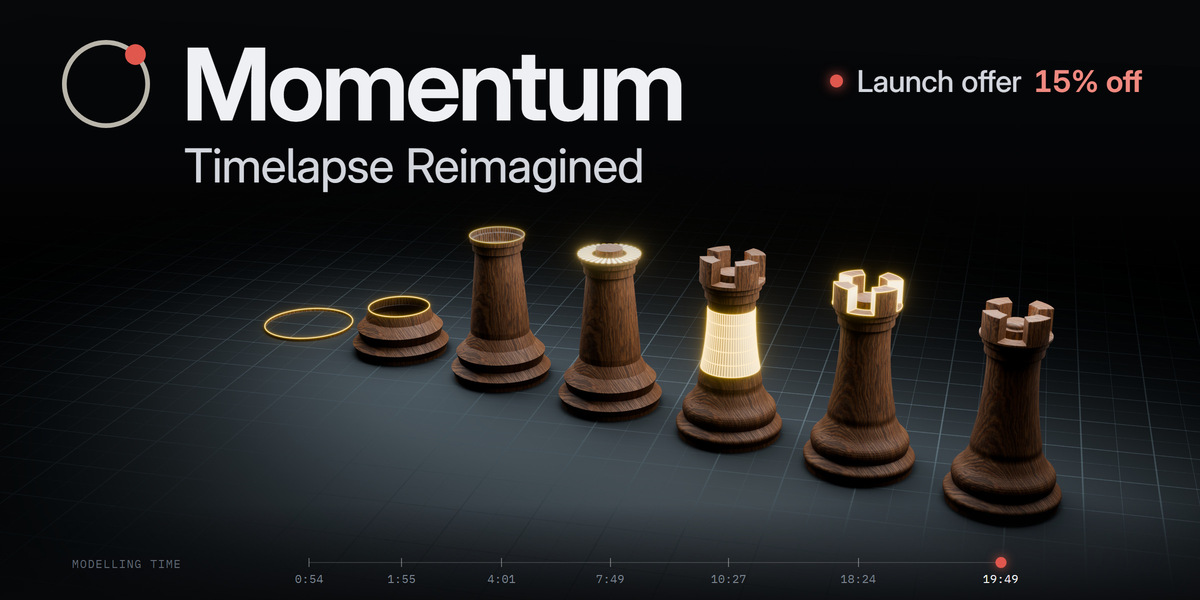

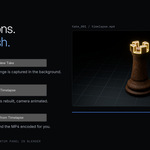

My own scene's viewport looks different.
Switch back to it: Momentum restores your overlays and shading automatically. Restore Overlays does it by hand.
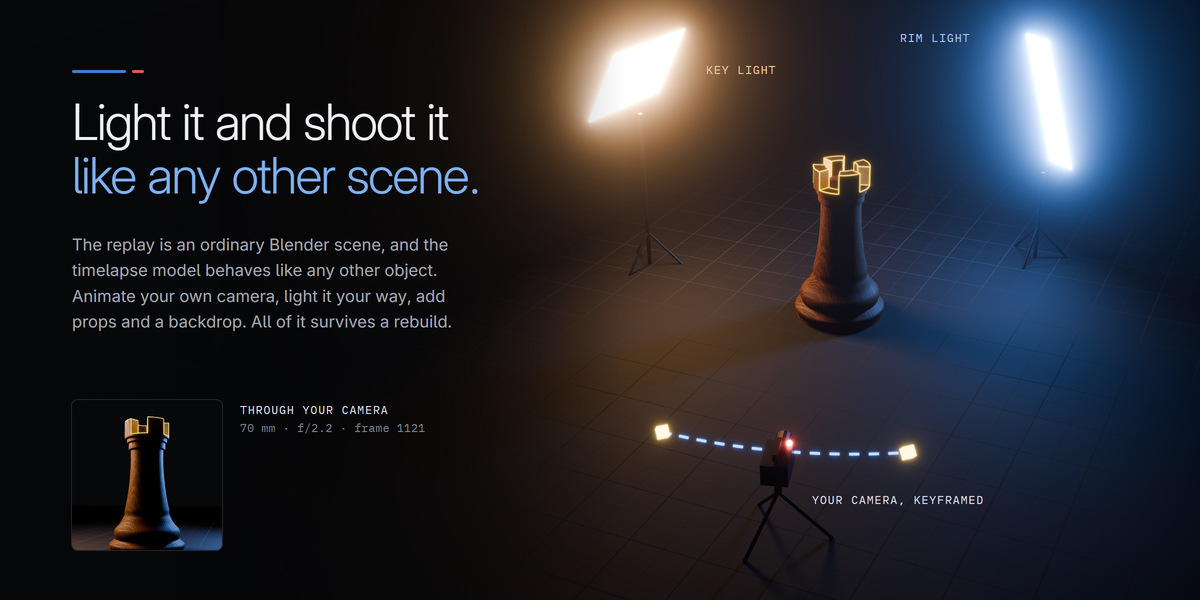
An object blocks the camera.
Delete its actor from the replay scene, or move the camera. Restore Hidden Objects brings deleted actors back.
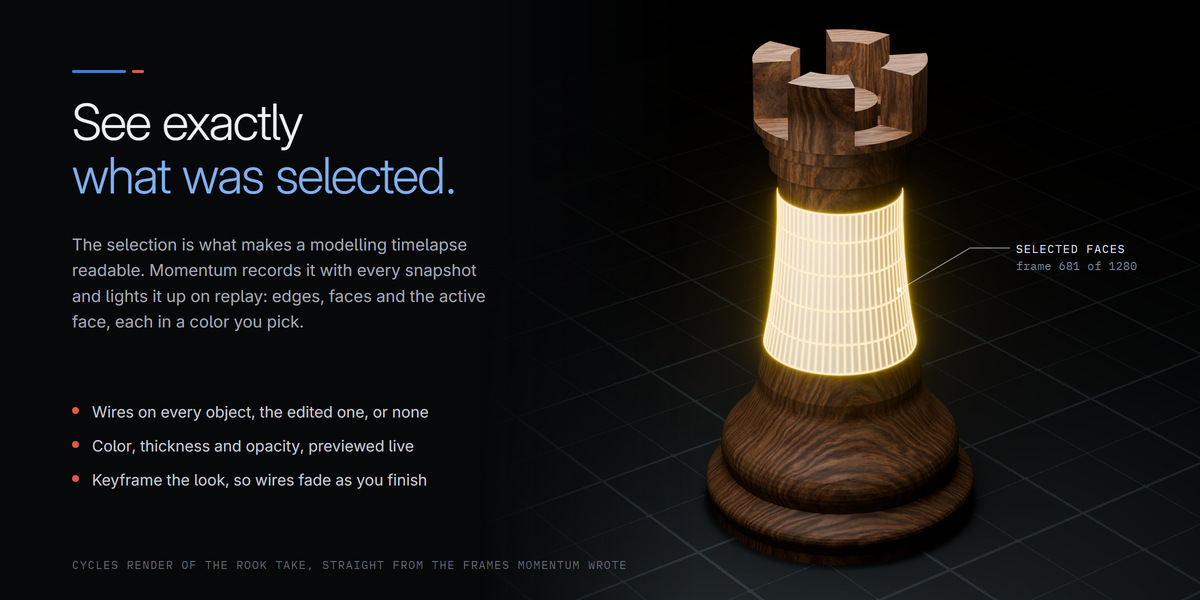
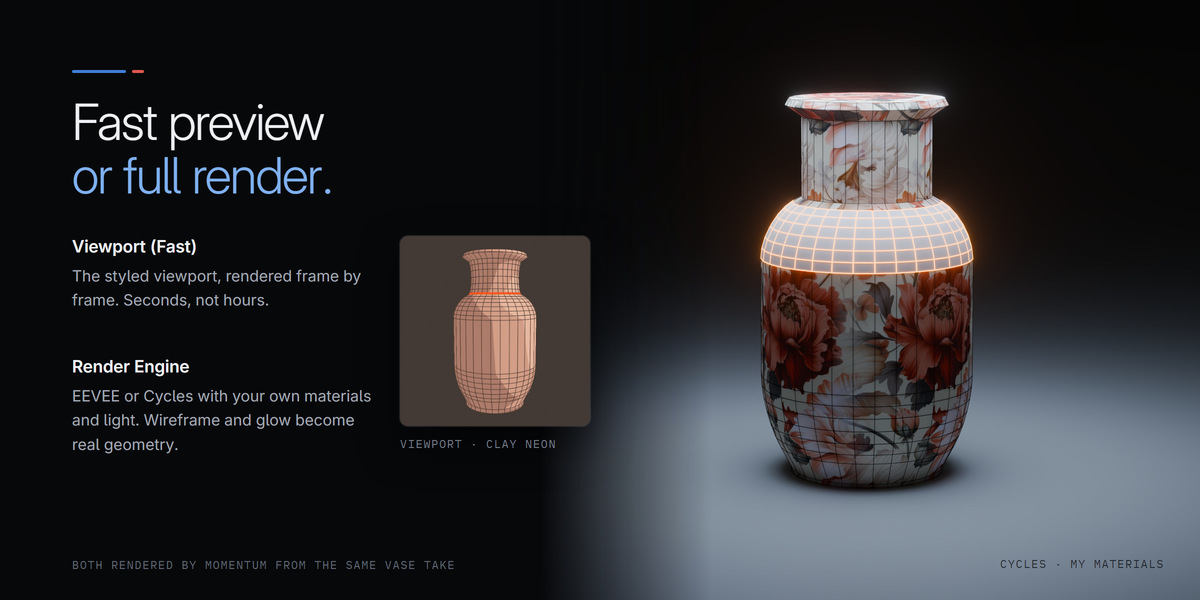
The wires look too heavy or too faint in an engine render.
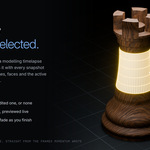
Turn on Preview Render Wires and adjust Wire Thickness and Wire Opacity while watching a Rendered viewport.
F12 shows no wireframe.
The scene renders with Viewport (Fast). See Rendering with Blender's own buttons.
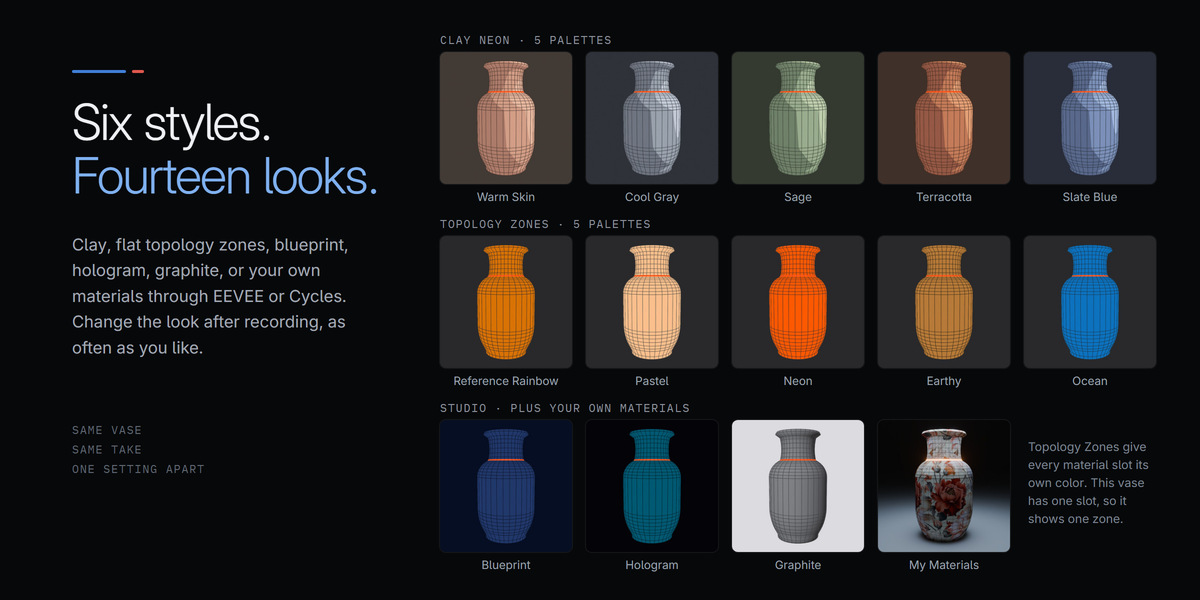
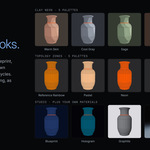
Topology Zones shows a single color.
The model has one material. Assign materials to the regions you want colored differently, then record again.
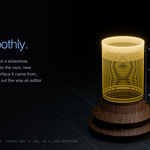
Smooth gradients show bands in the video.
Set Video Quality to High and press Make Video again.
I changed the style and nothing happened.
Style and palettes apply at build time. Press Create Timelapse again.
The Final Output buttons are greyed out.
The selected take has no recording yet. Record one, or pick another take in the Capture section.
$35$29.75
Have questions about this product?
Login to message
| Blender Extension Compatible | Yes |
| Published | 3 days ago |
| Blender Version | 4.2 - 5.2 |
| Extension Type | Add-on |
| Render Engine Used | Blender-Internal, Cycles, Eevee |
| License | GPL |
Discover more products like this
showcase breakdown clay-render modeling process timelapse viewport render topology speed modeling wireframe render camera animation modeling time-lapse