 Skava
Skava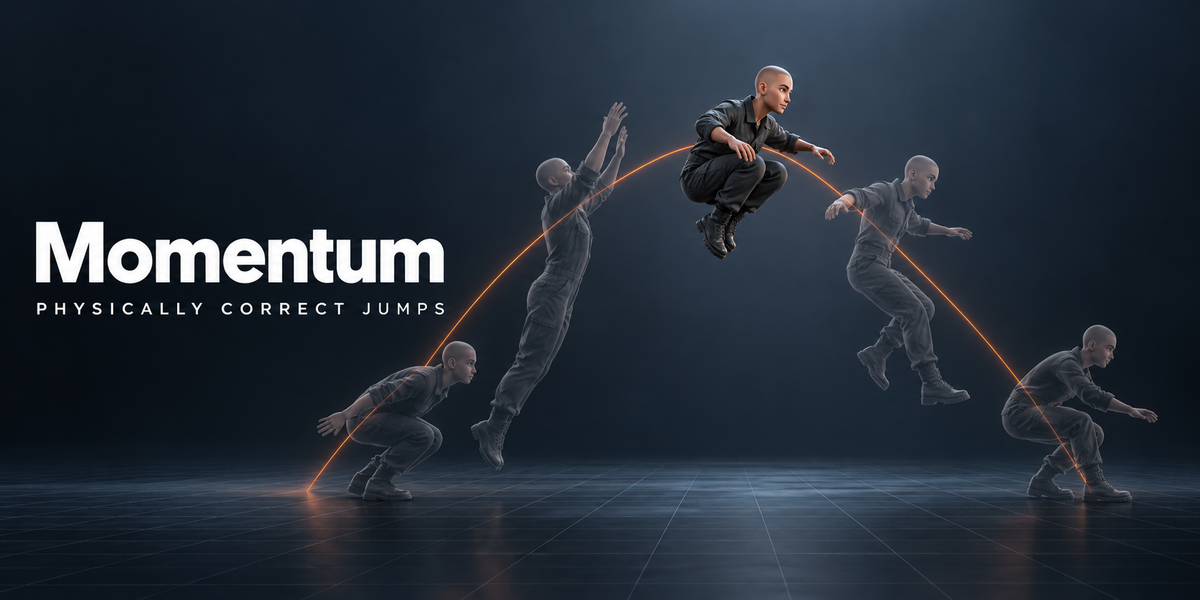
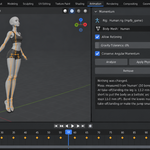
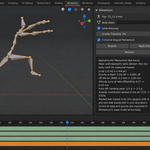
Physically correct jumps — measured before and after.
You key a jump and it looks floaty: the character hangs at the top, then drops; the take-off has no push; the spin in the air goes at the same speed whether the body is tucked or stretched. Gravity is the one thing every viewer feels and nobody can see in the graph editor. Fixing it by hand means guessing a parabola for a point you cannot see — the centre of mass.
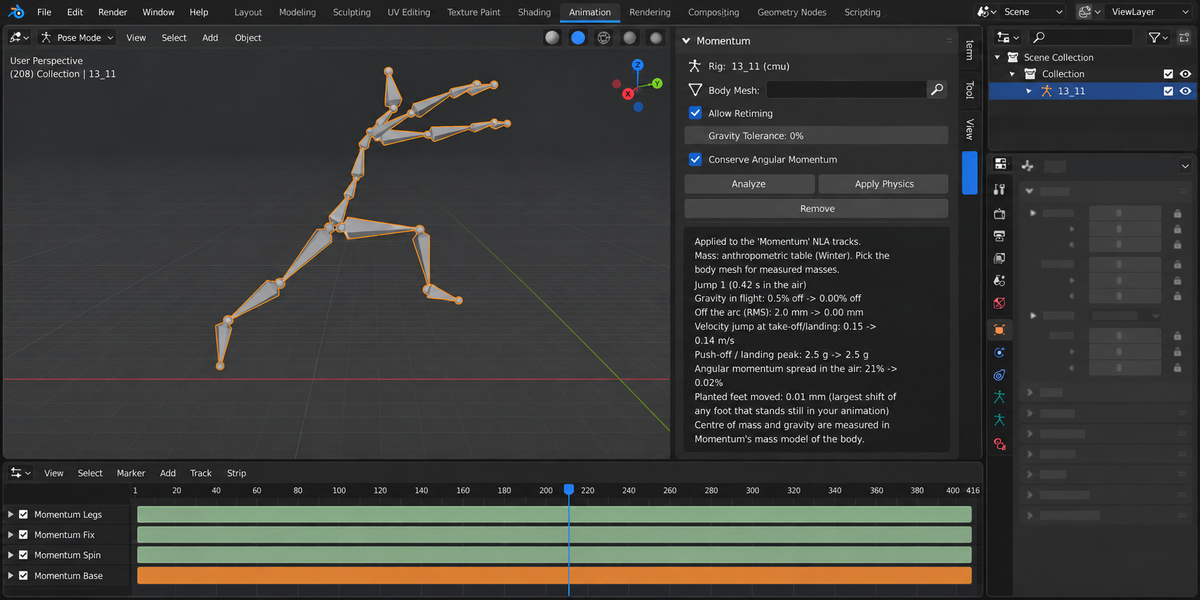
Momentum finds the jumps in your animation, puts the centre of mass on a ballistic arc, blends the push-off and landing so the body does not jerk, keeps planted feet where you put them and conserves spin in the air. Every change is shown as a number before and after. When a jump cannot be made physical, it changes nothing and tells you why.
What it corrects
- Flight. The centre of mass follows a parabola with gravity of 9.81 m/s², in your scene's units and frame rate. Your poses stay; only the root moves.
- Push-off and landing. The difference is blended into the frames before take-off and after landing, so the velocity of the body never jumps more than it did in your animation, and the ground is never asked to pull the body down harder than 1.1 g unless your own animation already did.
- Planted feet. Feet on the ground stay where you put them — on Rigify through its IK foot controls, on FK skeletons through two-bone IK of thigh and shin.
- Spin. In the air the angular momentum is conserved: tuck in and the body turns faster, open up and it slows down. The take-off and landing orientation stay exactly as you animated them.
- Too floaty for its height? First Momentum keeps your timing and moves the body onto the arc. If that does not pass its checks and Allow Retiming is on, it tries changing the time in the air (keeping the height) before it refuses.
Measured, not promised
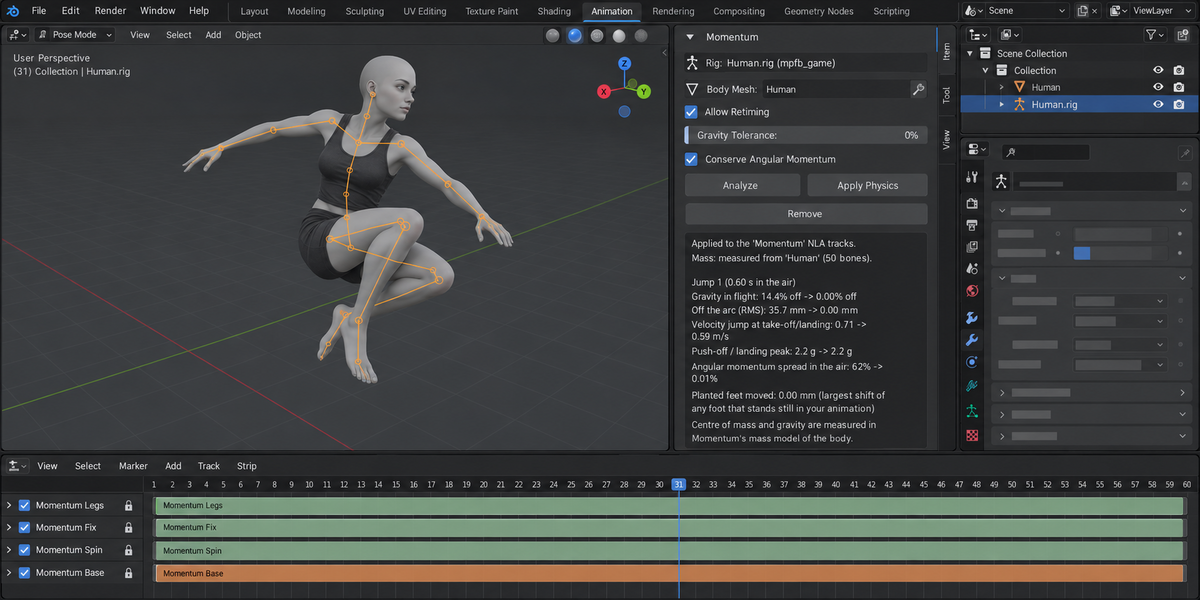
All numbers below are measured on Momentum's own model of the body (segment table or measured mesh) — the same model the panel reports in.
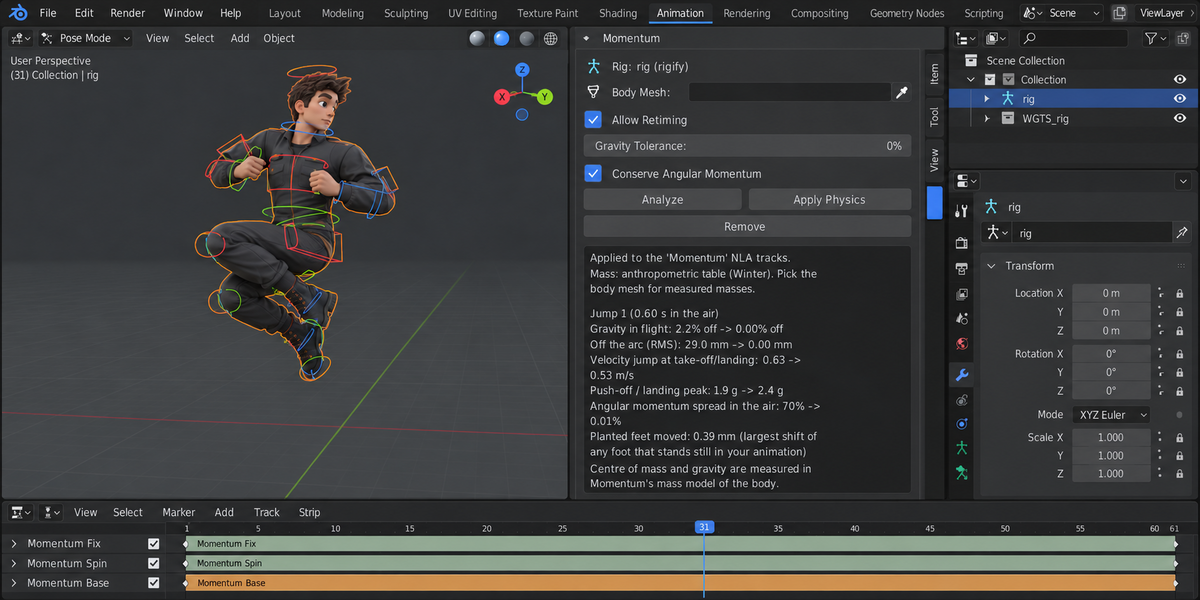
- Our test set: 43 jumps, two Blender versions. 10 hand-keyed jumps (small and high hops, a long jump, a sideways jump, double hops, one-legged hops, a 180° turn, a jump onto a box, a 300-frame clip) on four rig setups — generated Rigify, a Mixamo-style FBX with a mesh, the same at object scale 0.01, and a BVH skeleton — plus three CMU motion-capture clips (a forward jump, jumping jacks, a run). On Blender 4.2.9 and 5.2.2 alike, 42 were corrected; on the run, the correction did not pass the checks (worst frame 1.7–1.8% off gravity), so Momentum changed nothing and said so.
- Gravity in flight: before the correction the worst frame of each flight was 62–510% off; after it, at most 0.07% (median 0.004%).
- Planted feet moved at most 0.39 mm. The velocity jump at take-off and landing was never larger than in the original animation. Spin in the air: the angular momentum varied by 11–113% before and by at most 0.4% after.
- Every check can fail. Each jump was also run with a deliberately broken solver — wrong gravity, feet not held, take-off velocity doubled, upper body bent, spin not corrected: 215 of 215 such runs were caught on each Blender version.
- Real bodies. On nine body types made with MPFB (average, thin, heavy, tall, short, child, orc, elf, dwarf), each on a game rig and on Rigify, the classic mass table put the centre of mass 12–66 mm away from the body's own. With the mass measured from the skinned mesh, every jump Momentum corrected (63 of 72 clips on Blender 5.2.2) came out within 1% of gravity when checked on the centre of mass of the mesh volume itself. The other 9 were refused with a number and left unchanged — mostly very long legs taking off almost straight, and a dwarf on Rigify where the correction would have stretched a leg bone by 14%.
An honest "no"
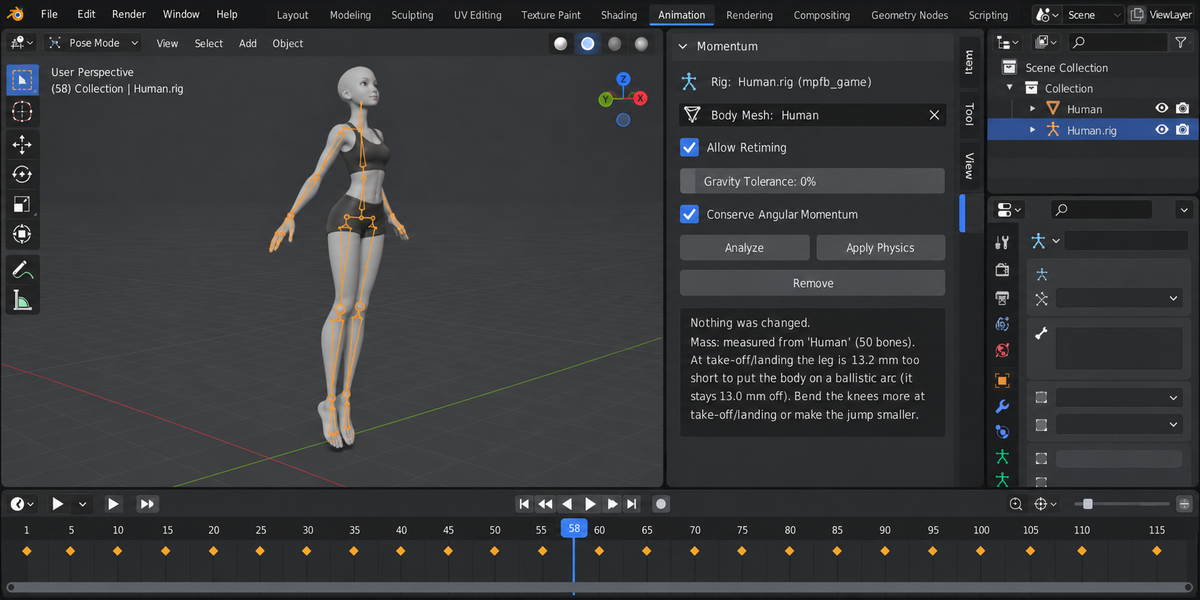
Some jumps cannot be made physical without changing your animation: a long-legged character taking off with almost straight legs has no room left to push. Momentum then changes nothing and says, for example: "At take-off/landing the leg is 13 mm too short to put the body on a ballistic arc. Bend the knees more at take-off/landing or make the jump smaller." If a jump would need a push-off beyond 3 g (or beyond what your own animation already has), it says that too, in g. The decision stays yours.
Your work is left alone
The correction lives in separate NLA tracks that Momentum creates and keeps a list of; your own keys, actions and NLA tracks are never changed or deleted, whatever they are called. Remove deletes Momentum's tracks and gives back your active action, the frame range and the pose values as they were right before Apply (it is not Undo: changes you made after Apply stay). Nothing is simulated, no force is applied to joints.
What it does not do
It refuses rather than bend the rules: when the correction would stretch a bone beyond what your animation does (Rigify IK stretch), or when noisy motion capture leaves a frame more than 1% off gravity (one of our three capture clips, a run: 1.7%), nothing is changed and the panel gives the number. It corrects jumps and flight phases; balance while standing and walking foot-sliding are not part of this version. Human bipeds only. Auto-Rig Pro has not been tested. Motion capture is corrected to exact gravity by default; for noisy capture a gravity tolerance can be set.
Blender 4.2 and newer; checked on 4.2.9 and 5.2.2, on macOS. No AI model, no network, no Python packages. GPL. Sidebar tab: Momentum.
The motion-capture test clips come from the CMU Graphics Lab Motion Capture Database (mocap.cs.cmu.edu); the test bodies were made with MPFB (MakeHuman, CC0 assets). Neither is part of the package. The way spin is conserved in the air follows the open-source add-on Balance Point by Ray Allen Datuin (rdat5), GPL-3.0-or-later.