Black Venom Horse Rigged Stylized Creature
 Salman Animator
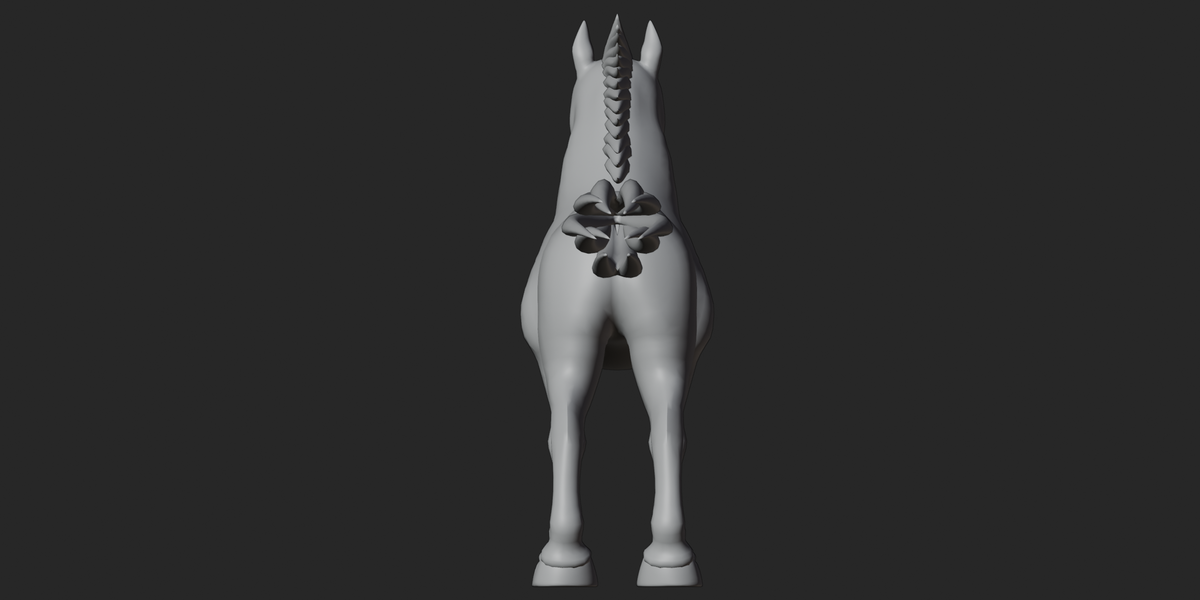
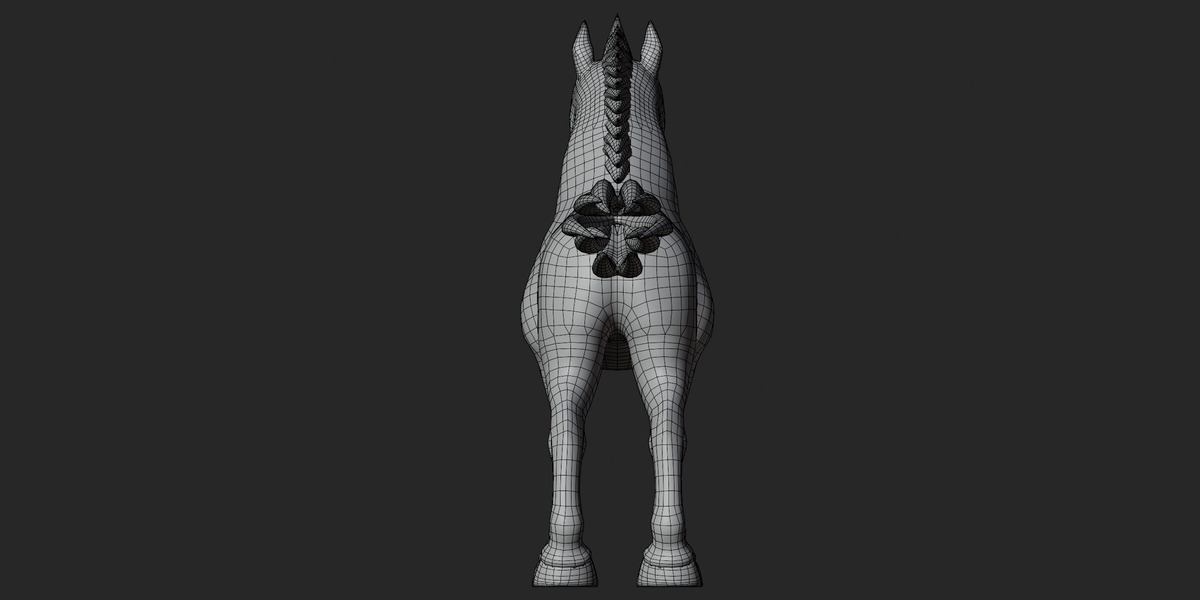
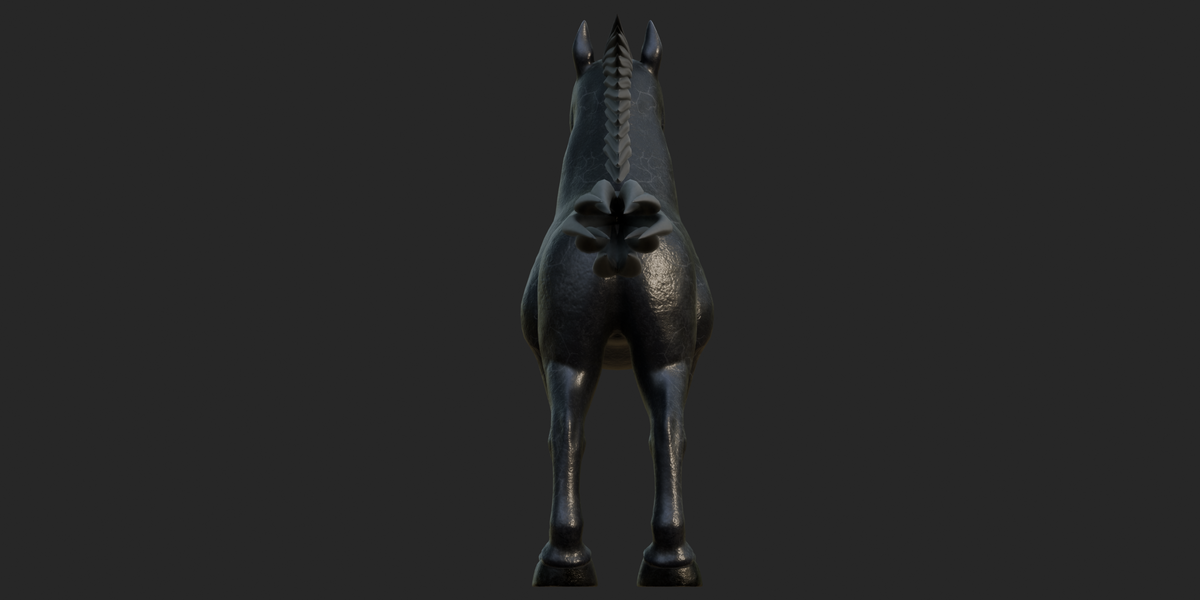
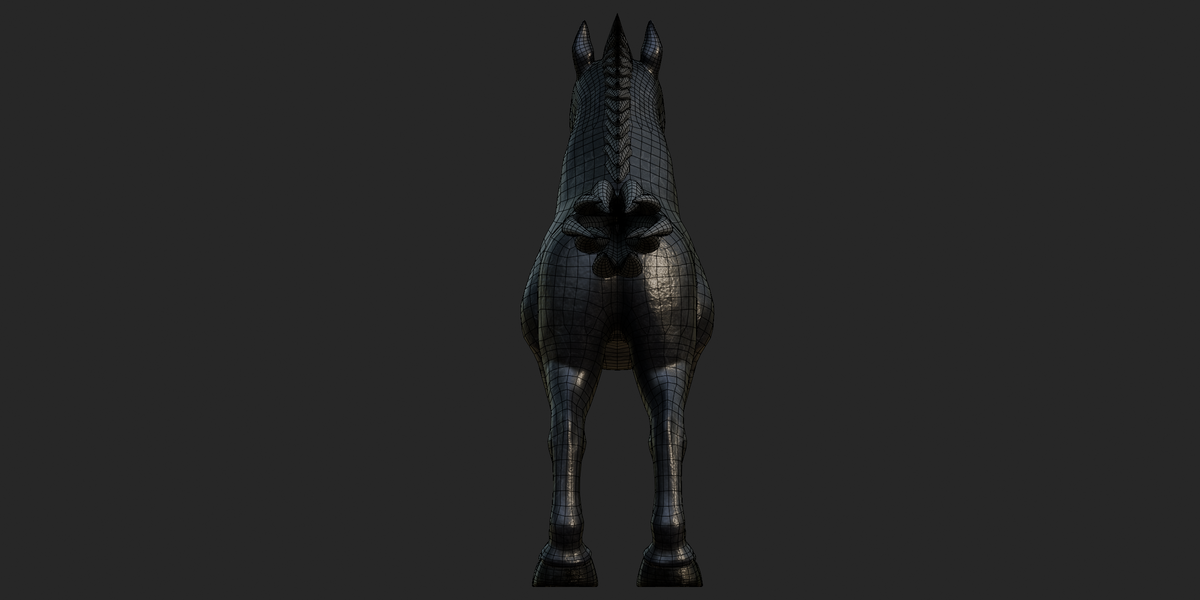
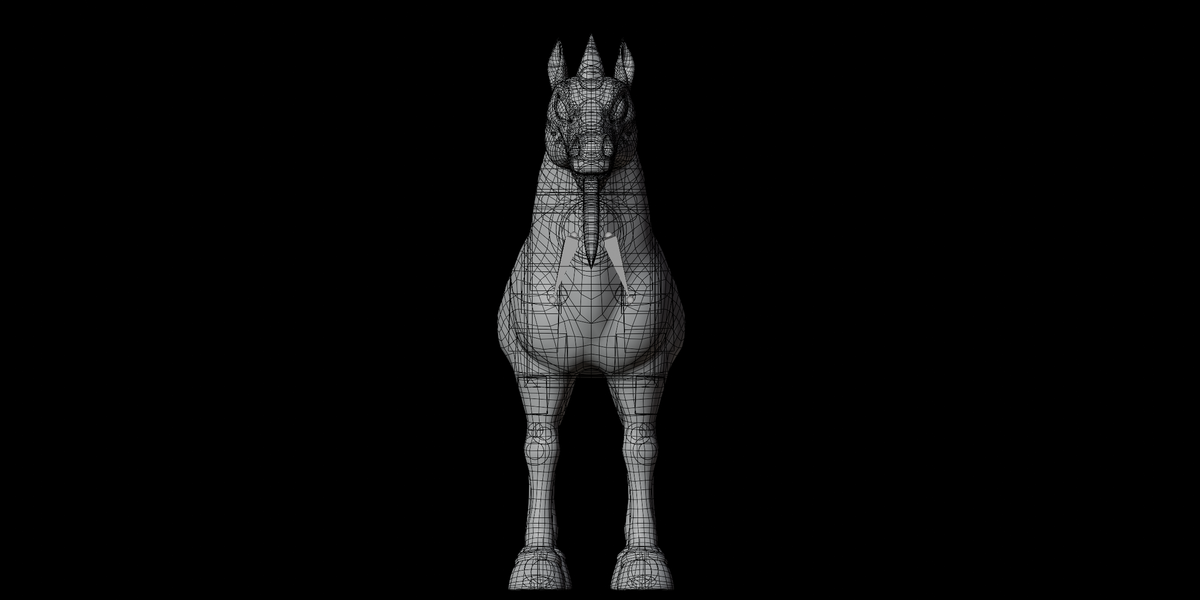
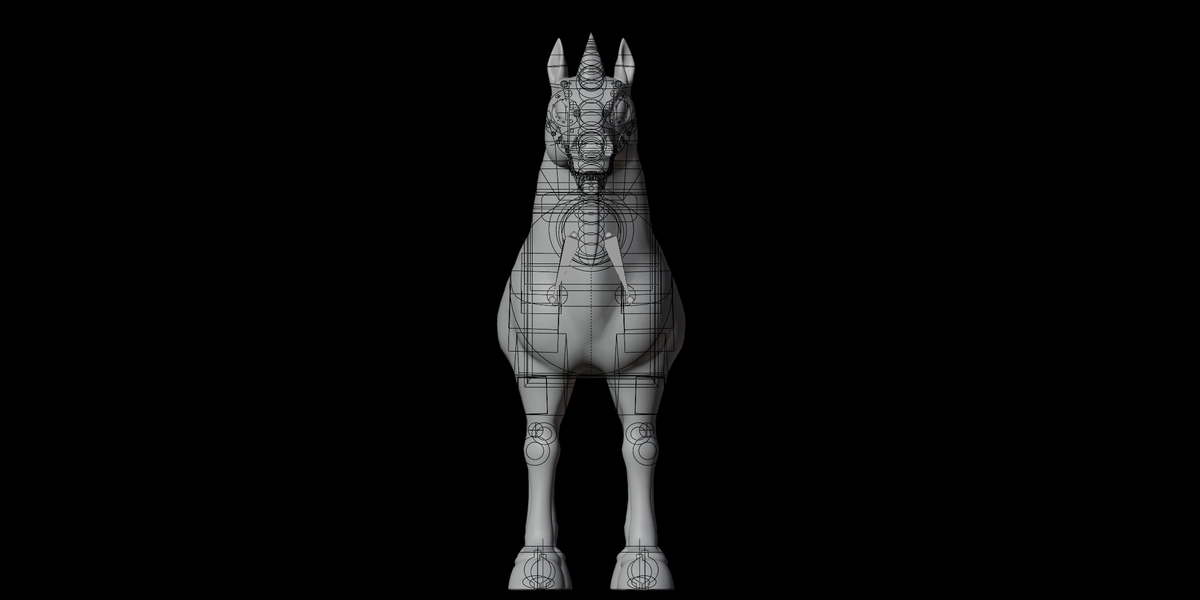
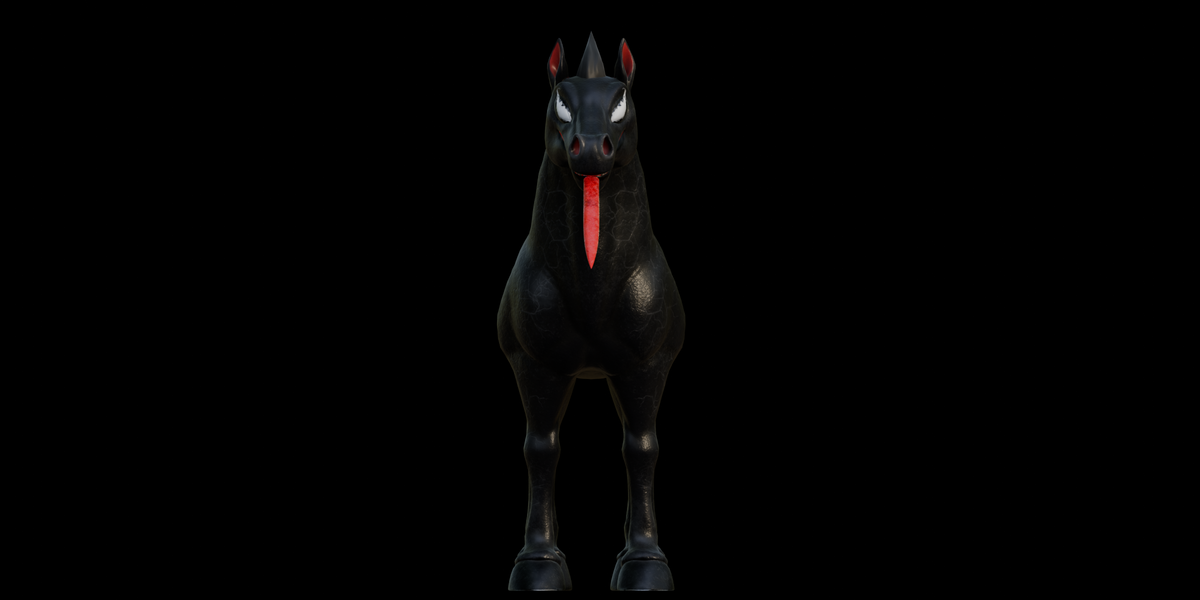
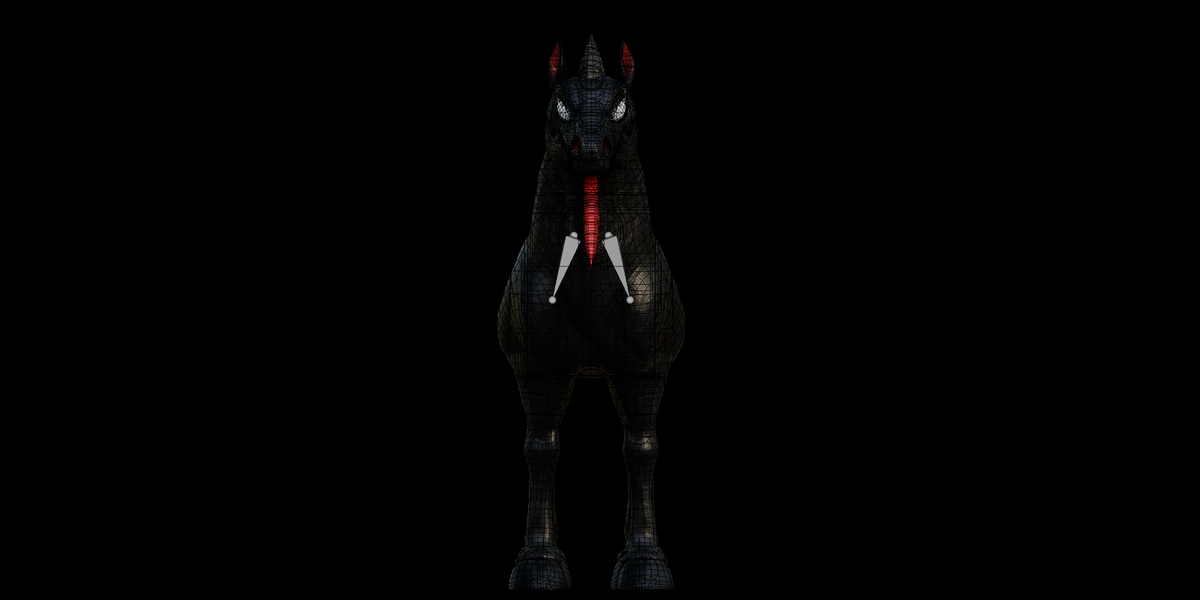
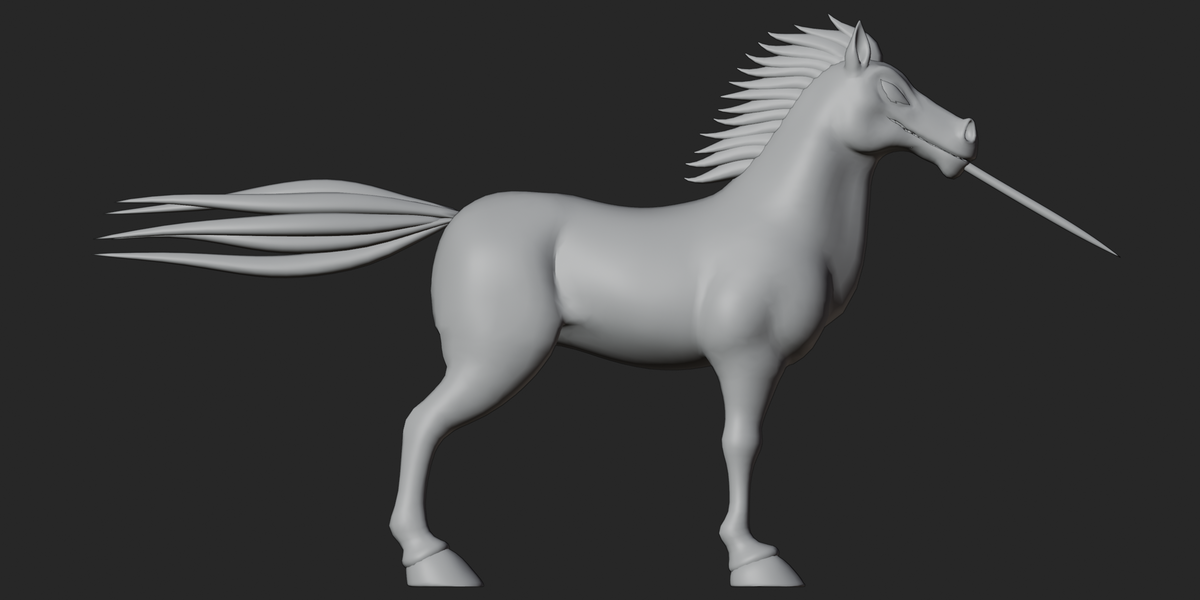
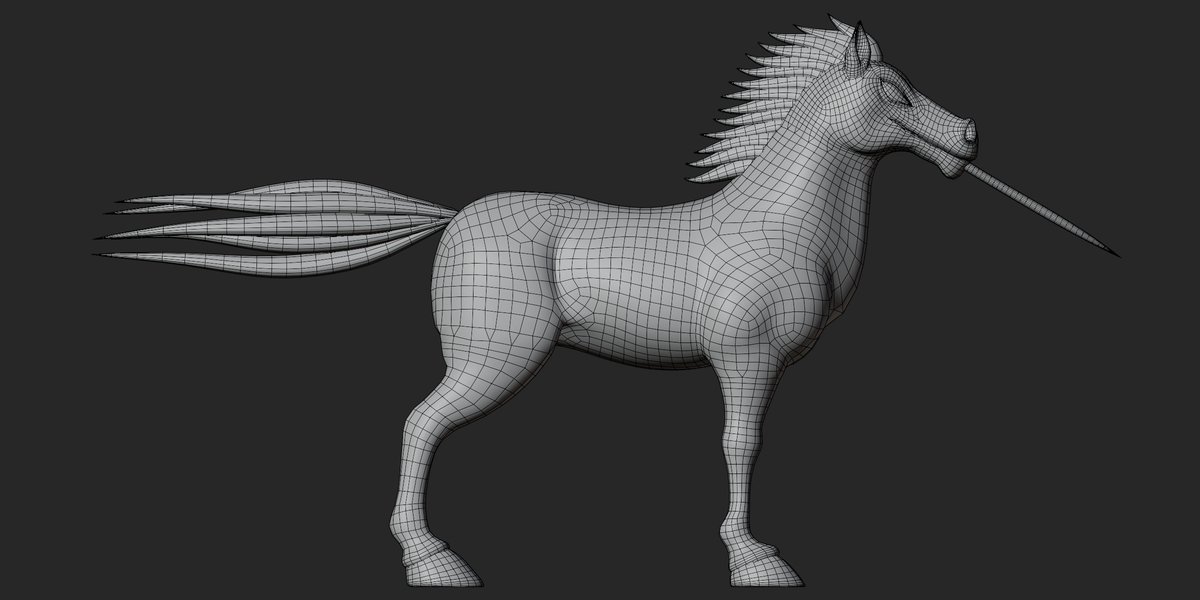
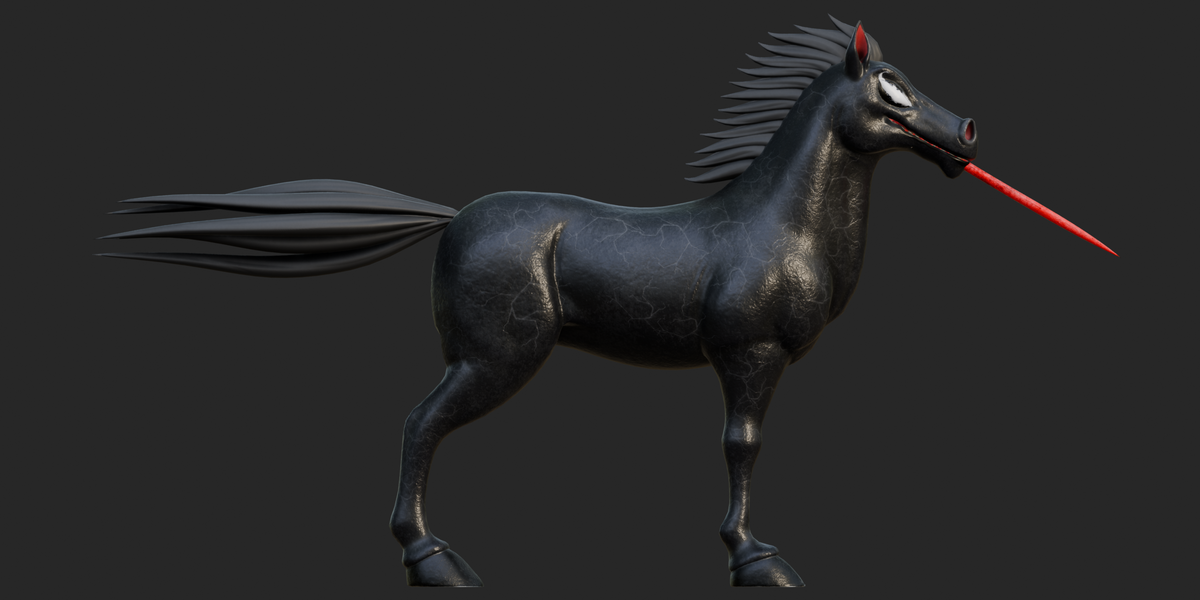
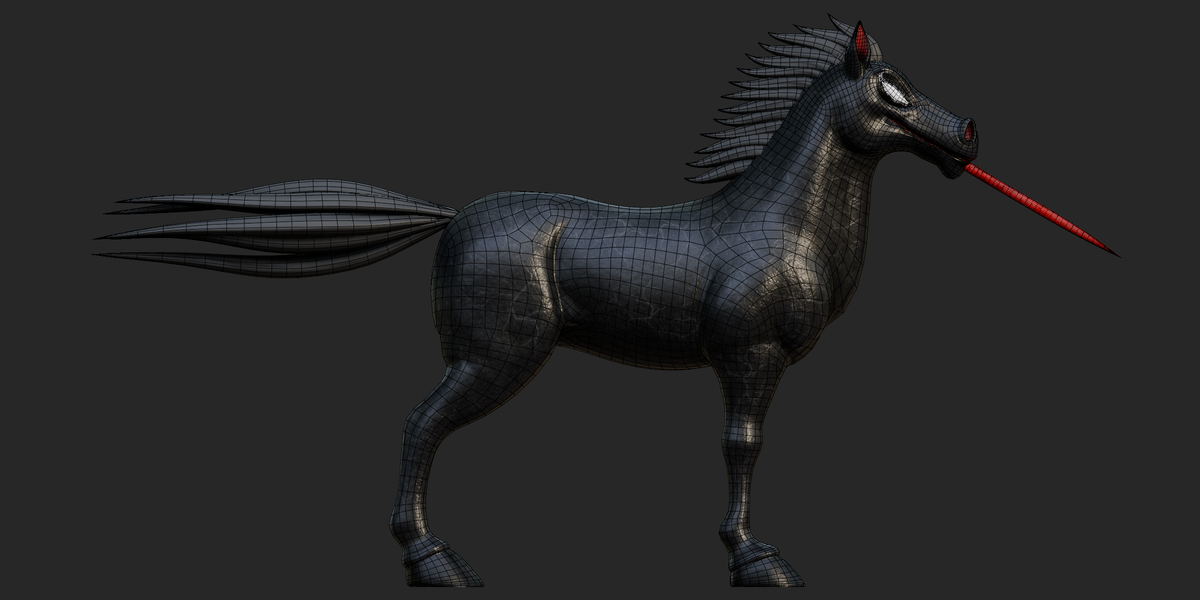

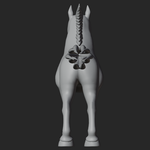
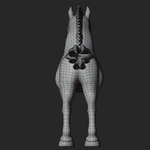
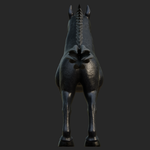
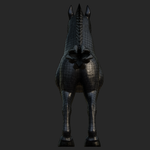
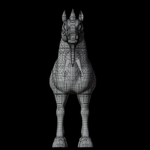
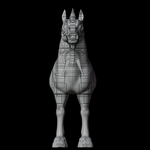
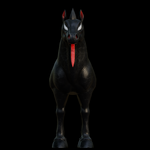
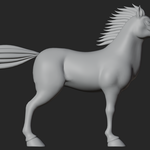
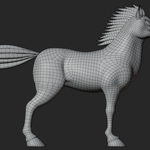
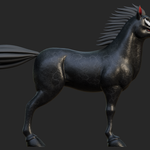
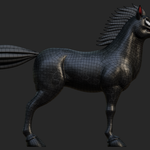
Black Venom Horse 3D Model — Rigged Documentation
A stylized Black Venom Horse character featuring cracked dark skin, glowing red eyes and tongue, a spiked mane and tail, and a detailed quadruped-style control rig. The package includes a native Blender source file, FBX, GLB, and OBJ/MTL exports, 4 shape keys, 3 animation actions, and 10 high-resolution 2048×2048 textures.
Key Features
Original stylized Black Venom Horse creature design
Cracked black skin, glowing red eyes and tongue, spiked mane and tail
Native
.blendsource plus FBX, GLB, and OBJ/MTL exportsAuto-Rig Pro-style control rig included in Blender, FBX, and GLB
785 joints in the exported GLB skin
IK/FK leg controls and a 7-segment tail control system
Detailed facial and lip controls
3 animation actions:
idle,pose, andrig_blink_botrig_blink_botcontains the only actual time-based motion4 shape keys: 3 on the body and 1 on the lower teeth
7 character materials
10 PNG textures at 2048×2048
16,414 vertices and 16,298 faces
Predominantly quad-based topology
26 high-resolution reference renders
OBJ included for static geometry workflows
Documentation
Included Files
| File | Format | Purpose |
|---|---|---|
monster-horse-3d-model.blend |
Blender | Native editable source scene |
venom horse.fbx |
FBX 7400 | Rigged/skinned character with materials and animation tracks |
venom horse.glb |
glTF 2.0 | Rigged character with embedded textures, animations, and morph targets |
venom horse.obj |
OBJ | Static geometry with UVs and normals |
venom horse.mtl |
MTL | OBJ material definitions and texture references |
textures.zip |
ZIP | 10 PNG texture maps |
No separate README or written documentation file was included with the package.
File Formats
Blender .blend
The native Blender source is included as:
tiger/monster-horse-3d-model.blend
The file header reports BLENDER-v402, corresponding to the Blender 4.2 file-format marker.
The source contains the character mesh, rig, materials, shape keys, and animation actions.
FBX .fbx
The FBX is a binary 7400 file.
It contains:
Character mesh
Materials
Skinned armature
Rig data
Three animation stacks
The FBX does not embed the supplied PNG textures, so the texture archive may be required for material relinking.
GLB .glb
The GLB is a glTF 2.0 binary file.
It contains:
Character geometry
PBR-style material data
10 embedded PNG textures
785-joint skin
3 animation clips
4 morph targets across 2 meshes
GLB is the most self-contained exported format in this package.
OBJ + MTL
The OBJ contains static geometry, UVs, normals, and material assignments.
It does not contain:
Rig
Skin weights
Shape keys
Animation
The companion venom horse.mtl should remain with the OBJ.
Materials
Seven character-facing materials were identified:
| Material | Main Use | Texture Setup |
|---|---|---|
body |
Main body | Base Color + OpenGL Normal |
Material.001 |
Secondary body faces | Flat color |
EYE |
Eye | Base Color |
hair |
Mane and tail | Base Color + OpenGL Normal |
teeth |
Teeth | Base Color |
teeth_bottom |
Upper/lower teeth faces | Base Color + Normal |
tong |
Tongue | Base Color + Normal |
The GLB also contains six additional materials used only by the rig-control widget meshes. These are viewport control materials and are not part of the character's normal surface materials.
The original Blender shader-node graph was not directly inspected, so the exported material information should not be treated as a complete reconstruction of the native Blender node setup.
Textures
The package contains 10 PNG textures, all verified at 2048×2048.
| Texture | Type | Resolution | Used For |
|---|---|---|---|
body_Base_Color.png |
Base Color | 2048×2048 | Body |
body_Normal_OpenGL.png |
Normal | 2048×2048 | Body |
EYE_Base_Color.png |
Base Color | 2048×2048 | Eyes |
hair_Base_Color.png |
Base Color | 2048×2048 | Mane/tail |
hair_Normal_OpenGL.png |
Normal | 2048×2048 | Mane/tail |
teeth_Base_Color.png |
Base Color | 2048×2048 | Teeth |
teeth bottom_Base_Color.png |
Base Color | 2048×2048 | Teeth |
teeth bottom_Normal_OpenGL.png |
Normal | 2048×2048 | Teeth |
tong_Base_Color.png |
Base Color | 2048×2048 | Tongue |
tong_Normal_OpenGL.png |
Normal | 2048×2048 | Tongue |
No dedicated Roughness, Metallic, AO, Height, Displacement, Emission, Opacity, or Mask textures were found.
The normal maps use the OpenGL convention.
Rig
The character includes a full control rig in the Blender, FBX, and GLB versions.
The GLB contains a skin with 785 joints.
The naming structure is consistent with an Auto-Rig Pro-style Blender rig, including:
c_control bones.l/.r/.xside namingFK/IK mechanism bones
Stretch controls
Twist bones
Facial reference bones
The exact Auto-Rig Pro preset or customization could not be independently confirmed.
The rig also includes 45 control-shape mesh objects used as visual bone widgets. These are not part of the character's renderable geometry.
Bones and Controls
The verified rig includes:
Root Controls
Examples include:
c_posc_trajc_root_master.xc_root.x
Tail
A 7-segment tail control chain is included:
c_tail_00.xthrough
c_tail_06.xplus a tail master control
Legs
The leg system includes FK and IK controls, pole targets, stretch controls, and twist-related bones.
Facial Controls
The rig contains an extensive facial setup, including detailed lip controls such as:
lips_top_00–13lips_bot_00–13
with mirrored left/right controls.
The exact division between deform, control, and mechanism bones cannot be reliably determined from the exported GLB skin alone.
Animation
Three animation actions are included:
| Action | Motion | Description |
|---|---|---|
idle |
No movement | Single-frame held pose |
pose |
No movement | Single-frame held pose |
rig_blink_bot |
Yes | Short eyelid blink cycle |
idle
Contains a single keyframe for the animated channels and functions as a static pose.
pose
Also contains a single-frame pose rather than a moving animation.
rig_blink_bot
This is the only action containing actual motion over time.
Its verified GLB time range is approximately:
0.0 → 0.4167 seconds
The exact scene FPS could not be confirmed from the supplied files, so frame-count estimates should not be treated as verified.
Shape Keys / Blendshapes
Four shape keys are present:
| Mesh | Shape Keys |
|---|---|
| Body | 3 |
| Lower teeth | 1 |
The keys retain Blender's default names:
Key 1Key 2Key 3
and another Key 1 on the lower-teeth mesh.
Their specific purposes were not identified because their visual effects could not be inspected directly in Blender.
UV
The exported meshes contain one UV channel:
TEXCOORD_0
Verified:
One UV map per mesh
No second UV channel detected
No UDIM setup detected
Single 2048×2048 texture maps
Combined OBJ UV coordinates total approximately 11,588.
UV overlap and packing efficiency were not visually evaluated.
Geometry
The OBJ contains seven named character objects.
| Object | Vertices | Faces |
|---|---|---|
body |
8,827 | 8,860 |
neck_hair |
1,922 | 1,776 |
tail |
2,410 | 2,560 |
eye |
384 | 380 |
upper_teeth |
786 | 712 |
lower_teeth |
786 | 712 |
tong |
1,299 | 1,298 |
| Total | 16,414 | 16,298 |
Topology is predominantly quad-based:
15,718 quads
568 triangles
12 n-gons
The approximate fan-triangulated equivalent is 32,040 triangles.
Modifier usage was not independently verified.
Dimensions and Scale
Raw OBJ bounds are approximately:
Width: 0.7076 units
Depth: 2.0994 units
Height: 3.7670 units
These are raw scene-unit measurements, not confirmed real-world dimensions.
The Blender scene's actual unit configuration could not be verified because the source .blend was not opened interactively.
Therefore, the model should not be advertised as a specific real-world height without additional confirmation.
Object Structure
The main character consists of seven mesh objects:
bodyneck_hairtaileyeupper_teethlower_teethtong
The GLB additionally contains:
Horse_grp785 rig joints
45 rig-control widget meshes
The GLB scene contains approximately 1,041 total nodes.
Collections
Blender collection organization could not be verified from the supplied exports.
The native .blend contains this information internally, but it was not directly opened during inspection.
Modifiers
Specific Blender modifiers could not be verified.
The OBJ, FBX, and GLB contain exported geometry rather than an inspectable copy of the original Blender modifier stack.
Therefore, no specific Subdivision Surface, Geometry Nodes, Mirror, or other modifier should be assumed.
Constraints
The exported files do not expose the complete native Blender constraint setup.
The rig naming clearly indicates IK/FK systems and pole controls, but the exact constraint types, targets, and influence settings were not independently verified.
Drivers
Drivers could not be verified from the supplied exported formats.
Native Blender driver information would need to be inspected directly inside the .blend file.
Scene Setup
The GLB contains one scene with approximately 1,041 nodes.
No camera or light nodes were found in the GLB scene.
The preview renders were created from the original Blender scene, but those render cameras and lighting setups are not included in the exported character files.
Cameras
No camera objects were found in the GLB scene graph.
The preview render metadata references a camera named Camera in the original Blender scene, but this camera is not included in the exported GLB/FBX/OBJ character files.
Lights
No lights were found in the GLB scene graph.
The studio lighting used for the supplied preview renders therefore belongs to the original rendering setup rather than the exported character asset.
Import Workflow
Blender
Open the supplied
.blendfile directly.Check the material paths and texture locations.
If textures are missing, extract
textures.zip.Relink the 10 PNG textures in Blender if required.
Select the rig and enter Pose Mode.
Test the controls and shape keys.
FBX
Import
venom horse.fbx.Enable skeleton and animation import.
Extract
textures.zip.Relink the 10 textures if they are not found automatically.
Check the imported scale and rig behavior.
Preview the three imported animation actions.
OBJ
Import
venom horse.obj.Keep
venom horse.mtlbeside the OBJ.Extract the
texturesfolder fromtextures.zip.Confirm the relative texture paths.
Remember that OBJ contains static geometry only.
GLB
Import
venom horse.glbinto a glTF-compatible application.The 10 textures are already embedded.
The 785-joint skin is included.
The three animation clips are included.
The four shape-key morph targets are included.
Software / Version
Verified metadata includes:
.blend:BLENDER-v402OBJ/MTL: Blender 4.5.5 LTS
GLB generator:
Khronos glTF Blender I/O v4.5.49FBX: Binary FBX 7400
These are file metadata findings rather than a functional Blender compatibility test.
Engine Workflow
No engine-specific project files or material setups are included.
The general-purpose FBX and GLB formats can serve as starting points for applications that support those formats.
For engine use, users may need to:
Rebuild materials
Verify texture assignments
Check scale
Configure shaders
Test the skeleton
Adjust animation import settings
No specific Unity, Unreal, Godot, or other engine version was functionally tested.
Customization
The supplied files allow customization of:
Body and creature colors
Base Color textures
Normal maps
Mane and tail appearance
Teeth and tongue materials
Character pose
Facial controls
Existing shape keys
Included animation actions
No alternate outfits, accessory sets, or additional color variants were identified.
Animation Workflow
Open the
.blendfile in Blender.Open the Dope Sheet or Action Editor.
Select
idle,pose, orrig_blink_bot.idleandposecan be used as starting poses.rig_blink_botcan be edited as the included blink animation.Use the existing
c_control bones to create additional animation.Export through FBX or GLB when finished.
Rig Workflow
Select the
venom horse rig_rigarmature.Enter Pose Mode.
Use the
c_control bones for normal posing.Test the leg IK/FK controls.
Adjust the tail controls.
Use the facial controls for lip and facial posing.
Use the existing shape keys on the body and lower teeth where appropriate.
Create and keyframe new poses or animation as needed.
Texture Workflow
The 10 PNG textures are available in textures.zip and are also embedded in the GLB.
For FBX and OBJ:
Extract the texture archive.
Keep the texture files in a
texturesfolder when possible.Check the relative paths used by the MTL.
Relink missing textures manually if necessary.
For GLB, no external texture archive is required because the textures are embedded.
Material Workflow
The seven character materials are:
bodyMaterial.001EYEhairteethteeth_bottomtong
For full material editing, use the native Blender file or GLB/FBX rather than relying on the simplified OBJ/MTL representation.
The exact native Blender node graph was not independently inspected.
Troubleshooting
Textures are missing
Extract textures.zip and relink the PNG files. The GLB already contains all 10 textures.
OBJ looks flat or lacks the correct body texture
OBJ/MTL is a simplified material representation. Use FBX or GLB when the full textured character is required.
Rig controls are difficult to identify
Use the c_-prefixed control bones rather than mechanism/reference bones.
Animation does not move
idle and pose are intentionally single-frame poses. Only rig_blink_bot contains verified time-based movement.
Shape keys are unclear
The four shape keys use default names such as Key 1, Key 2, and Key 3. Their exact effects need to be previewed in Blender.
Scale seems incorrect
The actual Blender scene-unit configuration was not independently verified. Check the imported model against your project's unit system.
Extra small meshes appear
The FBX and GLB contain approximately 45 rig-control widget meshes. These are used to display rig controls and are not normal character geometry.
Known Limitations
Only
rig_blink_botcontains verified time-based animation.idleandposeare static single-frame actions.OBJ contains no rig, skinning, shape keys, or animation.
The four shape keys have generic Blender names.
No dedicated Roughness, Metallic, AO, Height, Emission, or Opacity textures are included.
No cameras or lights are included in the exported GLB/FBX/OBJ files.
Exact Blender modifier and constraint setups were not directly verified.
Exact scene-unit configuration could not be confirmed.
Engine-specific compatibility was not functionally tested.
The native Blender shader node graph was not directly inspected.
Compatibility Notes
The supplied FBX is binary FBX 7400, the GLB is glTF 2.0, and the OBJ/MTL follows the Wavefront format.
These files were successfully inspected at the file-structure level.
Actual import behavior can vary between applications, especially for:
Rig controls
Shape keys
Animation
PBR materials
Texture paths
Scale
No specific game-engine compatibility claim is made beyond standard format support.
Quick Start
Open the
.blendfile in Blender, or import the FBX/GLB.Extract
textures.zipwhen using FBX or OBJ.Verify the 10 textures.
Select the rig and enter Pose Mode.
Test the IK/FK controls and facial controls.
Preview
idle,pose, andrig_blink_bot.Test the four shape keys.
Customize the materials, textures, pose, or animation as required.
Recommended Workflow
Import → Textures → Materials → Rig → Shape Keys → Animation → Export
Use
.blendfor the native Blender workflow.Use FBX when transferring the rig to another DCC or application.
Use GLB when you want a self-contained file with embedded textures.
Use OBJ for static geometry workflows.
Verify textures and materials.
Test the rig.
Adjust the shape keys.
Edit or create animation.
Export to your required format.
Important Notes
This is a rigged and posable Black Venom Horse creature with a 785-joint exported skin.
The package includes 4 shape keys and 3 animation actions.
Only
rig_blink_botcontains verified motion;idleandposeare static poses.The GLB is the most self-contained export because its 10 textures are embedded.
OBJ is intended for static geometry only.
Real-world dimensions and Blender scene-unit settings were not independently verified.
The exact native Blender modifier, constraint, driver, and shader-node setups were not directly inspected.
Have questions about this product?
Login to message
| Published | 2 days ago |
| Blender Version | 2.6x - 5.2 |
| Render Engine Used | Cycles, Eevee, Freestyle |
| Misc Data | Rigged, Textured |
| License | Royalty Free |
